Tax Software


Many tax professionals search for “IRS-approved tax software for tax preparers” when evaluating platforms for filing, resolution work, workflow management, or compliance support. At first glance, the phrase sounds straightforward. But here’s the catch: the IRS does not technically “approve” tax software in the way many preparers assume.
This misunderstanding creates confusion across the industry. Some vendors market themselves using vague compliance language, while others mention IRS authorization without explaining what it actually means. For preparers, enrolled agents, CPAs, and tax resolution firms, that difference matters. The global tax software market is currently at $23 billion and will reach up to $56 billion by 2034.
Choosing the wrong platform can affect e-filing workflows, client trust, compliance obligations, and operational efficiency. That is why understanding IRS authorization, Electronic Filing Identification Numbers (EFINs), and authorized e-file providers is important before investing in any software platform. Most businesses prefer to choose IRSLogics’ tax resolution software to streamline the entire process.
In this guide, we will break down what “IRS-approved” really means, how preparers verify vendors, what red flags to watch for, and how platforms like IRSLogics Tax Resolution Software help tax professionals manage compliant workflows.
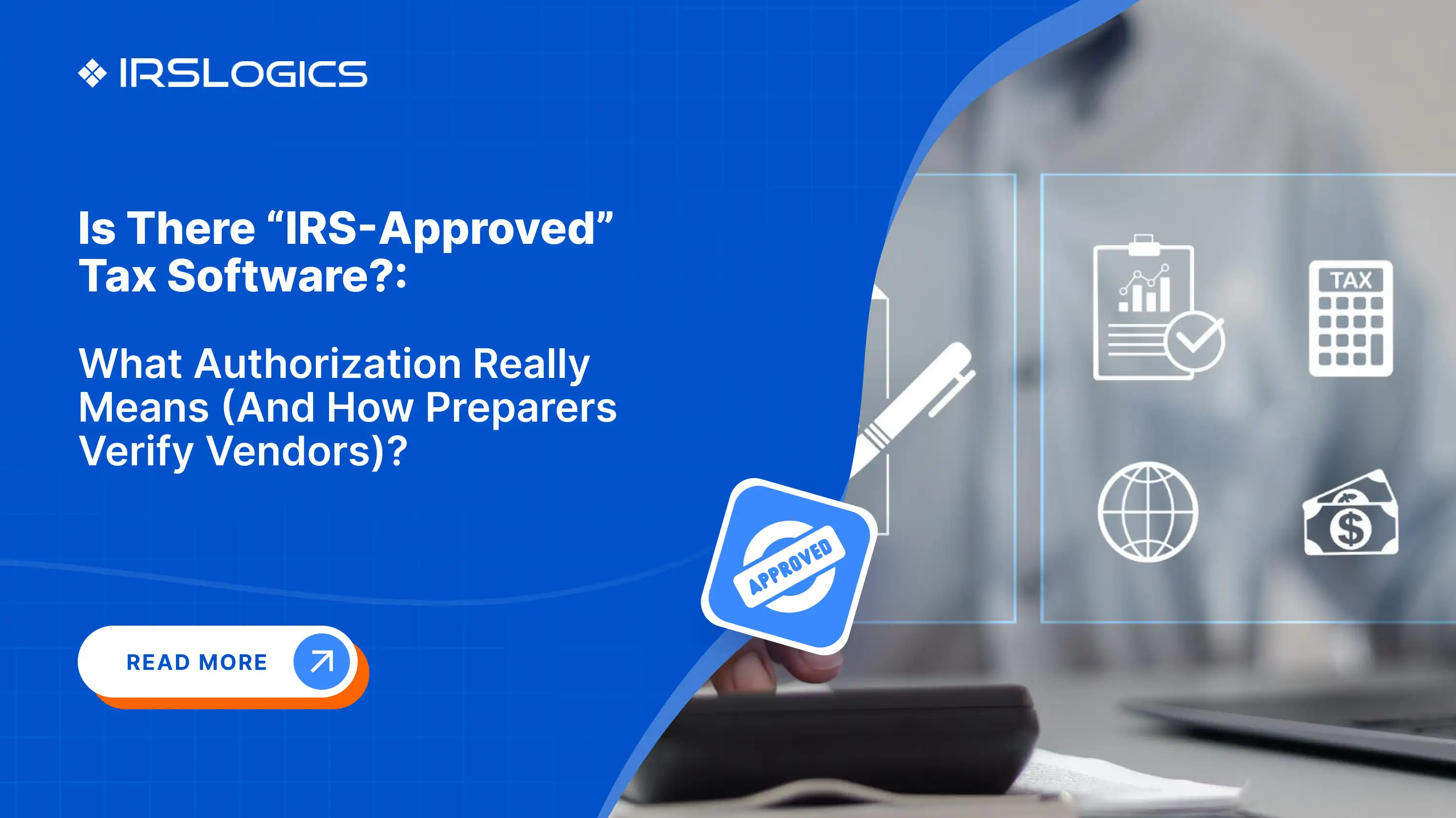
The phrase “IRS-approved tax software for tax preparers” is commonly used in online searches, but the IRS itself rarely uses the term “approved” when referring to commercial tax software.
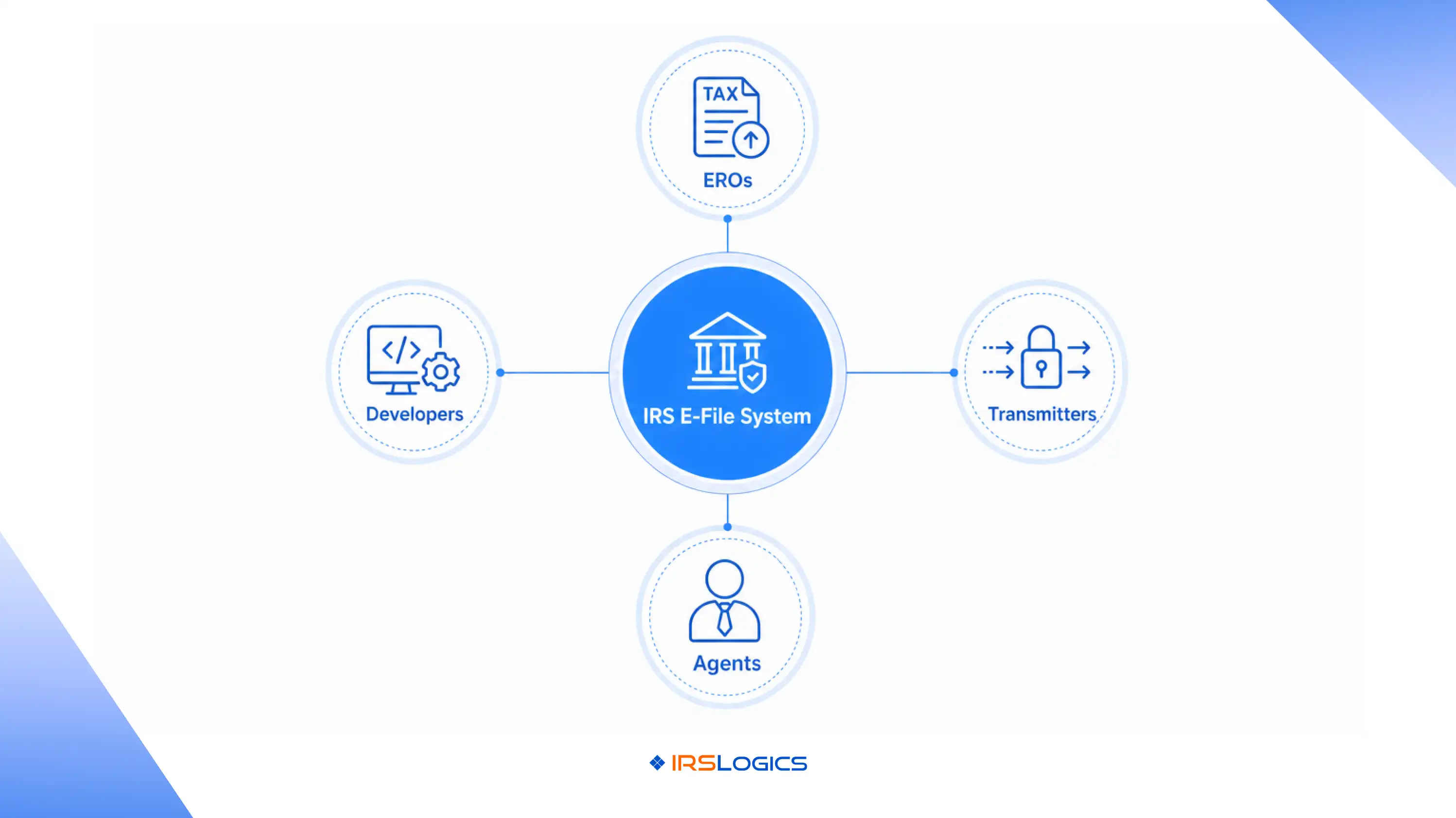
Instead, the IRS authorizes providers and participants within the electronic filing ecosystem. This includes software developers, Electronic Return Originators (EROs), transmitters, and other entities involved in the e-file process.
In practical terms, software vendors are generally evaluated based on whether they integrate properly with IRS e-file systems and whether preparers using the platform can operate under authorized IRS e-file participation rules.
This distinction is important because authorization does not necessarily mean:
The IRS itself clearly states that inclusion in its provider database does not constitute an endorsement of products or services.
For tax professionals, this means due diligence matters just as much as compliance.
One of the biggest content gaps across ranking articles is the failure to clearly explain the difference between “approval” and “authorization.”
Here’s the simple breakdown.
IRS Authorization
Authorization refers to participation in the IRS e-file ecosystem. Firms and professionals apply to become authorized IRS e-file providers through the IRS e-services application process.
This process includes:
Once approved, the preparer or organization becomes an authorized e-file provider.
IRS Approval
The IRS does not publish an official “approved software” list in the same way people often imagine. Instead, the IRS maintains authorization programs and operational standards.
That means when someone searches for “IRS-approved tax software for tax preparers,” they are usually looking for software that:
The distinction may sound technical, but it has major implications when evaluating software vendors.
[Visual 2]: Types Of Authorized E-File Providers
Authorized e-file providers are individuals or businesses approved by the IRS to participate in the electronic filing program.
These can include:
Tax preparers who want to electronically file client returns must typically obtain an EFIN and complete the authorization process.
The IRS suitability review may include:
This process can take up to 45 days in some cases.
Many preparers mistakenly assume software alone grants filing authority. In reality, authorization is tied to the provider and filing credentials, not simply the software interface.
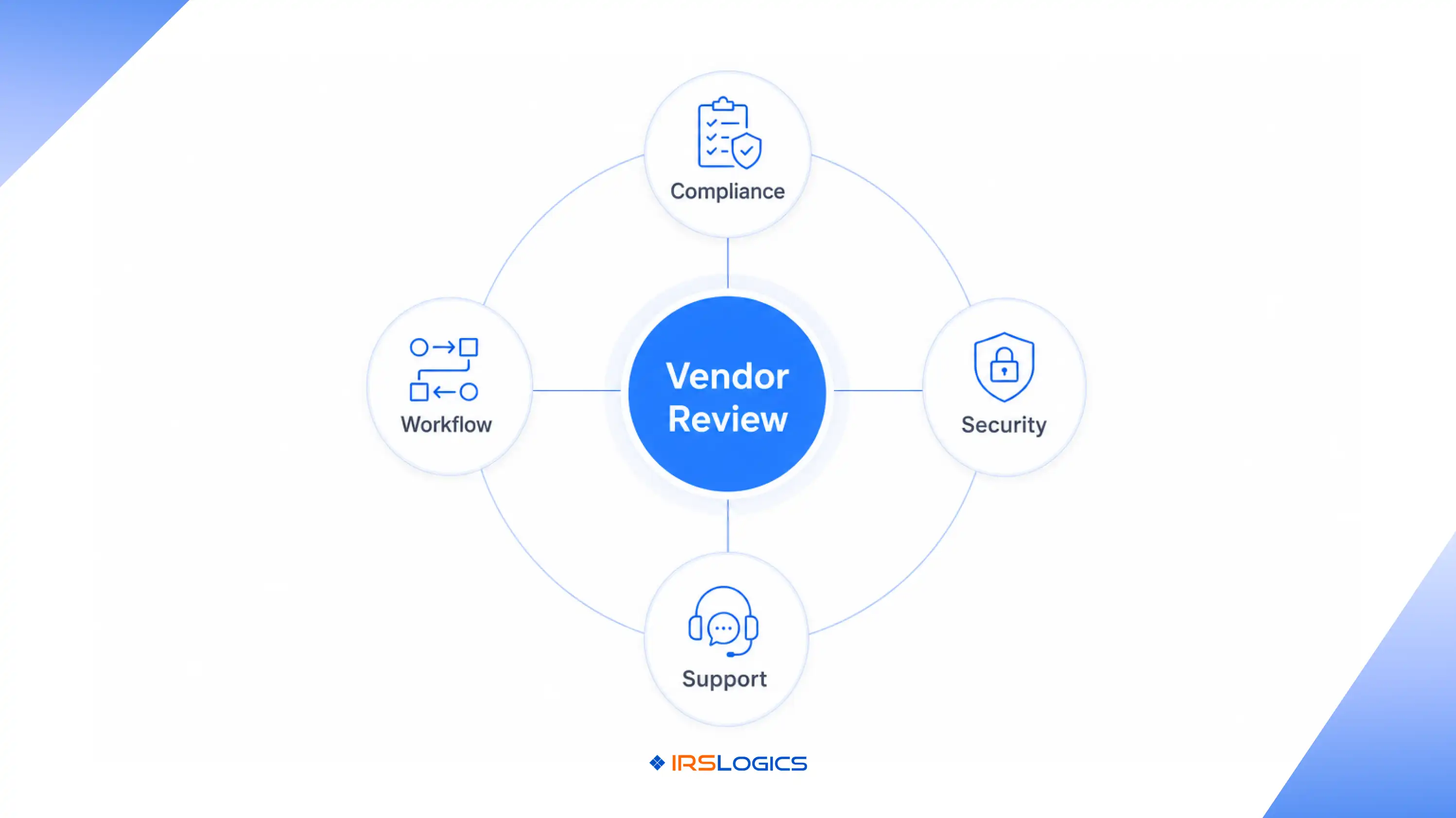
When evaluating for tax preparers, experienced firms do more than look at marketing claims. They verify operational credibility.
Here are the most common ways preparers evaluate software vendors before signing contracts.
Preparers first verify whether the software supports IRS e-file workflows properly and integrates with current filing systems.
Platforms should support:
Tax resolution firms handle sensitive taxpayer data daily. Security cannot be treated as an afterthought.
Preparers often look for:
IRS Publication 4557 specifically emphasizes safeguarding taxpayer data.
Many firms also review peer discussions, practitioner forums, and user communities before selecting vendors. Some online discussions reveal how smaller or outdated software providers may struggle with timely authorization or operational reliability.
Preparers increasingly prioritize vendors with established support systems and long-term industry credibility.
Evaluate Workflow Efficiency
Authorization alone does not solve operational bottlenecks.
Modern firms evaluate whether software improves:
This is especially important for firms handling high-volume tax resolution cases.
Experienced firms rarely buy software without seeing real workflows.
They evaluate:
A structured demo often reveals more than feature lists alone.
[Visual 1]: How Tax Preparers Verify Vendors?
Before investing in any platform marketed as IRS-approved tax software for tax preparers, firms should ask practical operational questions.
Many tax preparation systems focus only on filing returns. Resolution firms need broader operational functionality.
That includes:
Scaling firms need systems that support:
IRS workflows evolve regularly. Software providers should actively maintain updates and compliance support.
Ask vendors:
Tax season support responsiveness matters.
Delays during filing periods can directly affect client satisfaction and revenue operations.
Several misconceptions continue circulating online.
Not necessarily. Authorization does not evaluate user experience, scalability, or workflow design.
The IRS explicitly states that provider listings do not represent endorsements.
Many general filing platforms are not optimized for tax resolution operations, transcript handling, or resolution-specific workflows.
Operational efficiency matters equally. A compliant platform with poor workflows can still slow teams down significantly.
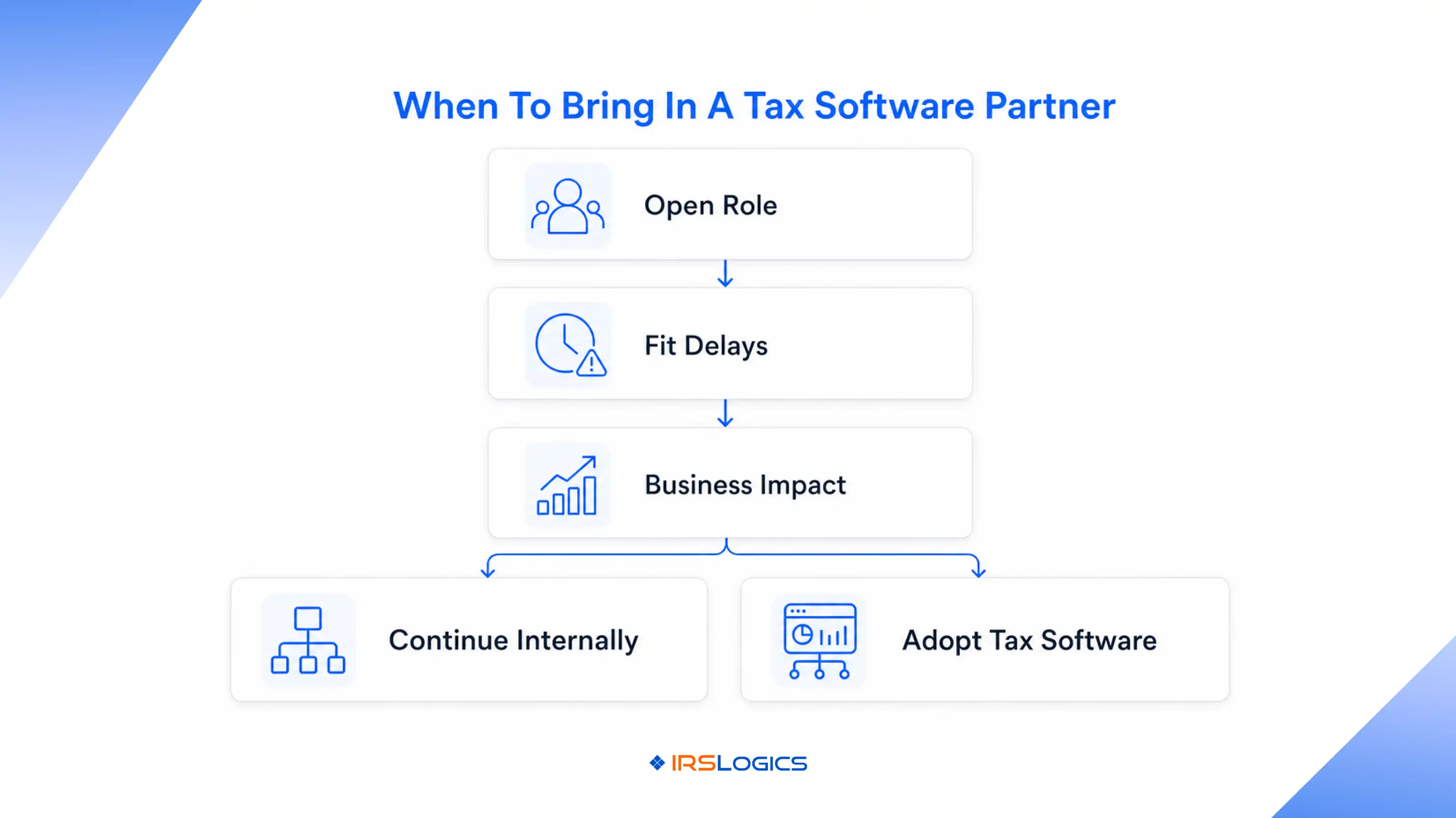
Today’s tax firms need more than e-file access. They need systems that connect operations from lead intake to final resolution. This is where many traditional tax software tools fall short.
Modern tax professionals increasingly prioritize:
For tax resolution firms especially, disconnected systems create inefficiencies that impact both staff productivity and client experience.
IRSLogics is designed specifically for tax resolution firms, enrolled agents, CPAs, and tax attorneys managing complex workflows across teams and cases.
Instead of functioning only as filing software, the tax resolution software helps firms manage the full operational lifecycle.
Features include:
According to the platform, firms can manage investigation, sales, resolution, and finance operations within a single connected system.
For firms comparing IRS-approved tax software for tax preparers, operational depth is becoming just as important as filing capability.
The IRS does not officially “approve” software in the traditional sense. Instead, providers participate within the IRS authorized e-file system and meet operational requirements for electronic filing.
An authorized e-file provider is an individual or organization approved by the IRS to participate in the electronic filing program.
Preparers typically verify vendor credibility through compliance capabilities, security standards, workflow efficiency, customer support, and industry reputation.
No. The IRS specifically states that provider listings do not represent endorsements.
An EFIN allows authorized providers to electronically file returns through IRS e-file systems.
Some platforms can support limited workflows, but many firms prefer specialized systems designed specifically for tax resolution operations.
Resolution firms manage documents, deadlines, billing, transcripts, compliance requirements, and client communication simultaneously. Centralized systems help reduce operational bottlenecks.
Searching for IRS-approved tax software for tax preparers often leads to confusing marketing language and incomplete explanations. The reality is that the IRS authorizes participation within the e-file ecosystem rather than formally endorsing commercial software vendors.
That distinction matters for preparers evaluating software investments. The right platform should support compliant filing workflows while also improving operational efficiency, security, collaboration, and client management.
For growing tax resolution firms, software decisions are no longer just about filing returns. They are about building scalable systems that help teams work faster, stay compliant, and deliver better client experiences.
Platforms like IRSLogics Tax Resolution Software are increasingly being evaluated not simply for filing capability, but for how they support the complete tax resolution lifecycle.
All
Tax Software
Workflow & Automation
Industry News
Resolution Tips
Tax Resolution Marketing

Lorem ipsum dolor sit amet, consectetur adipiscing elit. Suspendisse varius enim in eros elementum tristique. Duis cursus, mi quis viverra ornare, eros dolor interdum nulla, ut commodo diam libero vitae erat. Aenean faucibus nibh et justo cursus id rutrum lorem imperdiet. Nunc ut sem vitae risus tristique posuere.


Share this article directly by email. Simply enter the recipient’s details below.

Article has been send to you.

.webp)