Tax Software


Client onboarding should feel like progress, not like a scavenger hunt.
If a firm has ever lost two days waiting on a single W-2, or had a client upload the right document to the wrong email thread, the pain is familiar. Document collection is one of those “small” steps that quietly control everything that follows: transcripts, financial analysis, forms, negotiations, and timelines.
The IRSLogics Document Collection Tab is built to make that step predictable, trackable, and fast, especially for tax resolution firms that run multiple cases across multiple years and entities. IRSLogics positions the platform as an all-in-one system for tax resolution operations, including client portal collaboration and document management, so the Document Collection Tab fits naturally into how tax pros already work.
Most firms do not struggle because they do not know what documents they need. Firms struggle because the process is messy.
Common friction points look like this:
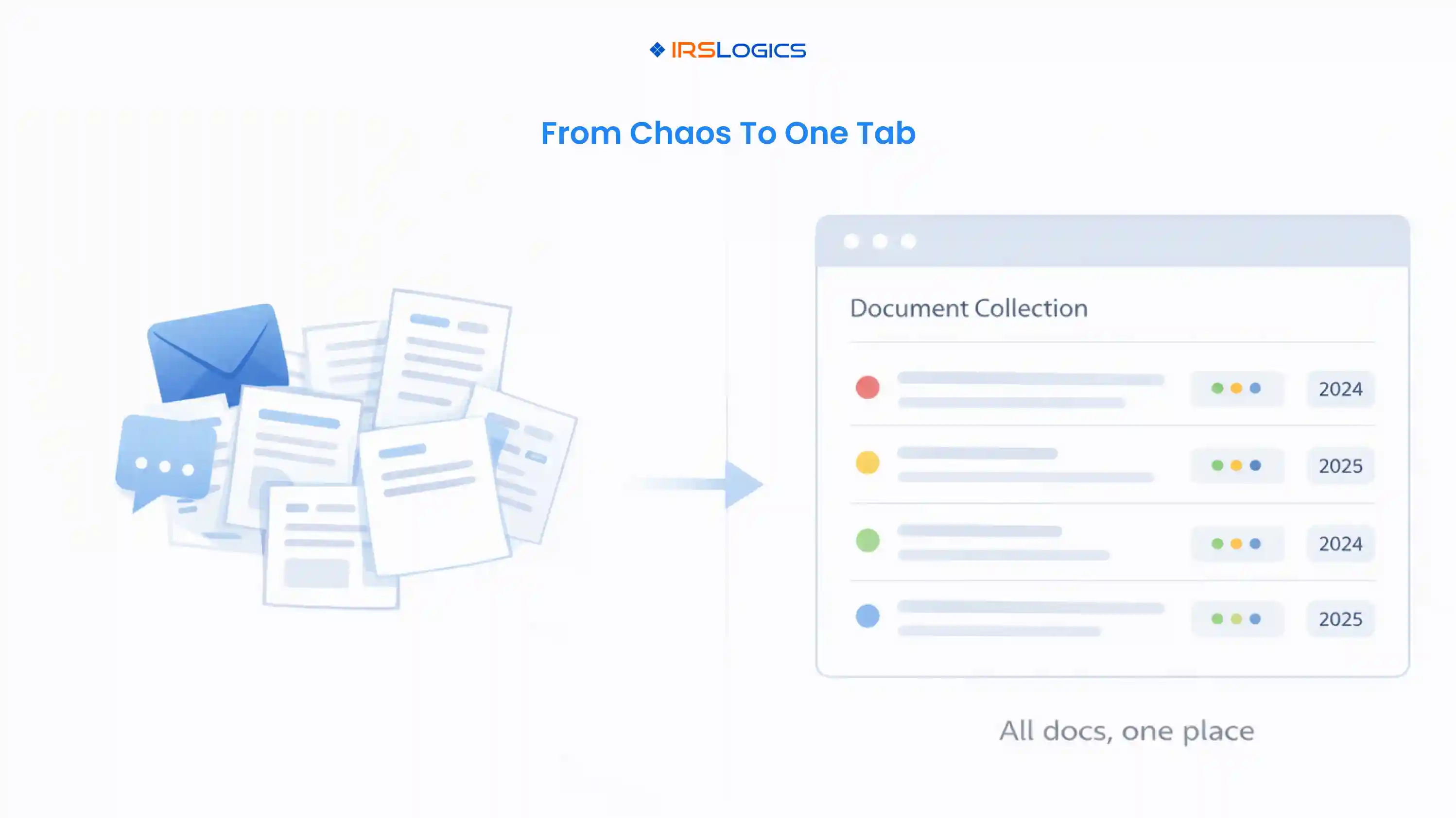
For tax resolution, the problem compounds because one client can have:
A generic “upload documents here” folder is not enough. The firm needs a process that stays organized by year, by category, and by status.
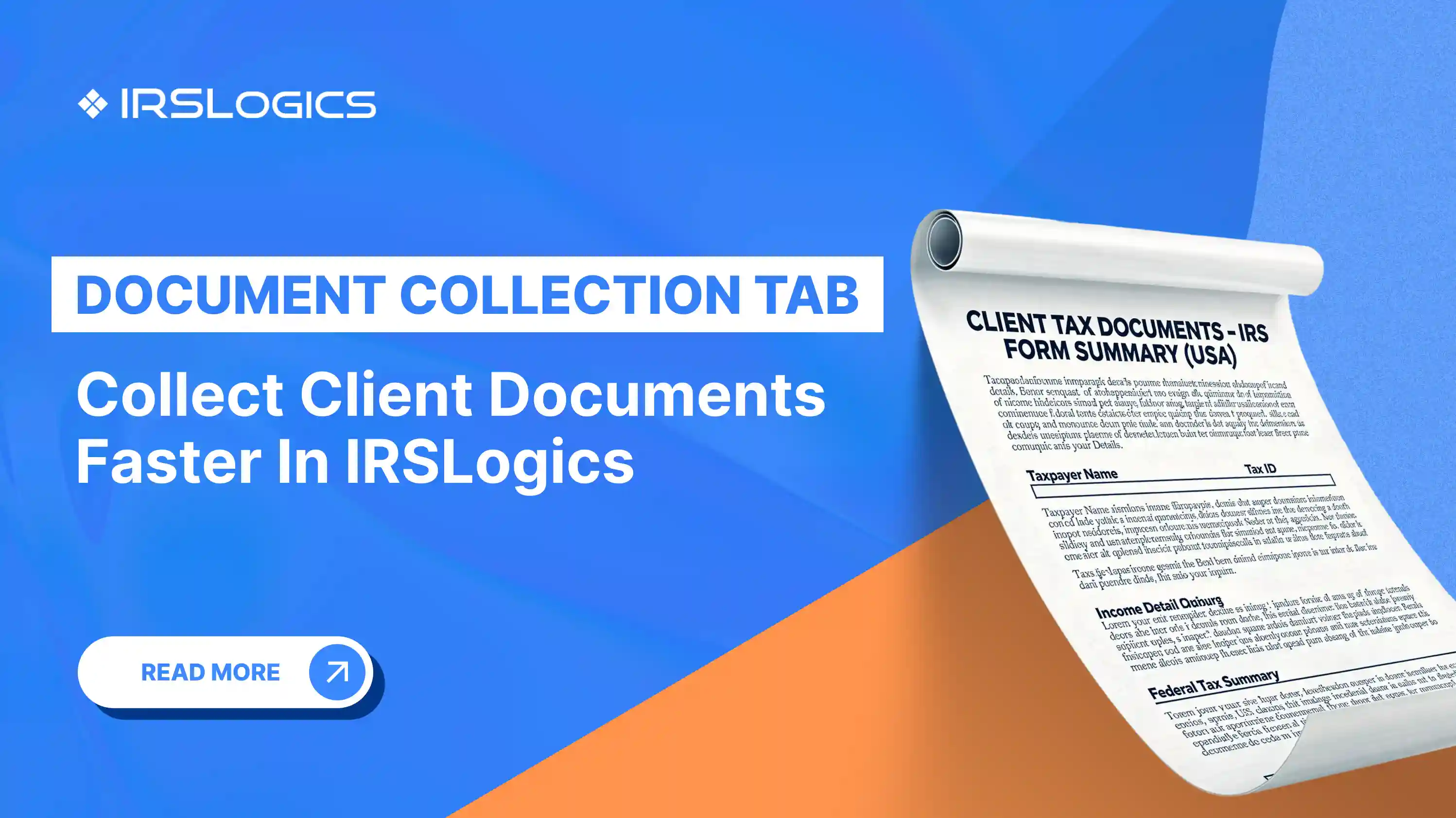
The IRSLogics Document Collection Tab is a structured workspace inside a client record that helps tax professionals request, receive, and track documents in an organized way.
Instead of relying on memory or email threads, the tab creates a visible checklist-style view of what is needed, what has been requested, and what has been received.
This aligns with IRSLogics’ broader positioning of running the entire tax resolution workflow from one platform, including client portal collaboration that lets clients upload documents and see updates.
Based on the Document Collection Tab layout:
Each requested item can be labeled clearly, placed into a group, and tied to a year. This matters when a client’s case spans multiple years or when business and personal documents need to be separated.
In the screenshot view, examples include items like Employer Identification Number (EIN) for different years, W-2, and a Tax Organizer, organized under sections such as “Case Specific Docs” and “Entity Tax Prep.”
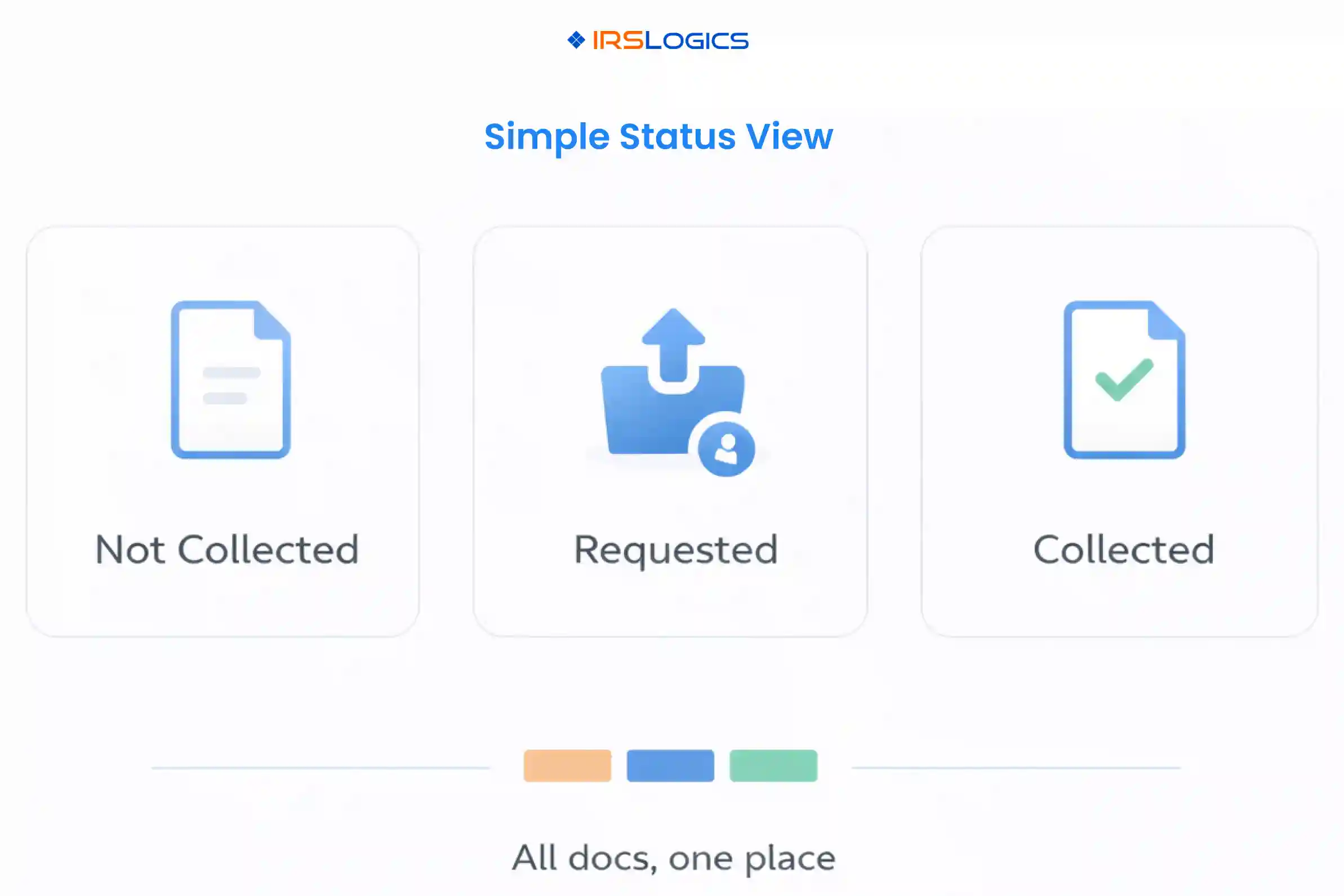
The tab supports status labels that make document chasing much less manual:
When a firm is handling many cases at once, status visibility is the difference between “someone should follow up” and “this is handled.”
Upload indicators like “0 of 3 doc uploaded” or “1 of 1 doc uploaded” to help teams see progress instantly without opening every item.
The tab structure supports multiple sections, which is ideal for tax resolution workflows that need separate document sets for:
Here is a practical, repeatable way to implement the Document Collection Tab so it actually speeds up onboarding.
The fastest firms do not request everything at once. They request what unlocks the next step.
A clean onboarding-first list often includes:
This aligns with broader client portal guidance: portals work best when clients see clear tasks, not vague requests like “send everything.”
Use grouping to align the checklist with internal responsibilities.
A simple grouping pattern that works well:
Document management best practices consistently recommend logical structures and naming conventions to reduce wasted time spent searching and sorting.
If a document request is tied to a year, label it that way from day one.
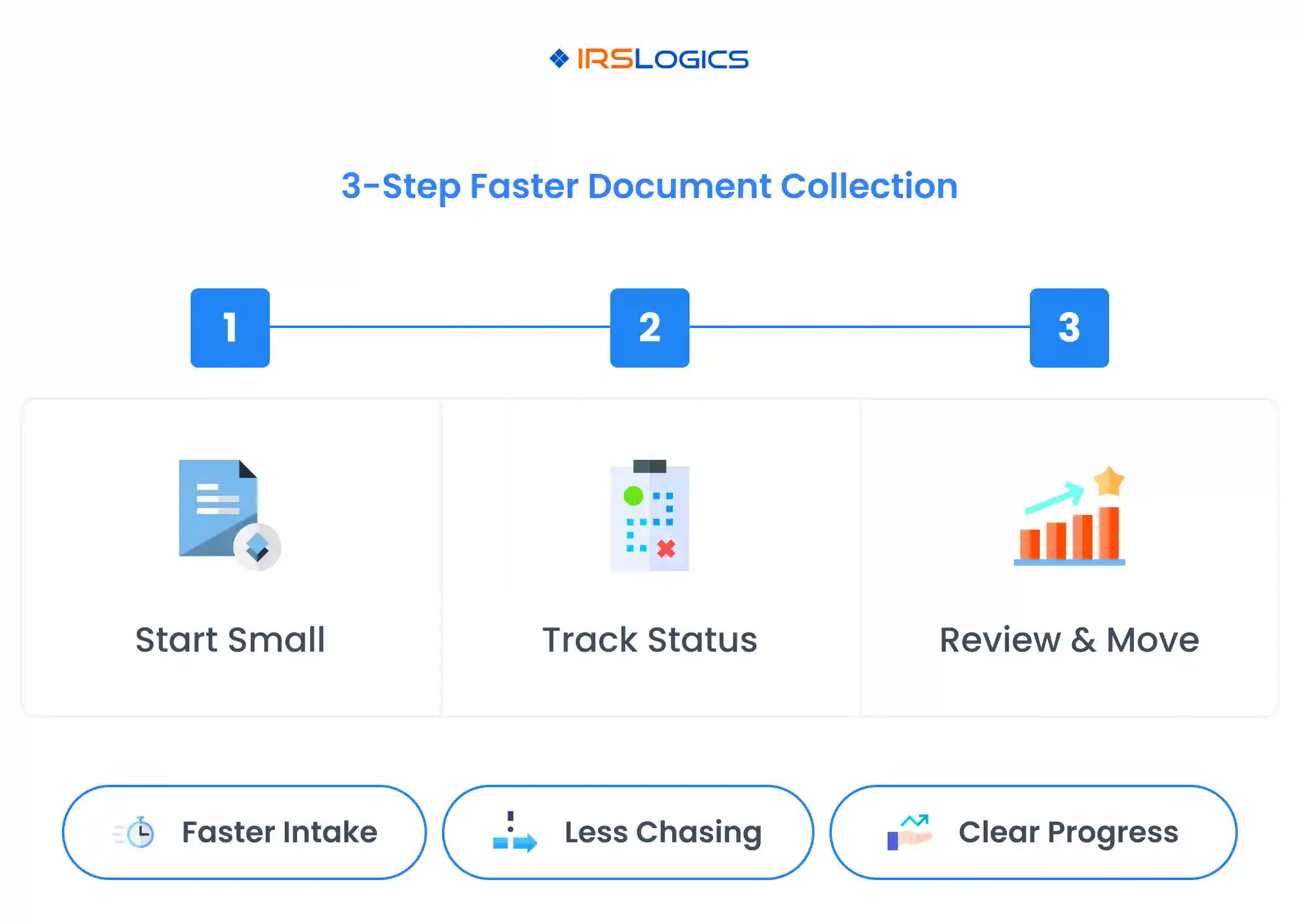
Examples:
This prevents a common tax resolution failure mode: receiving the right document for the wrong year and only noticing during analysis.
A helpful internal rule is:
If the firm requests it from the client, mark it Requested immediately, not later.
This turns the tab into a living system rather than a static checklist.
Most document requests best-practice content emphasizes reminders and consistent communication.
A simple, human follow-up pattern:
If the goal is “get documents faster for onboarding,” the best approach is to design the first week to remove uncertainty for the client and remove chasing for the team.
Here is a simple playbook.
Keep it to 5–8 items maximum, focused on what unlocks the next action.
Example:
The reason this works is simple: clients complete short lists. Long lists get delayed.
As documents arrive, mark them Collected and move on. Clients feel the momentum when they see progress and clarity in the portal experience, which is a core benefit highlighted by client portal vendors.
Only after the first wave is mostly complete, request additional items needed for deeper resolution analysis, for example:
By the end of week one, the firm should be able to trigger the next operational step, like transcript pulls and initial evaluation. IRSLogics explicitly positions transcript pulling and client portal uploads as part of the same connected workflow, which is exactly why faster document collection matters.
A Document Collection Tab is only as powerful as the structure behind it. A few habits make the system scale.
Document management guidance often emphasizes consistent naming and indexing to reduce wasted search time and errors.
A practical naming pattern:
ClientName DocumentType Year
Examples:
The screenshot structure is a strong model. Use:
If a firm handles common case categories like installment agreements, Offer in Compromise, or penalty abatement, create a starting checklist for each category so staff do not reinvent the process.
This is also how firms improve training. Standardization reduces “tribal knowledge” and makes case management easier to delegate.
Tax documents are sensitive. Client portals and structured collection systems are often used to reduce the risk of sending SSNs and financial information via email.
Two practical references worth keeping in mind:
IRSLogics also states that the platform uses industry-leading encryption and access controls to protect client data, which supports a portal-driven document collection approach.
It is used to request, organize, and track client documents within a client record, with clear groupings, tax years, and statuses, so teams can move cases forward without relying on email threads.
Email creates scattered threads, version confusion, and security risk. Client portal models are designed to centralize document exchange and reduce back-and-forth by clearly defining tasks.
Yes. The tab layout supports tracking documents by year and grouping them into sections, which is especially useful for tax resolution cases that span multiple tax years and business entities.
A simple system works best: Not Collected for pending, Requested once the firm has asked the client, and Collected once the correct document is uploaded and verified.
Request the minimum set required to unlock the next step: engagement documents, authorization, core income proof, and any key IRS notices or entity identifiers needed to begin analysis.
Document collection is not busywork. It is one of the main drivers of case speed, staff efficiency, and client confidence.
IRSLogics Document Collection Tab helps tax resolution firms turn document chasing into a clean, trackable process by organizing requests by group and year, showing progress through statuses, and keeping uploads visible in one place. This ties directly into IRSLogics’ broader goal of running the full tax resolution workflow from one connected platform, including client portal collaboration and case management.
Key Takeaways:
All
Tax Software
Workflow & Automation
Industry News
Resolution Tips
Tax Resolution Marketing

Lorem ipsum dolor sit amet, consectetur adipiscing elit. Suspendisse varius enim in eros elementum tristique. Duis cursus, mi quis viverra ornare, eros dolor interdum nulla, ut commodo diam libero vitae erat. Aenean faucibus nibh et justo cursus id rutrum lorem imperdiet. Nunc ut sem vitae risus tristique posuere.


Share this article directly by email. Simply enter the recipient’s details below.

Article has been send to you.