.webp)
Tax Software


Corporate taxes combine to roughly 16% of the total tax revenue worldwide. Starting from missed diagnostic warnings to one overlooked client detail. A profitable workflow can convert into hours of rework in no time. And if you are handling hundreds of returns, such mistakes can become extremely dangerous!
That is why firms today are searching for the best tax return software that does more than calculate numbers. It reduces filing errors, streamline review workflows, improve collaboration, monitor compliance, and more.
The challenge is that many platforms promise automation but fail during real-world workflows. Some lack proper diagnostics. Others create bottlenecks during multi-user review processes. Many struggle with reporting visibility or transcript integration when handling complex tax resolution cases.
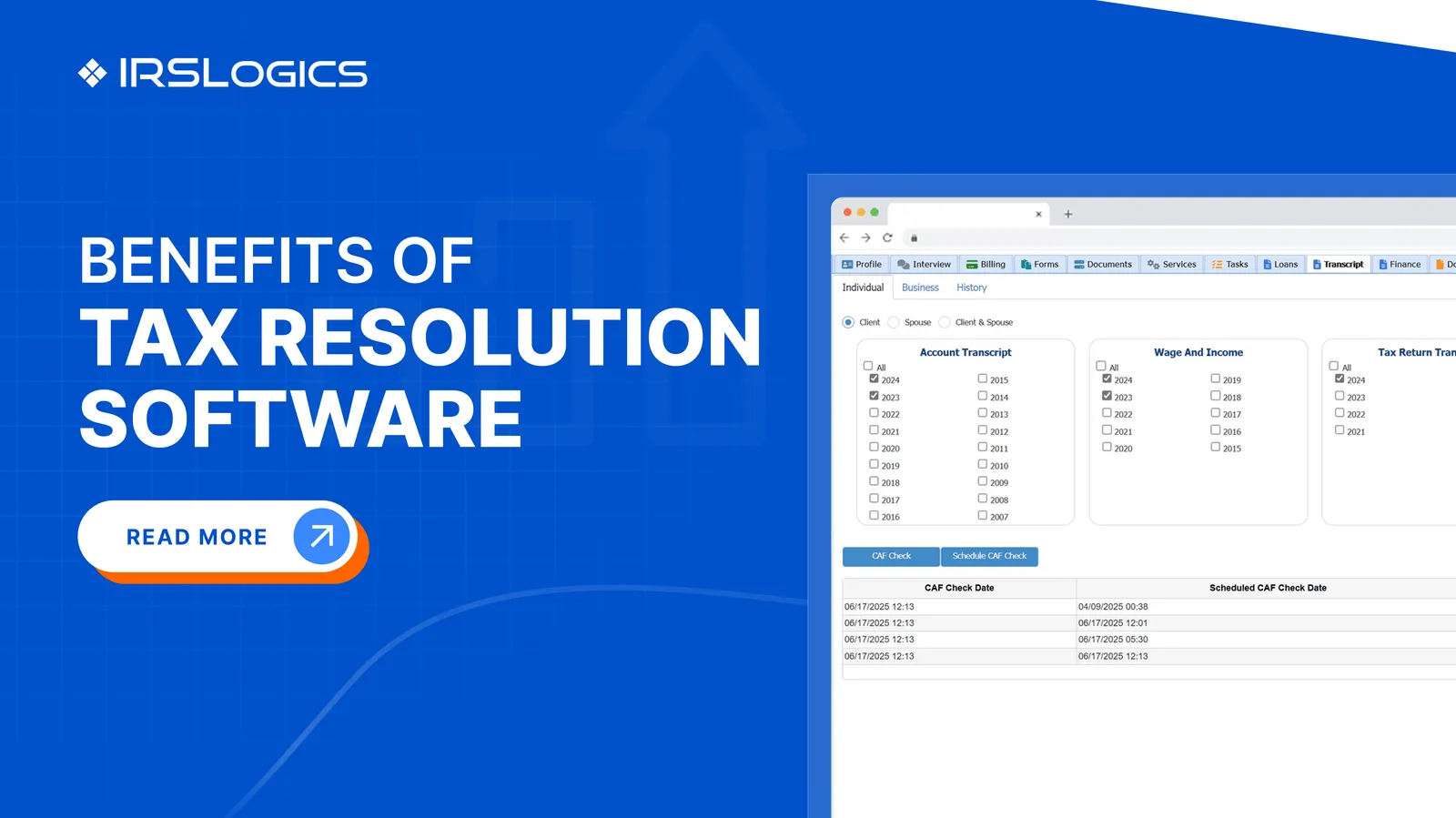
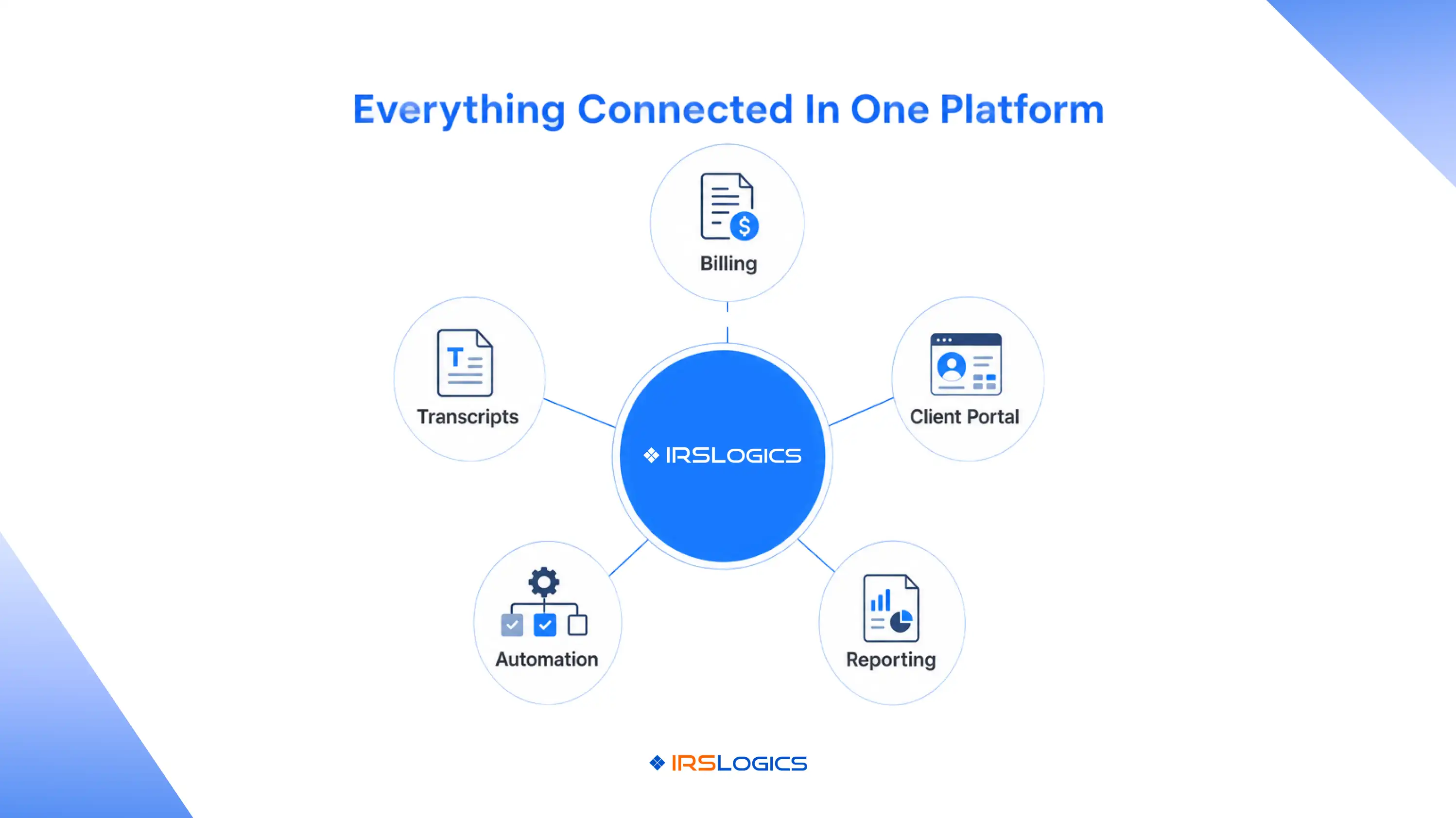
This is where platforms like IRSLogics’ Tax Resolution Software stand out by combining workflow automation, reporting, billing, client management, transcript handling, and tax resolution operations into one connected platform.
In this guide, we will break down what professionals should actually look for when evaluating the best tax return software in 2026, especially for firms that prioritize accuracy checks, review tools, e-file reliability, and reporting capabilities.
Tax preparation has evolved far beyond entering numbers into forms. Today’s tax professionals manage client communication, document collection, IRS notices, e-signatures, billing, transcript monitoring, compliance deadlines, and multi-stage review processes simultaneously.
Without a connected system, firms often waste hours switching between disconnected tools.
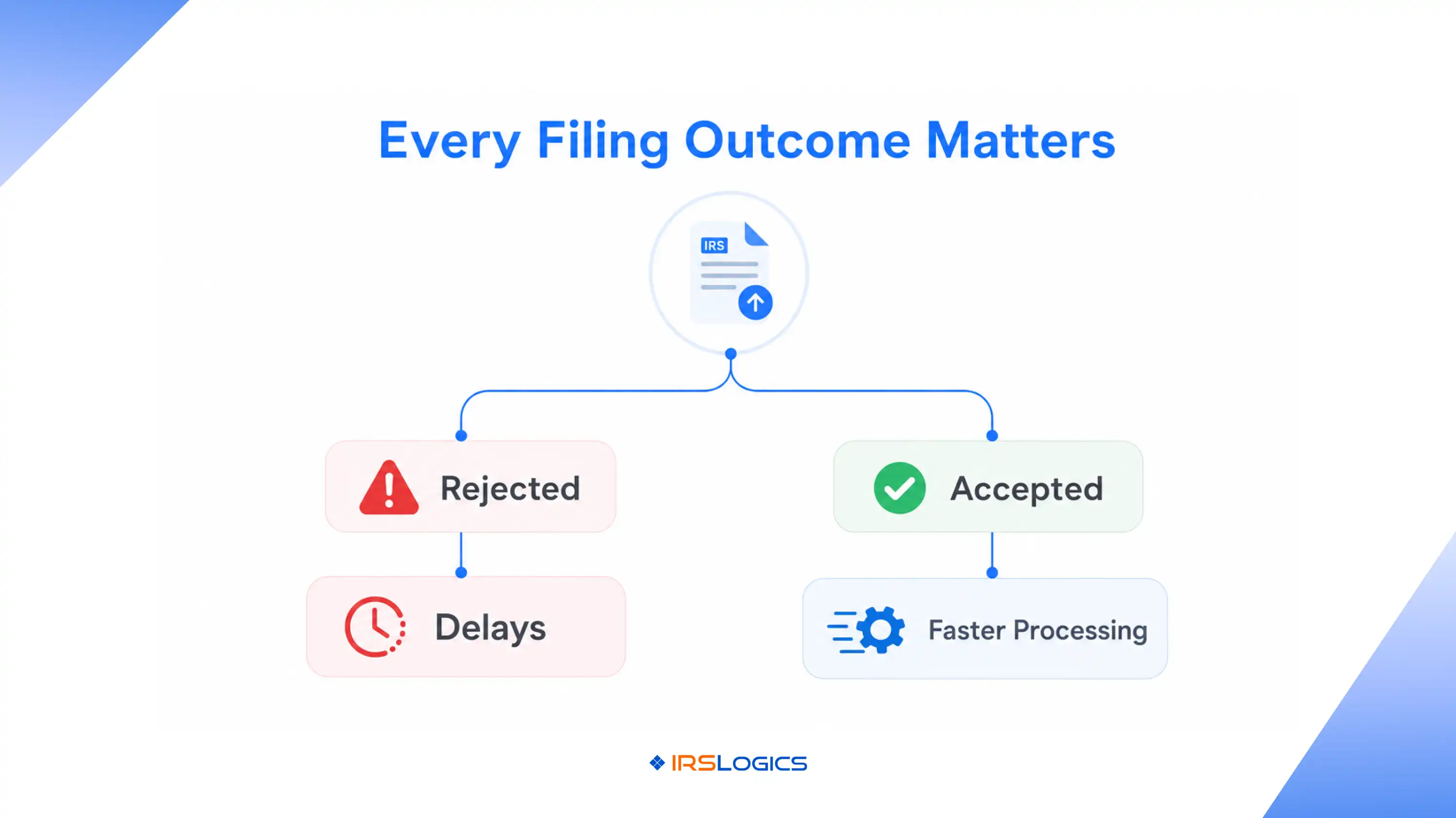
The best tax return software helps firms:
Many modern firms are also moving toward integrated tax resolution workflows where tax return software works alongside transcript retrieval, client portals, workflow automation, and case management.
Not all tax return software is designed for professional firms.
Some tools work well for basic filings but fail under high-volume professional environments. The best tax return software for professionals should include:
Strong diagnostic engines help identify:
Advanced validation checks significantly reduce rejected returns and rework.
Professional firms need structured review systems where managers, preparers, and reviewers can collaborate.
Look for software that supports:
E-file reliability matters because rejected submissions delay refunds and increase operational workload.
The best tax return software should offer:
Without proper reporting, firms struggle to track performance during tax season.
Modern reporting tools help firms monitor:
Platforms like IRSLogics Features Platform include real-time dashboards, reporting systems, workflow visibility, and case tracking built specifically for tax professionals.
One of the biggest content gaps in many discussions around tax return software is the importance of diagnostics quality.
Most articles only mention “accuracy checks” without explaining how critical they are for professional firms.
In reality, diagnostics directly impact:
The best tax return software uses layered validation systems that scan for inconsistencies before submission.
For example, advanced systems can identify:
This becomes even more important for firms managing tax resolution work where incomplete information can delay negotiations with the IRS.
According to discussions among tax professionals on Reddit, transcript monitoring, automation, and organized workflows are becoming increasingly important as IRS communication delays continue to grow.
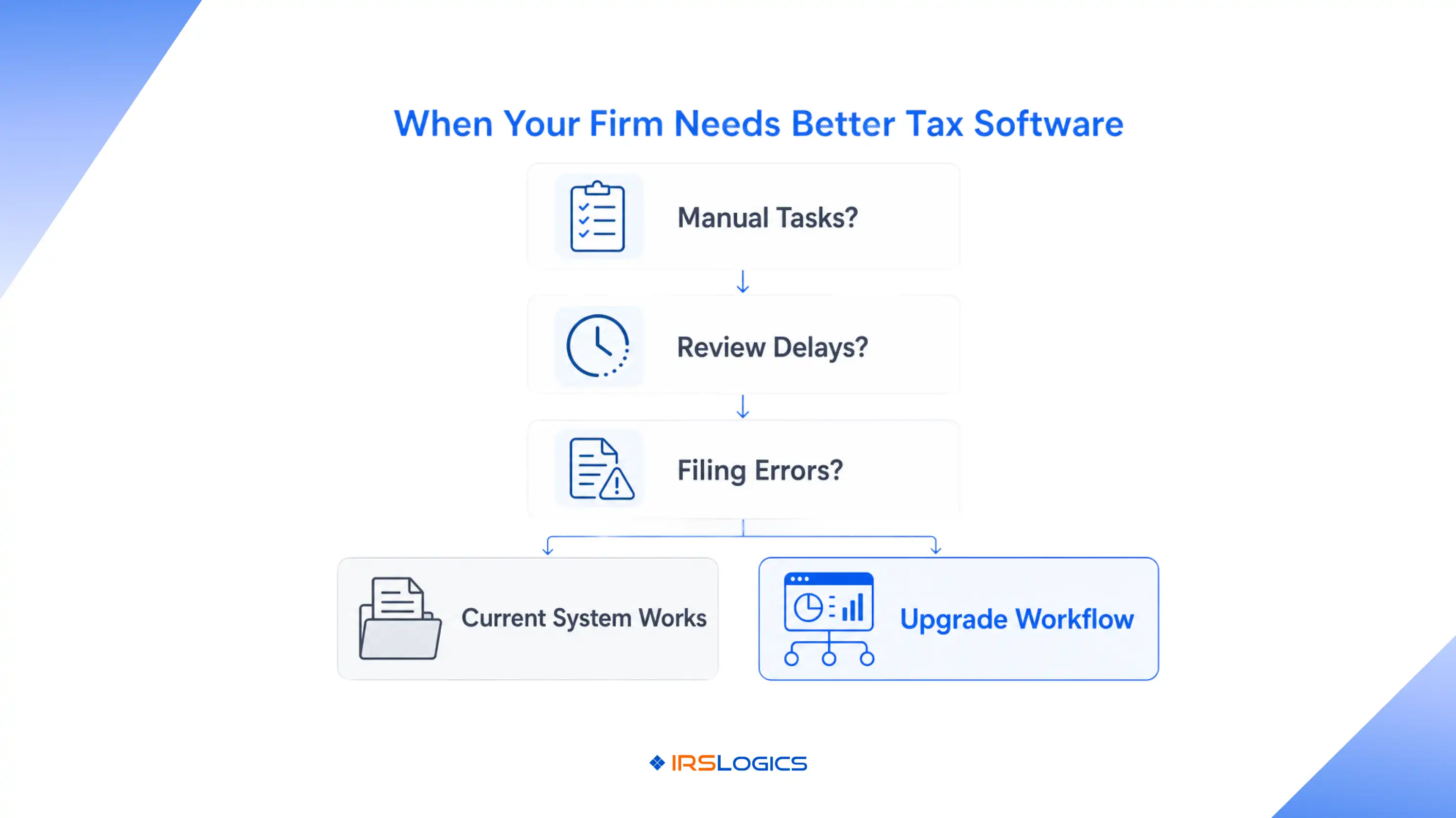
As firms scale, review workflows become a major operational bottleneck. Many smaller tax return software platforms are designed for solo preparers, not collaborative environments with multiple reviewers and departments.
Professional firms need review systems that support:
Partners, managers, reviewers, and preparers should all have different access levels and responsibilities.
Returns should move automatically between departments without manual follow-up.
Teams need visibility into changes, approvals, and pending issues.
Missed deadlines can damage client relationships and create compliance risks. The best tax return software supports structured workflows rather than relying on spreadsheets and email chains.
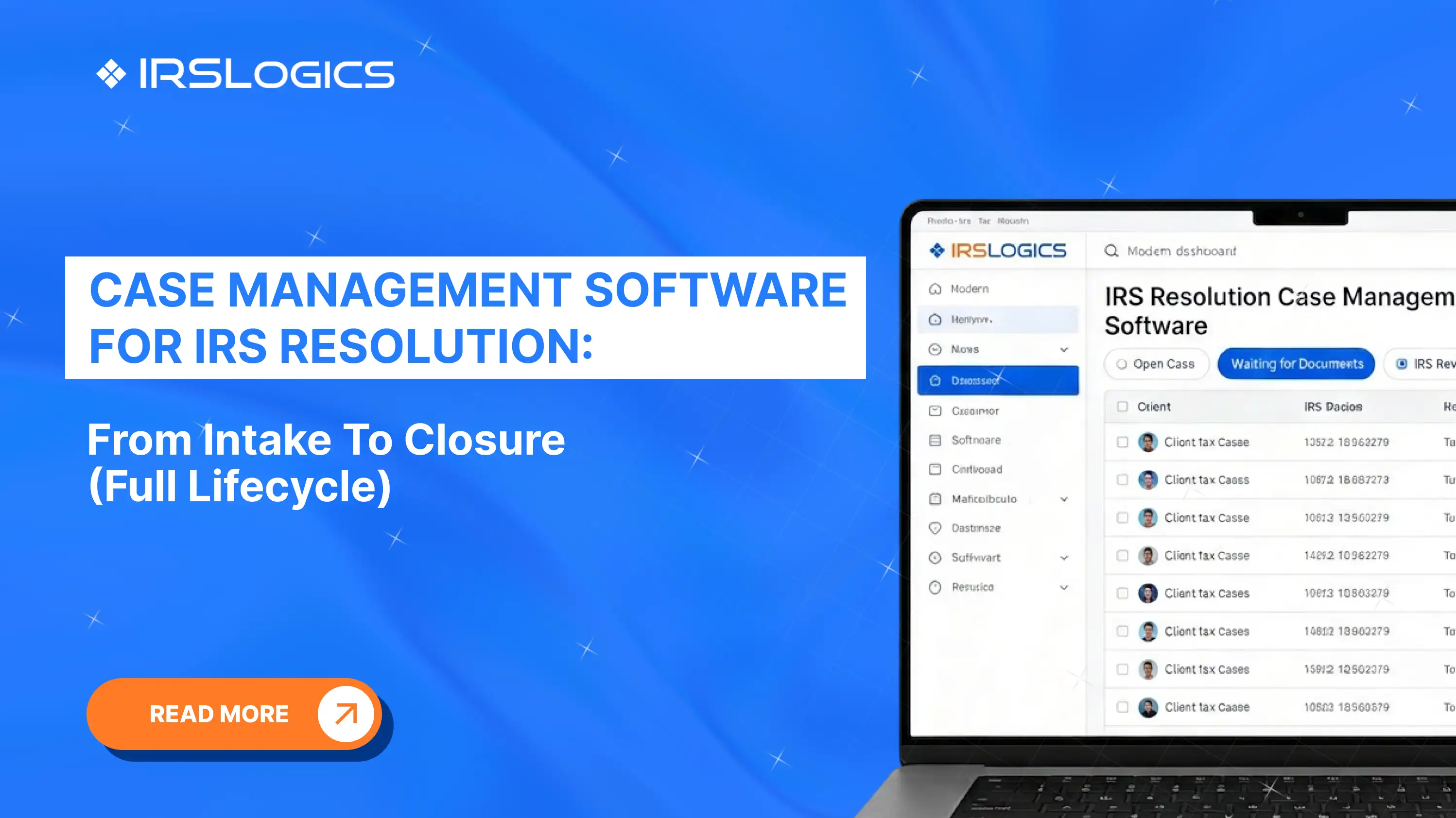
IRSLogics CRM Workflow Tools provide workflow automation, case management, task tracking, and document management within one centralized platform.
[Visual 1]: Why E-File Reliability is Important?
E-file issues create serious disruptions during peak filing season.
A rejected return often means:
That is why the best tax return software focuses heavily on e-file reliability and rejection handling.
Key capabilities to look for include:
Firms should instantly know whether returns are accepted, rejected, or pending.
The system should clearly explain why a return failed.
High-volume firms need batch filing capabilities to avoid manual submissions.
Managing both filing systems from one dashboard reduces confusion and errors.
Professional firms increasingly prefer cloud-based systems because they allow centralized monitoring across teams and locations.
Reporting is often overlooked when firms evaluate tax return software. However, reporting visibility directly affects profitability and operational efficiency.
The best tax return software should help firms answer questions like:
Without centralized reporting, firms struggle to optimize operations.
Modern platforms now include:
IRSLogics Reporting And Dashboard Features include real-time performance tracking, office-level filtering, billing visibility, and workflow reporting designed specifically for tax professionals.
Client communication delays are another major operational issue during tax season.
Tax professionals often waste hours:
Modern tax return software solves this with automation.
Important automation capabilities include:
The IRSLogics client portal and workflow automation integrates document management, e-signatures, client communication, and billing into one connected workflow.
Many firms still debate whether cloud-based or desktop tax return software is better. The answer depends on operational priorities.
Advantages include:
Advantages may include:
However, many professional firms are shifting toward cloud systems because remote collaboration and workflow visibility are becoming important.
According to tax professional discussions, firms increasingly prioritize transcript monitoring, centralized workflows, and real-time visibility rather than isolated desktop systems.
[Visual 2]: Inside the IRSLogics Workflow
While many platforms focus only on tax preparation, IRSLogics is built specifically for tax resolution firms, CPAs, enrolled agents, and tax attorneys managing more complex workflows.
Its platform combines:
This all-in-one approach reduces tool fragmentation and improves operational visibility across departments. Such an approach is extremely beneficial, especially when you are handling multiple complex cases all at once during the tax season.
The best tax return software depends on your workflow needs, client volume, review processes, and reporting requirements. Professional firms often prioritize automation, diagnostics, transcript management, and workflow collaboration over basic filing features.
Accuracy checks help reduce filing errors, rejected returns, and compliance risks. Strong diagnostic systems improve efficiency and reduce time spent correcting mistakes.
Firms should look for real-time acknowledgments, rejection management tools, batch filing support, and clear filing status tracking.
Cloud-based systems are generally better for collaboration, remote access, and workflow visibility. Desktop systems may still work for smaller firms with limited collaboration needs.
Yes. Advanced platforms like IRSLogics Tax Resolution Platform support transcript retrieval, Offer In Compromise workflows, IRS forms, billing, and client management for tax resolution firms.
Reporting helps firms track productivity, workflow bottlenecks, revenue performance, and return statuses in real time.
Automation reduces manual tasks, improves turnaround time, simplifies client communication, and helps firms manage larger workloads efficiently.
Choosing the best tax return software is no longer just about filing returns faster. Professional firms need platforms that improve accuracy, streamline review workflows, support dependable e-file delivery, automate client communication, and provide real-time operational visibility.
As tax workflows become more complex, firms are increasingly prioritizing connected systems that combine tax preparation, resolution management, reporting, and automation within one platform.
Solutions like IRSLogics are helping firms move beyond disconnected tools by centralizing workflows, improving compliance visibility, and simplifying tax resolution operations at scale.
All
Tax Software
Workflow & Automation
Industry News
Resolution Tips
Tax Resolution Marketing

Lorem ipsum dolor sit amet, consectetur adipiscing elit. Suspendisse varius enim in eros elementum tristique. Duis cursus, mi quis viverra ornare, eros dolor interdum nulla, ut commodo diam libero vitae erat. Aenean faucibus nibh et justo cursus id rutrum lorem imperdiet. Nunc ut sem vitae risus tristique posuere.


Share this article directly by email. Simply enter the recipient’s details below.

Article has been send to you.