Tax Software


If you are an enrolled agent, your days rarely go according to plan. One moment you are reviewing transcripts, the next you are on the phone with a revenue officer, and then you jump into a new client call where someone has not opened an IRS notice for six months.
Trying to manage that level of complexity with spreadsheets, email threads, and a generic CRM is asking for trouble. Deadlines slip, documents go missing, and the mental load never really lets up.
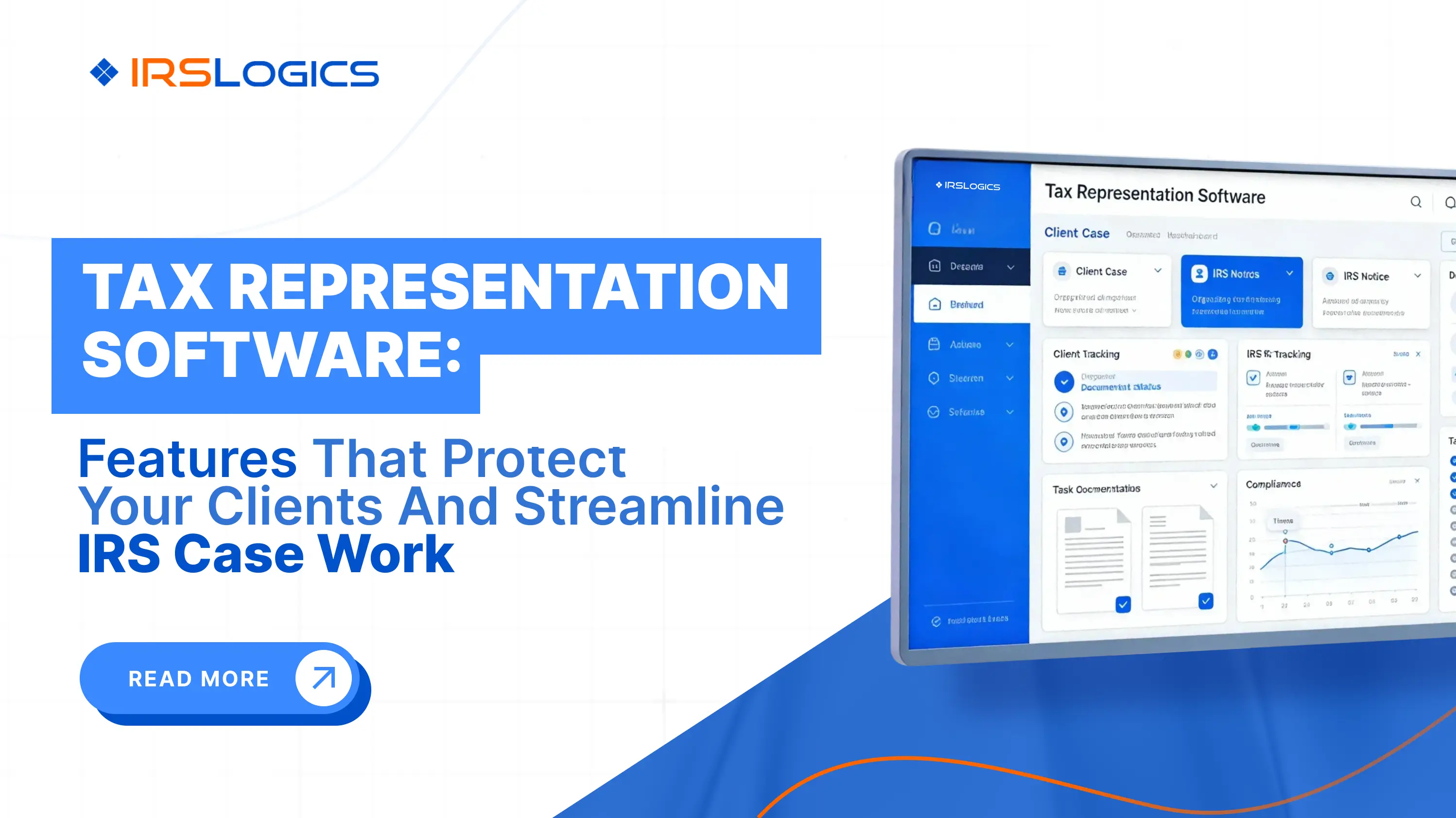
Specialized tax resolution software for enrolled agents is designed to take that weight off your shoulders. The best EA tax resolution software acts as a workflow engine, client hub, and compliance safety net in one place, so you can focus on representation rather than chasing paperwork.
This guide focuses on what matters most to enrolled agents:
You will also see where IRSLogics fits among tax resolution platforms created specifically for tax attorneys, CPAs, enrolled agents, and tax resolution firms.
Enrolled agents sit at the intersection of tax law, procedure, and real human anxiety. You are often the person a client turns to when:
Modern tax resolution platforms explicitly list enrolled agents among their primary users, alongside CPAs and tax attorneys.
Yet, most buyer guides treat “tax preparers” or “tax professionals” as one group. That misses the unique realities of EA case work:
A good tax resolution system has to adapt to that reality. It needs to be more than a forms library. It should be the central operating system for your representation work.
Many comparison articles define “best tax resolution software” in terms of broad features, like client management, forms, and portals.
For enrolled agents, “best” has a more specific meaning. The best tax resolution software for enrolled agents should:
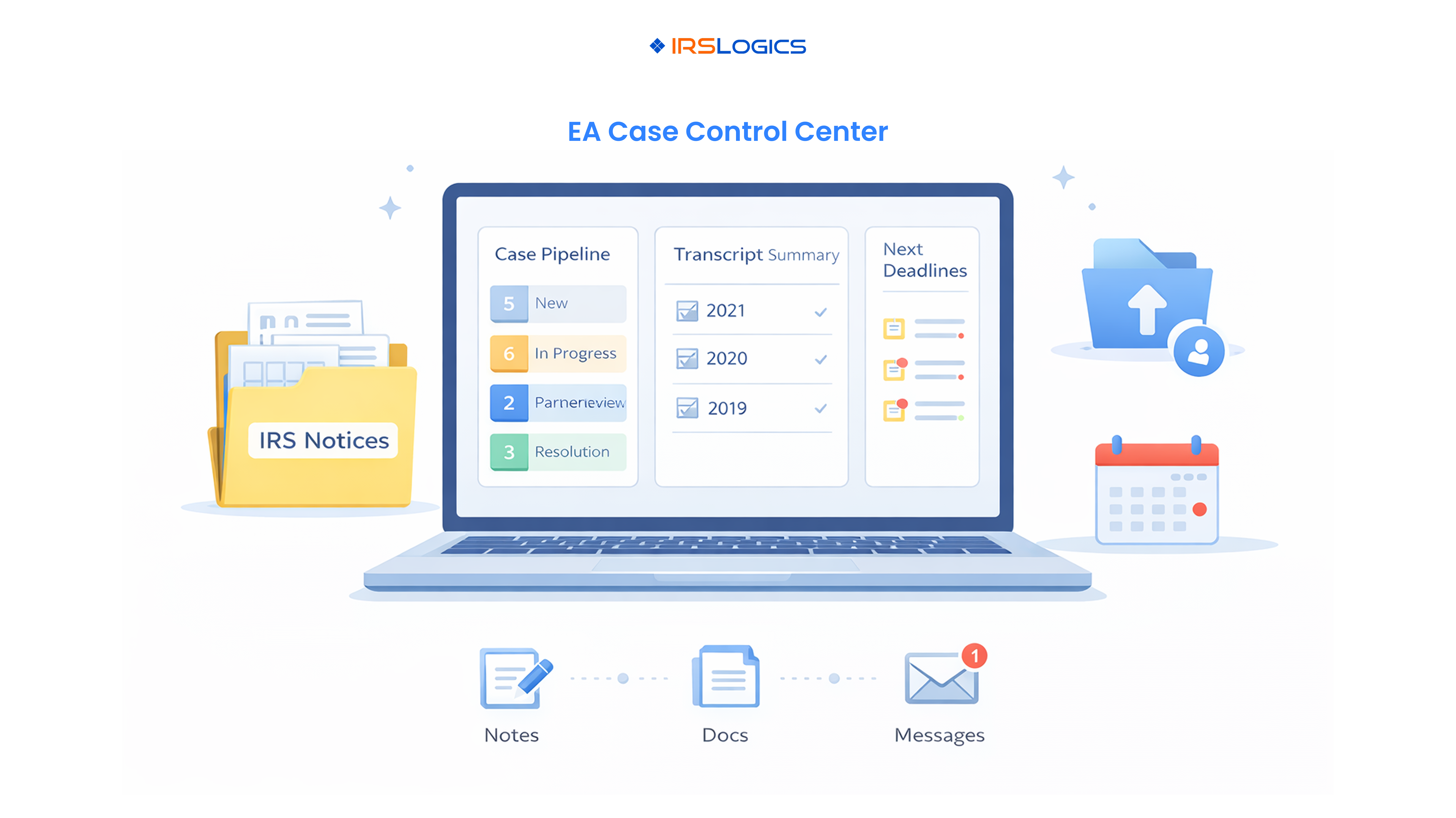
In other words, the best EA tax resolution software is the one that consistently turns chaotic IRS problems into structured, repeatable workflows for you and your team.
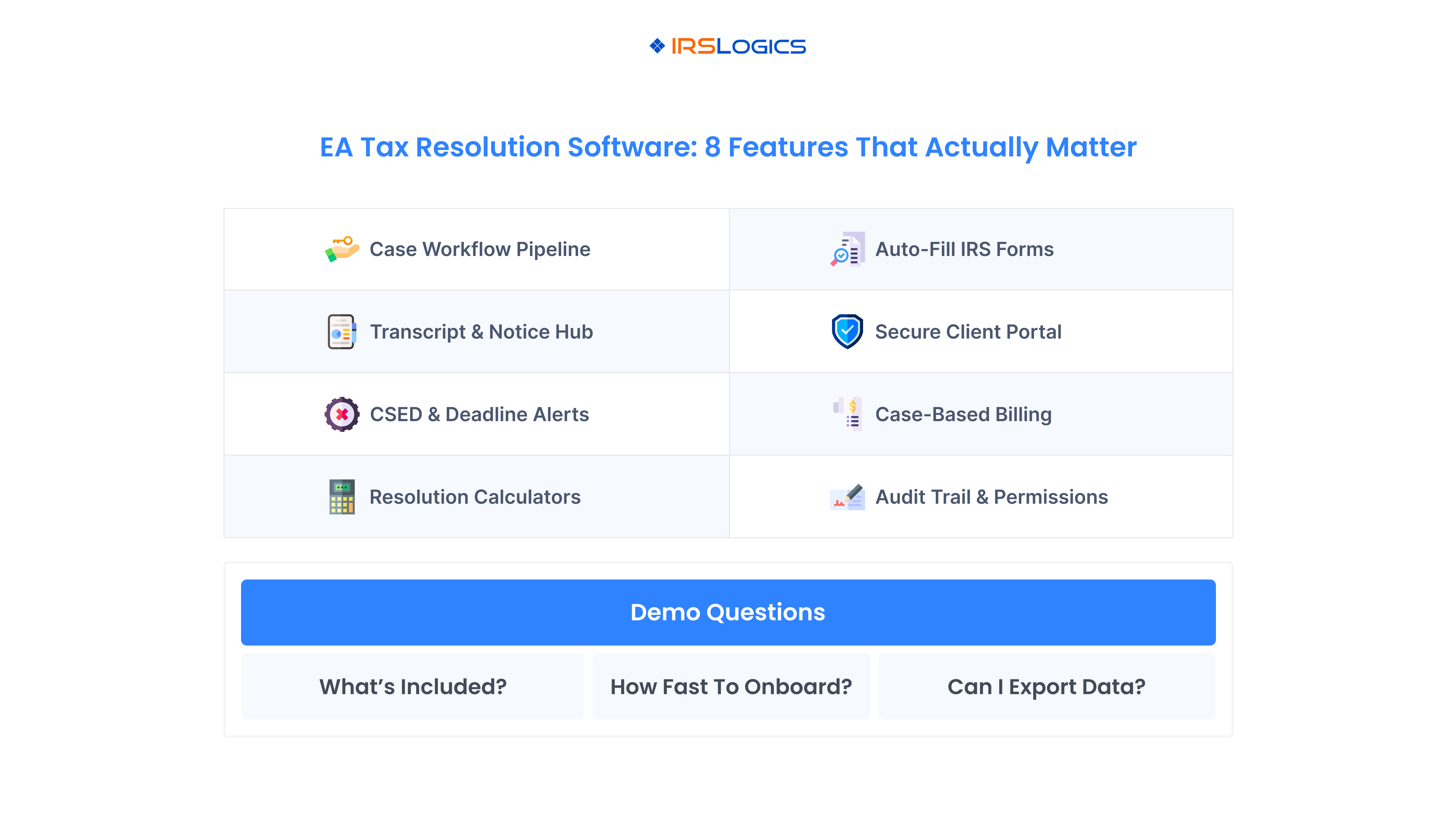
When you evaluate tax resolution software for enrolled agents, it helps to separate non-negotiables from nice-to-haves. The list below focuses on capabilities that directly impact your risk, workload, and client outcomes.
Every resolution case passes through recognizable stages: intake, transcript review, financial analysis, strategy selection, filings, negotiation, and monitoring. Without a unified workflow, each staff member improvises their own process, and you rely on memory to keep everything straight.
Modern tax resolution CRMs like IRSLogics are built around structured case and workflow management. They let you assign tasks, set due dates, and track every IRS resolution case in real time.
For enrolled agents, this matters because:
If a system cannot show you a clear pipeline of cases by stage, it is not truly an enrolled agent workflow software solution.
Transcript analysis is a core part of EA work. Leading platforms now integrate directly with IRS transcript services or support transcript imports, then convert raw data into usable analysis and calculators.
For enrolled agents, look for:
You should be spending your time on judgment and strategy, not manual data entry.
The best tax resolution software includes built-in IRS forms, supporting schedules, and calculators tailored to representation, not just preparation.
Prioritize systems that:
This is especially valuable when comparing outcomes across installment agreements, OIC status, CNC status, or bankruptcy timing.
Tax resolution clients are often afraid and overwhelmed. Transparent communication is part of the service you provide.
Modern platforms, including IRSLogics, IRS Solutions, and Canopy, highlight secure client portals as a core feature: document exchange, status visibility, and messaging in one place.
For an enrolled agent practice, a good client portal should:
If clients still have to dig through email attachments to find what they need, your software is not doing enough.
Representation work often runs for months or years. The best EA tax resolution software brings billing and payments into the same environment where you manage cases.
Look for:
This alignment between case progress and billing is what makes your tax resolution line of business more predictable.
One way to judge whether a platform is truly built for enrolled agents is to walk through a realistic case scenario during your evaluation.
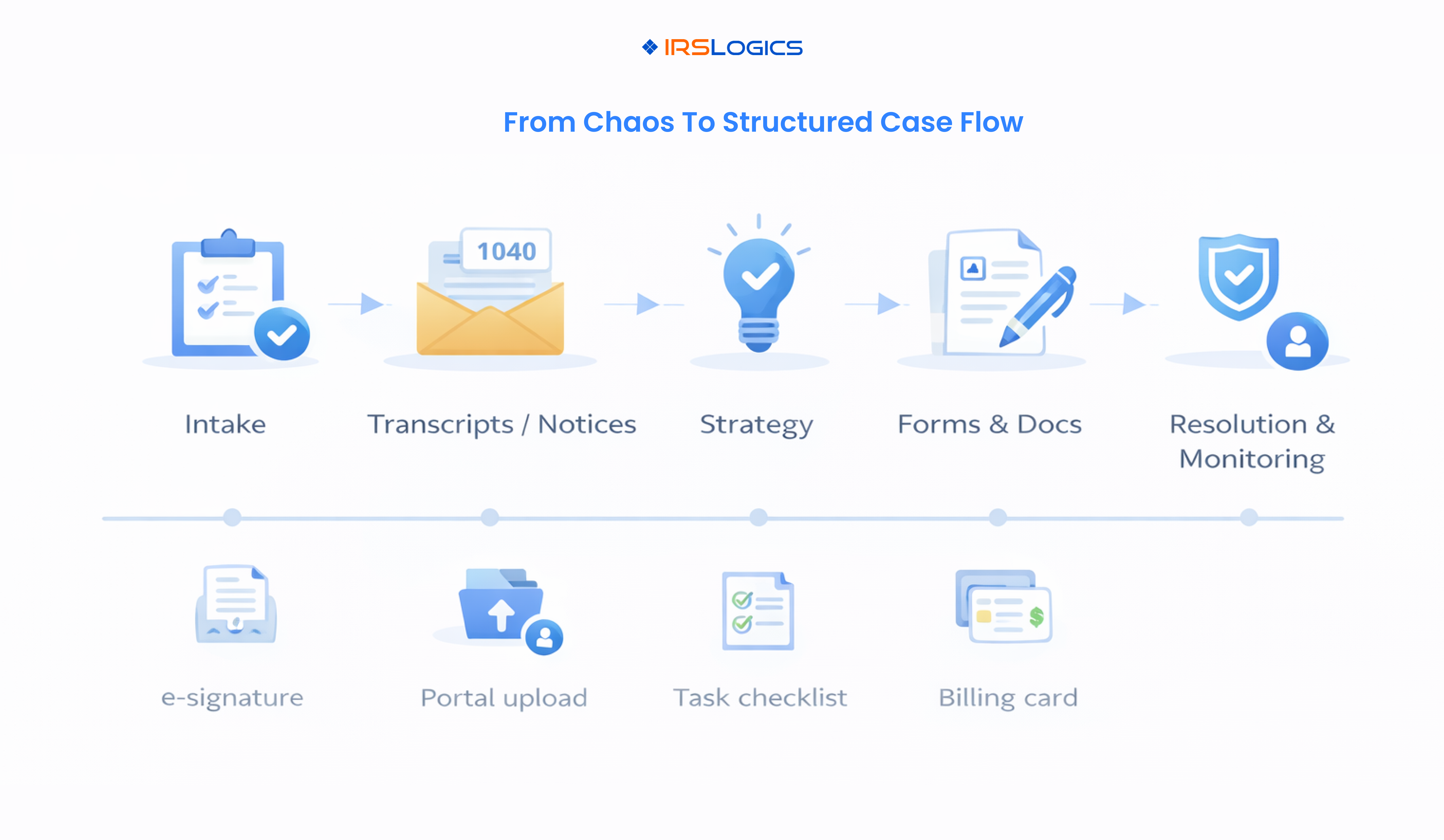
A workable EA tax resolution workflow might look like this:
If a “tax resolution software for enrolled agents” cannot support a flow like this without heavy workarounds, it will likely create friction rather than remove it.
Once you have a shortlist of EA tax resolution software options, your goal is to separate marketing from reality. Many providers serve similar audiences and list similar features.
Use these questions during demos and trials:
Several tools are frequently mentioned when people discuss the best tax resolution software, including IRSLogics, IRS Solutions, PitBullTax, Canopy, and others listed in vendor directories such as ASTPS and TaxCure.
From an enrolled agent perspective:
For enrolled agents, IRSLogics is particularly relevant because it combines:
Even the best tax resolution software for enrolled agents will not help if implementation stalls. A simple, staged rollout gives you the best chance of success.
For solo enrolled agents:
For small EA firms:
In both solo and team setups, it helps to schedule a quarterly review to review reports on case volume, completion times, and revenue by case type. That tells you whether your new enrolled agent workflow software is actually improving outcomes.
Enrolled agents handle representation before the IRS, not just return preparation. You deal with transcripts, notices, negotiations, and long-running cases. Specialized software brings transcripts, workflows, forms, billing, and client communication into a single system, rather than spreading them across multiple tools.
Generic practice management tools focus on tasks, time, and clients but often lack IRS-specific features such as transcript integration, resolution calculators, and representation forms. Dedicated tax resolution platforms are built around IRS case workflows and representation outcomes, which is what enrolled agents need most.
Pricing varies by vendor, but most cloud-based tax resolution platforms charge per user per month or via membership-style plans. Independent reviews show common ranges from low to mid hundreds of dollars per month for solo practitioners, with higher tiers for teams and add-ons like transcripts and e-signatures.
Yes. Some platforms focus primarily on tax resolution, while others, such as Canopy and IRSLogics, offer broader practice management or CRM capabilities. Many enrolled agents start by using the software only for resolution cases, then gradually expand its use to more of their client interactions and billing.
Strong vendors offer structured onboarding, responsive support, and ongoing education on both software and tax-resolution best practices. For example, some providers highlight frequent webinars, peer groups, and marketing resources, while IRSLogics emphasizes guided onboarding and migration for tax resolution firms, attorneys, CPAs, and enrolled agents.
Choosing the best tax resolution software for enrolled agents is about far more than ticking boxes in a features chart. It is about finding a platform that quietly runs in the background, keeping your cases organized, your clients informed, and your cash flow predictable.
As an enrolled agent, you are often the person standing between a client and serious IRS consequences. The right EA tax resolution software gives you the structure and visibility you need to deliver that service consistently, even as case volume grows.
When you compare tools:
If you publish this guide on the IRSLogics site, a natural next step is to invite readers to see how IRSLogics handles a typical enrolled agent case from intake to resolution, then link directly to a demo or consultation page.
All
Tax Software
Workflow & Automation
Industry News
Resolution Tips
Tax Resolution Marketing

Lorem ipsum dolor sit amet, consectetur adipiscing elit. Suspendisse varius enim in eros elementum tristique. Duis cursus, mi quis viverra ornare, eros dolor interdum nulla, ut commodo diam libero vitae erat. Aenean faucibus nibh et justo cursus id rutrum lorem imperdiet. Nunc ut sem vitae risus tristique posuere.


Share this article directly by email. Simply enter the recipient’s details below.

Article has been send to you.