Tax Software


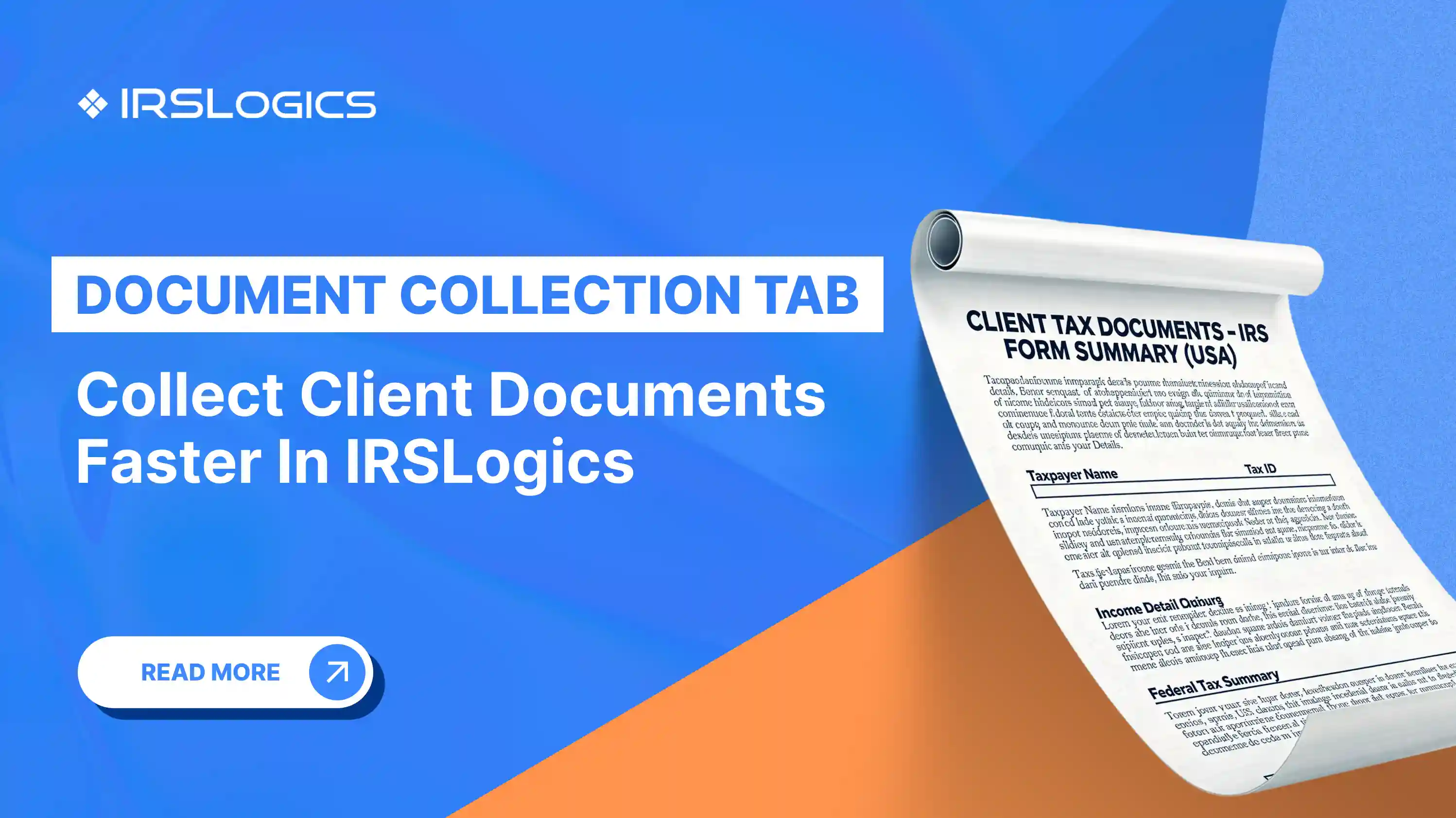
In tax resolution, the “document problem” is rarely a missing document. It is a document you cannot find fast, cannot trust as current, or cannot prove was sent.
That is where a strong document management workflow earns its value. It lowers risk, prevents rework, and keeps cases moving, especially when you have multiple hands touching the same file.
Tax resolution cases create “document pressure” in three ways:
This is also why tax resolution platforms emphasize document collection tracking, portals, and activity logs, not just file storage.
A workable tax resolution document system is built on:
IRS Publication 4557 specifically recommends limiting access to taxpayer data and implementing audit trails (audit logs) that record activity, who performed it, and when it occurred.
Keep your structure consistent across every case. One simple approach:
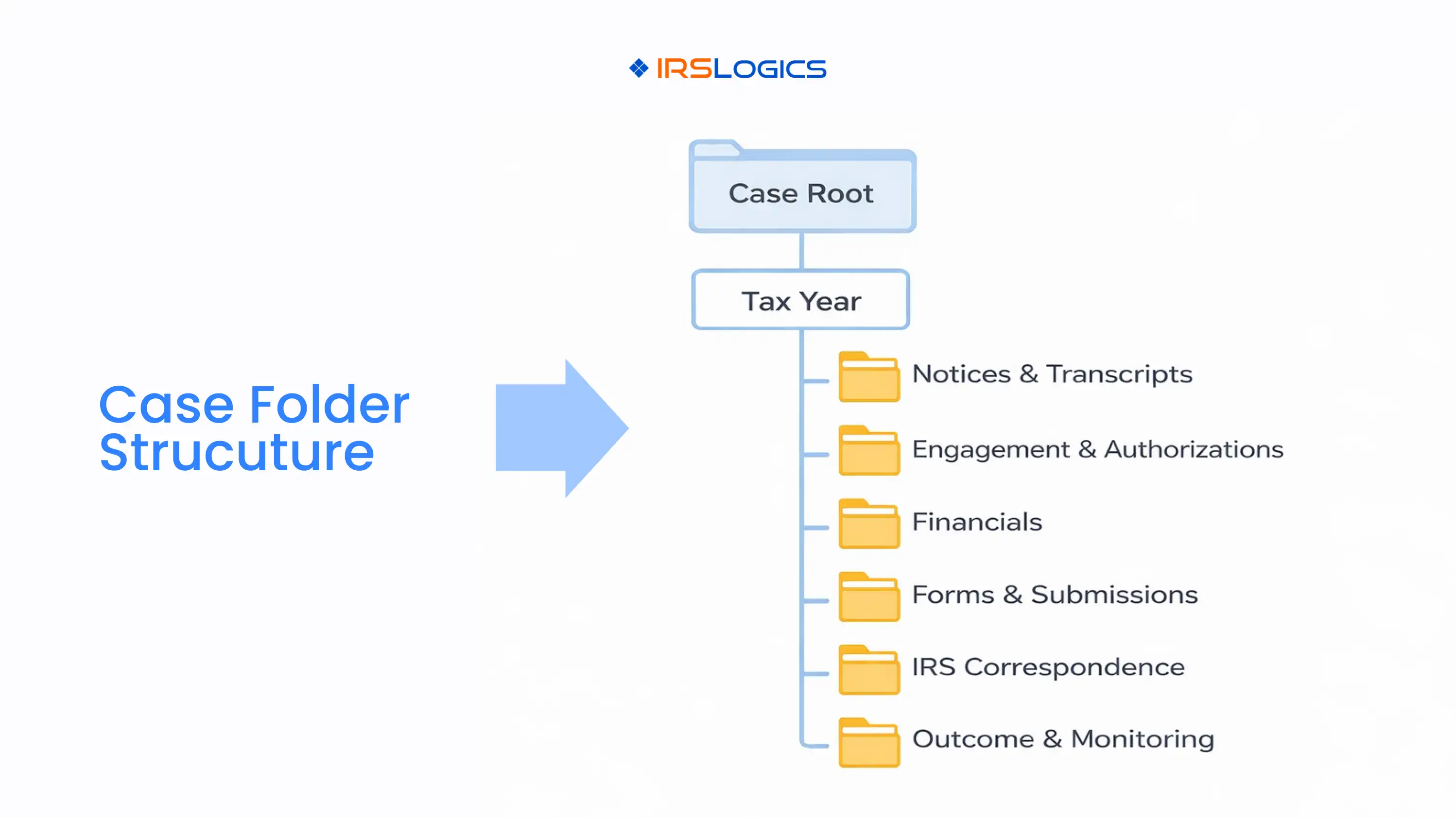
Client Name, Client ID, Taxpayer Type
2021, 2022, 2023, etc.
This mirrors what tax representation teams need: centralized case management, strong document management, and timeline or activity logs tied to each case.
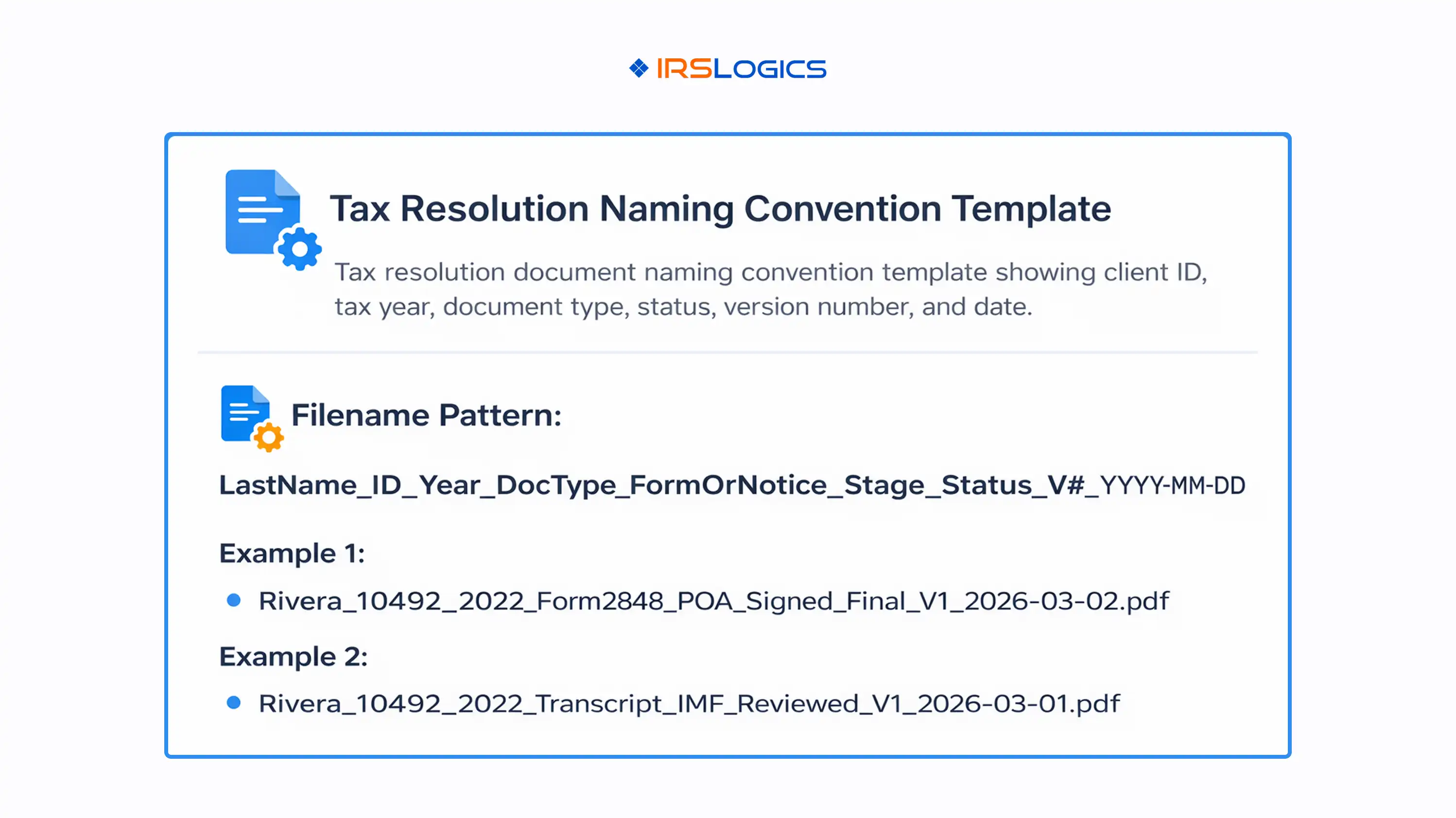
A naming convention should answer: what it is, what year it belongs to, what stage it supports, and whether it is draft or final.
ClientLastName_ClientID _TaxYear_DocType_FormOr Notice_Stage_Status_Vx_YYYY-MM-DD
This style aligns with widely recommended practices: standardized naming conventions, including version indicators, dates, and document status.
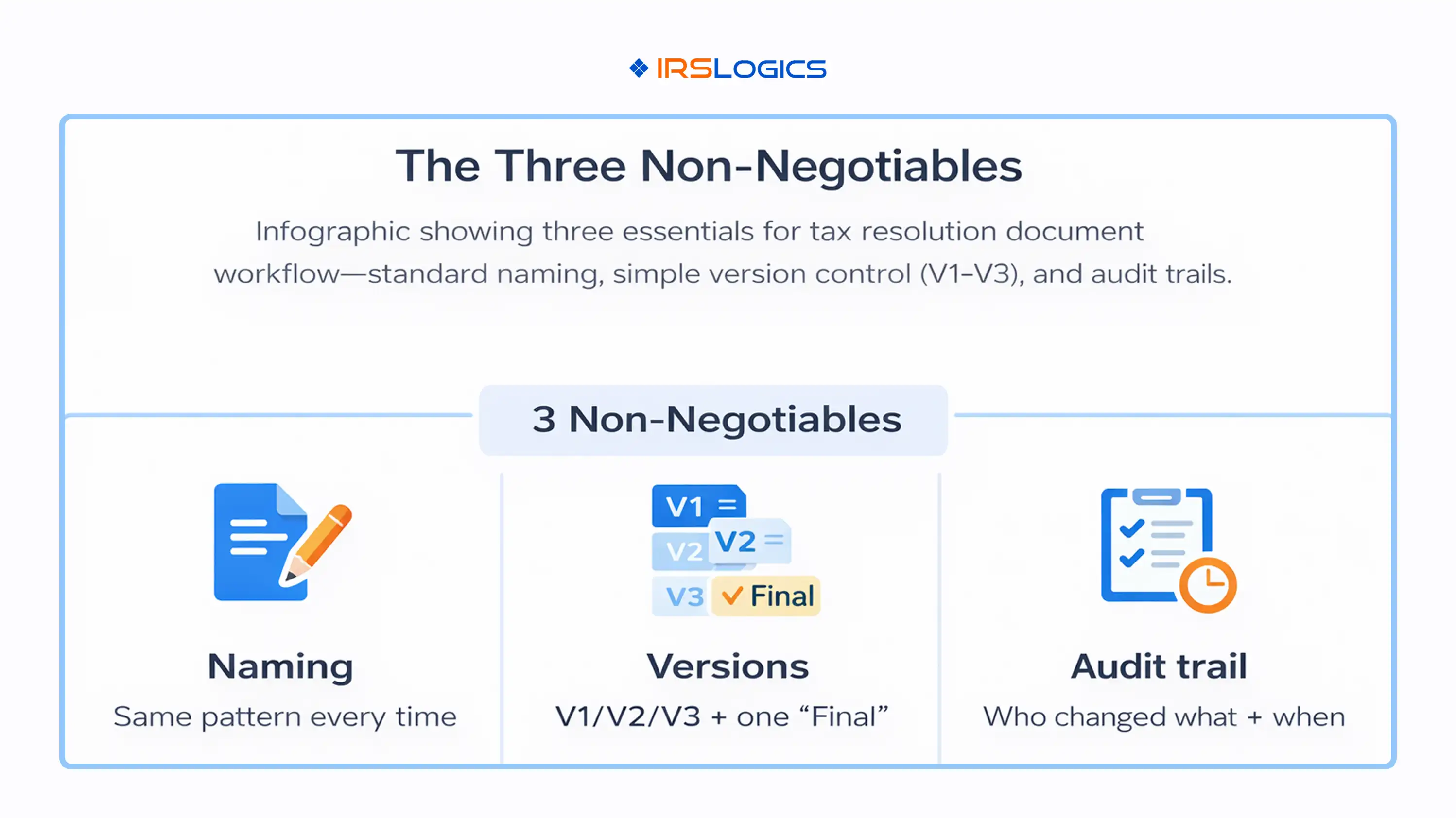
Version control fails when it is too complicated. Keep it simple:
If two people can edit two copies, you will eventually submit the wrong one.
Best-practice guidance consistently recommends a clear version numbering system and a consistent approach to naming.
For tax resolution, “Final” should mean:
A document management system with version history helps preserve an audit-friendly record of changes and reduces risk of overwriting.
Audit trails are not just for large firms. They protect you when:
IRS guidance calls out access limitation and audit logs directly, and also notes withdrawing outstanding authorizations for taxpayers who are no longer clients.
The IRS also points tax professionals to Publication 4557 and highlights that protecting client data is a legal requirement for professional preparers.
What to track in your audit trail:
IRSLogics content also emphasizes audit trails, activity logs, and client communication logs as part of what protects a tax resolution practice over time.
This tax resolution document checklist is a starting point. Your actual checklist should be generated per case type and taxpayer profile.
The IRS notes an OIC package typically includes Form 433-A (OIC) or 433-B (OIC) and Form 656, plus required documentation specified on the forms.
Common supporting items include proof of income, bank statements, asset statements, and documentation supporting claimed expenses.
Tip: The checklist becomes far more usable when your system tracks document request status and keeps uploads tied to the case and year, rather than floating in email.
Fix: Always include tax year buckets.
Fix: Force uploads into one portal or one repository, then link documents to the case stage.
Fix: At closure, send a final summary, archive documents, and withdraw old authorizations where applicable, as recommended in IRS Publication 4557.
It is the standardized process for requesting, receiving, naming, versioning, reviewing, submitting, and archiving case documents so the team can move quickly without losing control.
Keep it short, consistent, and enforced. Include client ID, tax year, document type, stage, and version. Best-practice resources consistently emphasize clear naming conventions and consistent version indicators.
Use V1, V2, V3, and define what “Final” means. Avoid multiple working drafts. Version control guidance highlights preventing overwrites and maintaining version history for accountability.
Because tax pros must safeguard taxpayer data and should maintain audit logs of who did what and when. IRS Publication 4557 explicitly recommends implementing audit trails and limiting access to those who need it.
Start with core items like notices, transcripts, authorizations, and financial documentation, then add case-type items. For example, the IRS OIC process requires Form 433-A (OIC) or 433-B (OIC), Form 656, and supporting documentation specified on the forms.
A solid document management workflow is one of the fastest ways to improve speed and reduce risk in tax resolution. It is also one of the easiest places for small teams to get control quickly, if the rules are simple.
Key takeaways:
All
Tax Software
Workflow & Automation
Industry News
Resolution Tips
Tax Resolution Marketing

Lorem ipsum dolor sit amet, consectetur adipiscing elit. Suspendisse varius enim in eros elementum tristique. Duis cursus, mi quis viverra ornare, eros dolor interdum nulla, ut commodo diam libero vitae erat. Aenean faucibus nibh et justo cursus id rutrum lorem imperdiet. Nunc ut sem vitae risus tristique posuere.


Share this article directly by email. Simply enter the recipient’s details below.

Article has been send to you.