Tax Software


A client says they uploaded everything. Your case manager cannot find it. Then the client asks for an update, and your billing team asks whether the retainer was paid.
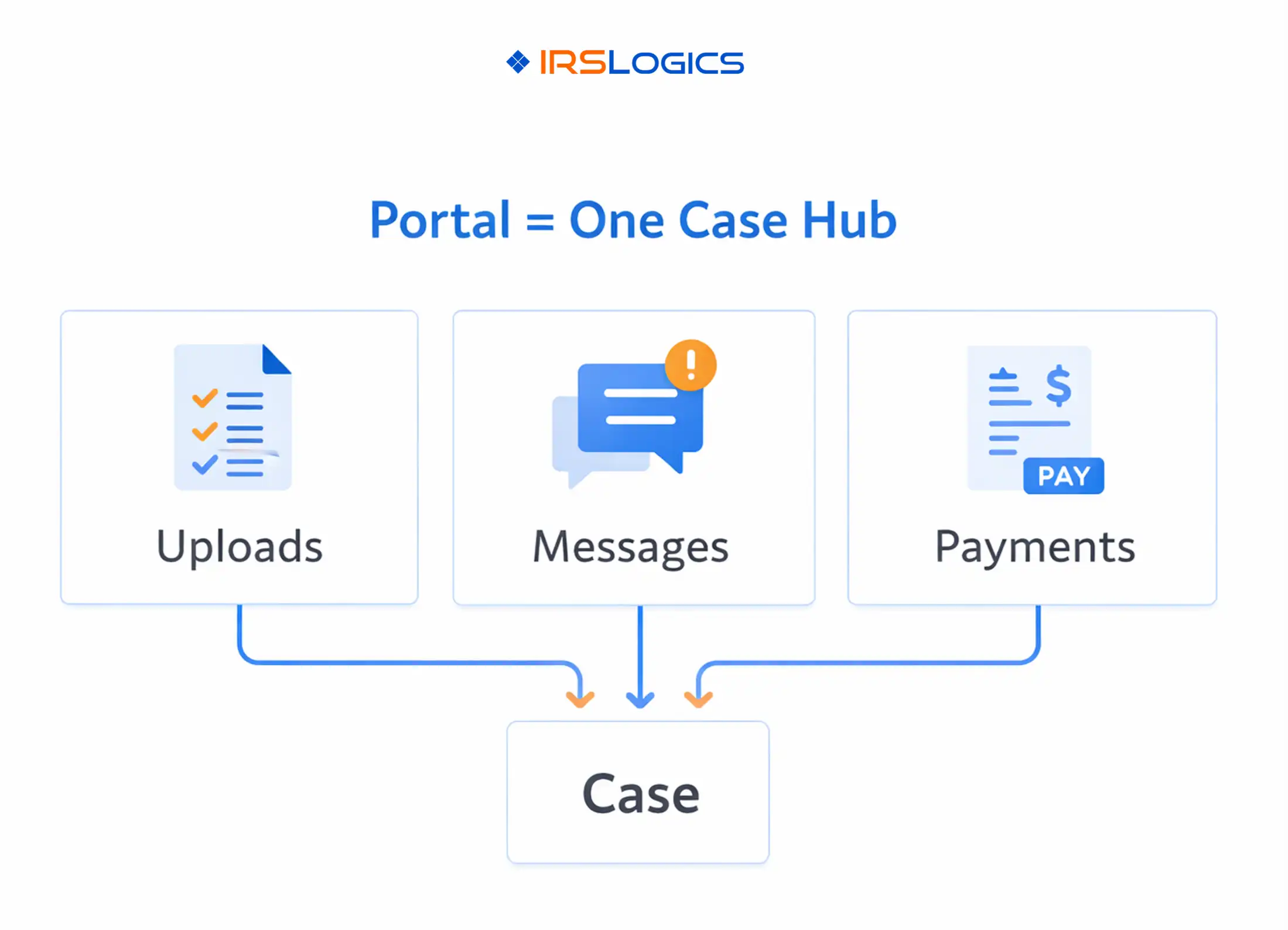
That is the real job of a CPA portal in tax resolution. It is not “a place to upload files.” It is the one system that keeps uploads, messages, and payments tied to the case, so nothing drifts.
IRSLogics positions its client portal and collaboration features around sharing documents, updates, and messages in one secure space, with billing and reporting built into the same platform.
A tax client portal that works for tax resolution teams should reliably do four things:
Uploads, messages, payment history, and status should live with the case, not scattered across email, text threads, and shared drives.
The best portals reduce manual chasing with structured requests, reminders, and clear “what’s next” steps.
Clients should be able to pay quickly from the portal, ideally tied to invoices and milestones. IRSLogics highlights letting clients upload documents or make payments directly through the portal, and keeping case status visible on web or mobile.
Tax resolution is timeline heavy. You want logs that show what was requested, what was received, what was sent, and when.
Before you touch templates, set the basics. This is where most portal rollouts succeed or fail.
Pick one sentence you can repeat during onboarding, for example:
Use the portal for uploads, messages, and payments, and you will always see your current case status in one place.
IRSLogics also offers a client portal mobile app experience with real-time updates, uploads, communication, and payments, which supports this “one place” promise for clients who live on their phone.
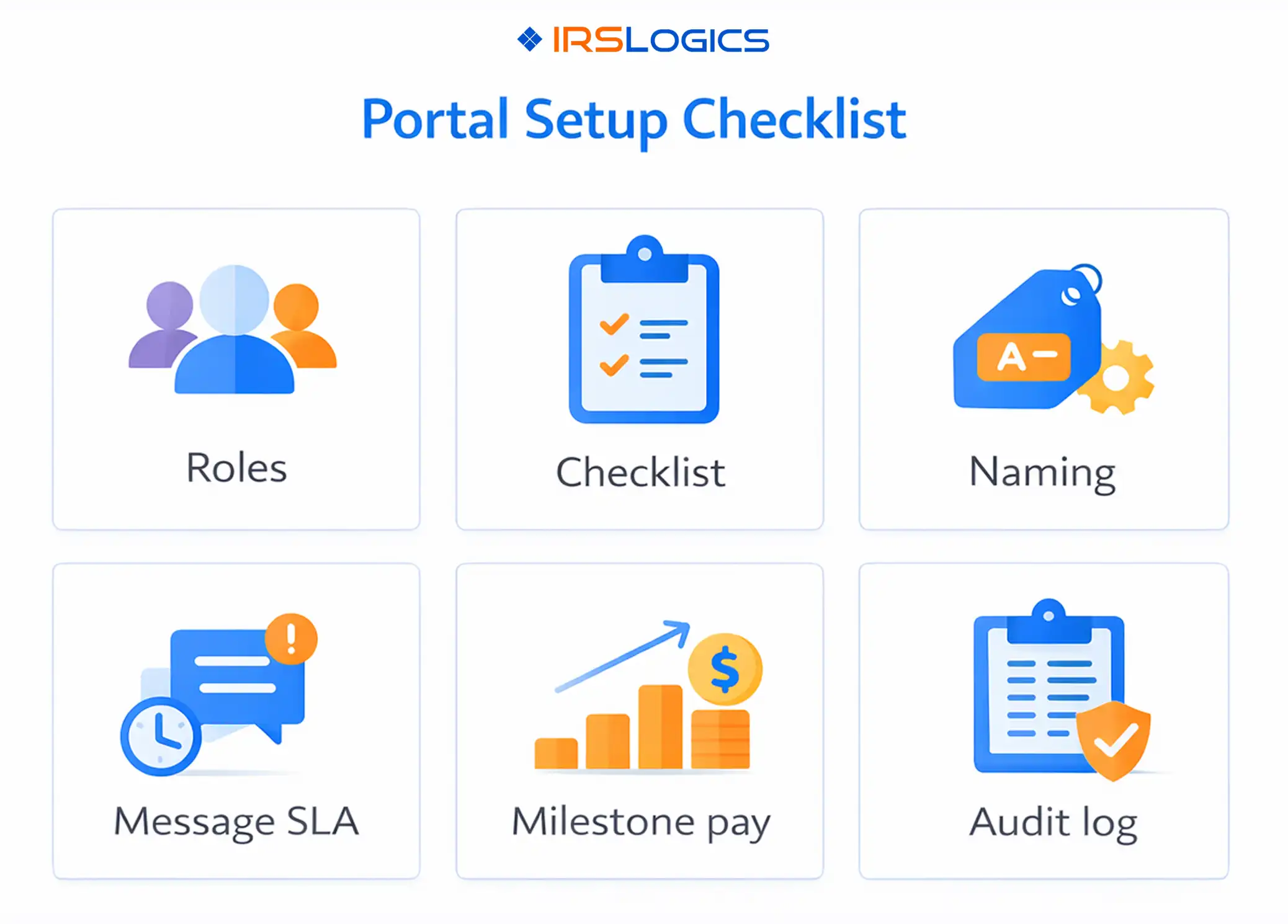
At minimum, define:
If your portal supports it, configure:
IRSLogics specifically notes portal visibility configuration under Admin and Client Portal Configurations, and mentions customization options for themes.
Uploads are where tax resolution portals either save hours weekly, or create a new mess.
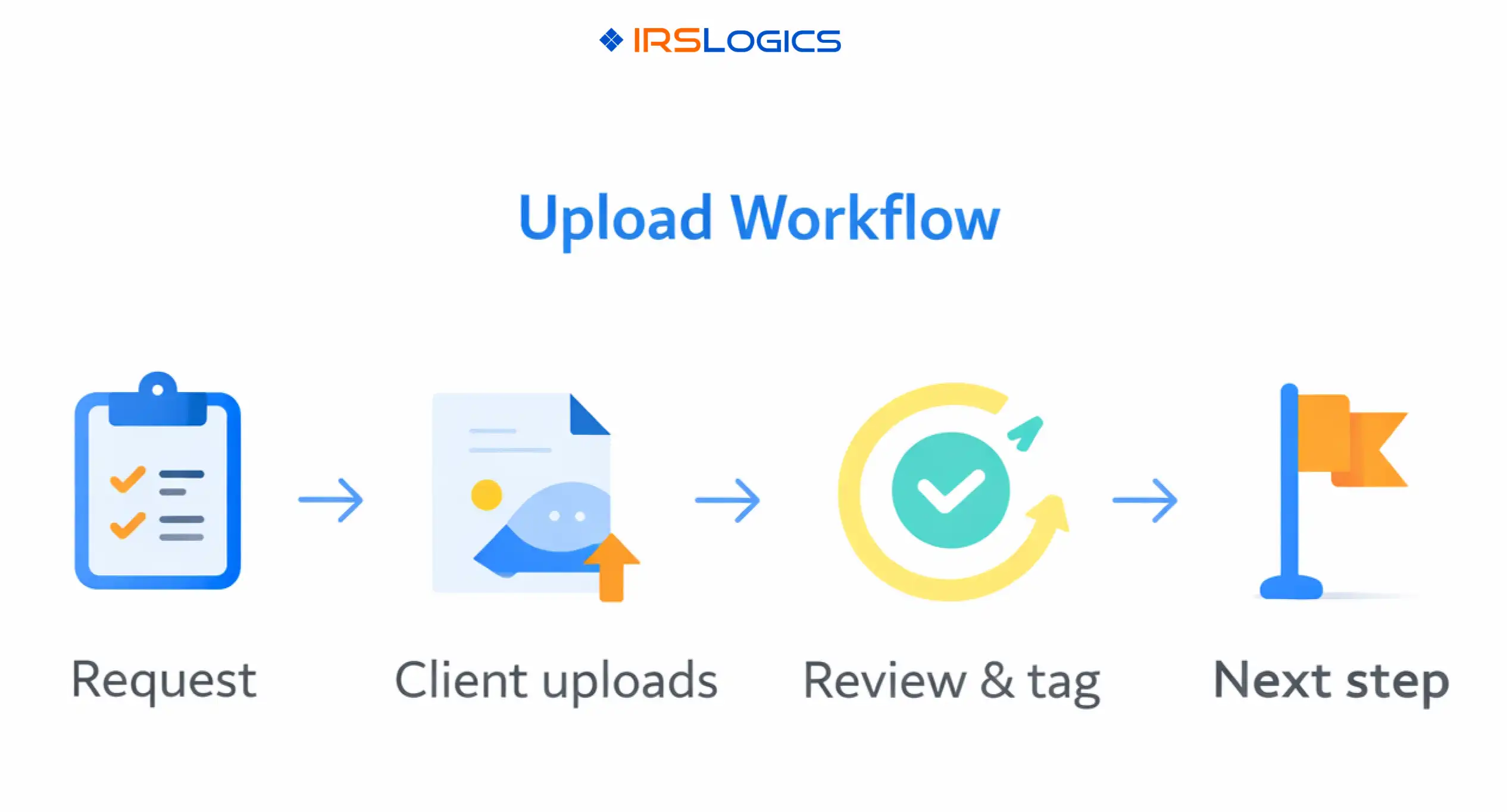
Instead of telling clients “upload everything,” send a checklist-driven request:
Portals that support matching uploads to tasks or checklist items reduce sorting time and help staff review faster.
Make the client’s job easy and your team’s job fast.
Recommended pattern:
ClientLastName TaxYear DocumentType Description Date
Examples:
Set a clear internal SLA:
Every upload gets reviewed and tagged within 1 business day, even if the case needs more time.
That one habit prevents the “it’s in the portal somewhere” spiral.
Do not keep one generic list for every case. Create 3 to 5 templates, such as:
Portal messaging wins when it replaces email, not when it becomes a second inbox.
Require that client questions go through the portal so:
IRSLogics positions client portal collaboration as a secure place for updates and messages tied to client work.
Start with 8 to 10 templates:
A simple standard works:
Portal messages answered within 1 business day.
If you want to go further, add escalations:
Payment links should feel natural to the client, and structured to your team.
Common milestones in tax resolution:
IRSLogics highlights billing, payment plans, AR visibility, and logs (including e-sign, SMS, email logs) as part of the platform’s finance and service tools.
Billing confusion usually starts when payments float without context. IRSLogics specifically describes tying payments to invoices so every payment applies to a specific invoice balance, improving reconciliation and clarity.
If your firm uses payment plans, your portal should show:
IRSLogics also notes support for payment schedules and payment history as part of its billing feature set.
A CPA portal setup becomes powerful when routine steps happen automatically.
Many client portal platforms highlight auto-reminders for payments, signatures, invoices, and tasks as a key driver of faster client completion.
A portal is also a compliance decision.
The IRS states that protecting client data is the law, and points tax professionals to IRS Publication 4557 for security recommendations.
Publication 4557 includes recommendations such as limiting access to taxpayer data to individuals who need to know, and implementing audit trails (audit logs) that record activities, who performed them, when, and what changed.
A CPA portal is a secure client-facing workspace where clients upload documents, send messages, view case updates, and complete payments without relying on email and scattered tools.
Secure uploads, client messaging, payment collection, case status visibility, and audit logs or activity history.
Make the portal the default. Use one welcome message, one checklist, and one payment link path. Avoid giving “email or portal” options unless needed.
IRS Publication 4557 recommends implementing audit trails (audit logs) that record activity, who performed it, and what changed, and also recommends limiting access to taxpayer data.
IRSLogics states that clients can make payments directly through the portal, and its client portal app description emphasizes payments, documents, and communication in one place.
A strong CPA portal setup is not about adding another tool. It is about tightening your tax resolution workflow so uploads, messages, and payments are always tied to the case, and always easy to verify.
Key takeaways:
All
Tax Software
Workflow & Automation
Industry News
Resolution Tips
Tax Resolution Marketing

Lorem ipsum dolor sit amet, consectetur adipiscing elit. Suspendisse varius enim in eros elementum tristique. Duis cursus, mi quis viverra ornare, eros dolor interdum nulla, ut commodo diam libero vitae erat. Aenean faucibus nibh et justo cursus id rutrum lorem imperdiet. Nunc ut sem vitae risus tristique posuere.


Share this article directly by email. Simply enter the recipient’s details below.

Article has been send to you.