Tax Software


IRS resolution cases rarely break because you lacked expertise. They break because a deadline was missed, a document request stalled, or a handoff was unclear and nobody saw it early enough.
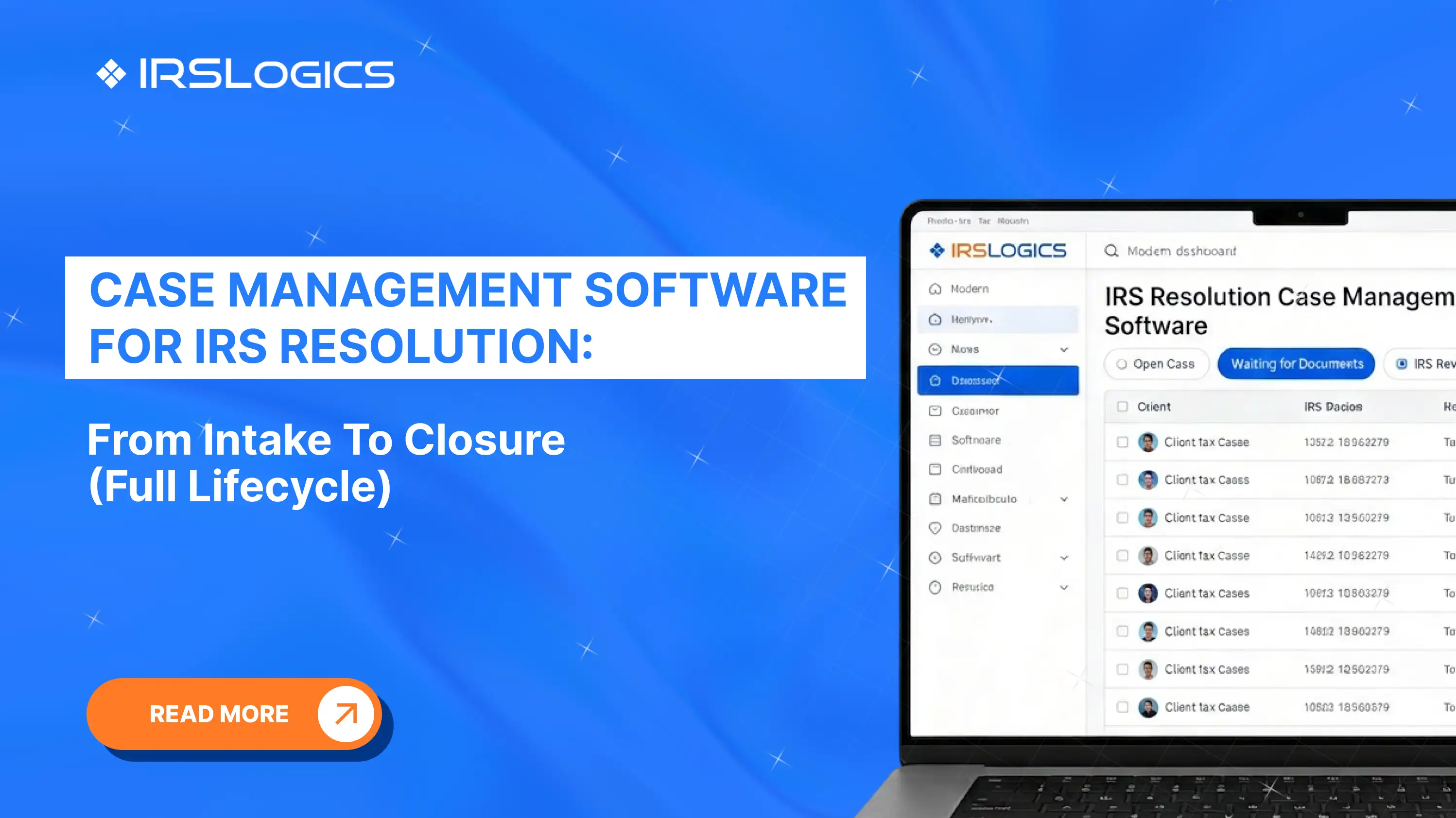
That is why tax resolution case management is not just a “nice workflow board.” It is your control tower. The right case management software makes every case visible, every next step assigned, and every status easy to understand for both your team and your client.
When people search for case management software, they often mean a system that stores client info, documents, tasks, and notes.
For IRS resolution, case management software has to do more. It must run a long, multi-step representation process with clear stages, built-in accountability, and enough visibility to prevent cases from going stale. Platforms built for tax resolution commonly emphasize workflows, tasks and reminders, integrated forms and transcripts, portals, billing, and dashboards because those are the pressure points in IRS representation work.
If your “case management” tool cannot clearly show what stage a case is in, what must happen next, and who owns it, you will end up running the practice in email threads and side spreadsheets.
A strong lifecycle has two rules:
Here is a full lifecycle you can model in your tax resolution case management software.
This lifecycle approach matches how tax resolution platforms describe step-by-step workflows, case tracking, and keeping case status current through a portal and dashboards.
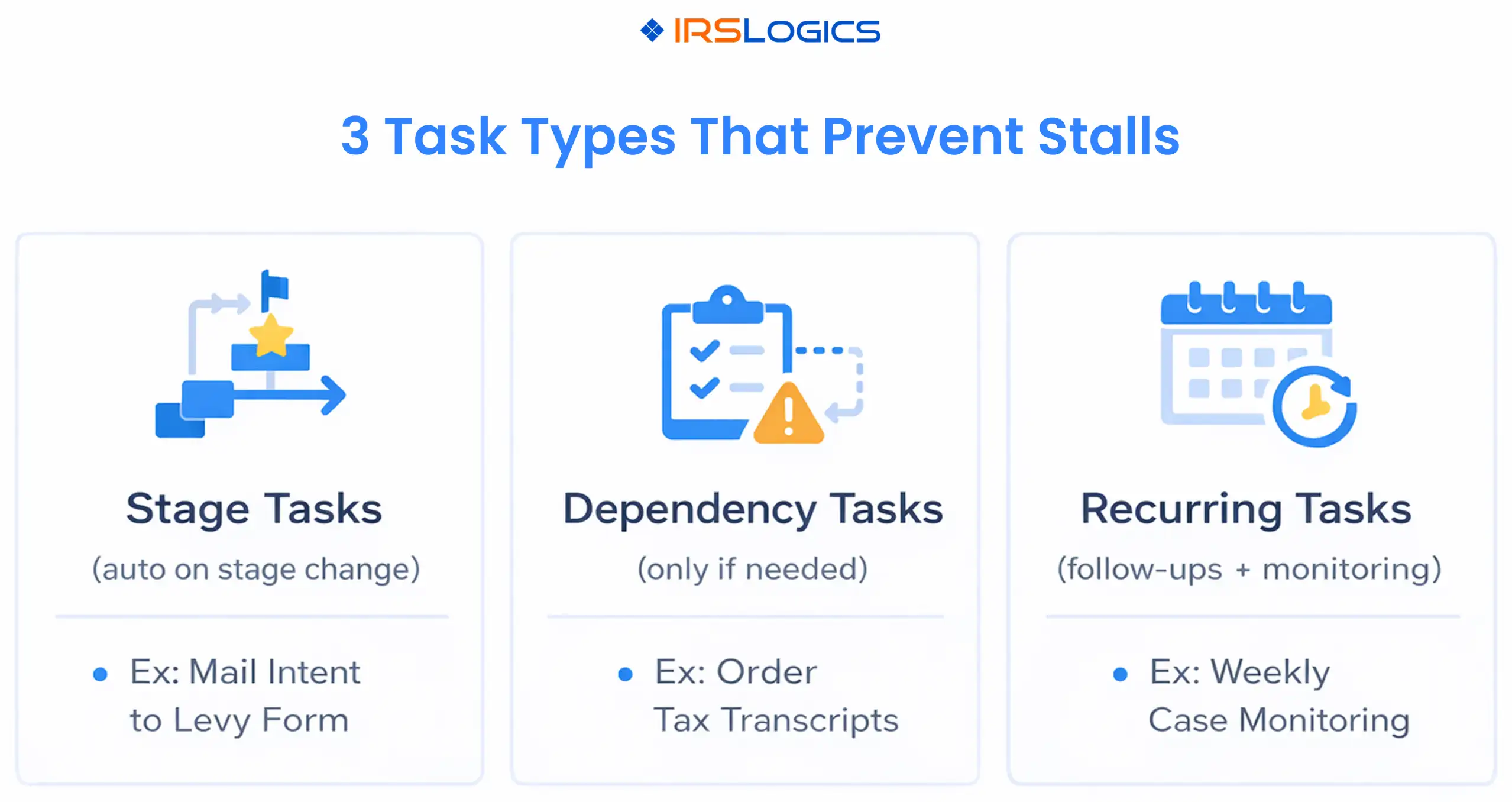
A pipeline view is helpful, but tasks are what actually drive outcomes.
These trigger automatically when the case enters a stage. Example: entering “Authorization And Records” creates tasks for POA filing, transcript pull, transcript review, and notice upload.
These trigger only if a condition is true. Example: if there are unfiled returns, your system creates a “Compliance Cleanup” task set and blocks moving into “Resolution Path And Plan” until completed.
These prevent silent stalls. Example: weekly follow-ups after submission until confirmation is logged, then monthly monitoring after a resolution is in place.
Many tax resolution tools highlight task management, reminders, and rules-based alerts as a way to avoid missed deadlines and keep cases moving.
A practical system uses two “status languages” so staff and clients both stay clear.\
Examples:
Examples:
This is where client portals and collaboration features matter. If your portal shows meaningful progress updates, you reduce inbound “any update?” calls and keep clients calmer during long cycles.
Tax resolution case management involves sensitive data. Your software should support role-based access and activity history, so you can confidently answer who did what, and when.
The IRS recommends limiting access to taxpayer data to those who need to know and implementing audit trails that record activities and changes.
If your platform supports role-based permissions and dashboards, leadership gets oversight without needing to open every file.
Tax resolution reporting should help you make decisions, not just produce charts.
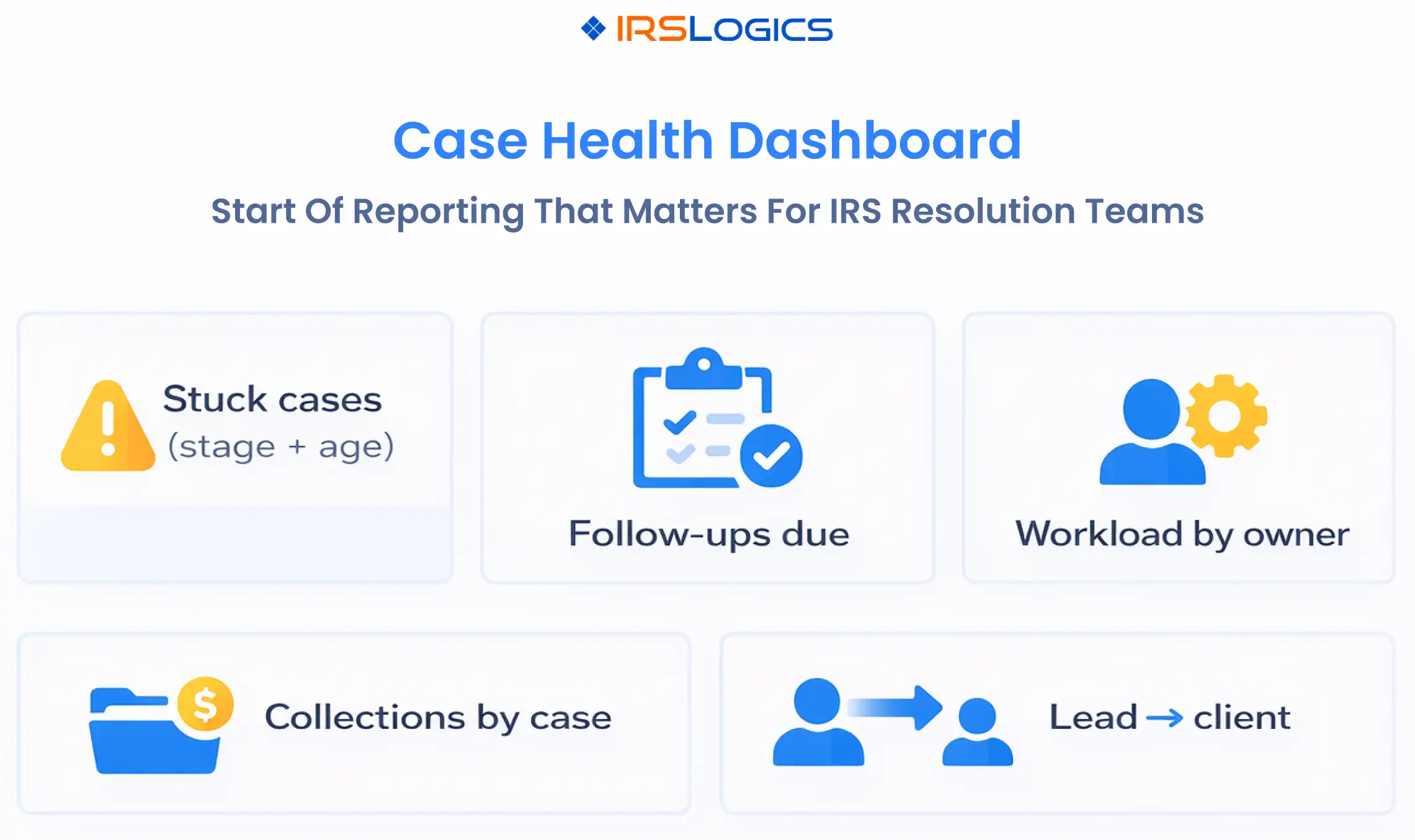
IRSLogics positions reporting around real-time dashboards, audit trails, and exportable reports to track performance, which aligns with what tax resolution leaders need for operational control.
If you want your system to work consistently, roll it out in this order:
The best case management software for IRS resolution supports case workflows, tasks and reminders, integrated forms and transcripts, client portal updates, billing visibility, and reporting that tracks open cases and workload.
Tax resolution case management is the end-to-end process of moving IRS representation cases through intake, authorization, diagnosis, submission, follow-up, negotiation, monitoring, and closure with clear ownership and documentation.
Generic tools can store data, but they usually do not mirror tax resolution workflows, case statuses, and transcript-driven changes without heavy customization. Purpose-built tax resolution tools commonly emphasize step-by-step workflows and resolution-specific automation.
At minimum, role-based permissions and audit logs. IRS Publication 4557 recommends limiting access to taxpayer data and implementing audit trails that record activities and changes.
Closure should include a final client summary, archiving, recurring monitoring tasks where appropriate, and a review of access and outstanding authorizations as part of good data governance.
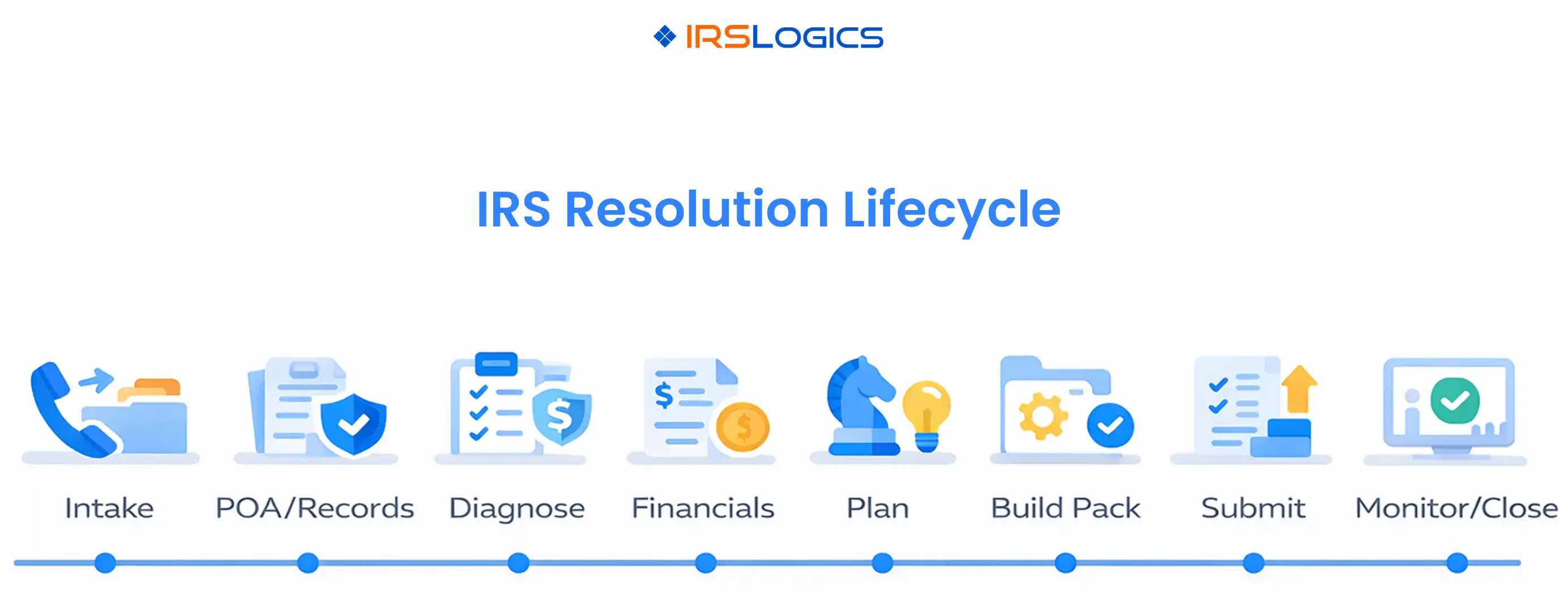
Case management software only improves IRS resolution work when it runs the full lifecycle, not just the middle of the case.
Key takeaways:
All
Tax Software
Workflow & Automation
Industry News
Resolution Tips
Tax Resolution Marketing

Lorem ipsum dolor sit amet, consectetur adipiscing elit. Suspendisse varius enim in eros elementum tristique. Duis cursus, mi quis viverra ornare, eros dolor interdum nulla, ut commodo diam libero vitae erat. Aenean faucibus nibh et justo cursus id rutrum lorem imperdiet. Nunc ut sem vitae risus tristique posuere.


Share this article directly by email. Simply enter the recipient’s details below.

Article has been send to you.