Tax Software


Tax resolution cases rarely go sideways because you “didn’t know what to do.” They go sideways because the right step did not happen at the right time, and nobody saw it soon enough.
If you are an accounting firm handling IRS representation work, the typical CRM for accountants is often not the problem. The problem is the setup. Tax resolution is not a single deadline. It is a chain of deadlines, dependencies, documents, and follow-ups that can stretch for months.
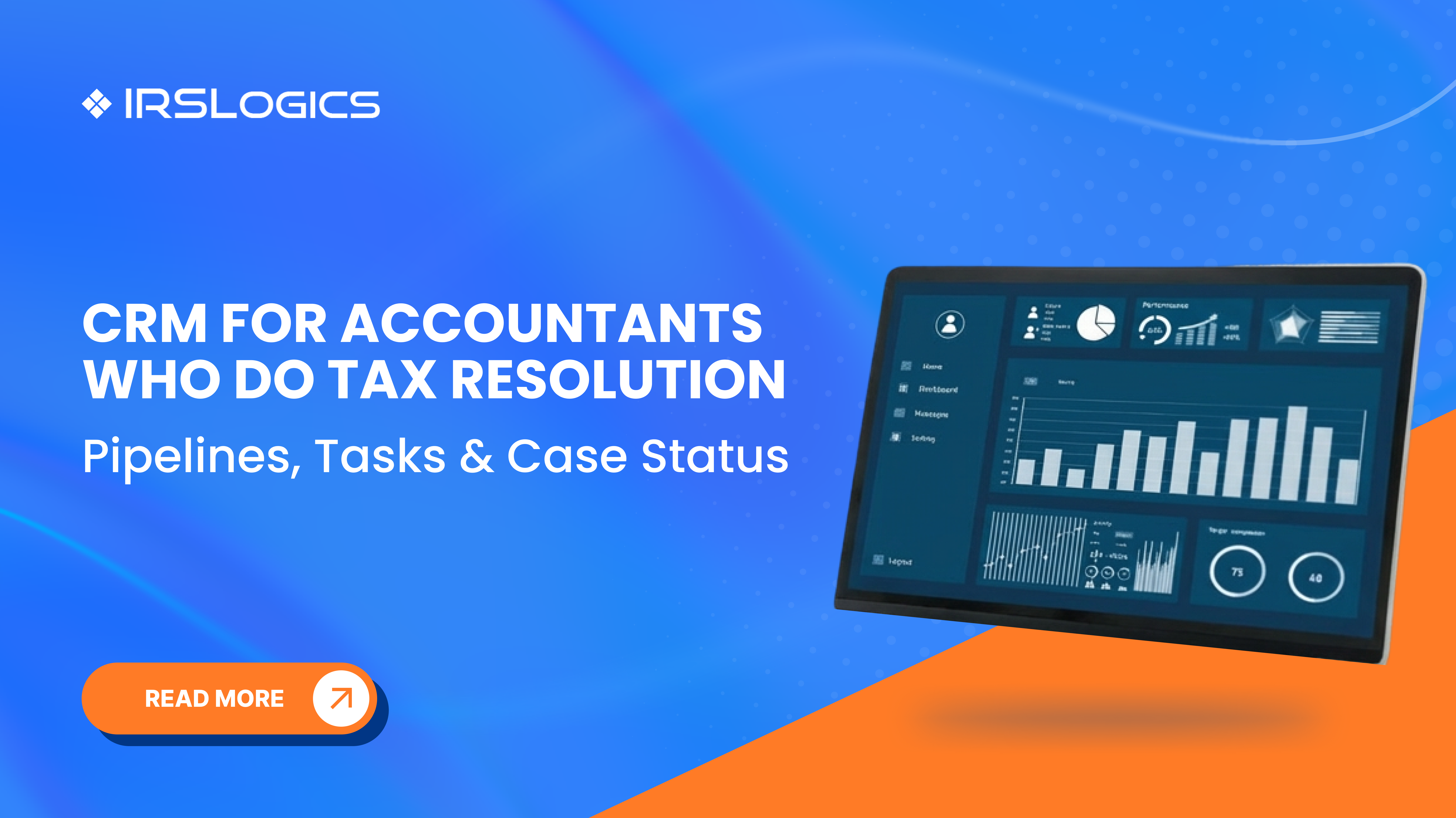
That is why the best-performing firms treat their tax resolution CRM like an operating system, not a contact list. A resolution-first system ties together pipelines, tasks, and case status so your team always knows three things: what stage the case is in, what happens next, and who owns it.
A standard accounting CRM usually focuses on relationship management across sales, service, and marketing. That is helpful, but tax resolution requires more than relationship tracking.
Tax resolution includes IRS-specific steps such as authorizations, transcript work, financial statements, resolution path selection, submissions, negotiation, and monitoring. Tools built for tax resolution emphasize case timelines, deadlines, workflow rules, and reporting by case statuses because that is where risk lives.
If your CRM cannot clearly show open cases, workloads, pipeline, and who did what and when, you end up managing the firm in email threads and spreadsheets.
Think of your tax resolution CRM as three layers that must agree with each other:

Get these right, and the rest becomes easier: reporting, delegation, client updates, and capacity planning. Platforms built for tax resolution lean heavily into workflow management, task assignment, due dates, and case visibility for exactly this reason.
Most firms need both:
Lead Pipeline (Sales And Intake)
This tracks prospects from first contact through engagement and payment setup.
Case Pipeline (Resolution Delivery)
This tracks active IRS work from POA through outcome and monitoring.
Many “CRM for tax professionals” guides recommend multiple pipelines for different services. Tax resolution adds one more requirement: your case pipeline must mirror real IRS case work, not generic deal stages.
A resolution-ready pipeline should:
If you are evaluating a tax resolution CRM, start with workflow and reporting. Everything else is a bonus.
Below is a practical case pipeline you can implement as-is, then refine for your firm’s niche.
Your exact forms depend on the case type, but common touchpoints include:
This is where generic CRMs struggle. They can store these links and files, but they do not naturally connect them to resolution stages, tasks, and audit-ready documentation without heavy customization.
A pipeline without a task engine is just a pretty board.
A tax resolution task system should answer:
Many CRM tools talk about reminders and avoiding bottlenecks. For tax resolution, you need something stricter: tasks must be attached to workflow stages, not just assigned ad hoc.
Use three task types.
Stage Tasks (Always Triggered)
These auto-create when a case enters a stage. Example: when “Authorization And Transcripts” begins, create tasks for POA submission, transcript pull, and transcript review.
Dependency Tasks (Conditional)
These only trigger when certain conditions are true. Example: if a client has unfiled returns, trigger “Compliance Cleanup” tasks before strategy selection.
Recurring Tasks (Monitoring And Follow-Up)
These keep cases warm. Example: weekly follow-up until the IRS acknowledges receipt, monthly monitoring after a resolution is placed.
Even small firms benefit from consistent ownership rules:

Tools that are built for tax resolution highlight standardized workflows with tasks, due dates, forms, and approvals tied to each workflow.
This is where many firms quietly lose time.
If your pipeline stage is “Financial Development,” your client does not know what that means. If your client status is “Waiting,” your staff does not know what is waiting on who.
Internal Case Status (Operational)
Use this for team clarity and reporting. Examples:
Client-Facing Status (Plain English)
Use this for portal updates and proactive communication. Examples:
A resolution CRM that supports client collaboration and secure updates makes this much easier to maintain at scale.
Once your pipeline, tasks, and status are aligned, reporting becomes meaningful, not noisy.
At minimum, firm leaders should see:
This is why resolution CRMs emphasize dashboards showing open cases, workloads, and pipeline, plus reporting by staff and case type.
Tax resolution is emotional. Your client is often anxious, behind on paperwork, and unsure what matters.
A clean CRM setup reduces inbound chaos by:
When your status language is consistent, clients stop asking “Any updates?” because they can see the process.
If you want this to work in the real world, keep rollout simple:
Internal Link (Related Reading): IRSLogics Tax CRM Software https://www.irslogics.com/irslogics-blog/tax-crm-software
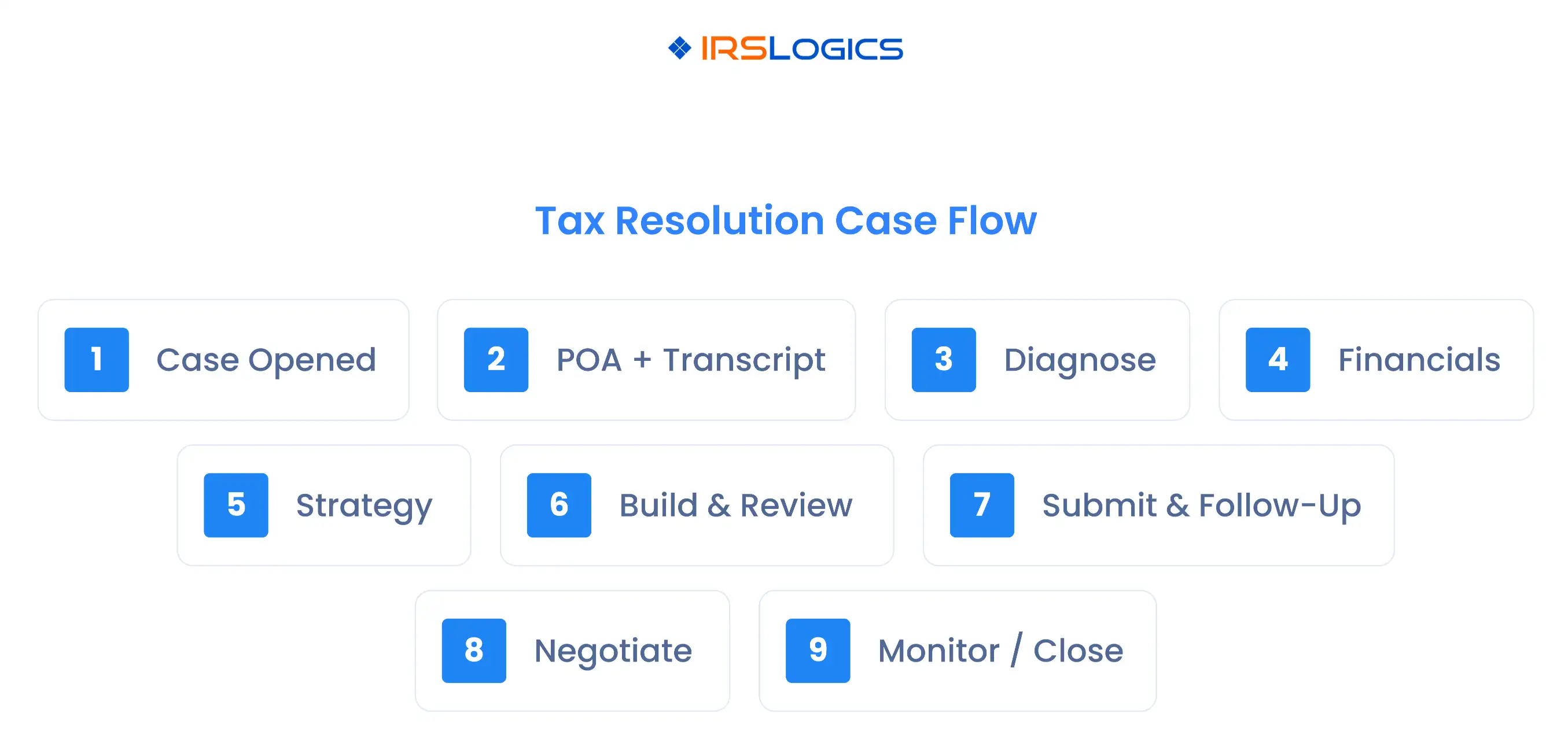
The best CRM for accountants doing tax resolution is one that supports IRS case workflows, stage-based task automation, clear case status reporting, secure document handling, and audit-ready logs.
A tax resolution CRM is designed around IRS representation work. It emphasizes case timelines, resolution workflows, forms, task rules, and reporting by case status, rather than generic sales stages.
Use two if you can. One for lead intake and engagement, and one for active case delivery. Multi-pipeline setups are commonly recommended for tax firms because different services run on different cycles.
Common drivers include POA authorization (Form 2848), installment agreement requests (Form 9465), and OIC workflows (Offer in Compromise). Exact forms depend on the case type.
Make it part of closing a task. When a key task is completed, update the client-facing status at the same moment, and your CRM stays accurate without extra effort.
A strong CRM for accountants who do tax resolution is not about more features. It is about a clearer operating rhythm.
If you align your pipelines, tasks, and case status, you get:
All
Tax Software
Workflow & Automation
Industry News
Resolution Tips
Tax Resolution Marketing

Lorem ipsum dolor sit amet, consectetur adipiscing elit. Suspendisse varius enim in eros elementum tristique. Duis cursus, mi quis viverra ornare, eros dolor interdum nulla, ut commodo diam libero vitae erat. Aenean faucibus nibh et justo cursus id rutrum lorem imperdiet. Nunc ut sem vitae risus tristique posuere.


Share this article directly by email. Simply enter the recipient’s details below.

Article has been send to you.