Tax Software


Professional tax automation software lets resolution firms automate the repetitive work between intake and case closure, while the team keeps the judgment calls. That repetitive work includes:
Here's the thing. Your case managers didn't get into tax resolution to re-type bank balances into a 433-A. Yet that's what eats half their week.
Let's fix that, stage by stage.
TL;DR
Most tax automation software is built for prep season. Import the W-2. File the return. Done.
Resolution is a different animal.
→ Cases run for months, not days.
→ Documents trickle in one at a time.
→ The IRS responds on its own schedule.
→ Clients go quiet right when you need them most.
Every one of those is a place where manual work piles up.
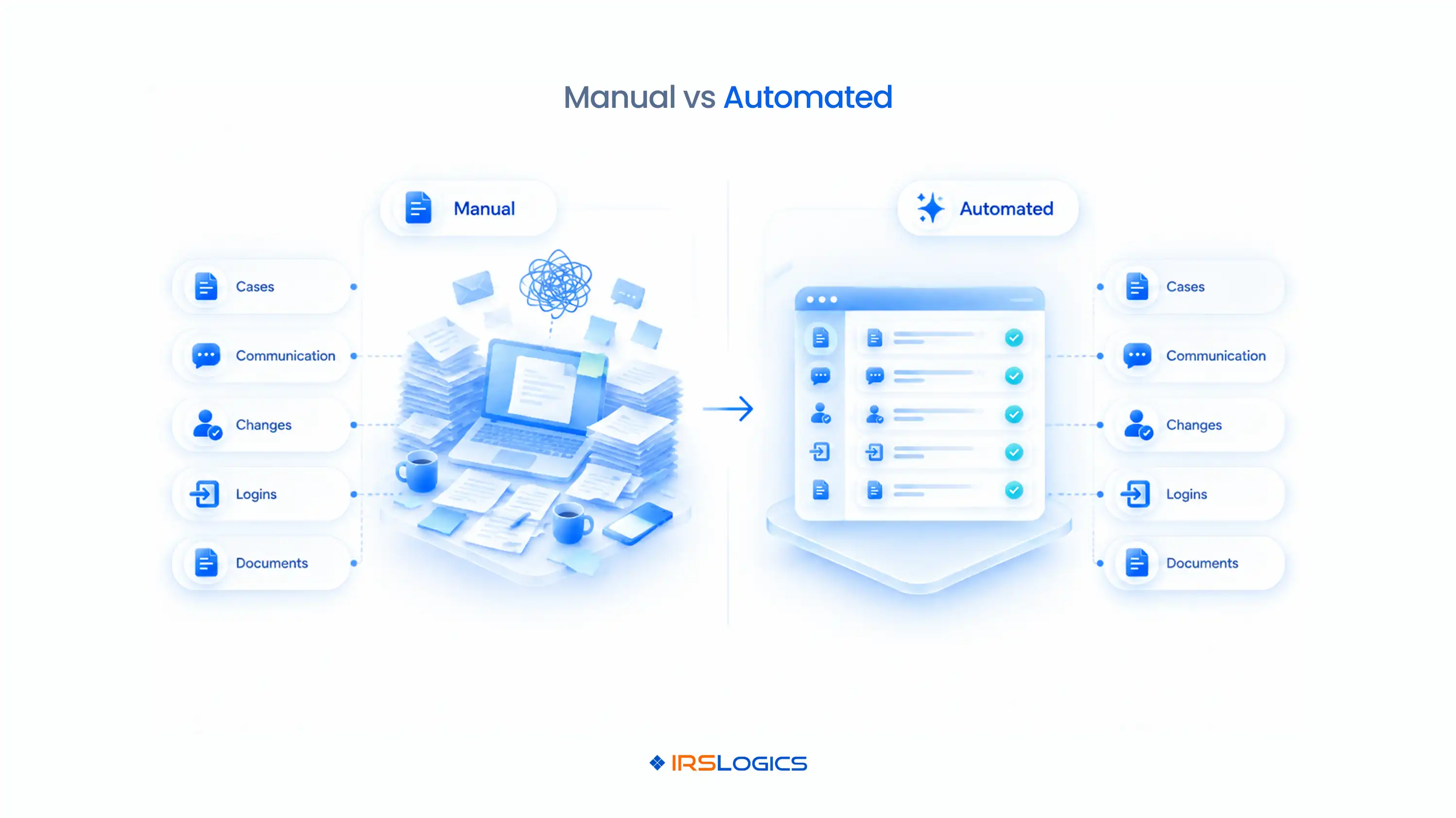
Here's what changes when you automate:
That's the whole promise of professional tax automation software.
Fewer handoffs. Fewer typos. Fewer "wait, who was handling this?" moments.
Intake is where speed wins clients.
A lead that waits two days often calls someone else.
Here's what you can automate:
→ Lead import. Pull leads straight from web forms via HTTP POST or API. No copy-paste.
→ Lead distribution. Assign leads to your sales team by allocation ratio, so nobody cherry-picks and nobody gets buried.
→ Interview scripts. Every intake call covers the same questions, including OIC qualification.
→ First-touch templates. Email and SMS templates go out in seconds, not hours.
→ Appointment booking. When clients book through the portal, the appointment can sync to Google Calendar automatically.
This is tax workflow automation at its simplest. And often its most profitable.
Pair it with a standard tax resolution client financial intake checklist, so every new case starts with the same data every time.
This is where firms bleed hours.
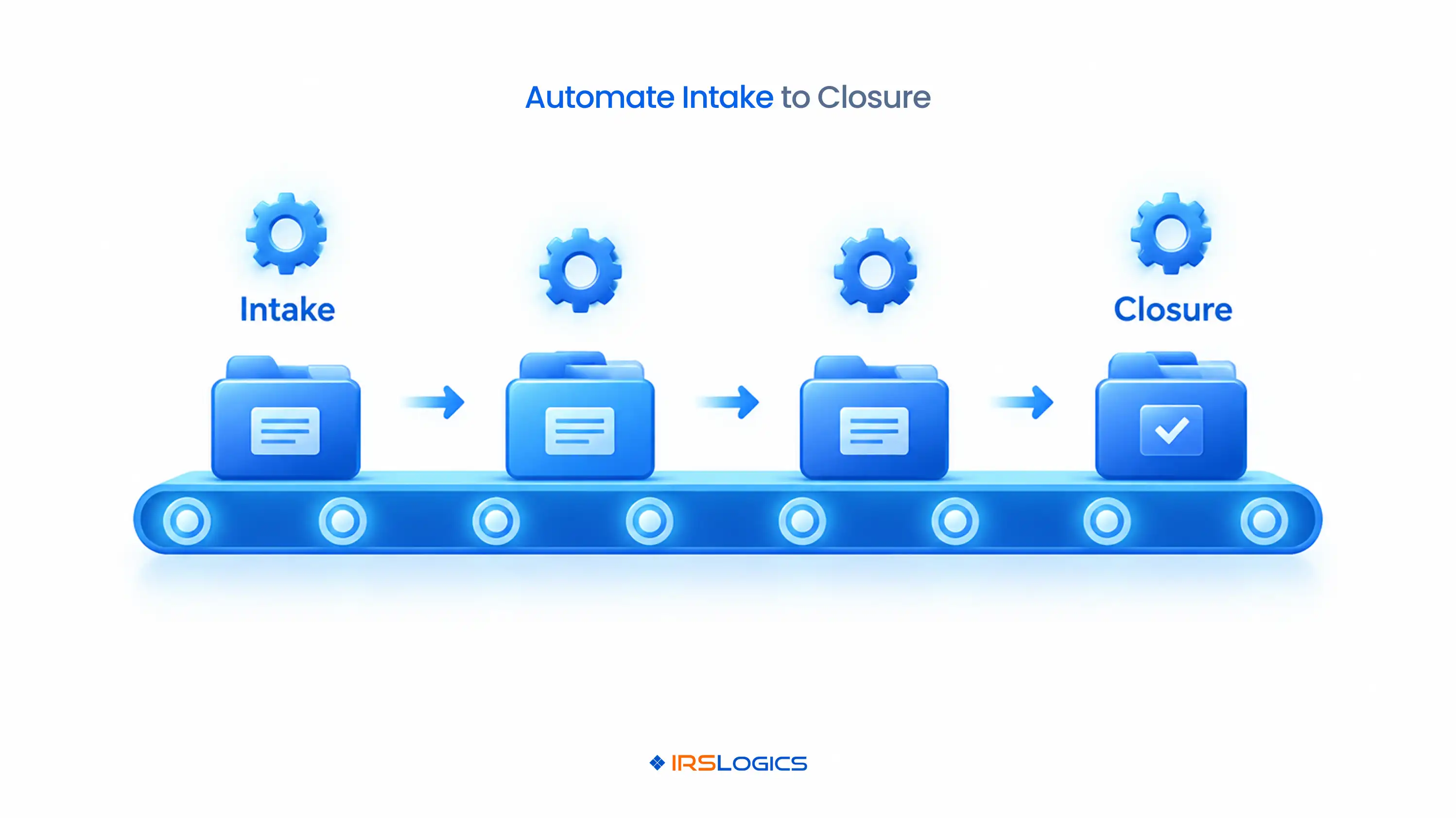
Here's the worst job in resolution: taking a client's numbers and typing them into the IRS Form 433-A. Then again into the 433-B. Then again into the Offer in Compromise worksheets.
Three chances to make the same typo.
A Financial Questionnaire that pre-fills IRS forms kills that job entirely. The client fills it in, you approve it, and the forms populate themselves.
Chasing documents by email is how a two-week case becomes a two-month case.
The Document Collection Tab sends structured requests and shows what's received and what's still missing, without a single "just checking in" email.
Built-in federal and state forms fill from case data using merge fields. E-Sign gets the 2848 or Form 656 signed without a printer in sight.
→ Transcripts get pulled into the case in minutes.
→ Tasks set reminders for every follow-up.
→ Custom Case Status stages move each case through your own workflow.
→ The Rule Engine builds custom automations around your firm's specific requirements.
Good tax process automation doesn't make a case move faster by magic. It removes every reason for it to stall.
And that's where tax workflow automation earns its keep: in the boring middle of the case, not just at the start.
Billing is where tax firm automation pays for itself. Literally.
→ Scheduled payments. Set up installment payments on the case, and process them through a connected merchant account.
→ Payment matching. Tying payments to invoices means you always know which invoice is still open.
→ Receivables tracking. See what's owed across the firm without a spreadsheet.
→ Commissions. The Commissions Report handles sales payroll numbers automatically.
→ Closure records. Case Activities logs every action, so your closed file tells the full story.
No more "did they pay the second installment?" detective work.
Here's the part most automation pitches skip.
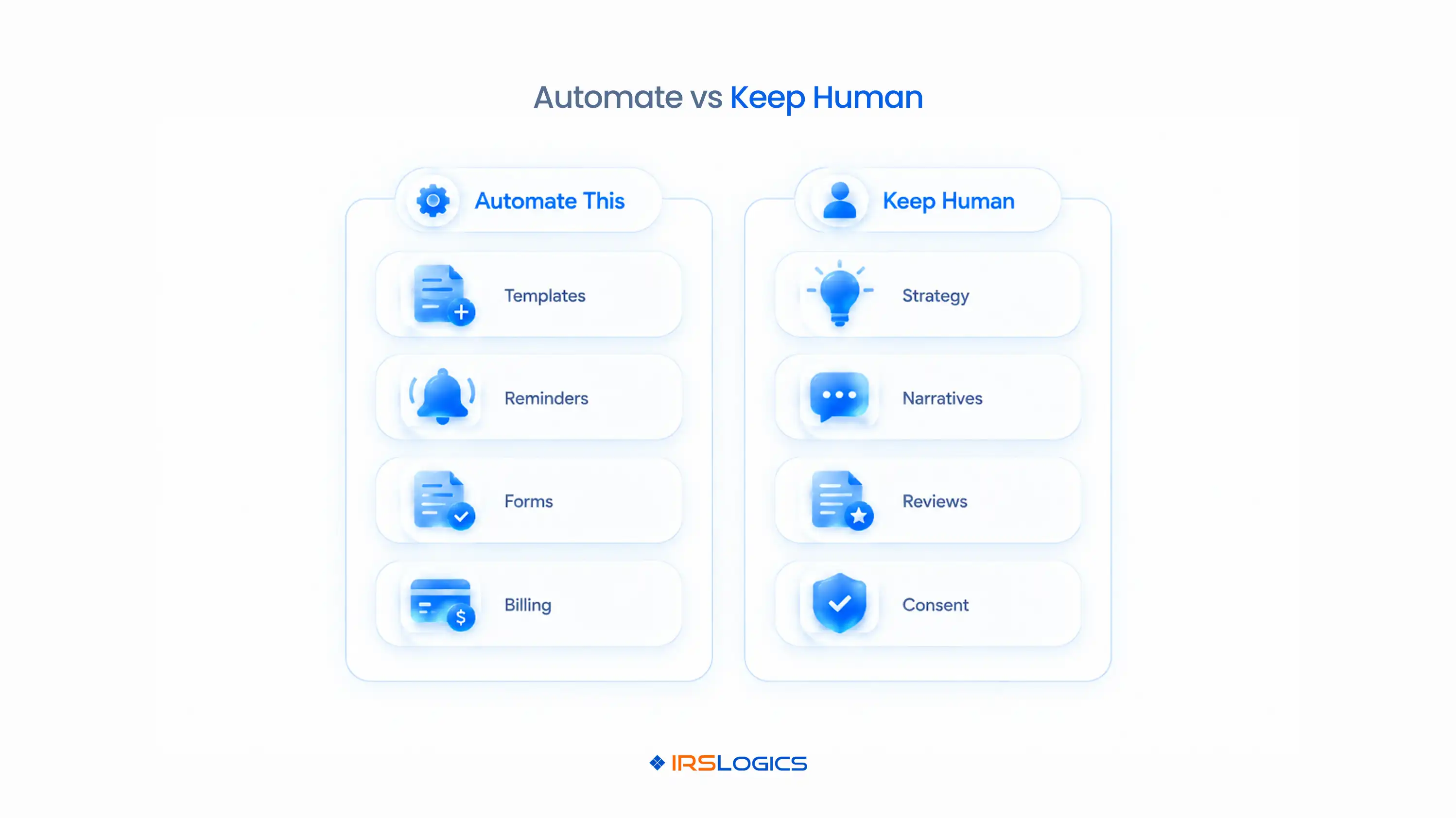
Some things should stay human. Always.
→ Strategy. Choosing between an OIC, an installment agreement or CNC status is a professional judgment call.
→ Reasonable cause narratives. A template can't tell a client's story convincingly.
→ Transcript review. Software can pull transcripts. You still need to read them.
→ Final form review. Auto-populated doesn't mean auto-correct. Review before anything gets signed.
→ Texting without consent. Mass SMS is powerful, but the FCC's rules on unwanted texts mean you need proper consent first.
Automation should do the typing. You do the thinking.
The best tax automation software makes your judgment faster, not optional.
And honestly? Clients can tell the difference.
Automated reminders feel efficient.
Automated strategy feels careless.
That's the line good tax process automation never crosses.
Don't automate everything on Monday.
You'll have a very confused team by Wednesday.
Here's a saner rollout:
Automating a messy process just gives you a faster mess. Fix the process, then automate it. That's how tax firm automation actually sticks.
It's also why generic tools struggle here. A general CRM's automations don't know what a 433-A is. Here's what to look for in the best CRM for tax professionals instead.
Tax process automation works best when the software already speaks IRS, and when your tax automation software is built for resolution rather than adapted to it.
IRSLogics is professional tax automation software built only for tax resolution. Its automations follow real IRS case stages, not generic sales pipelines. That's what makes it complete tax firm automation, from the moment a lead lands to the day the case closes.
Here's how one case runs inside IRSLogics.
It works whether you're an accounting firm adding resolution services or a legal practice comparing the best tax resolution software for tax attorneys. Users rate IRSLogics 93% for ease of use and 93% for quality of support, and it has served resolution professionals for over a decade.
It's software that automates repetitive work in a tax practice, like lead routing, document requests, form population, reminders and billing. For resolution firms, it covers the full IRS case lifecycle.
Prep-focused tax automation software imports data and files returns. Resolution automation handles long-running cases, including financial intake, IRS forms, document tracking and months of follow-ups.
Financial intake or document collection. Those two steps usually cause the most delays, so tax workflow automation there shows results fastest.
No. Tax process automation removes repetitive tasks so case managers can handle more cases. Strategy, transcript review and final form review still need a professional.
Yes. Even a solo EA saves hours with pre-filled forms, templates and automatic reminders. Tax firm automation scales as you add cases and staff.
Yes. The Financial Questionnaire auto-populates the 433-A, 433-B and OIC worksheets, and built-in forms fill from case data using merge fields.
Look for professional tax automation software built specifically for resolution, with IRS forms, transcripts, case stages, a client portal and billing in one platform.
Your team's time is the most expensive thing in your firm. Stop spending it on re-typing, chasing and remembering.
The right professional tax automation software handles the repetitive work at every stage, while your professionals handle the strategy.
Start with one bottleneck. Build real tax workflow automation around it. Then keep going.
That's how professional tax automation software turns a busy firm into a scalable one.
Ready to hand the repetitive work to your software?
→ Book a free demo of IRSLogics
→ Rather talk it through? Call us at +1 (866) 386-2444
All
Tax Software
Workflow & Automation
Industry News
Resolution Tips
Tax Resolution Marketing

Lorem ipsum dolor sit amet, consectetur adipiscing elit. Suspendisse varius enim in eros elementum tristique. Duis cursus, mi quis viverra ornare, eros dolor interdum nulla, ut commodo diam libero vitae erat. Aenean faucibus nibh et justo cursus id rutrum lorem imperdiet. Nunc ut sem vitae risus tristique posuere.


Share this article directly by email. Simply enter the recipient’s details below.

Article has been send to you.