Tax Software


A software demo is designed to feel smooth.
Your job is to find out what it feels like on a Wednesday afternoon when you have cases waiting on transcripts, clients missing documents, payment plans to track, and multiple staff members touching the same file.
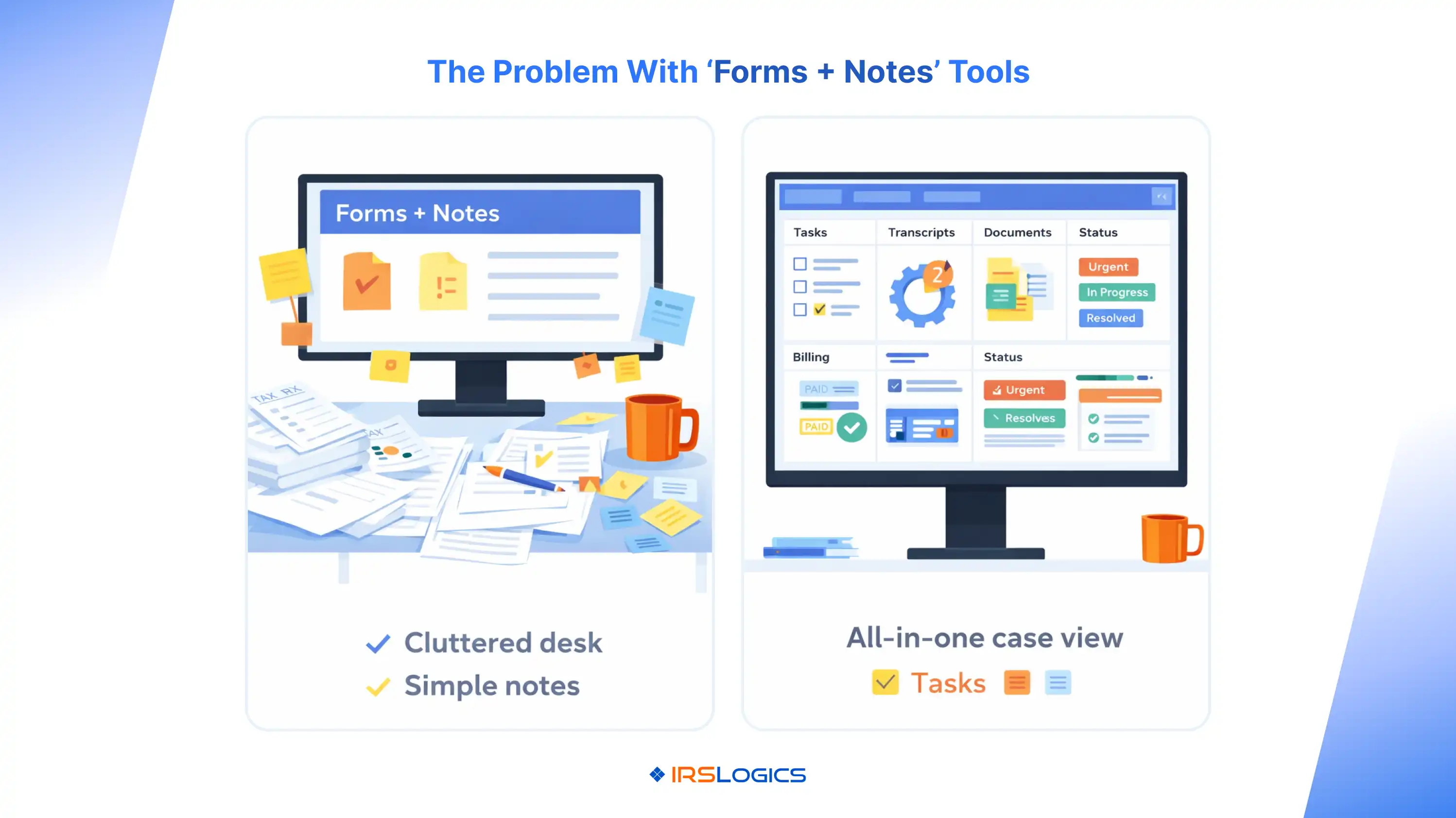
If you ask the right questions during a tax resolution software demo, you will quickly distinguish a real workflow platform from a forms library with a notes tab.
Pick a scenario you commonly handle, for example:
Then tell the vendor, “Please demo using this scenario end-to-end.”
Before the demo, align internally on 3 to 5 non-negotiables, such as:
IRSLogics’ own buyer’s guide frames tax resolution software as an operating system for the practice, not just forms. That’s a good lens to adopt before you start comparing vendors.
At a minimum, include:
You want adoption feedback in real time, not after you sign.
Use these in order. Each question includes what to ask the rep to show, not just explain.
.webp)
Ask them to demonstrate:
Why it matters: if the platform can’t show an end-to-end case view, it’s likely a collection of disconnected features.
Ask them to show:
A good platform makes bottlenecks visible, not hidden.
Ask them to show:
This avoids the common trap where “customizable” actually means “you’ll need admin time forever.”
Ask them to show:
You want documentation that supports execution, not a dumping ground.
Ask them to show:
This matters because real IRS workflows depend on having authorization on file. The IRS also supports online submission and status tracking for Forms 2848 and 8821, so your software process should reflect that reality.
Ask them to show:
Transcript access is core to resolution work. The IRS Transcript Delivery System (TDS) is specifically designed for secure, quick access to client transcripts, and it requires proper authorization. Your software should treat transcripts as operational fuel, not random attachments.
Ask them to show:
If they can’t demonstrate clean notice handling, expect chaos at scale.
Ask them to show:
A strong portal reduces time spent chasing documents and answering “any update?” calls.
IRSLogics positions its portal and collaboration as a central place for documents, updates, and messages. Use the demo to verify that it actually reduces client friction.
Ask them to show:
If the platform supports document lifecycle management, it should feel like an organized case file, not a folder graveyard.
Ask them to show:
If the rep says, “We integrate with e-sign,” insist on seeing the end result in the case record.
Ask them to show:
IRSLogics highlights billing, payment plans, real-time payment visibility, and tracking invoice changes. Make them demonstrate those exact workflows.
Ask them to show:
General CRM articles correctly emphasize reporting in demos, but in tax resolution, you need delivery reporting, not just sales reporting.
Ask them to show:
Scaling breaks when access control is sloppy. IRSLogics specifically calls out multi-office management, dashboards, audit-style visibility, and device control, so this should be easy to validate in a demo.
Ask them to show or provide:
This is not optional. IRS Publication 4557 points tax firms toward the FTC Safeguards Rule and the need for a written information security plan, and it also highlights MFA expectations.
Ask them to cover:
This prevents the “we’re stuck” scenario later. Competitor platforms even state data retention and purge timelines after cancellation, which is exactly the kind of detail you want to clarify up front.
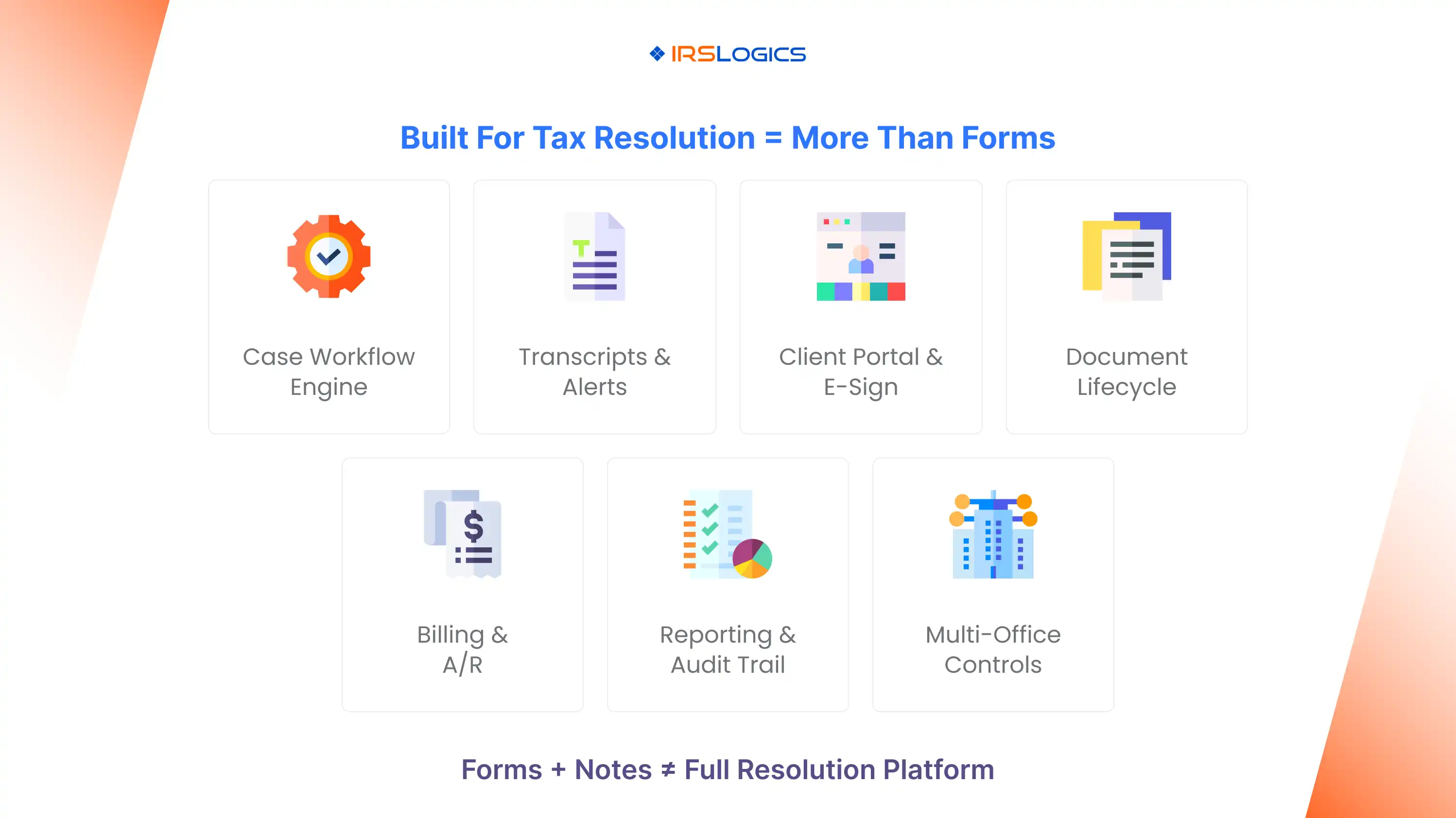
Forms are table stakes. A platform is proven by case flow, task control, transcripts, portal operations, billing, and reporting.
If reports are “coming soon” or “we can build that,” assume you won’t have it when you need it.
If they cannot clearly explain MFA enforcement, encryption, incident response, and how they support your compliance obligations, treat it as a serious warning. Vendor checklists from trusted tax and accounting sources emphasize asking direct security and governance questions for a reason.
If core features require multiple add-ons, or you can’t tell what plan includes what, you will struggle later when you scale users and cases.
If you are evaluating IRSLogics specifically, you can use the same 15 questions above and ask the rep to demonstrate:
To schedule a guided walkthrough, IRSLogics offers demo scheduling, where you can request a personalized demo.
A focused demo should be long enough to walk through one realistic case end-to-end and still show reporting and billing. Many vendors position 30-minute demos as a standard format.
If your team can test a real workflow (intake to transcript to portal to billing), a trial can quickly reveal usability issues. If no trial is available, insist the demo include your real test scenario and role-specific views.
Bring your test case, your current workflow steps, and a list of must-have reports. If transcripts and authorizations are core to your work, be ready to ask about handling TDS and 2848/8821.
Start with workflow execution, transcripts, and authorization flow, client portal/document collection, and billing. Those are the areas most firms struggle to stitch together with spreadsheets and generic CRMs.
Use the 15 questions, score each 1 to 5, and require live demonstrations. Avoid making decisions based solely on UI polish.
A great demo is not the one that looks the best. It’s the one that proves your team can run IRS cases consistently, securely, and profitably, without building a patchwork of tools and workarounds.
Key Takeaways:
All
Tax Software
Workflow & Automation
Industry News
Resolution Tips
Tax Resolution Marketing

Lorem ipsum dolor sit amet, consectetur adipiscing elit. Suspendisse varius enim in eros elementum tristique. Duis cursus, mi quis viverra ornare, eros dolor interdum nulla, ut commodo diam libero vitae erat. Aenean faucibus nibh et justo cursus id rutrum lorem imperdiet. Nunc ut sem vitae risus tristique posuere.


Share this article directly by email. Simply enter the recipient’s details below.

Article has been send to you.