Tax Software


Most tax pros don’t build a representation practice because they want more complexity; they make one because clients now need more protection. IRS audits, notices, and collection actions aren’t rare anymore. They’re routine. And when taxpayers feel overwhelmed, they turn to CPAs, enrolled agents, and tax attorneys for clarity, defense, and peace of mind.
That demand is why firms are expanding into controversial work. IRS enforcement has scaled. Clients will pay for expert guidance. And firms want revenue that isn’t tied to a single filing season.
But here’s the disconnect: IRS representation work isn’t built for spreadsheets and email threads. It’s deadline-driven, documentation-heavy, and intensely sensitive. You’re not just solving a tax issue, you’re proving you acted promptly, accurately, and defensibly. Generic CRMs can’t do that.
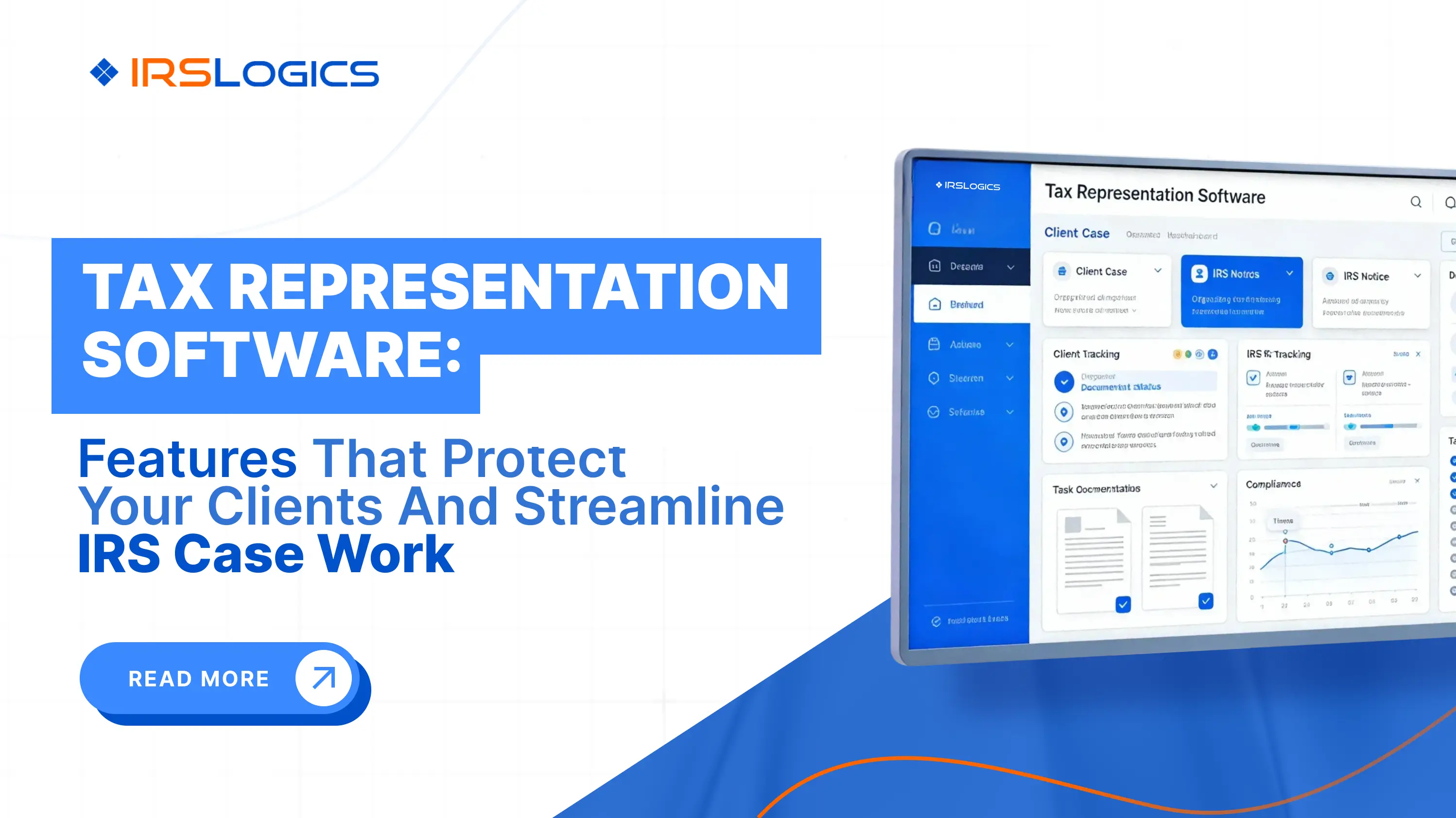
Tax representation software exists because the work requires more than that. It centralizes client and case data, links notices and transcripts to the right files, manages workflows and deadlines, and creates audit-ready documentation as you go.
IRSLogics was built precisely for this reality. As a cloud-based tax resolution CRM and case management platform, it brings leads, forms, workflows, billing, finance, reporting, and e-signature into a single browser-based system designed explicitly for tax resolution professionals.
When IRSLogics becomes the backbone of your representation workflow, IRS cases stop feeling chaotic and start becoming controllable, defensible, and consistently profitable.
Tax representation software is specialized practice software built for professionals who stand between the IRS and taxpayers:
It is different from tax preparation software and generic firm management tools because it focuses on:
Competitor platforms in this space, such as PitBullTax and IRS Solutions, position themselves as IRS tax resolution or representation software for CPAs, EAs and tax attorneys with transcript integrations, solution recommendations and monitoring tools.
IRSLogics takes a focused approach: an all-in-one, web-based CRM for tax resolution and representation that supports both single-office and multi-office setups, with a strong emphasis on workflows, billing, analytics and compliance.
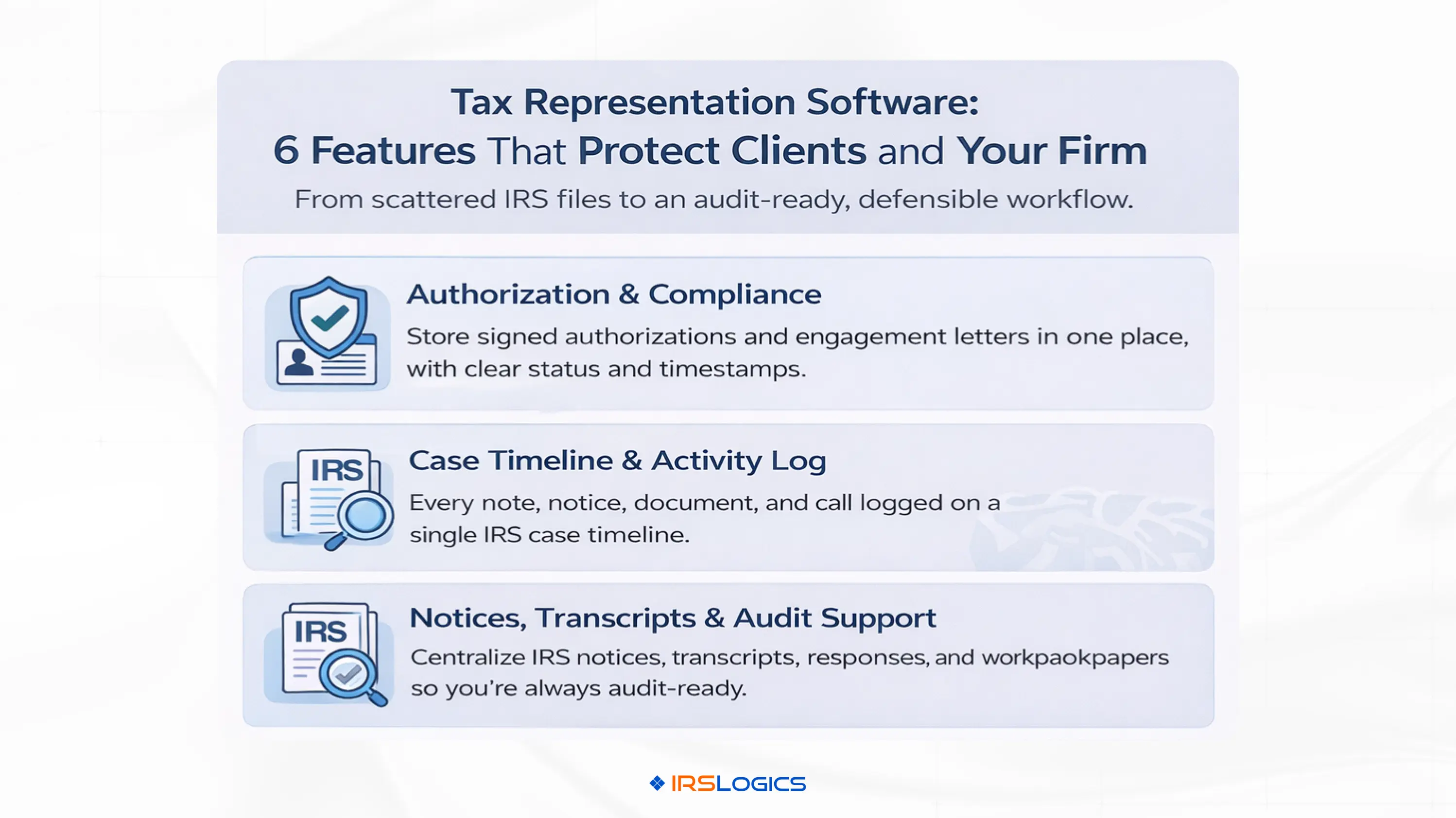
Effective IRS representation starts with proper authorization and clean compliance steps. Tax representation software should make it easy to:
In IRSLogics, those elements live inside a centralized, web-based system that supports standard and custom forms with your own branding, engagement letters and payment authorizations.
That means you have a clear paper trail showing you were authorized and that clients understood the scope of representation and fees.
From the moment a notice arrives until a case is resolved, your file should tell a clear story of what happened, why certain decisions were made and how you kept the client informed.
Tax representation software supports this by:
IRSLogics is designed to capture client data and activities in a way that supports both day-to-day management and compliance with IRS and state tax requirements.
If a case escalates or is revisited years later, you have an audit-ready record of your work.
Transcripts and notices are the factual backbone of IRS representation. The IRS itself emphasizes that transcripts contain sensitive tax information and are central to understanding a taxpayer’s account.
In the broader market, tools like IRS Solutions and Tax Help Software highlight bulk transcript downloads, automated analysis and monitoring in order to spot issues early and increase per-client revenue.
Within IRSLogics, key representation-related capabilities include:
For tax audit representation software, this combination of transcripts, notices, forms and workflows is what allows your team to manage audits, examinations and collection actions in a consistent, repeatable way.
Representation relies heavily on supporting documentation: financials, correspondence, calculations, workpapers and third-party records. Losing track of a key document or working from the wrong version can damage your credibility.
Tax representation software should provide:
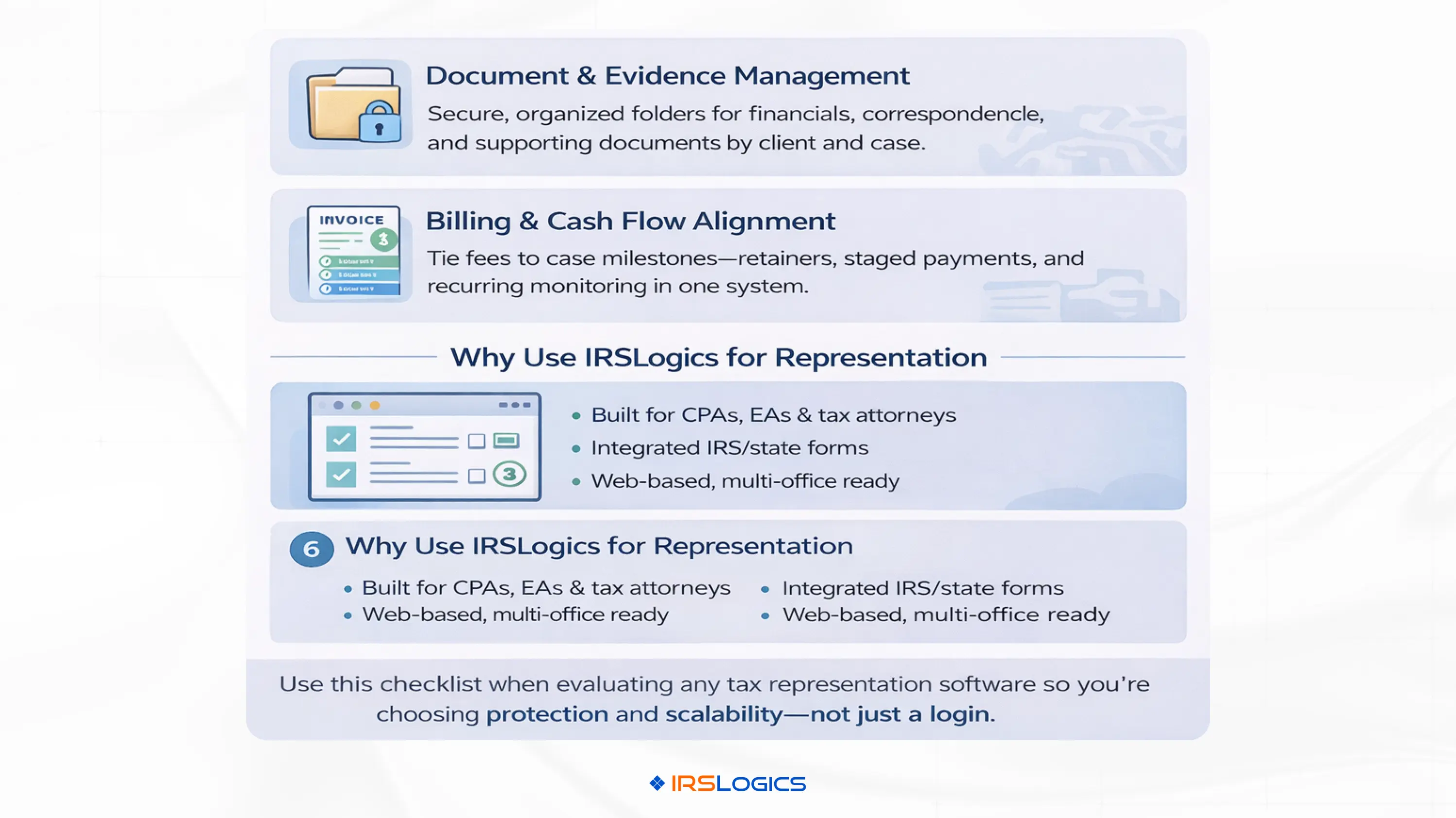
IRSLogics offers secure document management as part of its tax resolution CRM, so that documents, forms, engagement letters and client communications live with the case rather than in separate systems.
This makes it much easier to prepare for appeals, respond to additional information requests and demonstrate what the firm relied on in forming its recommendations.
Representation and tax audit defense do not always follow the neat timelines of tax prep. Cases may be open for months or even years, with extended negotiation and follow-up.
Tax representation software should support:
IRSLogics integrates billing and finance features directly into the CRM, including invoices, payment tracking, analytics and integrations with more than 100 payment gateways, plus e-signature support.
In practice, this turns software into a tool not just for managing risk but also for making revenue and cash flow more predictable.
Beyond risk and documentation, tax representation software must make day-to-day case work faster and more reliable.
IRSLogics and similar platforms provide workflow capabilities such as:
These workflow features are what transform tax representation software from a digital file cabinet into an operational engine for your IRS case work.
IRSLogics is marketed as a comprehensive tax resolution CRM and case management platform, but in practice, it covers the core needs of IRS representation and tax audit defense as well.
Key aspects include:
For many firms, this makes IRSLogics a practical choice when they want IRS representation software that integrates seamlessly with the broader tax resolution work they already do.
To position your firm’s offering clearly in the market, you can design a structured tax audit representation and IRS controversy service with IRSLogics as the backbone.
A practical structure might include:
Using this structure, you can align specific workflows, templates and billing items in IRSLogics with each level of service. That makes your tax audit representation software setup more standardized and easier to scale.
To turn IRSLogics into your primary tax representation software, follow a structured rollout.
This approach helps you move quickly from “we own software” to “this is our documented, defensible representation process.”
When comparing tax representation software, tax audit representation software or IRS representation software options, focus on the following:
IRSLogics scores firmly on specialization, integrated forms, workflow, billing and analytics, making it a strong candidate when you are choosing a core tax representation software for CPAs, EAs and tax attorneys.
Tax representation is where your firm’s technical skill, professional judgment and risk management all come together under a spotlight. Relying on ad-hoc tools for that work increases the risk of missed deadlines, incomplete files and inconsistent client experiences.
By adopting dedicated tax representation software:
IRSLogics provides a purpose-built platform for this, combining tax resolution CRM, case management, automated IRS and state forms, document management, billing, analytics, and web-based access for teams of any size.
When you position IRSLogics as your tax representation software for CPAs, EAs, and tax attorneys, IRS case work becomes more predictable, more scalable, and better documented. That is precisely what you need when the stakes of every decision are high.
Tax representation software is practice software explicitly designed for handling IRS and state controversy work, including audits, collections, offers in compromise, appeals, and penalty abatements. It combines case management, integrated IRS forms, document storage, workflows, billing and reporting into one system so that CPAs, EAs and tax attorneys can manage and document representation work consistently.
Tax preparation software focuses on preparing and filing returns. Tax representation software focuses on what happens when the IRS questions those returns or pursues collection. It is built around notices, transcripts, audits, negotiations and appeals, with strong emphasis on case timelines, documentation and communication rather than just form preparation and e-filing.
Yes. IRSLogics is a comprehensive, web-based tax resolution CRM and case management system designed for attorneys, CPAs, enrolled agents and tax resolution firms. It integrates IRS and state forms, workflows, document management, billing, analytics and secure access, which collectively make it well-suited as IRS representation software.
For tax audit representation software, the most important features are: centralized case management, timeline and activity logs, integrated IRS forms, strong document management, task and deadline tracking, secure handling of transcripts and notices, and billing linked to representation milestones. These are the pieces that protect the client and create an audit-ready file if the case is reviewed later.
By centralizing records and automating documentation, tax representation software helps show that your firm acted diligently and consistently across cases. Clear timelines, logged communications, signed authorizations, stored workpapers and documented recommendations all contribute to a defensible file if questions ever arise about how a case was handled.
No. Platforms like IRSLogics are designed for solo practitioners, small teams and multi-office firms. Because it is offered as browser-based software with per-user subscriptions, a solo CPA or EA can start with a single user and scale up as demand for tax representation and resolution services grows.
All
Tax Software
Workflow & Automation
Industry News
Resolution Tips
Tax Resolution Marketing

Lorem ipsum dolor sit amet, consectetur adipiscing elit. Suspendisse varius enim in eros elementum tristique. Duis cursus, mi quis viverra ornare, eros dolor interdum nulla, ut commodo diam libero vitae erat. Aenean faucibus nibh et justo cursus id rutrum lorem imperdiet. Nunc ut sem vitae risus tristique posuere.


Share this article directly by email. Simply enter the recipient’s details below.

Article has been send to you.