Tax Software


You've probably already Googled "best tax resolution software" at least once.
And you've probably landed on a list that names the same five tools, describes them in the same three sentences, and leaves you no closer to a real decision.
This isn't that.
If you're a CPA, enrolled agent, or tax attorney who handles IRS cases, you already know what's on the line. A case missed. A transcript pulled late. A client who doesn't sign because your document process is a mess. The software you pick doesn't just affect your workflow. It affects your outcomes.
This guide breaks down what the top tax resolution software in the USA actually needs to do, how the leading platforms compare, and what to look for before you commit to a demo.
Most practice management software was built for tax preparation. Some of it was built for accounting broadly. Very little of it was built specifically for the resolution case lifecycle.
That distinction matters more than people realise.
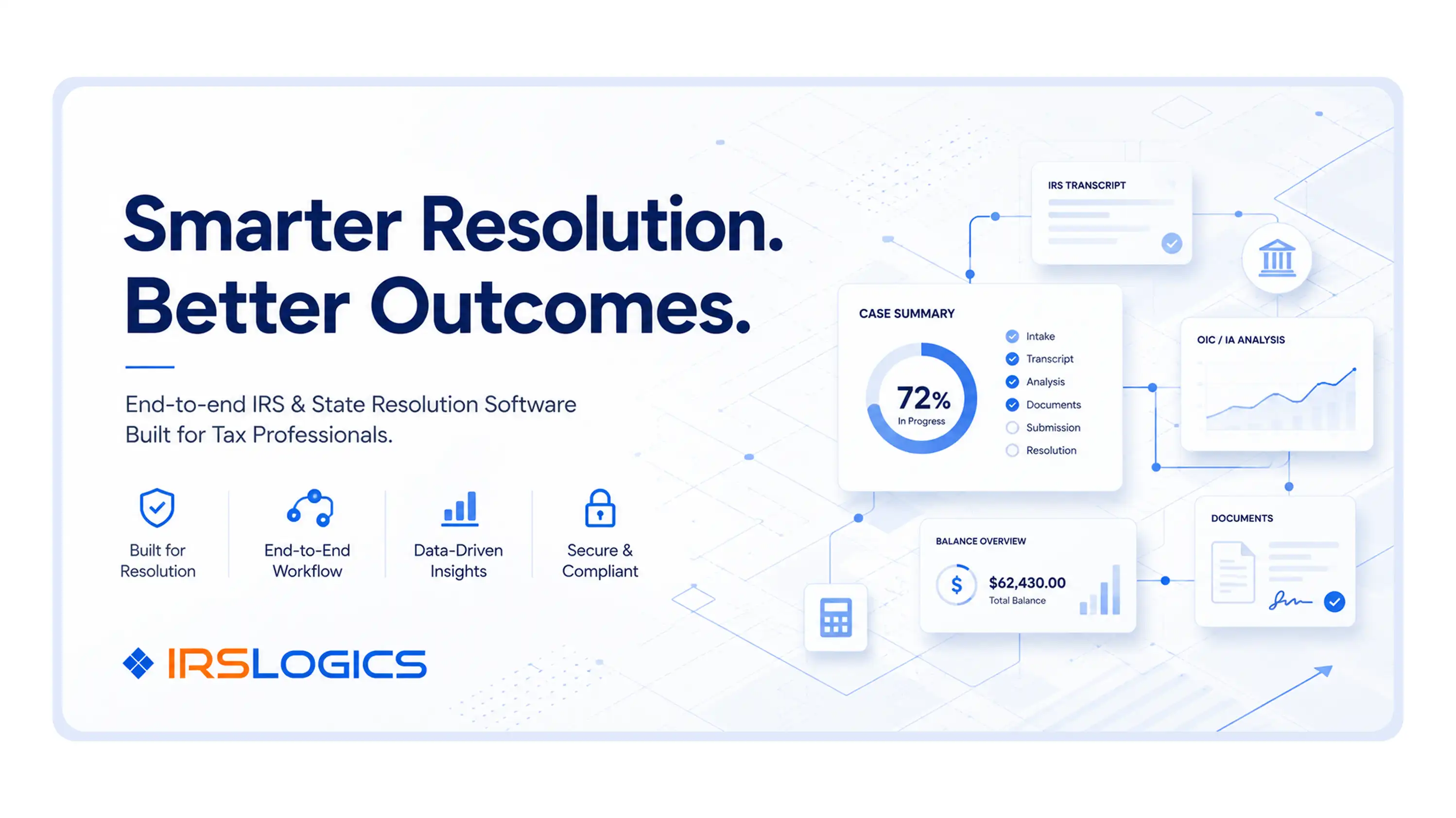
When you're handling an Offer in Compromise, a Collection Due Process hearing, or an installment agreement negotiation, you're not just filing a return. You're managing a client's financial exposure, pulling IRS transcripts, tracking CSED windows, gathering 433-A data, and communicating with an IRS revenue officer. That is a fundamentally different workflow from preparing a 1040.
Software built for tax prep will not handle that well. It was never designed to.
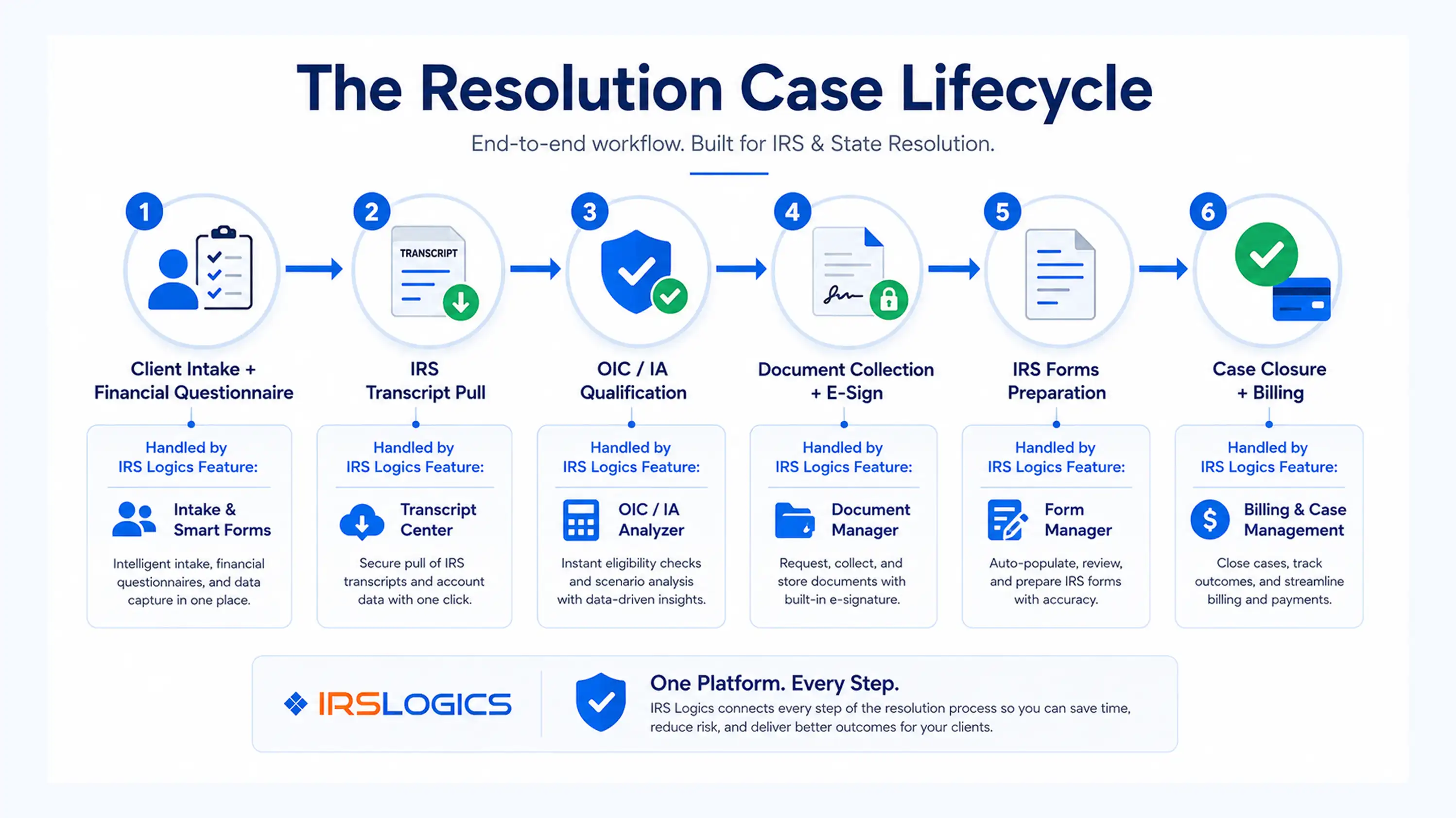
The best tax resolution software in the USA is built around the resolution case lifecycle from intake to closure. It connects case management, IRS transcript access, client communication, document collection, billing, and compliance in one place.
If the platform you're evaluating doesn't address all of those things specifically, it's not resolution software. It's general software with a resolution-flavoured label on it.
Before you look at pricing or book a demo, here's what your evaluation checklist should include.
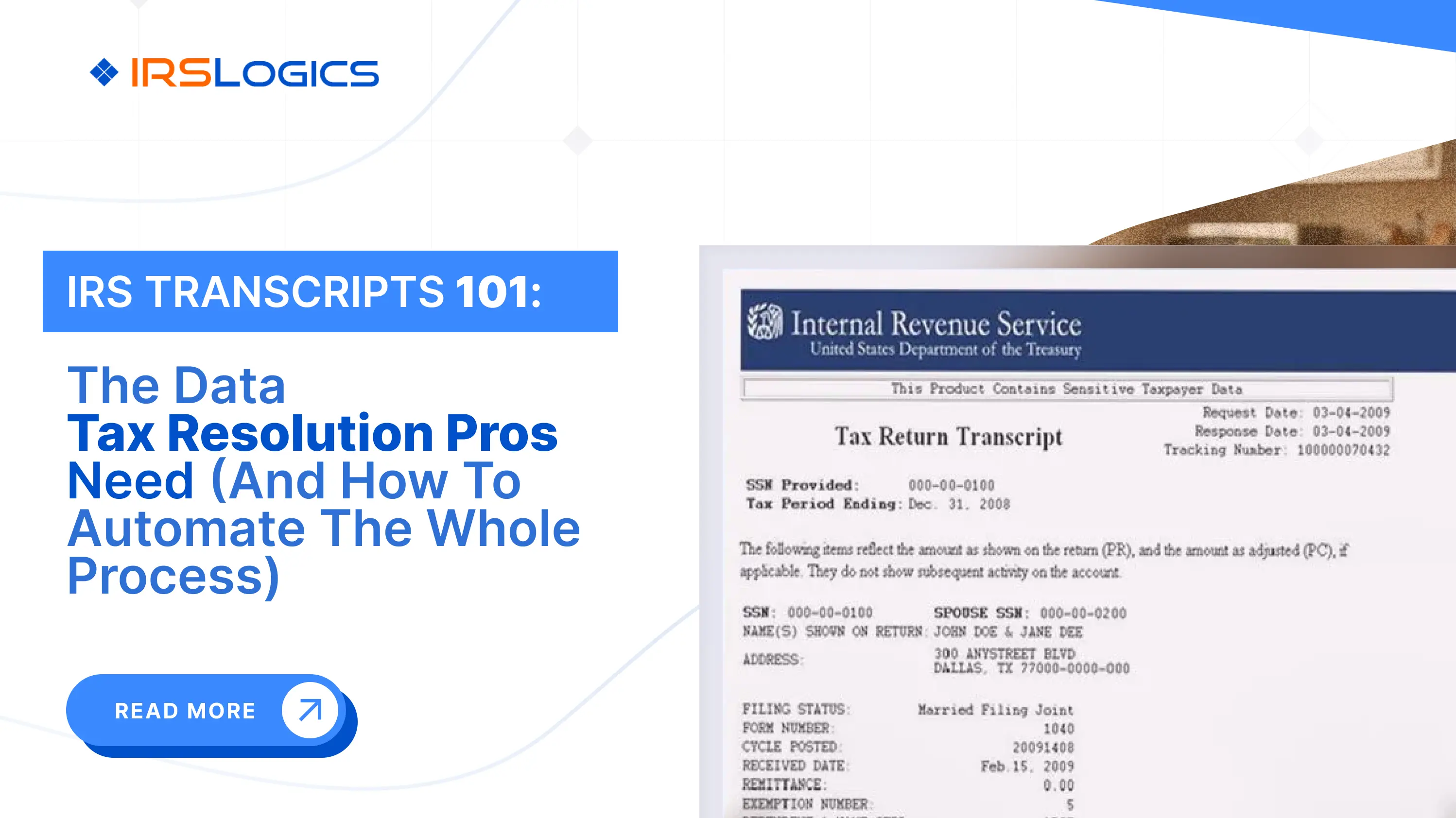
You need transcripts at almost every stage of a resolution case. Account transcripts to understand what the IRS has on file. Wage and income transcripts to cross-check client financials. The IRS Transcript Delivery System exists, but pulling transcripts manually, tracking them in a spreadsheet, and re-entering data into your case file is a workflow that doesn't scale.
Look for a platform that pulls transcripts directly inside the client case record and logs every request automatically.
The 433-A is not a form you want to fill out manually if you can avoid it. Neither is the 433-B or the OIC worksheet.
The right platform lets you send clients a financial questionnaire, collect their data digitally, approve it, and have it auto-populate into the relevant IRS financial forms inside the platform. No re-keying. No copy-paste errors.
According to the IRS, errors in financial disclosure forms are one of the most common reasons OIC applications are rejected or returned. Eliminating manual entry reduces that risk significantly.
Client documents go missing. Requests go unanswered. Onboarding drags because you're chasing bank statements via email.
A proper document collection workflow should let you request specific documents, track their status, categorise them into folders, and get them signed through built-in e-signature, all without leaving the platform or switching to a separate tool.
Tax resolution firms often run on retainer and recurring billing structures. Knowing which invoice is paid, which is outstanding, and which client is overdue should not require a spreadsheet check.
Look for platforms where payments are linked directly to their corresponding invoices, and where your accounts receivable picture is visible without manual reconciliation.
SMS exchanges scattered across personal phones. Emails in separate inboxes. Missed messages from clients who thought they already responded.
The platforms worth looking at bring two-way SMS and email communication into the client case record, in a threaded conversation view, so nothing gets lost and your whole team has visibility.
The tax resolution software market in the USA breaks into two categories: platforms built specifically for resolution work, and general practice management tools that tax resolution firms sometimes use.
Purpose-built resolution platforms: IRSLogics and Pitbull Tax are the two primary tools built exclusively for tax resolution case management. Both cover the core resolution workflow. IRSLogics differentiates on end-to-end case lifecycle depth, integrations, and automation. Pitbull Tax is well-known in OIC-heavy practices.
General practice management adapted for resolution: TaxDome and Canopy are strong general tax practice tools. They handle document collection, client portals, and billing well. Where they fall short for resolution-specific firms is IRS case workflow depth, built-in transcript access, and OIC tooling.
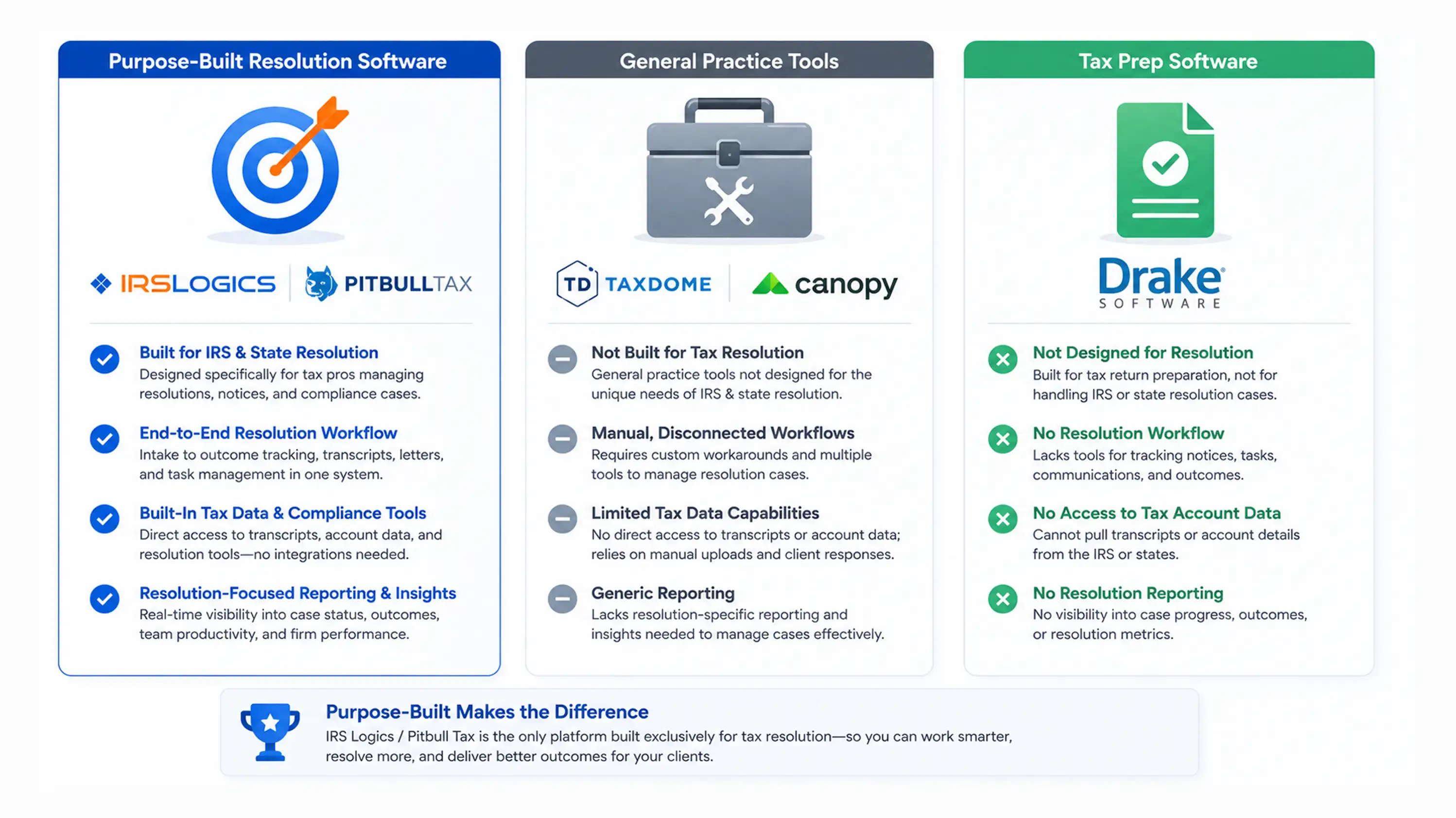
Tax preparation tools: Drake Software is in a different category entirely. It's a preparation platform. If you're doing resolution work alongside tax prep, you'd need a dedicated resolution platform to layer on top. Drake doesn't replace it.
The NAEA recommends that enrolled agents working in tax representation use software purpose-built for the specific demands of IRS representation work, not adapted from general accounting tools.
The honest version of this comparison: if your caseload is primarily resolution, the general tools will feel like workarounds inside of six months.
What Gets Missed in Most Software Evaluations
Most demos focus on the features that look good on a screen share. Here's what to dig into instead.
Audit trail and case activity logging. If something goes wrong on a case, you need to know exactly what happened and when. Look for platforms that log every action taken on a case automatically.
Role-based access. Not every team member needs to see billing. Not every case manager needs admin access. If the platform can't control who sees what, that's a security and compliance problem waiting to happen.
Integration with tools you already use. Google Calendar, Calendly, RingCentral, credit reporting via iSoftPull. If the platform lives in a silo, your team will work around it.
Scalability of the rule engine. Fixed workflows work fine at five cases. At fifty, you need automations, custom case statuses, and the ability to build workflows that match how your firm actually operates.
The AICPA's guidance on technology adoption for accounting firms emphasises that the total cost of a tool includes the time cost of workarounds, not just the subscription fee. If the platform forces you to maintain parallel processes in spreadsheets or separate tools, the real cost is higher than the invoice.
IRSLogics has been serving tax resolution professionals for over a decade. It's not a general CRM with a tax-flavoured interface. Every feature inside the platform maps to a specific stage of the resolution case lifecycle.
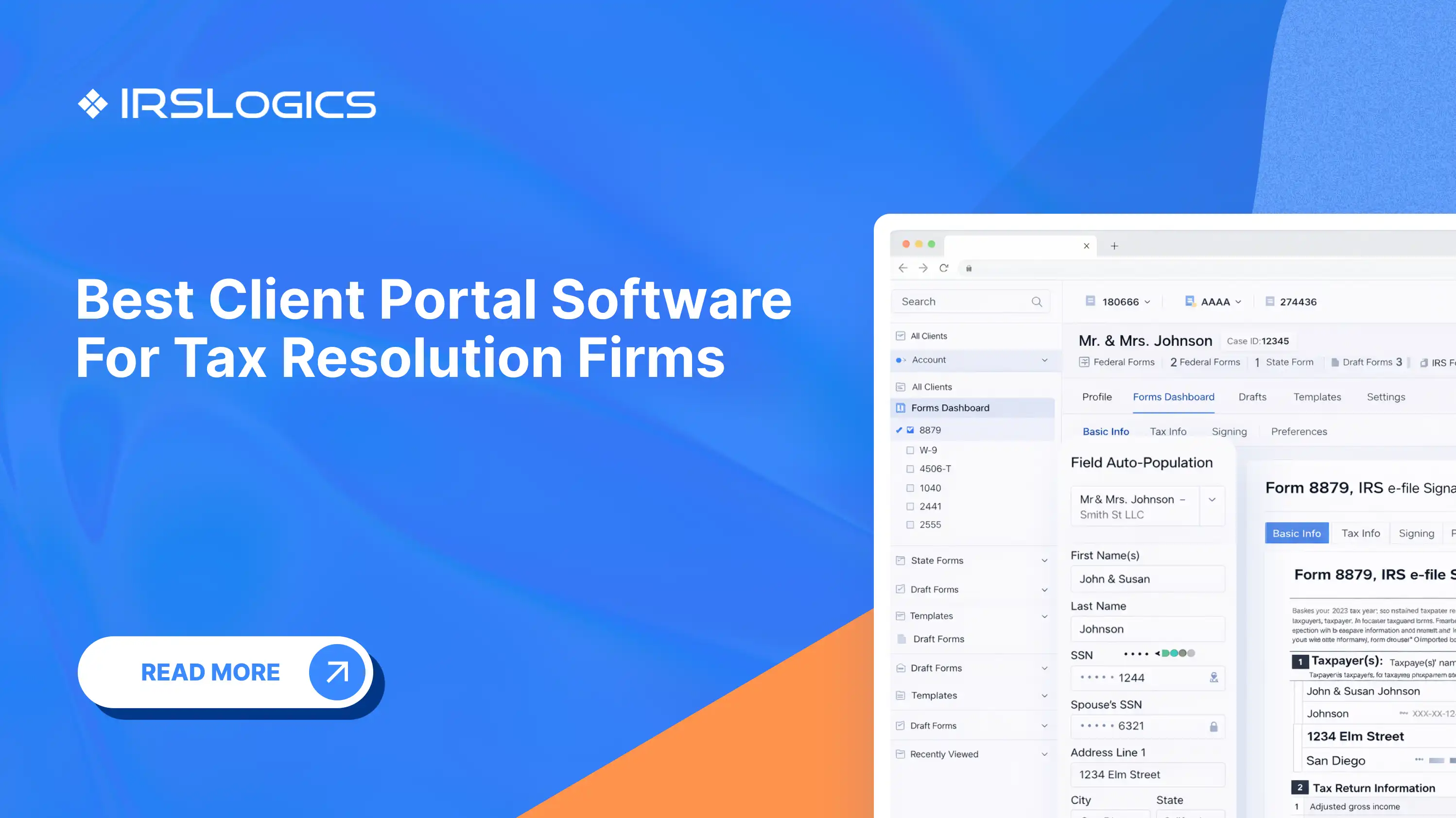
The Financial Questionnaire sends a fillable intake form directly to the client from inside their case record. When the client completes it, the firm is notified, the data is approved, and it auto-populates into the 433-A, 433-B, and OIC worksheets. No re-entry.
The SMS Conversation View brings two-way texting into a threaded view inside the case, so your team isn't piecing together client conversations from personal phones. Transcript requests are initiated and logged directly from the case record through the IRS Transcript Delivery System.
Payments are tied directly to invoices, so your accounts receivable picture is always accurate. Appointments booked through the client portal sync automatically to Google Calendar. Credit reports from all three bureaus can be pulled through iSoftPull directly inside the platform, with proper consent workflows in place.
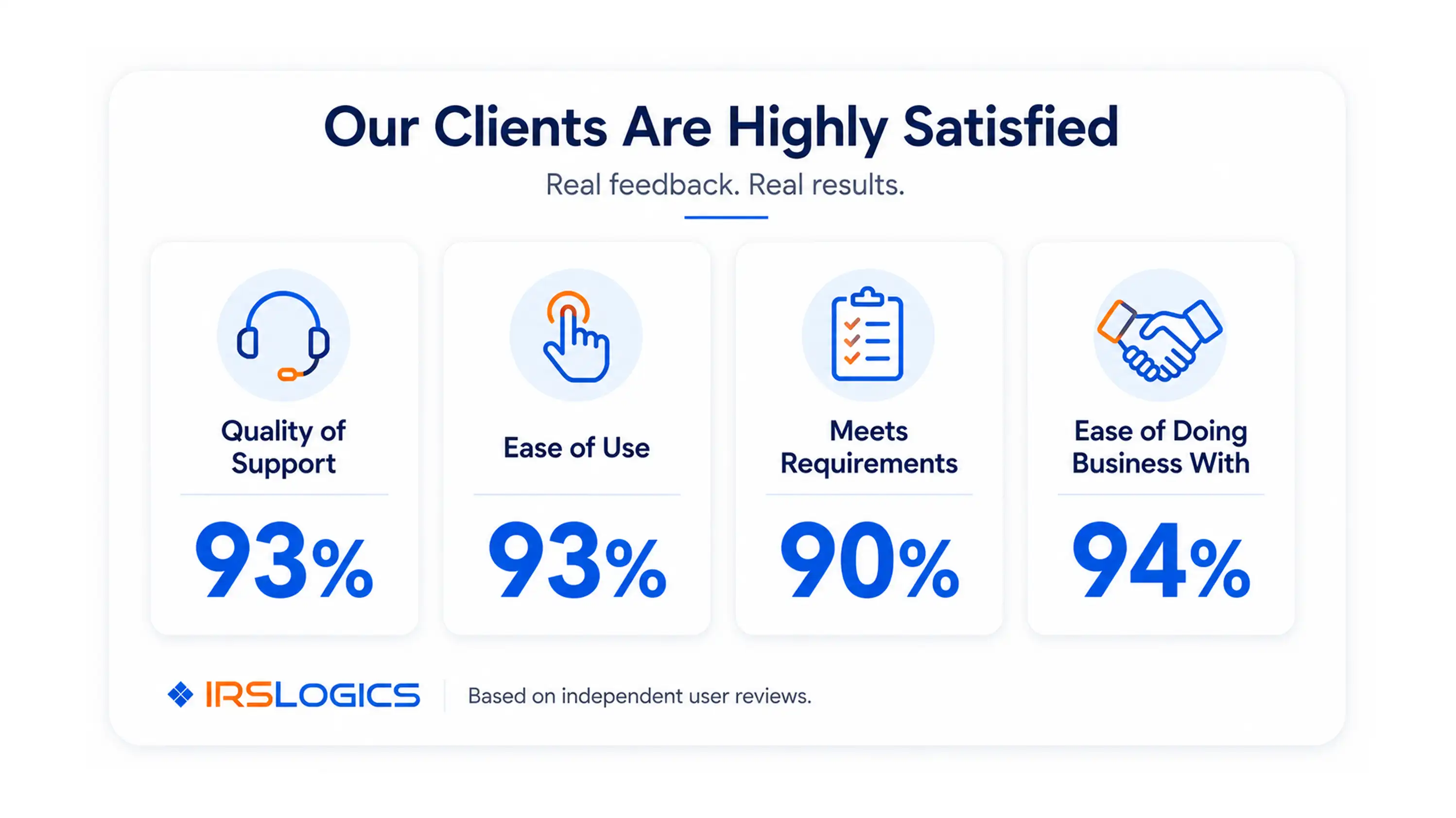
The platform's satisfaction ratings reflect what practitioners actually experience: 93% ease of use, 94% ease of doing business with, and 90% meets requirements, based on independent user reviews across TaxRise, Jackson Hewitt, Levy and Associates, and similar firms.
Firms evaluating resolution software for the first time should read the blog on what questions to ask during a tax resolution software demo before booking a call. It covers the questions that separate a real evaluation from a sales conversation. If you're also weighing a general CRM against a purpose-built tool, the tax resolution CRM vs general CRM breakdown covers the tradeoffs in detail. And for firms comparing cloud-based and desktop options, this guide on cloud vs desktop tax resolution software is worth reading before your final decision.
This blog makes the case that purpose-built resolution software outperforms general tools for IRS casework. IRSLogics is what that looks like in practice.
IRSLogics has been serving tax resolution professionals for over a decade. It is not a general CRM adapted for resolution work. Every feature inside the platform maps to a specific stage of the resolution case lifecycle, from the Financial Questionnaire that auto-populates Form 433-A, 433-B, and OIC worksheets, to transcript requests initiated and logged directly from the case record, to payments tied to individual invoices so your accounts receivable picture is always accurate without a manual reconciliation.
Role-based access keeps the right people in the right parts of the system. The audit trail logs every case action automatically. The client portal handles document uploads, e-signatures, appointment booking, and billing in one branded, secure place. SMS communication is threaded inside the case record so your whole team has visibility, not just the person who sent the last message.
The platform's independent satisfaction ratings reflect what practitioners actually experience across firms of all sizes, from solo enrolled agents to multi-office resolution practices.
Explore the full feature set or view plans and pricing to see how IRSLogics holds up against your evaluation checklist.
What is the best tax resolution software in the USA?It depends on your practice. Resolution-focused firms need purpose-built tools, not general software with add-ons.
How is tax resolution software different from tax preparation software?Prep tools handle filing. Resolution software manages ongoing IRS cases, documents, and compliance work.
What features should I look for in tax resolution software?Look for full workflow coverage. Transcripts, forms, documents, billing, communication, and automation in one place.
Which software helps most with IRS audit representation?Tools built for resolution work perform best. They support the full lifecycle of audit and IRS interaction.
Can tax resolution software integrate with Google Calendar and other tools?Yes. Strong platforms sync calendars, calls, and scheduling to reduce manual coordination.
What does tax resolution software typically cost?Pricing varies, but the real cost is tool sprawl. Consolidation often saves more than the license fee suggests.
Is IRS Logics suitable for solo enrolled agents or small firms?Yes. It scales from solo practitioners to larger firms managing higher case volumes.
The market for tax resolution software has options. What it doesn't have enough of is honest evaluation guidance.
Here's what to remember:
If you're ready to see what purpose-built resolution software looks like in practice, book a free demo with IRSLogics and see the full case lifecycle in action.
All
Tax Software
Workflow & Automation
Industry News
Resolution Tips
Tax Resolution Marketing

Lorem ipsum dolor sit amet, consectetur adipiscing elit. Suspendisse varius enim in eros elementum tristique. Duis cursus, mi quis viverra ornare, eros dolor interdum nulla, ut commodo diam libero vitae erat. Aenean faucibus nibh et justo cursus id rutrum lorem imperdiet. Nunc ut sem vitae risus tristique posuere.


Share this article directly by email. Simply enter the recipient’s details below.

Article has been send to you.