Tax Software


You searched "IRS-approved software for tax preparers" and landed here. Which means you probably want a straight answer.
Here it is: "IRS-approved" for tax prep and "built for tax resolution" are two completely different things. And if you're running IRS cases like OICs, installment agreements, CNC status, and transcript pulls, you need to know exactly which category your software falls into.
Because using the wrong tool for the wrong job is how cases get messy, deadlines get missed, and clients lose confidence in your firm.
This blog breaks down what IRS approval actually means, what tax prep software covers, and what a resolution-ready software stack looks like in practice.
Let's clear this up first.
When someone says "IRS-approved software," they're almost always referring to one thing: the IRS Modernized e-File (MeF) program. MeF is the IRS's electronic filing system. Software companies apply to become approved MeF business providers, meaning their platforms have been authorized to transmit returns electronically to the IRS. That's it.
It does not mean the IRS has reviewed, tested, or endorsed the software for everything else you do in a tax resolution practice.
It means returns filed through that platform can be transmitted electronically.
So when you see Drake, ProConnect, or TaxSlayer Pro listed as IRS-approved, what they're telling you is that their e-file transmission has been approved. That's a real and important credential. This isn't the whole picture for resolution work.
Here's where many firms get stuck.
They use a tax prep platform for returns, which is totally fine. Drake files returns. TaxAct files returns. TurboTax Pro files returns. These tools do exactly what they're supposed to do.
But then a client comes in with a levy, a lien, 80,000 dollars in back taxes, and no idea what a Form 433-A is. And suddenly you need to:
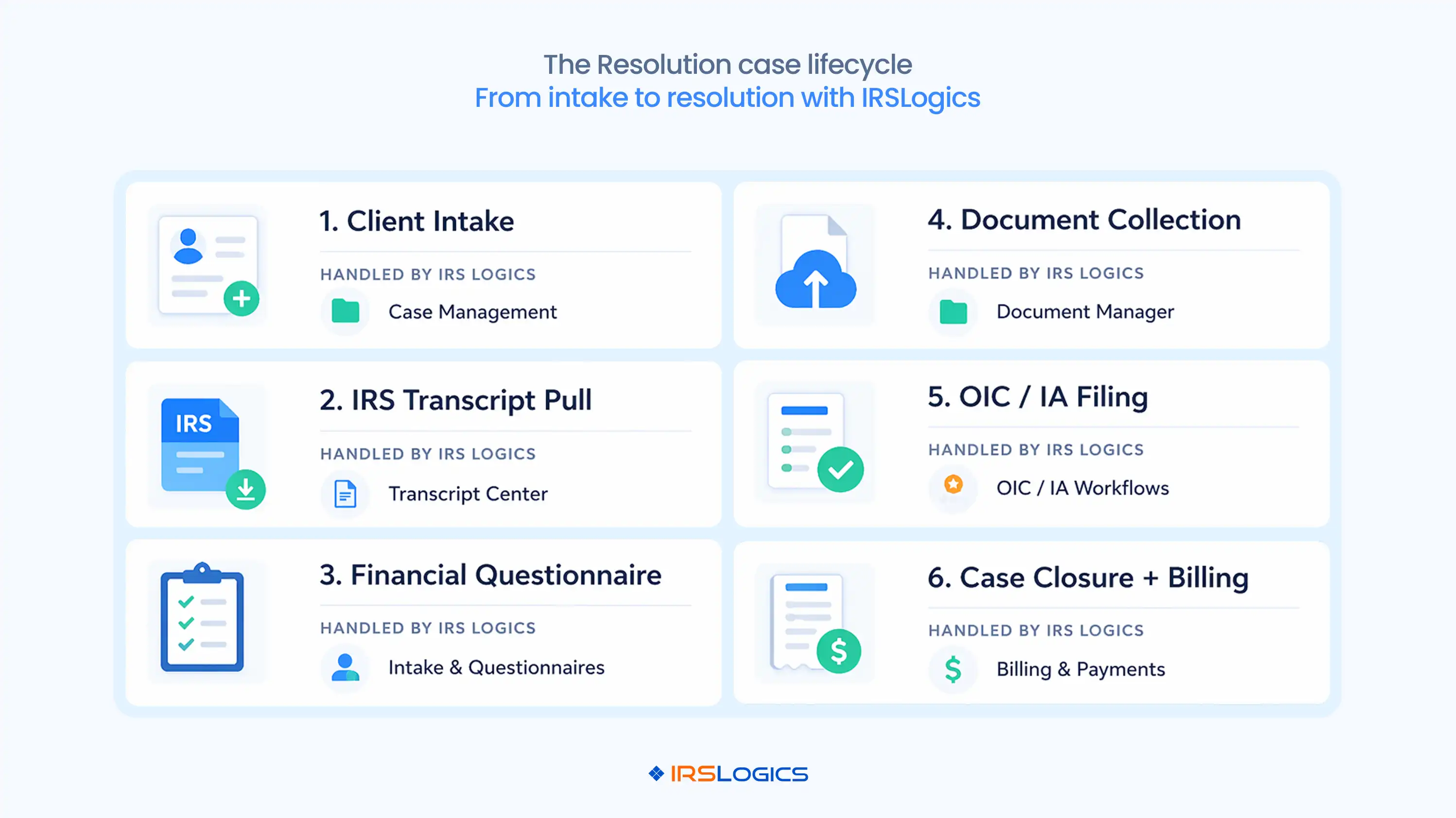
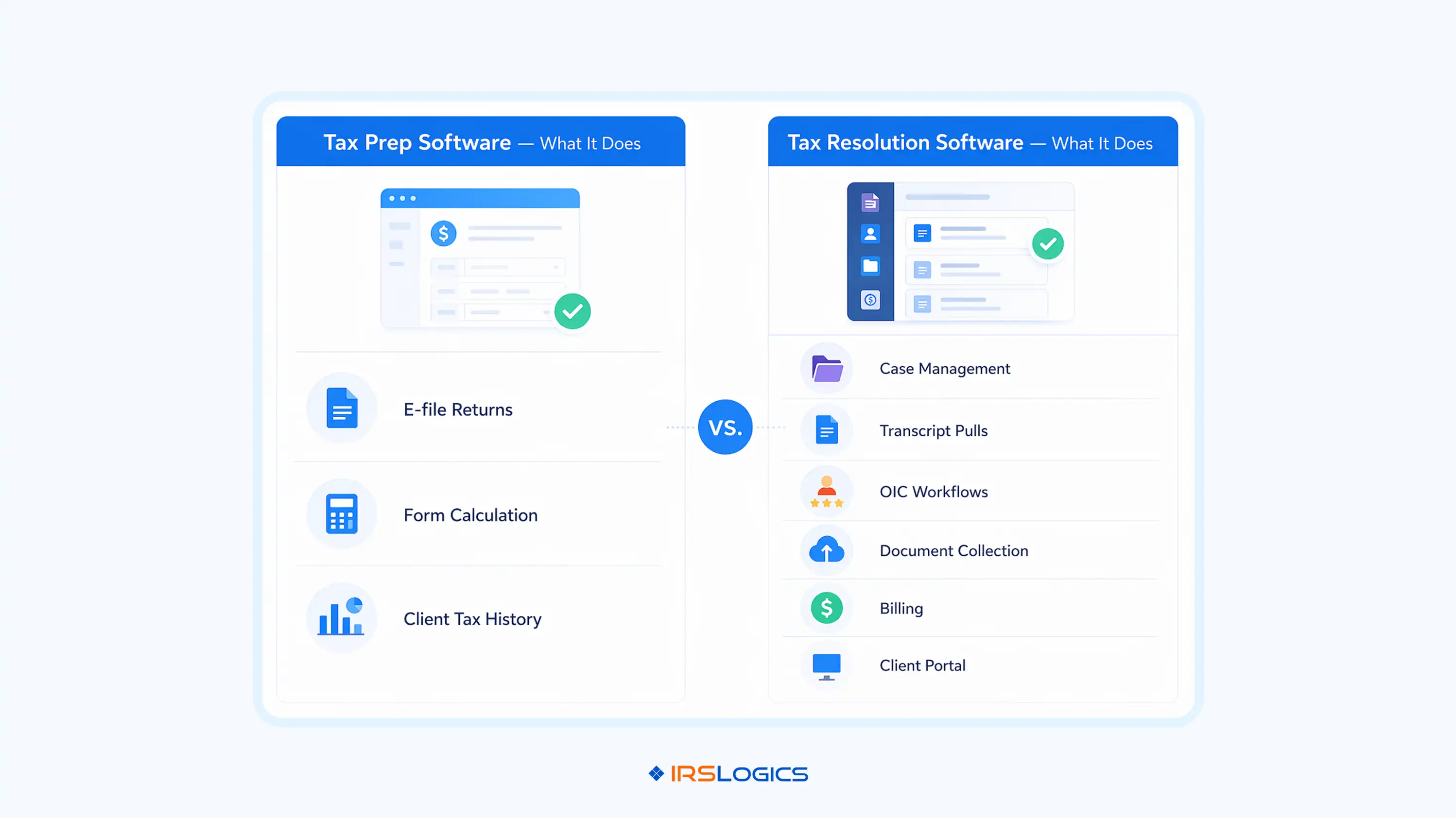
Your tax prep software can't do any of that. It was never designed to.
This is why tax resolution software exists as a separate category. And that is why understanding that distinction matters before you decide what tools your firm actually needs.
The National Association of Enrolled Agents (NAEA) has long emphasized the operational complexity of resolution practice. And that complexity is exactly where general tax prep software runs out of road.
If you handle IRS resolution cases, here's the reality.
You're not just filing a return and moving on. You're managing a case lifecycle that can span months and involve multiple IRS forms, client communication, document collection, billing, and a lot of back-and-forth with clients who are scared and stressed.
A spreadsheet will not hold it together. A general CRM will not hold it together either.
What you actually need:
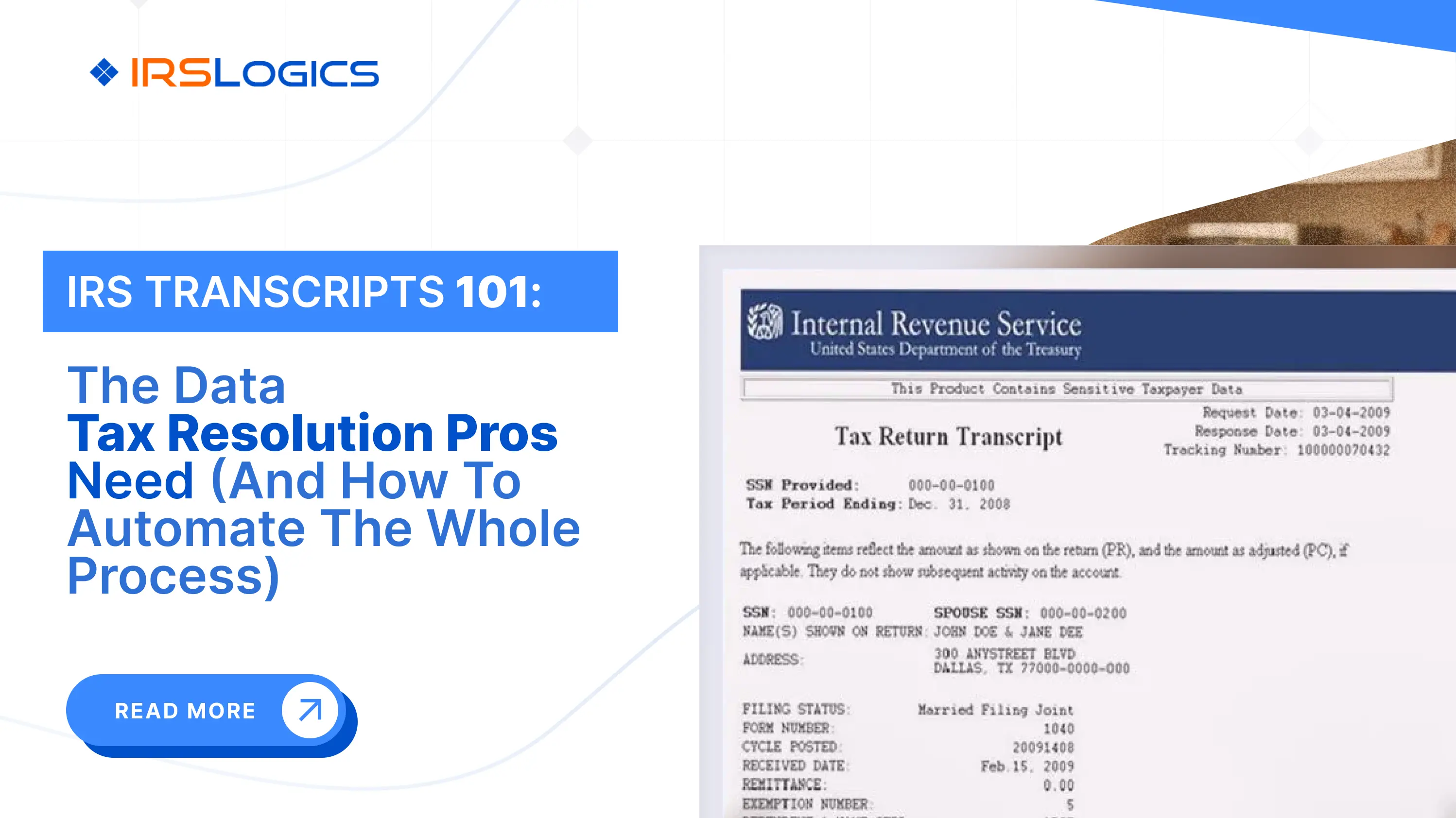
Every resolution case starts with understanding what the IRS has on file. Pulling transcripts manually from the IRS Transcript Delivery System takes time and requires separate tracking. Within IRS Logics, transcript requests are initiated directly from the client case record, securely pulled in minutes, and logged automatically.
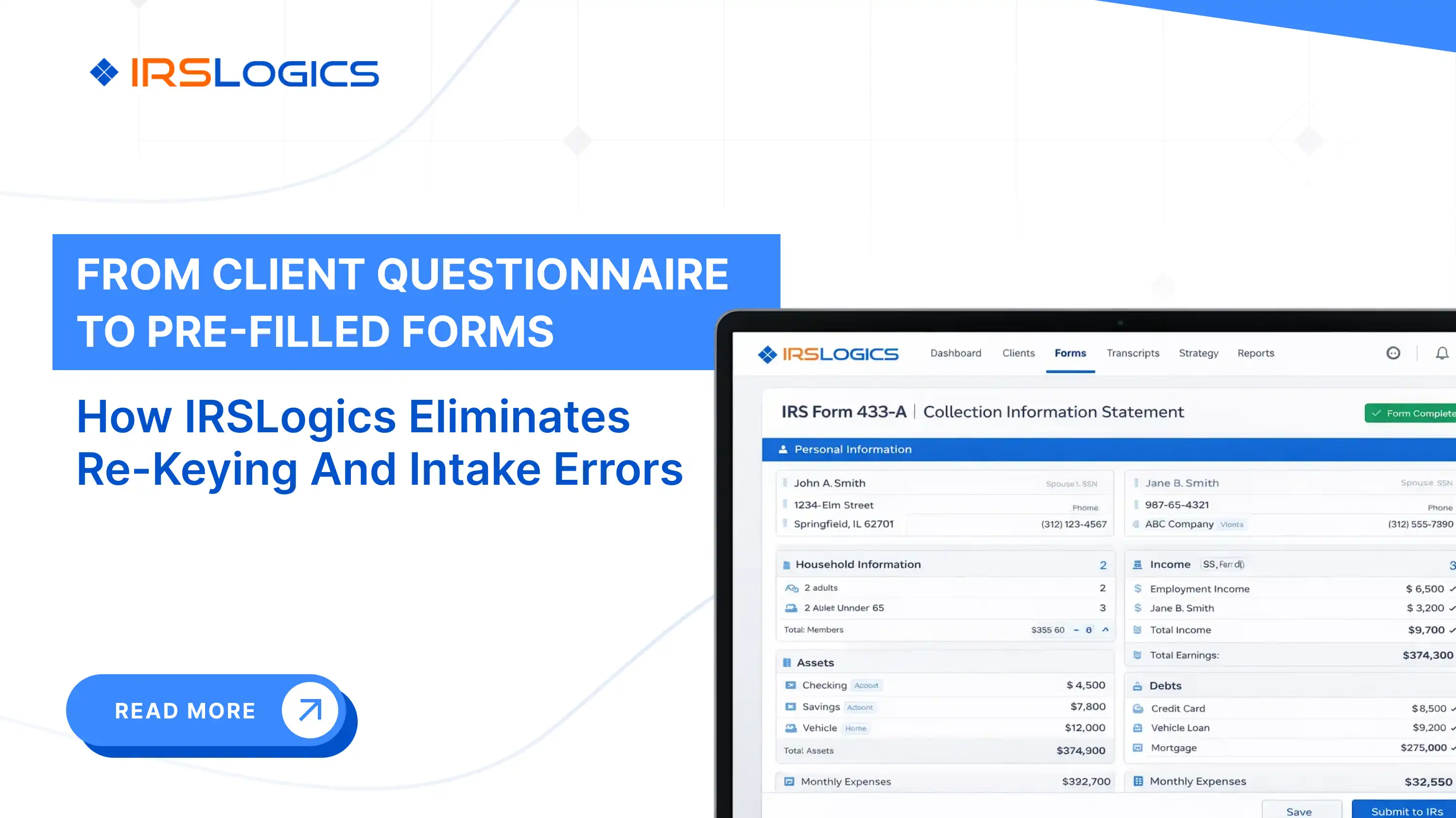
You know the part where a client fills out their financials, hands you a handwritten mess, and you spend an hour re-entering it across Form 433-A, Form 433-B, and OIC worksheets. IRS Logics has a Financial Questionnaire feature that sends a fillable form directly to the client. They complete it; you get notified; you approve the data; and it auto-populates the relevant IRS financial forms within the platform. No re-keying. No errors from transcription.
The Document Collection Tab in IRS Logics gives you a structured, trackable intake workflow. You know exactly which documents have been submitted, which are outstanding, and where each client stands. For firms onboarding multiple clients at once, this removes much of the noise from the process.
Resolution engagements often involve retainers, recurring payments, and multi-stage billing. Knowing which invoices have been paid and which have not should not require a separate spreadsheet. IRS Logics lets you tie payments directly to specific invoices, so the billing picture is always clear inside the case record.
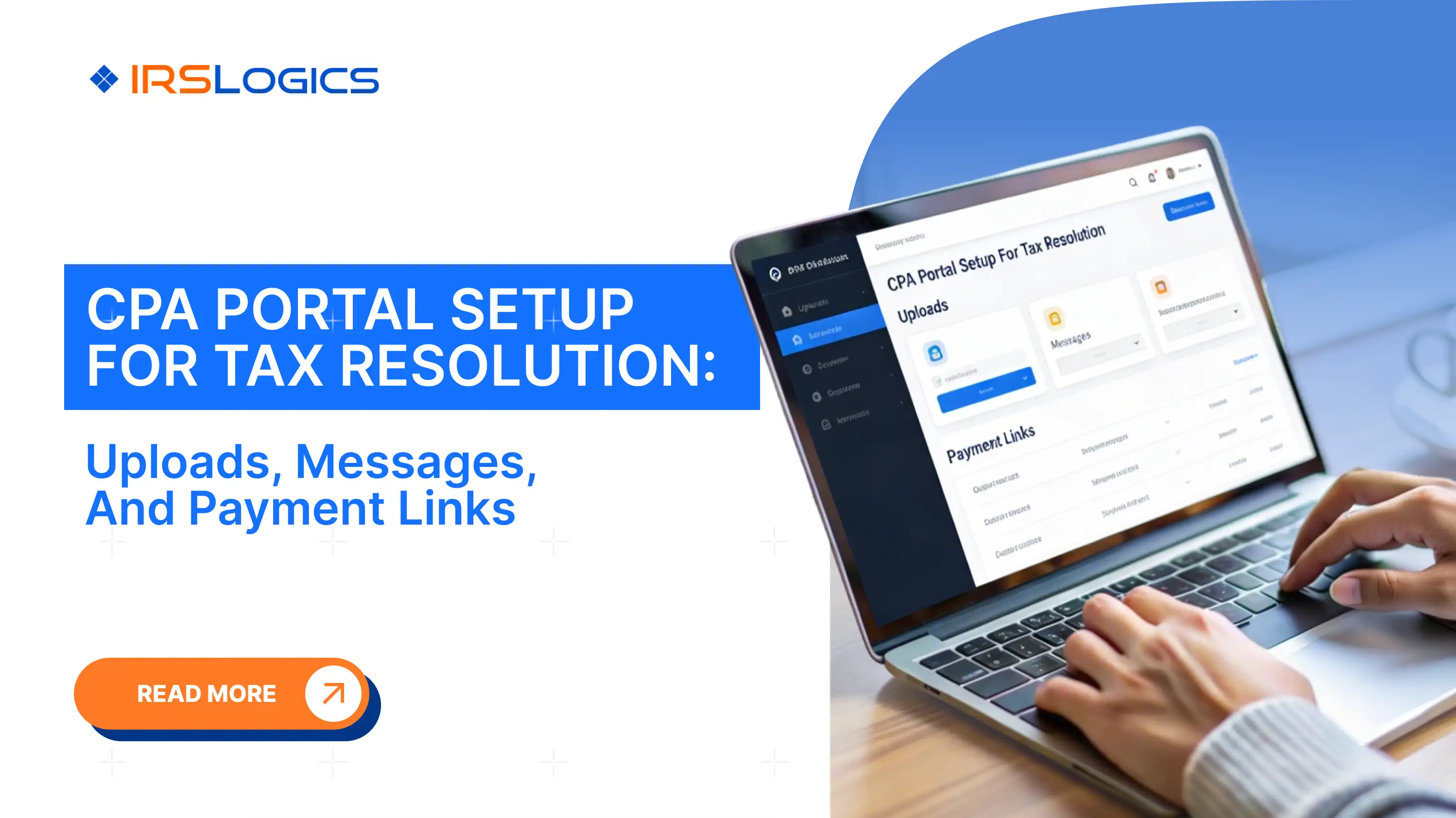
Chasing clients over email and text for signatures, documents, and updates is one of the biggest time drains in resolution work. IRS Logics includes a branded client portal where clients can upload documents, sign forms via built-in e-signature, book appointments, and communicate with your team. When a client books through the portal, those appointments automatically sync to Google Calendar.
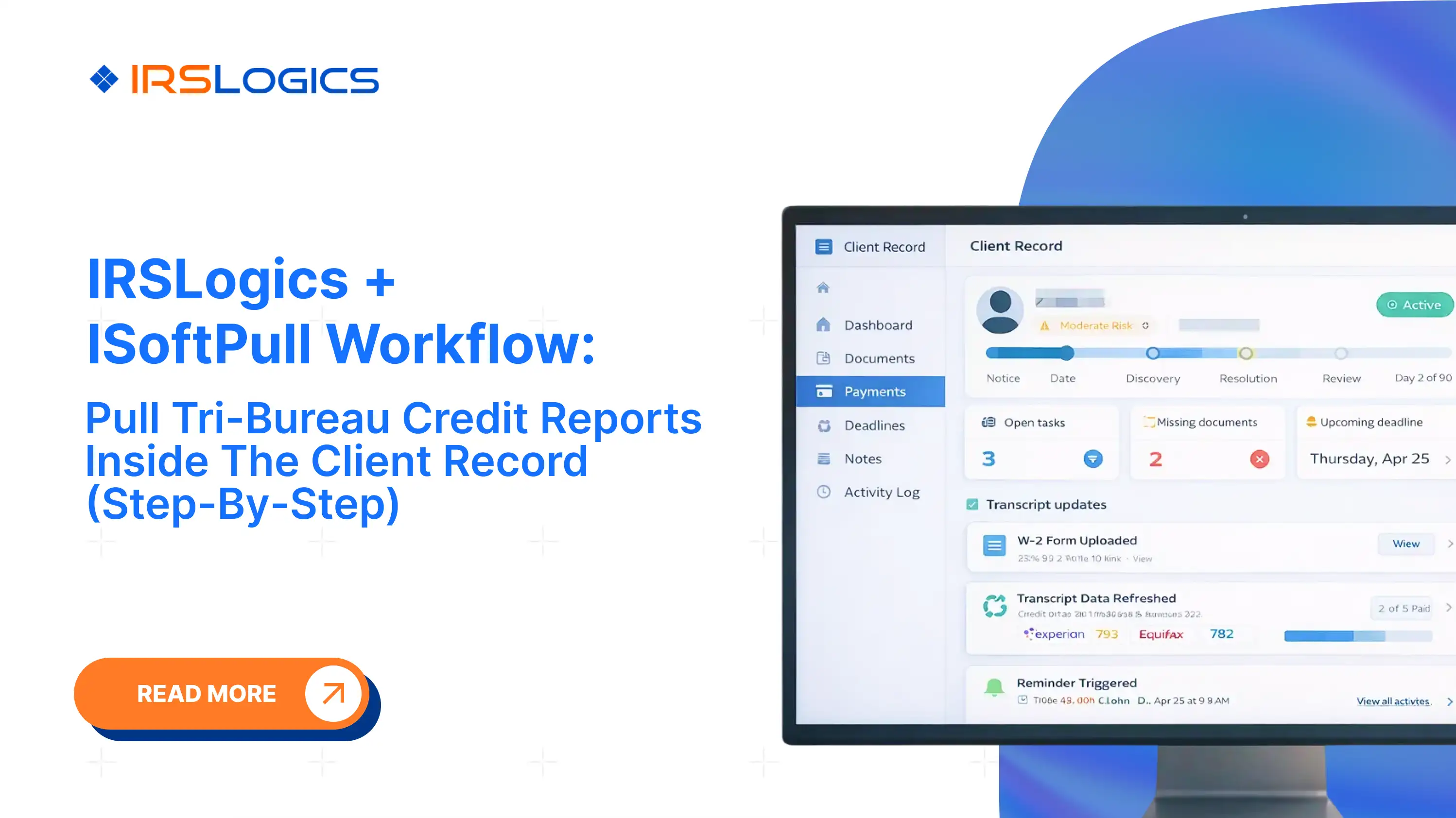
Through the iSoftPull integration, you can pull tri-bureau credit reports from Equifax, Experian, and TransUnion directly inside a client's IRS Logics case record. No switching platforms. No separate login. This matters when you're evaluating a client's overall financial situation for an OIC or installment agreement.
If you want to understand the operational difference between a tax resolution CRM and a general CRM, it comes down to this. Resolution work requires case-stage-specific tools, not a generic contact database.
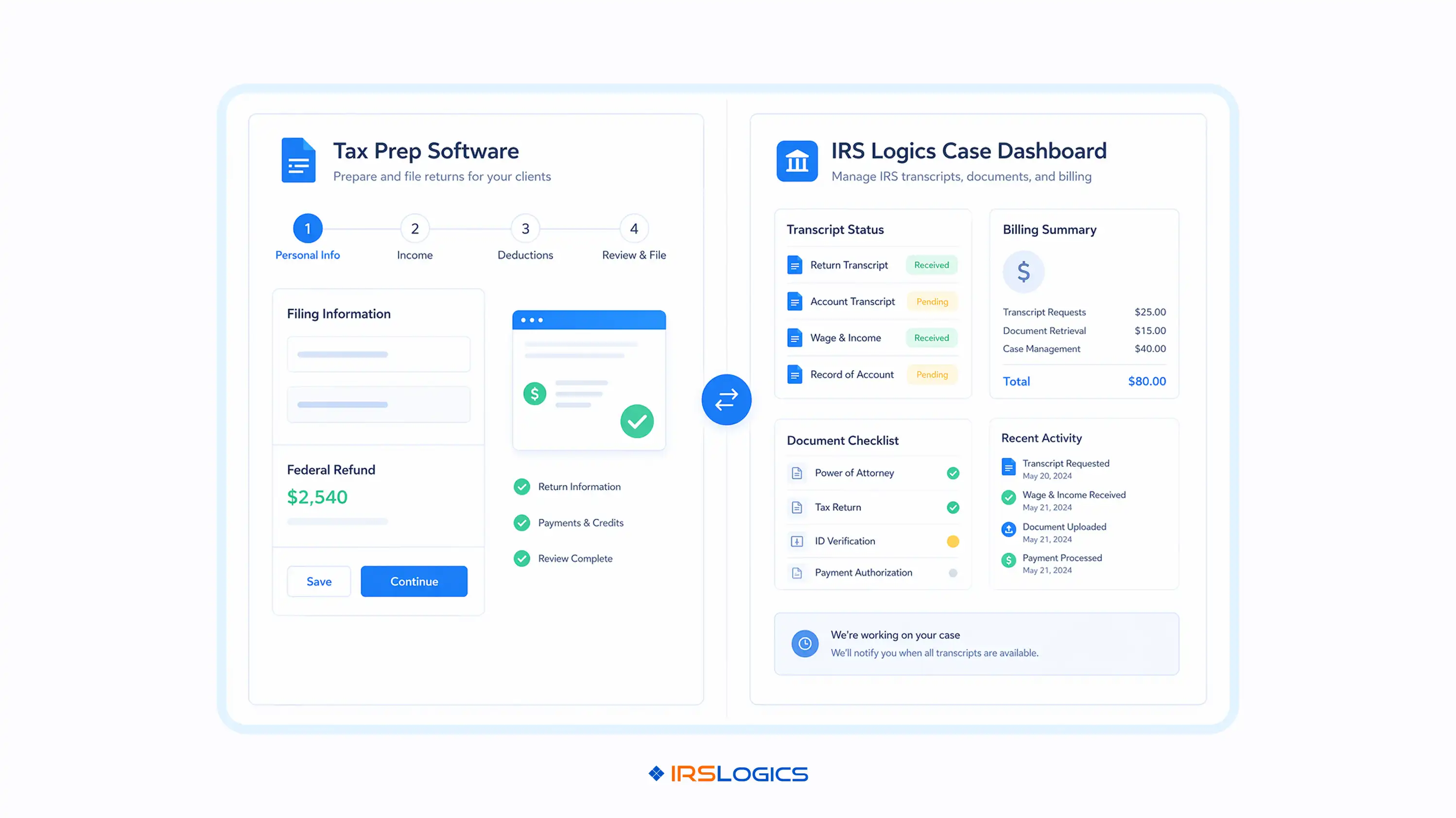
IRS Logics is not a tax prep platform.
It does not file returns. It does not compete with Drake or ProConnect for that function.
What it does is handle everything that happens around the IRS case itself. From the first client intake call through OIC filing, document collection, billing, client communication, and case closure, every feature on the platform maps to a stage in the resolution lifecycle.
It is also worth knowing that the IRS e-Services portal and Transcript Delivery System are the IRS's own infrastructure for authorized practitioners. IRS Logics integrates with this workflow, so transcript pulls happen inside your case management system, not in a separate browser tab you have to manually reconcile.
For enrolled agents, CPAs, and tax attorneys who have added resolution services to an existing practice, the typical setup is:
These two tools do different jobs. Running them together means neither is being stretched beyond what it was built for.
IRS Logics is a purpose-built tax resolution platform designed for CPAs, enrolled agents, and tax attorneys who handle IRS cases every day. From intake and IRS transcript pulls to OIC filing, client portal communication, e-signatures, and billing, every feature inside IRS Logics maps to a real stage of the resolution case lifecycle.
It is not a general practice management tool adapted for resolution work. It was built for resolution from the ground up.
[EA, Solo Practice] "We were technically handling resolution cases before this. But everything lived in different places. Transcripts in one tab, client data in emails, billing in spreadsheets. IRS Logics pulled it all into one system. Now I can actually see where a case stands without digging."
[CPA Firm, Multi-Advisor Team] "The biggest shift for us was workflow clarity. Before this, onboarding a resolution client meant a lot of back-and-forth and manual tracking. With the financial questionnaire and document tracking in place, the process just moves. What used to take days now happens in a structured flow."
[Tax Attorney, Resolution Focused Practice] "Transcript access and OIC prep used to be the slowest parts of our process. That is where most delays came from. With IRS Logics, transcripts are tied to the case, and the financial data actually flows into the forms. It removes a lot of the friction that used to slow us down."
Does tax preparation software need to be IRS-approved? Yes, for e-filing, the software must be part of the IRS MeF program to transmit returns. This approval is technical for filing, not a quality stamp for the entire software.
What software do professional tax preparers use? Tools like Drake, ProConnect, TaxAct Professional, and TaxSlayer Pro are common for filing. For resolution work, platforms like IRS Logics are built for those specific workflows.
Is the software that tax preparers use the same as what consumers use? No, professional tools handle multiple clients, complex cases, and advanced workflows. Consumer tools are built for individuals and lack features like batch processing and transcript access.
What does the IRS actually recommend for tax professionals? The IRS does not recommend specific software; it only approves providers for e-filing. Firms choose tools based on how well they fit their workflow and operational needs.
Can I use one platform for both tax prep and tax resolution? Most firms use separate tools because prep and resolution workflows are very different. Trying to force one tool usually leads to manual tracking and operational gaps.
What is the IRS Transcript Delivery System? It is a secure IRS system that lets authorized professionals request and access transcripts. With IRS Logics, this process is tracked directly inside the case instead of being done manually.
How does IRS Logics work alongside existing tax prep software? It manages the resolution side like intake, documents, transcripts, workflows, and billing. Your tax prep software handles filing, and both tools work together without overlap.
Ready to See It in Action?
If your firm handles IRS resolution cases and you are still running them through spreadsheets or a general CRM, it is worth seeing what a purpose-built platform actually looks like.
Book a free demo at irslogics.com and see how IRS Logics handles the resolution workflow from intake to case closure.
All
Tax Software
Workflow & Automation
Industry News
Resolution Tips
Tax Resolution Marketing

Lorem ipsum dolor sit amet, consectetur adipiscing elit. Suspendisse varius enim in eros elementum tristique. Duis cursus, mi quis viverra ornare, eros dolor interdum nulla, ut commodo diam libero vitae erat. Aenean faucibus nibh et justo cursus id rutrum lorem imperdiet. Nunc ut sem vitae risus tristique posuere.


Share this article directly by email. Simply enter the recipient’s details below.

Article has been send to you.