Tax Software


A quick text should stay quick.
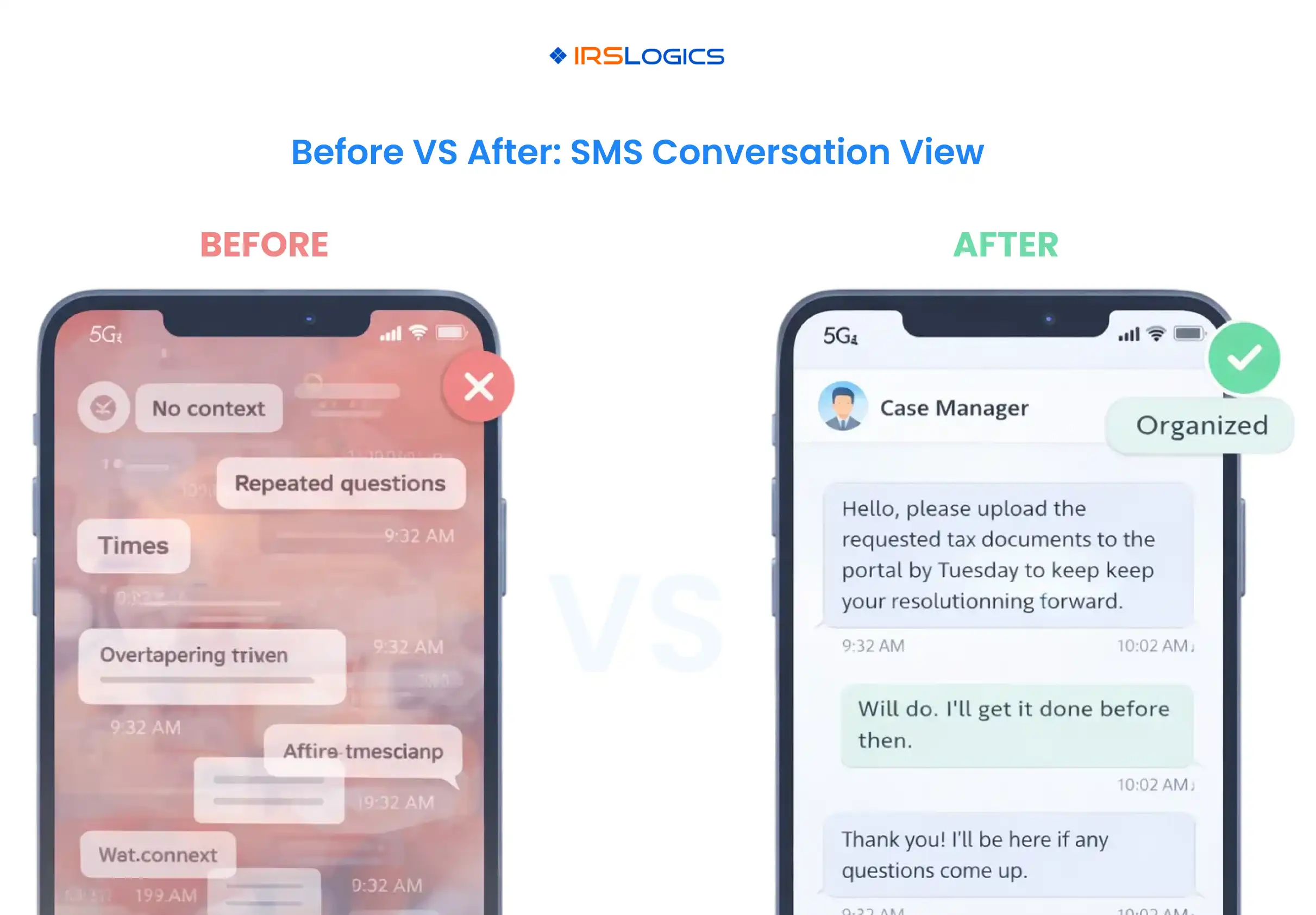
But in tax resolution, “quick” can turn into 27 messages, three follow-ups, and one confused client who is not sure what to do next. When the thread gets long, the real problem is not the texting itself. It’s the lost context.
IRSLogics SMS Conversation View keeps sent and received texts in a single, readable conversation window, so case teams can communicate clearly, pick up where the last message left off, and avoid repeating the same questions. IRSLogics positions the platform around keeping client communication and case work connected in one secure system.
Texting works because it’s easy. That is also why it gets messy.
Here’s what typically causes “too many exchanges”:
Two-way SMS is powerful for fast communication, but it works best when the business can see the full conversation and respond in context.
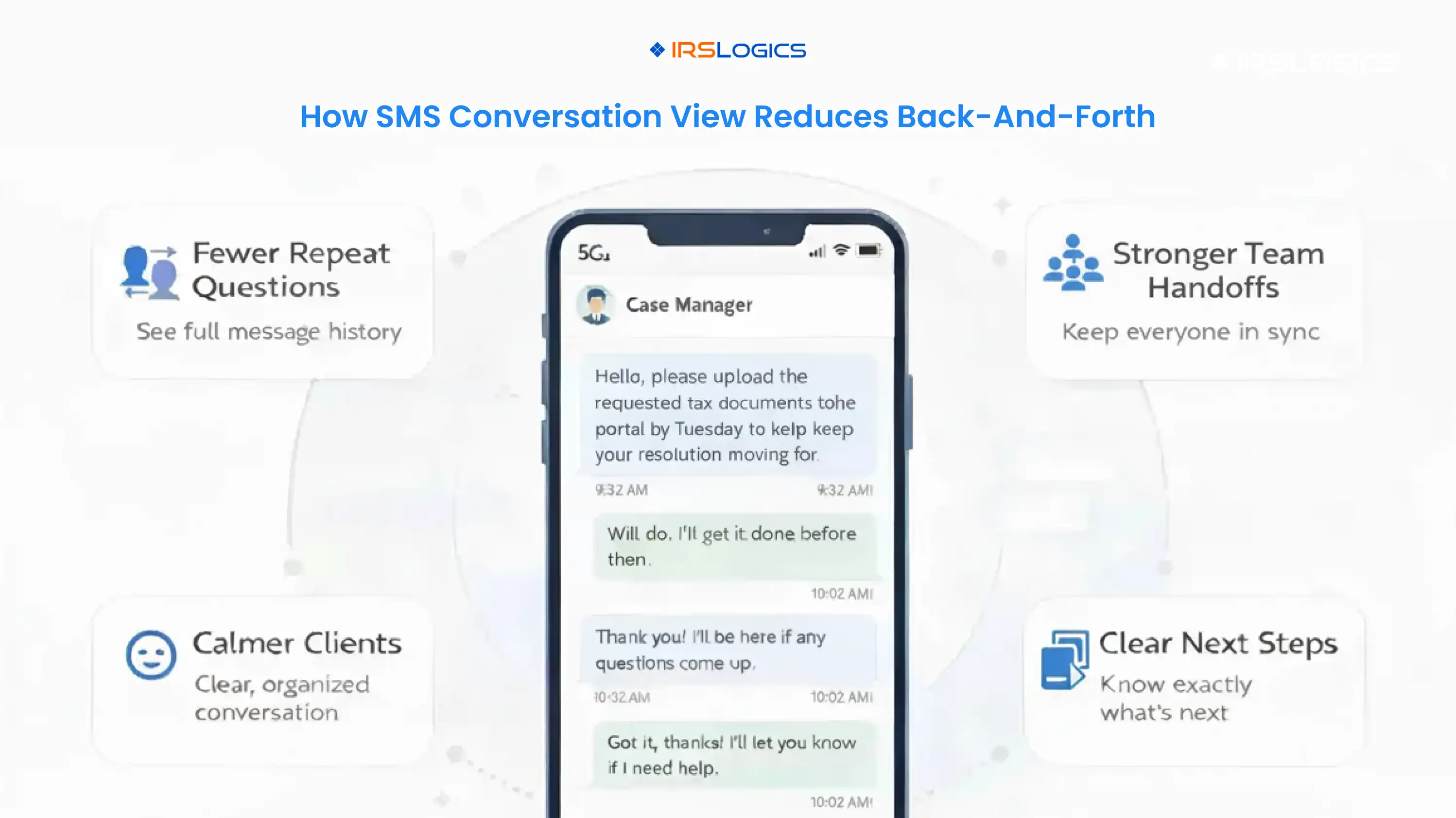
SMS Conversation View in IRSLogics is a threaded message window that shows inbound and outbound texts together, like a chat.
Instead of searching for individual messages, users get one continuous conversation that makes it easy to:
This fits naturally with IRSLogics’ emphasis on workflow and communication, which live alongside case management, billing, and activity tracking. IRSLogics also highlights activity logs and visibility into SMS/email logs as part of compliance-focused operations.
In the SMS window view, the conversation is displayed as a clean thread with message bubbles, timestamps, and sender details.
Common “at-a-glance” wins:
This matters when a case changes hands. A case manager can open the conversation and instantly understand:
The fastest way to reduce back-and-forth texting is to stop restarting the conversation every time someone replies.
SMS Conversation View helps in three practical ways.
When the full thread is visible, a team member can avoid sending:
“Can you resend that?”
“Which year was that for?”
“Did you mean the business account or personal account?”
That alone cuts the number of messages per case, per week.
If one person texts a client and another person follows up later, the second person does not have to guess what happened. Shared message history is a core benefit highlighted across “shared inbox” messaging tools because it keeps teams aligned and reduces dropped conversations.
Clients dealing with IRS issues are often stressed. When messages stay consistent and context-aware, clients feel the firm is in control and no longer have to re-explain themselves.
Conversation view gives visibility. These habits turn visibility into speed.
When a thread is getting long, switch to:
Example:
“Can you upload your 2024 W-2? A PDF or clear phone scan works. Once it’s in, the next step is reviewing income for the financial worksheet.”
Instead of a paragraph, send numbered items.
Example:
“Quick checklist:
If the thread reaches 8–10 messages and clarity still isn't improving, a short call usually resolves the issue faster. IRSLogics supports multiple communication options and positions, including phone, email, and chat, for operational continuity.
IRSLogics supports guidance references using SMS templates and merge fields for consistent messaging, ideal for common case updates and reminders.
Internal link suggestion: Tie this section to IRSLogics workflow and communication features, so readers connect texting to case progress.
Texting clients is not just a communication choice. It’s also a compliance area.
General guidance across SMS compliance resources emphasizes opt-in and opt-out handling so businesses text only recipients who want messages and can stop them easily.
For tax firms, this is especially important because messages may include sensitive timing and financial references.
IRSLogics has published guidance about A2P 10DLC registration requirements and notes that carrier registration supports improved deliverability and throughput for business messaging.
External references also explain that 10DLC messaging may require brand and campaign registration to meet carrier requirements.
Even though SMS should stay informational and minimal, tax professionals still need strong security practices overall. The IRS points tax pros to Publication 4557 for safeguarding taxpayer data and broader security resources.
A simple setup flow, based on IRSLogics support guidance:
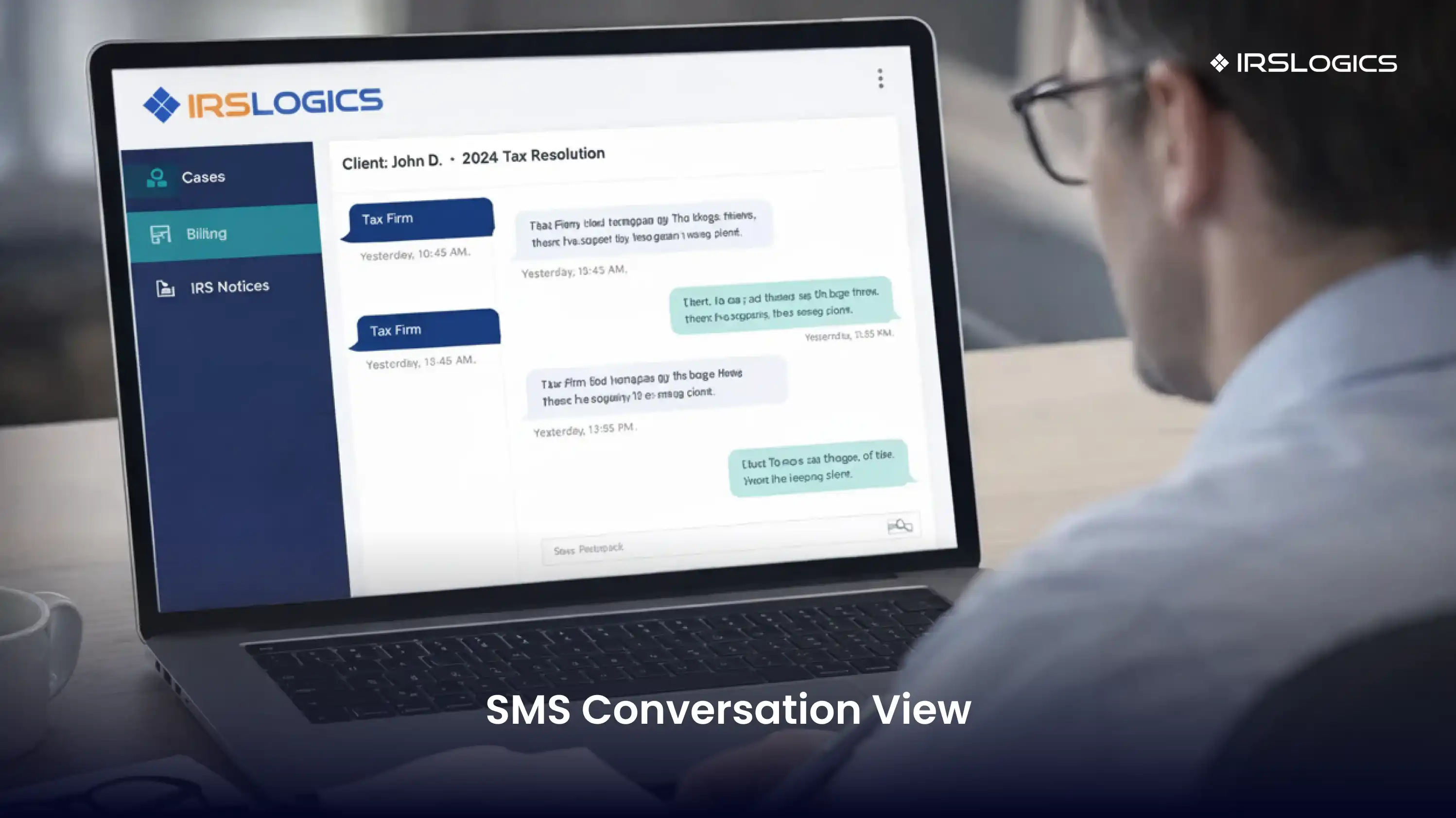
It’s a threaded, chat-style view that shows sent and received texts together in one window, helping users respond with full context and keep communication organized.
It reduces repeated questions, improves team handoffs, and keeps the next step clear. When everyone sees the same history, the loop stops.
SMS is usually better for time-sensitive nudges and quick confirmations. Email is better for longer explanations and documents. IRSLogics supports connected workflows where communication and logs remain visible in the case record.
IRSLogics supports guidance references, SMS templates, and merge fields for consistent messaging at scale.
Yes. Businesses should follow consent and opt-out expectations and avoid unwanted messages. The FCC and major messaging platforms publish best practices for opt-in and opt-out.
Texting clients is not the problem. Losing the thread is.
IRSLogics SMS Conversation View keeps every message in a single conversation window so teams can respond in context, reduce unnecessary back-and-forth, and communicate with clients in a calmer, more organized way. This also supports stronger operational oversight when SMS history is part of the broader activity and communication logging inside IRSLogics.
Key Takeaways:
All
Tax Software
Workflow & Automation
Industry News
Resolution Tips
Tax Resolution Marketing

Lorem ipsum dolor sit amet, consectetur adipiscing elit. Suspendisse varius enim in eros elementum tristique. Duis cursus, mi quis viverra ornare, eros dolor interdum nulla, ut commodo diam libero vitae erat. Aenean faucibus nibh et justo cursus id rutrum lorem imperdiet. Nunc ut sem vitae risus tristique posuere.


Share this article directly by email. Simply enter the recipient’s details below.

Article has been send to you.