Tax Software


If your team has ever typed the same client details into three places, only to find a mismatch right before submission, you already know the real cost of re-keying. It is not just time. It is delays, rework, and avoidable risk in a process where accuracy matters.
Tax resolution requires clean, current financial information, as that analysis serves as the basis for collection decisions.
In this guide, you will see how a questionnaire-to-forms workflow inside IRSLogics is designed to reduce manual re-entry and the intake errors that come with it, while giving your team a review and approval checkpoint before anything moves into official paperwork.
IRSLogics describes itself as a cloud-based tax resolution CRM that automates case intake and fills IRS forms, which is exactly what ops teams want to validate during evaluation.
Tax resolution work is document-heavy and time-sensitive. Your team gathers facts, verifies them, runs financial analysis, selects a resolution path, and then prepares forms and supporting documentation.
The problem is that many firms do this with disconnected tools:
Every time data crosses a boundary like that, someone retypes it. And every time someone retypes it, three things happen:
IRSLogics’ content frames this exact pain point as a signal that you are ready for dedicated tax resolution software, especially if you are tired of re-typing client data into forms and letters.
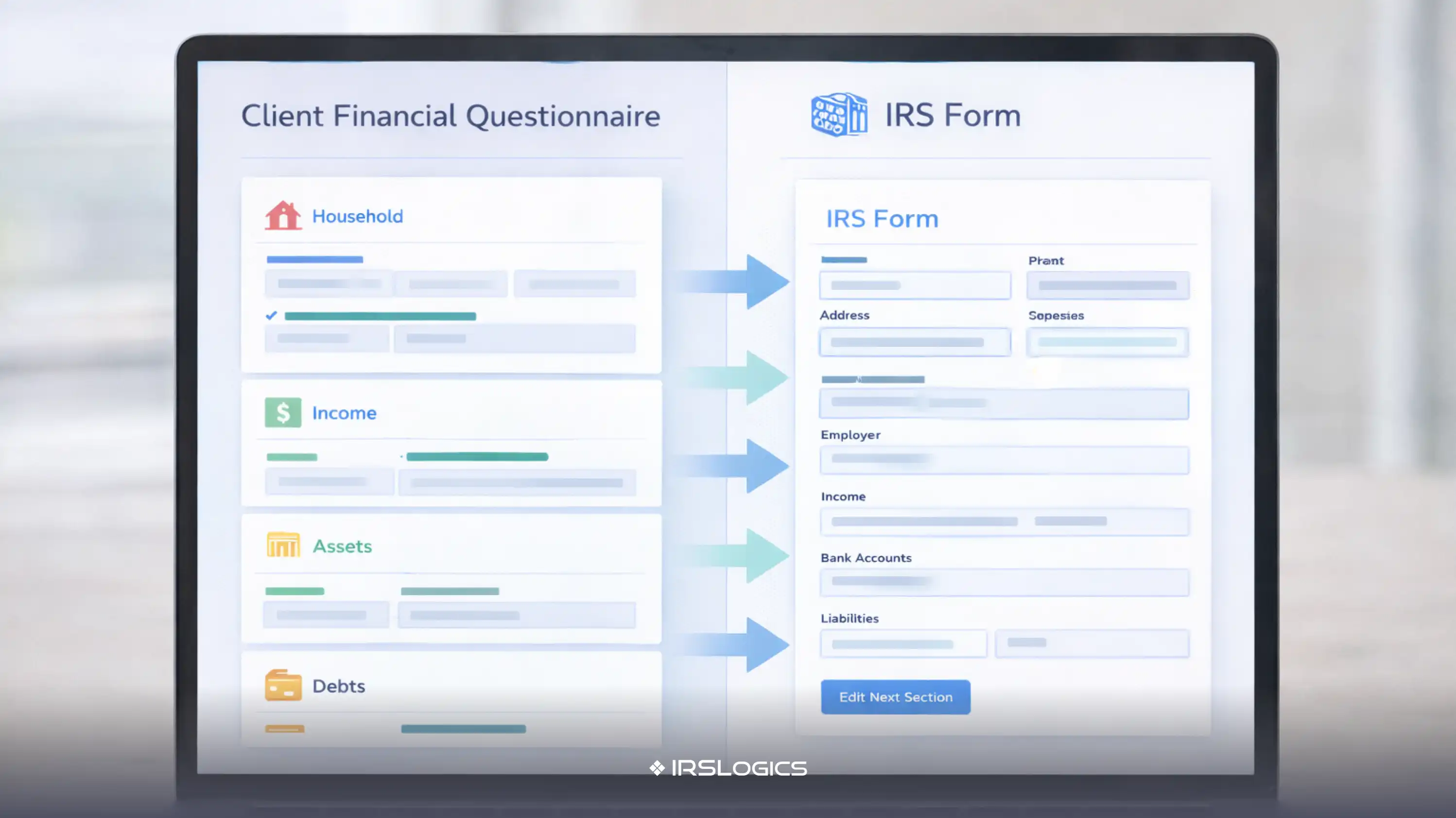
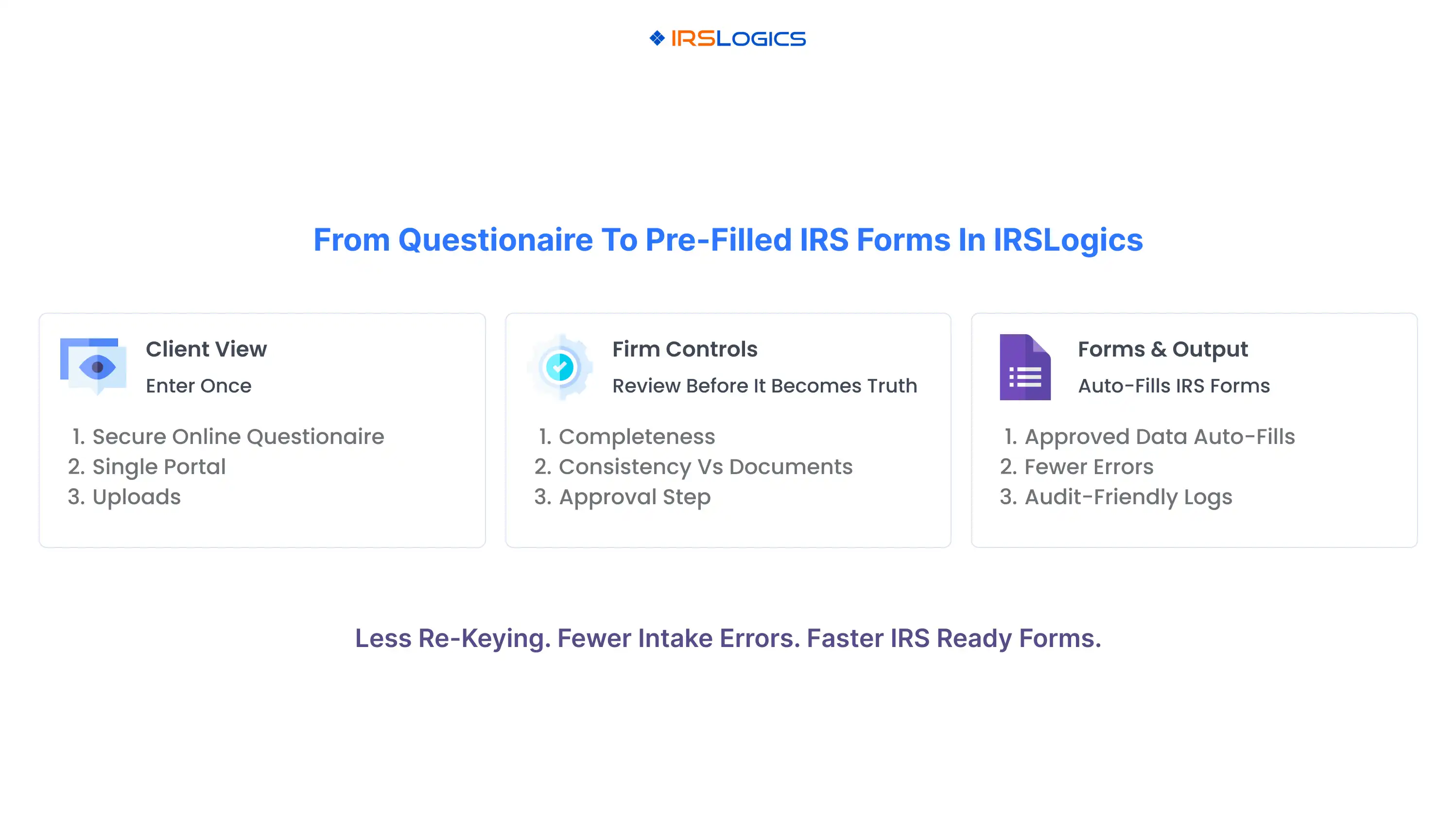
A real questionnaire-to-forms workflow is not a simple web form that dumps answers into a file. It is a controlled pipeline where:
This model aligns with the IRS's expectations for how financial information should be secured, verified, and analyzed before it drives decisions.
IRSLogics highlights both a Client Financial Questionnaire and Forms & Auto-Fill as core platform features, which are the foundation for this workflow.
Below is how ops teams typically implement it when the goal is fewer intake errors and faster form prep.
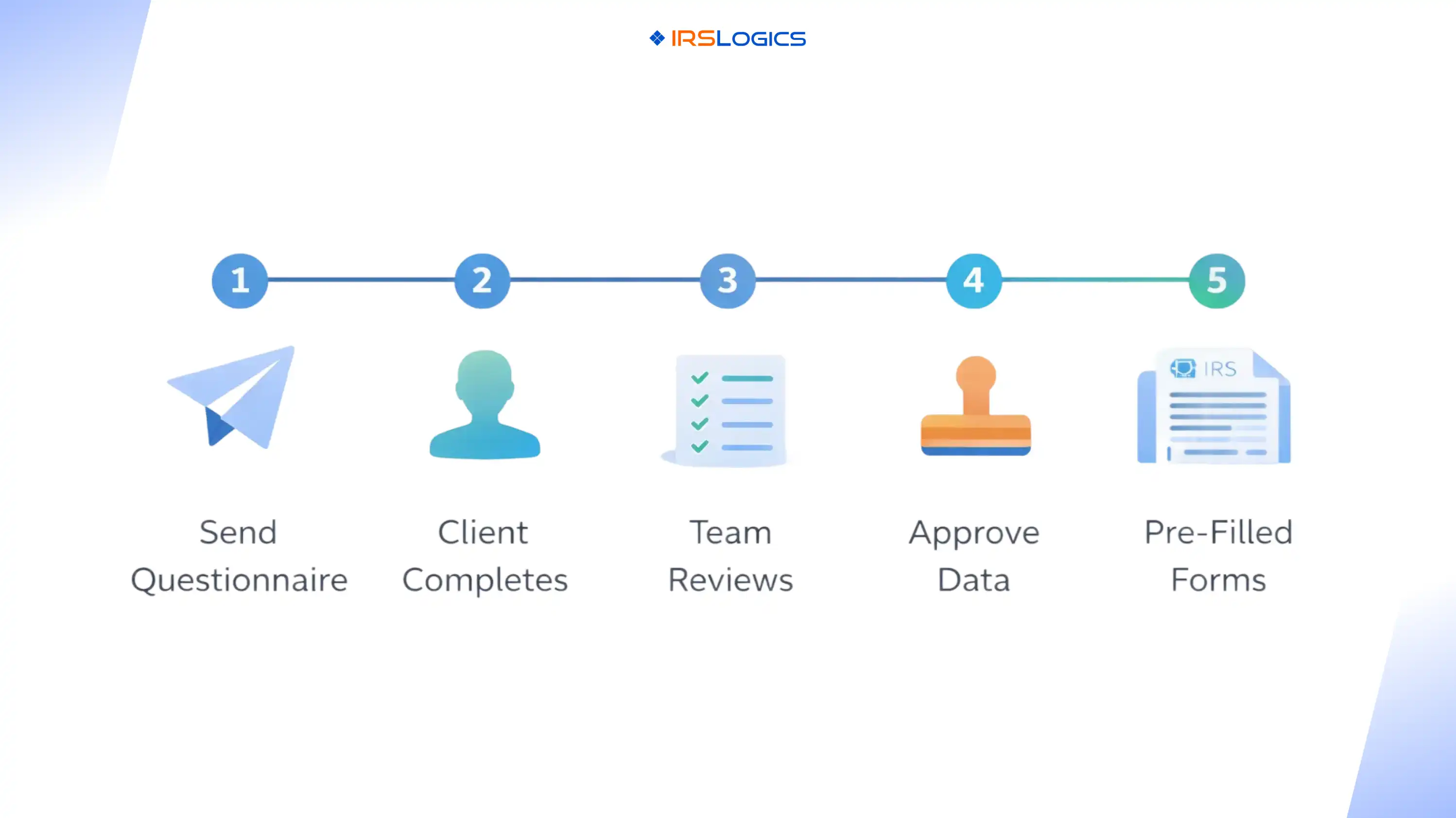
Instead of emailing a static PDF, your team sends a fillable questionnaire that captures client financial intake in a consistent structure. IRSLogics also positions its client portal as a secure collaboration space for sharing documents, updates, and messages, which supports a cleaner intake experience than email threads.
The advantage for clients is simple. They do not need to hunt through emails to find “the latest version.” They complete the intake, upload documents, track requests, and view case progress.
IRSLogics describes a client portal experience where clients can see progress and interact via web or mobile, including uploads and payments, reinforcing the “single place” model.
A strong process does not treat intake as final the moment the client hits submit. The ops win comes from building a review step where a case manager or reviewer checks:
This is also where your team prevents downstream form rework. If the intake is wrong, a perfect auto-fill feature only reproduces the wrong data faster.
Ops teams should treat approval as a control point. Once approved, the intake becomes the baseline dataset used for forms, reporting, and case analysis.
IRSLogics emphasizes compliance workflows and activity logs, which align with the need to track what happened, when it happened, and who acted on it.
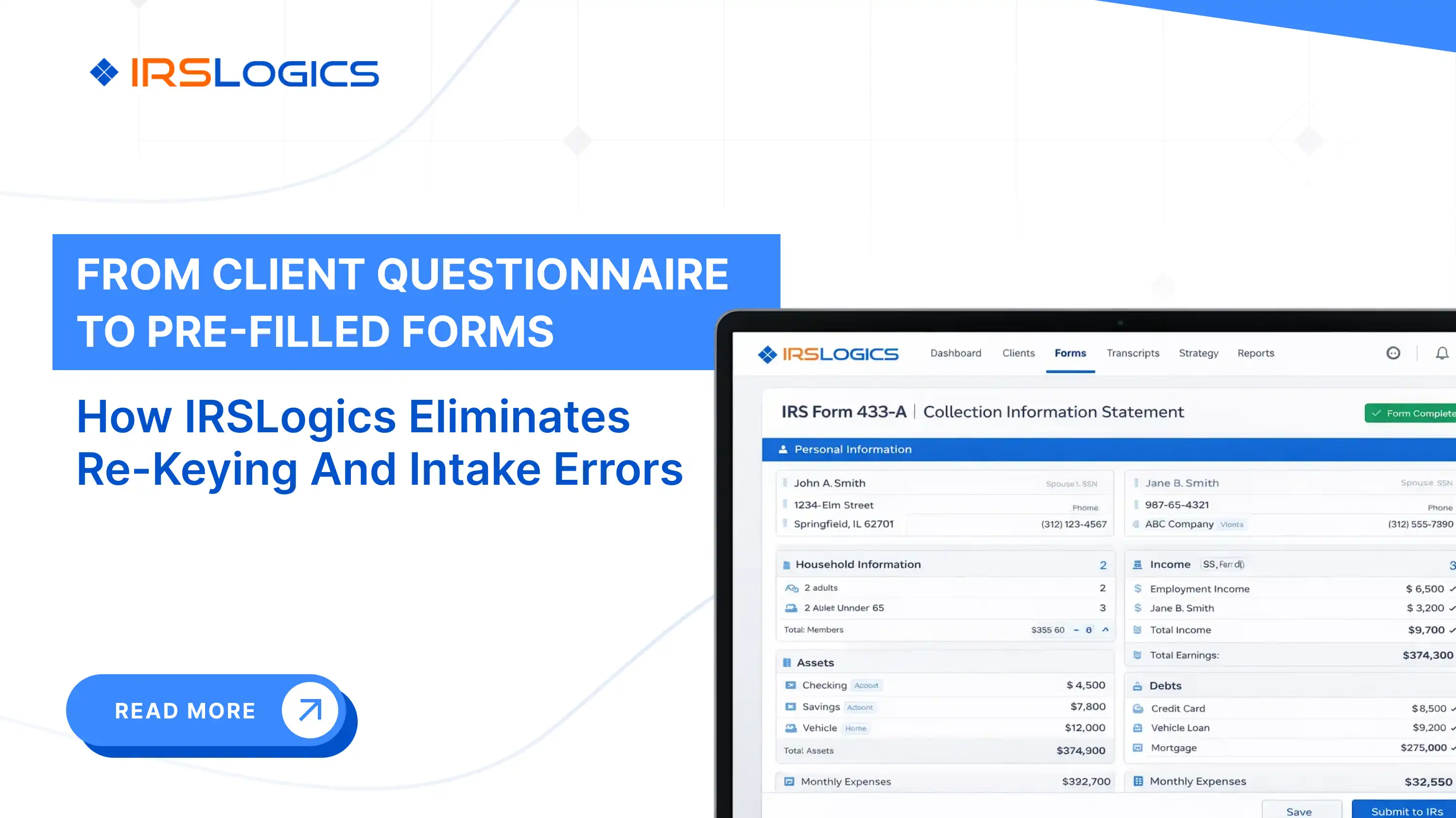
This is the payoff. IRSLogics positions forms automation as a core benefit, describing form auto-fills and automated completion of IRS forms as part of the platform.
Its FAQs also specifically address auto-filling Offer in Compromise forms, including Forms 656 and 433-A and 433-B, which are common “high re-keying” forms in many practices.
Most software comparisons focus on the feature headline and pre-filled forms. Ops managers should focus on controls that reduce rework.
A questionnaire should not feel like a blank sheet. Structured prompts prevent clients from skipping key data, and required fields reduce the “half-finished intake” problem that triggers follow-up loops.
When documents and intake data live in multiple systems, version confusion becomes inevitable. IRSLogics lists Document Lifecycle Management with categorization, search, and version control, which supports cleaner file history and fewer “wrong file” situations.
In tax resolution operations, you often need to answer simple questions quickly:
IRSLogics defines activity logs and communication logs as part of its operational layer, helping teams maintain accountability and consistency.
Intake data includes highly sensitive personal and financial information. IRSLogics states that it uses encrypted data handling and secure storage, and it highlights encryption and access controls on the site.
If you are evaluating or rolling out IRSLogics, this checklist helps you turn the feature into a repeatable process.
Create a simple internal rubric, for example:
Tie this to the IRS reality that financial information should be secured, verified, and analyzed as the basis for collection decisions.
Reduce follow-ups by packaging requests:
The fastest way to break the system is to let staff keep side spreadsheets. Decide where the truth lives after approval, then enforce it.
IRSLogics states it automatically updates IRS forms to align with the latest regulations and forms, which is important for operational risk management.
IRSLogics positions form auto-fills as a core feature, and its FAQs specifically reference auto-filling Form 656 and Forms 433-A and 433-B for Offer in Compromise work.
Yes. IRSLogics states it is cloud-based and accessible anywhere with an internet connection, and it also supports multi-office structures with role-based and permission-based access.
Build a review-and-approval gate before forms. Use required fields, request supporting documents early, and train staff to treat approved intake as the source of truth for forms and case analysis.
IRSLogics describes keeping case status up to date so clients can see progress in the client portal, with web or mobile access.
IRSLogics offers demo and contact paths on its site, including a contact page for questions and demos, and product pages detailing features such as questionnaire intake and form auto-fill.
A questionnaire-to-forms workflow is not just about speed. It is about reducing rework, improving accuracy, and making your intake auditable. When clients enter structured financial data once, your team reviews and approves it, and the approved dataset drives pre-filled IRS forms, you remove one of the biggest operational bottlenecks in tax resolution: manual re-keying.
For firms evaluating IRSLogics, the key is to look beyond the feature label and confirm you can implement the full pipeline inside a client portal and forms automation system, supported by document management and compliance-friendly logs.
All
Tax Software
Workflow & Automation
Industry News
Resolution Tips
Tax Resolution Marketing

Lorem ipsum dolor sit amet, consectetur adipiscing elit. Suspendisse varius enim in eros elementum tristique. Duis cursus, mi quis viverra ornare, eros dolor interdum nulla, ut commodo diam libero vitae erat. Aenean faucibus nibh et justo cursus id rutrum lorem imperdiet. Nunc ut sem vitae risus tristique posuere.


Share this article directly by email. Simply enter the recipient’s details below.

Article has been send to you.