Tax Software


A tax resolution firm can generate hundreds of leads every month. But generating leads is only half the battle. The real challenge begins after the prospect fills out a form, books a consultation, or answers a sales call.
Many firms still rely on disconnected spreadsheets, emails, sticky notes, and manual follow-ups to manage their client journey. That often leads to missed opportunities, slow onboarding, poor communication, and operational bottlenecks.
A strong lead to client CRM workflow changes that are complete. Businesses worldwide are now choosing a strategic CRM workflow, as approximately 10 million is lost annually to various manual errors, fines, and penalties.
The right CRM workflow structure can actually make the entire client lifecycle easier to manage. Faster collection of leads, seamless document handling, and consistent communication to the client throughout the resolution process. This can be exceptionally beneficial when handling sensitive IRS cases, timelines, or compliance.
This guide explains how tax resolution firms can build a scalable lead-to-client CRM workflow and why purpose-built systems like IRSLogics help firms manage the entire process from intake to resolution.
A lead-to-client CRM workflow refers to the structured process that guides a prospect from initial inquiry to becoming an active paying client.
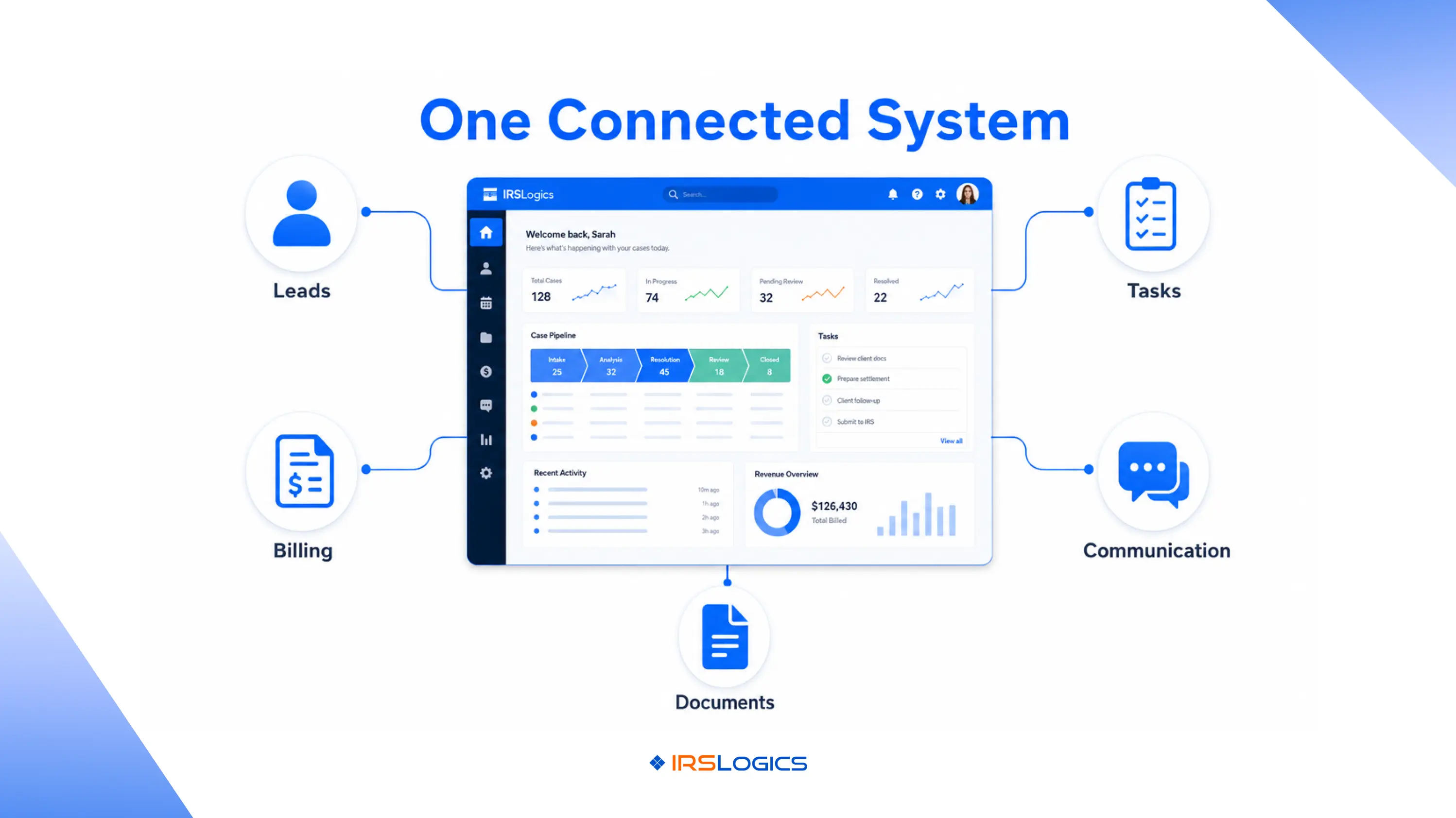
In tax resolution firms, this workflow usually includes:
Instead of handling these tasks manually across multiple tools, a CRM workflow centralizes everything into one system.
A properly designed lead-to-client CRM process helps firms:
For tax resolution firms dealing with time-sensitive IRS matters, these improvements create a major operational advantage.
Tax resolution is not the same as standard tax preparation. Here,, you involve different aspects such as transcripts, IRS notices, payment plans, document verification, compliance deadlines, and more.
Without workflow automation, firms often face:
A CRM workflow solves these issues by creating standardized processes for every case type.
For example, when a lead enters the system, the CRM can automatically:
This reduces manual work and helps firms operate better while maintaining a better client experience.
According to industry discussions among tax professionals, workflow management and centralized CRM systems are becoming increasingly important as firms scale operations and manage larger case volumes.
[Visual 1]: The Journey From Lead To Resolution
Every workflow starts with lead generation.
Leads may come from:
A good lead-to-client CRM automatically captures all incoming inquiries in a centralized dashboard.
Instead of manually entering information, the system stores:
This helps sales teams respond quickly and prioritize qualified opportunities.
Now that the lead has entered the system, you can schedule the consultations. Here, manual scheduling will cause unnecessary delays.
An automated CRM workflow can:
This creates a smoother client experience from the very beginning.
Not every inquiry becomes a qualified case.
The qualification stage helps firms determine:
One of the biggest delays in tax resolution happens during document collection.
Clients often forget paperwork, miss uploads, or send incomplete information.
An organized CRM workflow streamlines onboarding by:
This keeps the onboarding process moving without constant manual follow-up.
Purpose-built platforms like IRSLogics’ Tax Resolution Software include secure document collection, e-signature tools, and workflow automation specifically designed for tax resolution operations.
Once onboarding is complete, firms typically move into authorization and investigation stages.
The CRM workflow should support:
This stage is exceptionally critical because delays here can truly impact the entire resolution timeline.
Billing problems are another common operational issue for tax firms.
Without integrated systems, firms often struggle with:
A modern CRM workflow connects billing directly to the client journey.
This helps firms:
Integrated billing systems also reduce administrative work for staff.
Once the case enters the resolution phase, workflow visibility becomes important.
Managers need to monitor:
A lead-to-client CRM provides a centralized case dashboard where every interaction is documented. This improves collaboration across sales, onboarding, finance, and resolution teams.
Clients dealing with IRS issues often experience stress and uncertainty. Regular communication improves trust and reduces inbound support requests.
CRM workflow automation helps firms:
This creates a more professional and transparent client experience.
Many firms attempt to use generic CRM platforms that were never designed for tax resolution operations.
This creates several challenges:
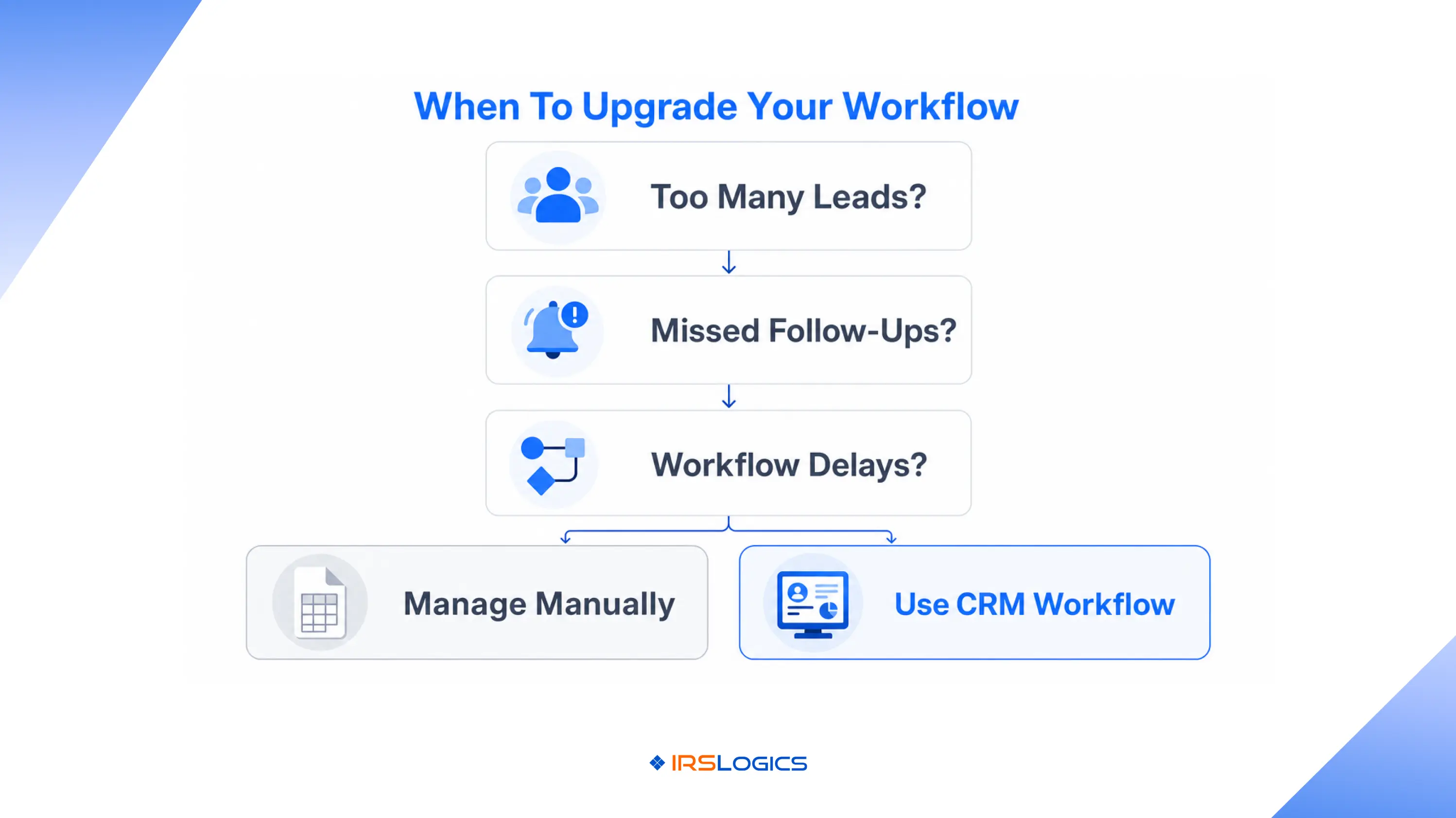
Firms often use separate tools for:
This leads to duplication and inefficiency.
Generic CRMs do not support:
As a result, firms rely heavily on manual workarounds.
Without centralized workflows, managers struggle to monitor:
This impacts operational performance.
Many tax professionals discussing CRM systems online highlight workflow visibility and centralized management as major priorities when evaluating software solutions.
When evaluating a lead for a client CRM platform, tax resolution firms should prioritize:
Automation reduces repetitive tasks and improves operational consistency.
The system should support IRS workflows, case stages, and transcript handling.
Billing should connect directly with client activity and case progress.
A secure client portal simplifies communication and document sharing.
Managers need visibility into leads, revenue, productivity, and case status.
Sales, onboarding, finance, and resolution teams should operate from a single centralized platform.
Platforms like IRSLogics Resolution CRM features are specifically designed to handle these requirements for tax resolution firms.
Create consistent workflows for onboarding, billing, communication, and case management.
Reduce manual entry wherever possible.
Keep documents, communication, billing, and case activity in one system.
Fast lead response improves conversion rates significantly.
Monitor:
Clear communication and faster onboarding improve retention and referrals.
[Visual 2]: One Platform Managing Everything
IRSLogics provides a purpose-built tax resolution CRM designed specifically for attorneys, CPAs, enrolled agents, and tax resolution firms that need a more organized and scalable way to manage daily operations.
It brings together every major function required to run a tax resolution practice, helping firms reduce manual work, improve visibility across teams, and create a smoother client experience from the very first interaction.
Instead of switching between multiple disconnected tools for lead management, billing, communication, and case tracking, firms can manage everything from one centralized system that supports the complete lead-to-client CRM workflow.
Key workflow capabilities include:
This centralized approach helps tax resolution firms operate, improve collaboration between departments, and deliver a more professional experience to clients throughout every stage of the case lifecycle.
A lead to client CRM is a workflow system that helps businesses manage prospects from initial inquiry through onboarding, case management, and long-term client relationships.
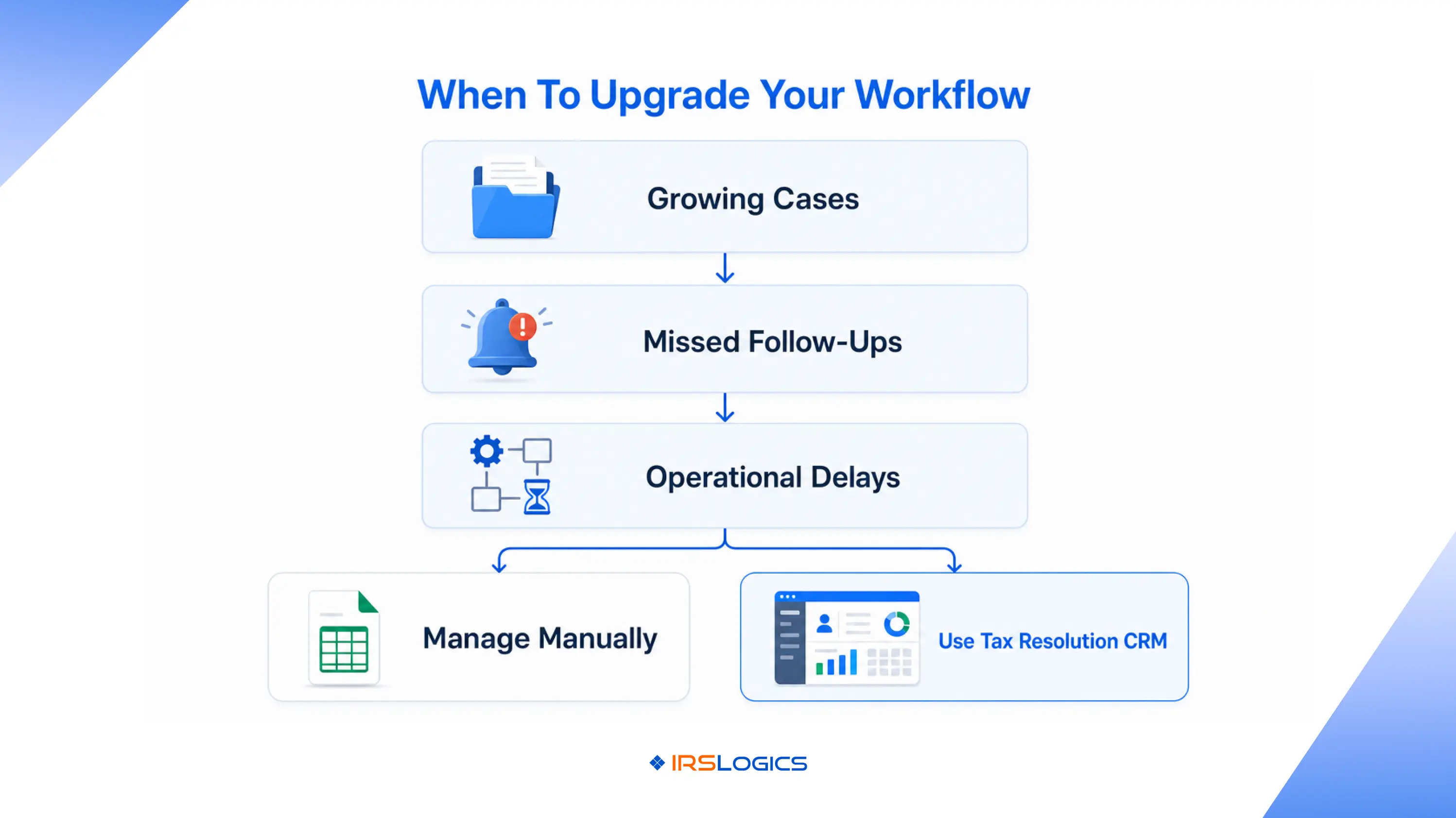
CRM workflow helps tax resolution firms automate onboarding, improve communication, manage IRS cases, and reduce operational delays.
Generic CRMs can handle basic sales tracking, but they usually lack tax-specific workflows, IRS forms, transcript management, and compliance tools needed by tax resolution firms.
A tax resolution CRM should include workflow automation, billing, document management, case tracking, reporting, client portals, and IRS-specific features.
Automation speeds up communication, reduces onboarding delays, improves transparency, and helps clients receive updates consistently throughout their case.
Yes. IRSLogics is designed specifically for tax resolution professionals, including attorneys, CPAs, enrolled agents, and multi-office tax firms.
A well-structured lead-to-client CRM workflow is extremely crucial to prevent potential inefficiencies and inconsistent communication. Starting from lead capture to onboarding, resolution tracking, and more. The right tax resolution software becomes the ultimate savior when handling different stages of the client journey.
A centralized CRM workflow like the tax resolution software by IRSLogics can manage the entire workflow right from the beginning to the end. This improves overall visibility, automation, and client experience.
All
Tax Software
Workflow & Automation
Industry News
Resolution Tips
Tax Resolution Marketing

Lorem ipsum dolor sit amet, consectetur adipiscing elit. Suspendisse varius enim in eros elementum tristique. Duis cursus, mi quis viverra ornare, eros dolor interdum nulla, ut commodo diam libero vitae erat. Aenean faucibus nibh et justo cursus id rutrum lorem imperdiet. Nunc ut sem vitae risus tristique posuere.


Share this article directly by email. Simply enter the recipient’s details below.

Article has been send to you.