Tax Software


Here is the honest version of what happens when a tax resolution firm lacks a proper client portal.
You email a client asking for their bank statements. They forget. You follow up. They reply, saying they already sent it. They did not. Meanwhile, you are also texting them about an upcoming appointment, their invoice is sitting unpaid, and they have no idea where to find the engagement letter they were supposed to sign three weeks ago.
That is not a client communication problem. It is a systems problem. And the best client portal software fixes it at the root.
Most reviews of client portals talk about features built for web designers, agencies, or generic service businesses. This one is different. If you are a CPA, Enrolled Agent, or tax attorney running a resolution practice, this is specifically for you.
Most people define a client portal as a place to share files.
That definition works fine if you are a freelance designer handing over a logo.
For a tax resolution firm, the bar is much higher.
Your clients are dealing with IRS debt, levies, liens, and collection notices. They are stressed. They are sometimes confused. They do not always read emails carefully, and they definitely do not follow up the way you need them to.
A portal for a tax resolution firm needs to do all of this at once:
That is a lot to ask from software designed for someone running a design studio or a photography business.
The top-ranking results for best client portal software give you lists of tools like Zendesk, Copilot, SuiteDash, and Moxo. These are solid platforms. For many businesses, they are the right answer.
But here is what they are not built for. A five-year OIC case where you need to pull IRS transcripts, track installment agreement payments, collect Form 433-A supporting documents, get e-signatures on a power of attorney, and send your client a billing reminder, all from one case record.
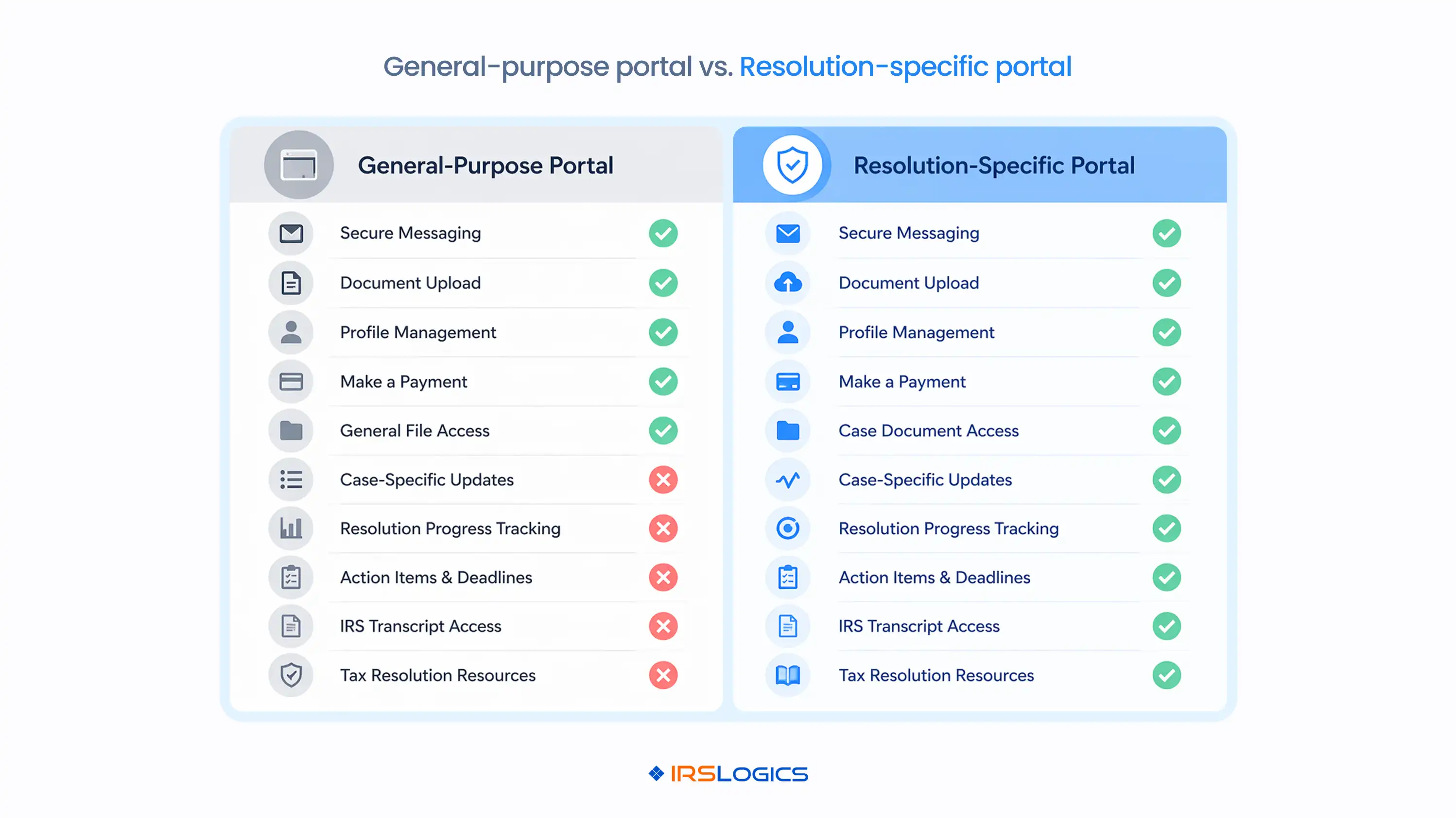
General portals serve as the front door. Tax resolution work needs the whole house.
The issue is not that these tools are bad. It is that they were not designed with the IRS case lifecycle in mind. When you try to adapt a generic client portal for resolution work, you end up with a portal in one place, a case management system in another, billing in a spreadsheet, and SMS on your personal phone.
That is the fragmentation problem. And the best client portal software for a resolution firm is not the one with the best reviews on G2. It is the one built to handle the specific stages your cases go through. Understanding how tax resolution software differs from general practice management tools makes that distinction much clearer before you evaluate any portal vendor.
Any serious review of the best client portal software will make it clear that security is a priority. For tax resolution professionals, it matters more than it does for almost any other industry.
Your clients are sharing bank statements, tax returns, social security numbers, proof of hardship, and business financial records. You are pulling their IRS transcripts. You are handling information that, in the wrong hands, enables identity theft.

The IRS Taxpayer Bill of Rights gives your clients the right to privacy and confidentiality. As their representative, you carry a significant part of that responsibility.
A compliant client portal for a tax resolution firm needs:
If a portal cannot tell you who downloaded a document and when, it is not ready for this work. The National Association of Enrolled Agents (NAEA) and the American Institute of CPAs (AICPA) both have ethics standards and data protection guidance that make security infrastructure a professional requirement, not a nice-to-have.
This one gets overlooked a lot.
When a client receives a portal invitation that appears to be from a generic third-party tool, something subtle happens. They hesitate. They wonder if it is spam. They are slightly less likely to complete the action you need.
When the portal looks like it is from your firm, with your name and your branding, the hesitation drops.
For a tax resolution client who is already anxious about their IRS situation, that moment of hesitation is meaningful. A branded, professional-looking portal signals that your firm is organized and credible. It makes the experience feel like part of your practice, not a workaround you stitched together.
This is especially relevant when you are asking a nervous client to upload sensitive financial documents. The portal experience is, for many clients, their most frequent touchpoint with your firm. It should feel like you.
After you have confirmed security and branded access, here is what actually separates a good CPA portal from a frustrating one.
Not just a shared folder. A workflow where you can see which documents have been received, which are pending, and which have never been uploaded. The IRS Logics Document Collection Tab was built specifically for this, and it is particularly useful for firms onboarding multiple clients from the same source. Each document request is tracked independently, so nothing falls through.
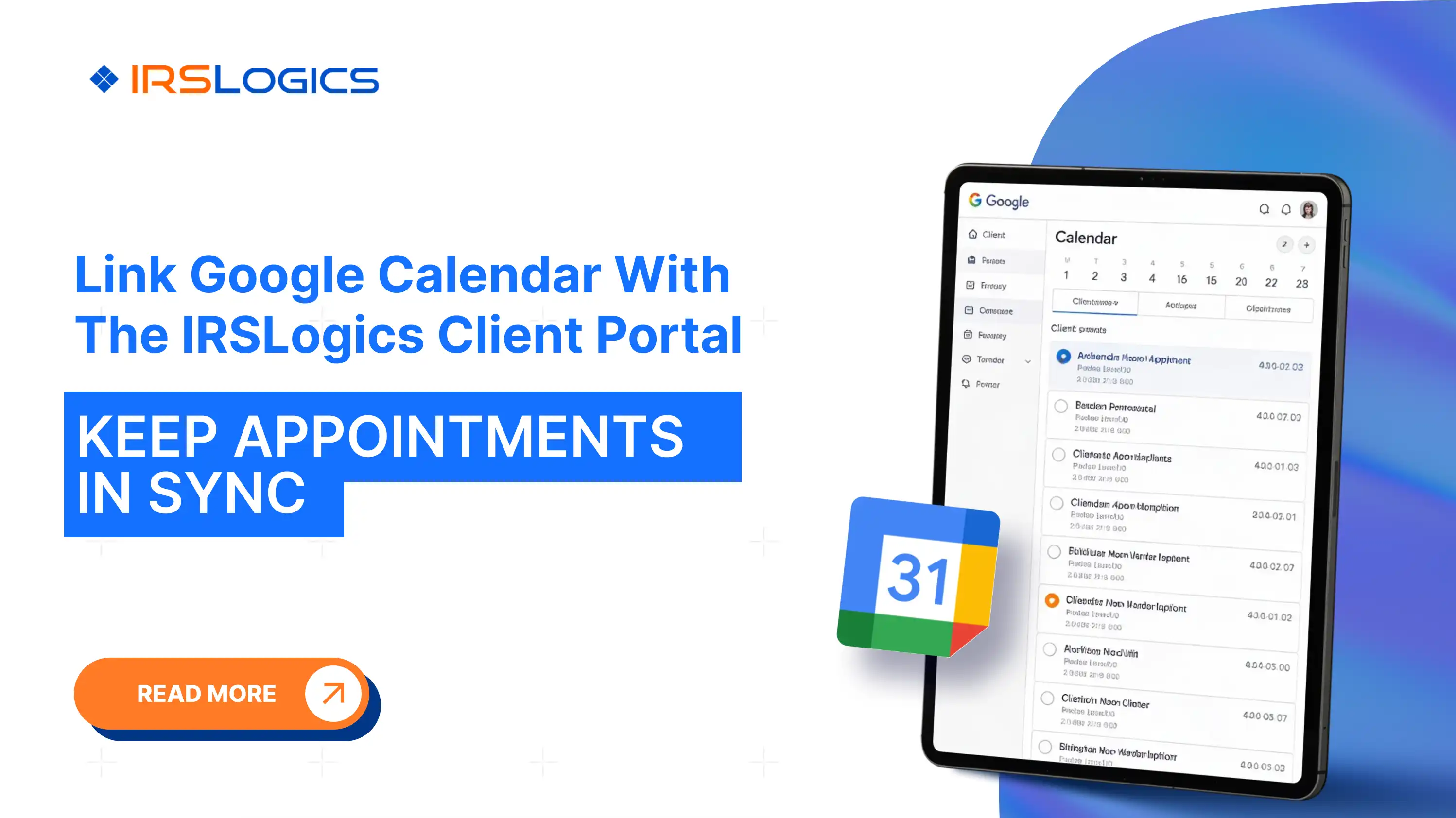
Clients should be able to book time through the portal without creating an email thread. That appointment should automatically appear in your Google Calendar. If you are using the IRS Logics Calendar Integration, appointments booked through the client portal sync directly to Google Calendar without a manual step.
Your client should be able to see their invoices, understand what they owe, and pay without calling the office. The IRS Logics billing system connects every payment to its specific invoice, so your accounts receivable is always accurate, and you always know exactly which invoice is outstanding.
Power of attorney forms, engagement letters, and consent documents should be signed through the same portal the client already uses. No DocuSign detour. No printing and scanning.
Clients should be able to check where their case stands without having to call or email. This feature alone reduces the volume of inbound calls at resolution firms.
IRS Logics is not a generic client portal that was adapted for tax resolution. It is a purpose-built tax resolution platform in which the client portal is one integrated module within a full case management system.

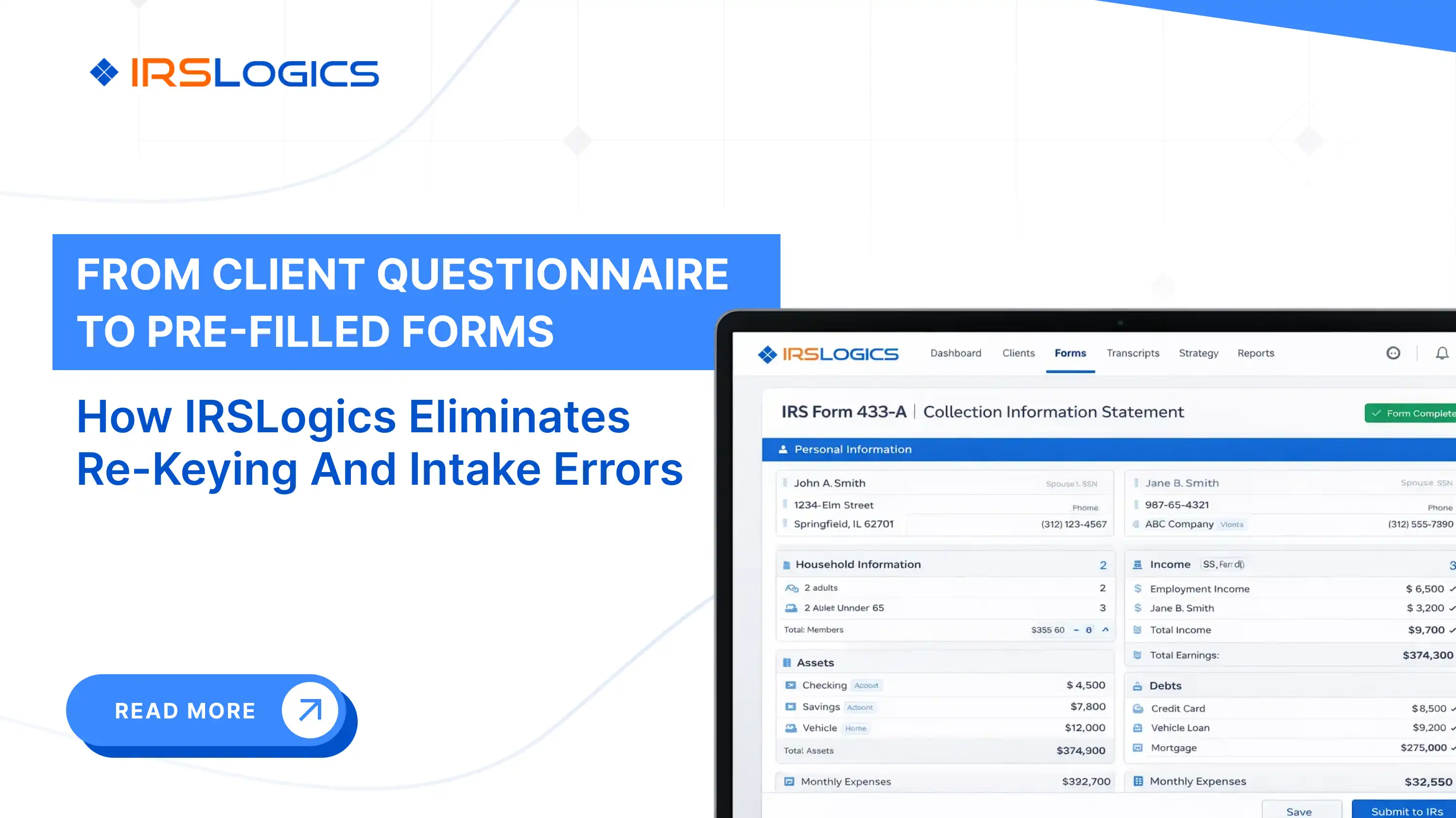
That distinction matters because when a client books an appointment through the IRS Logics portal, it automatically syncs with Google Calendar. When they upload a document, it lands in the correct folder inside their case record. When they pay an invoice, it ties directly to the invoice in the billing module. When they fill in the Financial Questionnaire, the data auto-populates into IRS financial forms, including the 433-A, 433-B, and OIC worksheets.
Nothing is disconnected. The client experience and the case management experience are the same system.
For comparison, tools like TaxDome and Canopy offer practice management with portal functionality, but they are not built specifically around the IRS case lifecycle. Pitbull Tax and IRS Solutions focus heavily on forms and workflows, but differ in the depth to which their portals integrate with CRM, billing, and case activities within a single record.
The question to ask any portal vendor is simple. If my client uploads a document, sends a message, books an appointment, and makes a payment today, how many places does that information live in your system? In IRS Logics, the answer is one. Firms that have already looked at how a tax resolution CRM differs from a general CRM will recognize exactly why that answer matters.
IRS Logics is a purpose-built tax resolution platform designed for CPAs, Enrolled Agents, and tax attorneys who handle IRS cases every day. From intake and IRS transcript pulls to OIC filing, client portal communication, e-signatures, and billing, every feature inside IRS Logics maps to a real stage of the resolution case lifecycle.
It is not a general practice management tool adapted for resolution work. It was built for resolution from the ground up.
[CPA, Small Firm] "We used to chase clients across email, WhatsApp, and calls just to get basic documents. Half the time, something would still be missing. With the portal, clients know exactly what to upload and where. That alone has cut a lot of back and forth."
[Enrolled Agent, Resolution Practice] "The biggest difference is everything being in one place. Documents, messages, billing, signatures. Earlier, we were stitching together multiple tools to make this work. Now the process feels structured instead of reactive."
[Tax Attorney, IRS Cases] "Clients used to call constantly, asking for updates or where to send something. Now they log in, see the status, upload what is needed, and move on. It has reduced interruptions and made the workflow much smoother."

What is the best client portal software for tax resolution firms? The best portal is not a file-sharing tool; it is built into your case workflow, so everything connects automatically. Platforms like IRS Logics do this by tying every client action directly to the case without extra steps.
What should a client portal for a CPA or Enrolled Agent include? You need secure document storage, e-sign, booking, payments, and clear case updates in one place. For resolution work, add tracking, access control, and a full audit trail for every action.
Are client portals secure enough for IRS case documents? Only if they meet strict standards like encryption, controlled access, login tracking, and audit logs. If a vendor cannot clearly explain their security, do not trust it with sensitive data.
How do I choose the right client portal for my tax resolution firm? Start with integration; if it does not connect to your core systems, it will slow you down. Then check security, tracking, and branding, because disconnected tools always create chaos.
What is the difference between a client portal and a CRM for tax professionals? A CRM manages leads and pipeline, and a portal is where clients actually interact with your firm. Some platforms combine both, so clients move from lead to case without switching systems.
Can a client portal reduce the time I spend chasing clients? Yes, because everything lives in one place, so clients know exactly what to do and where to go. Tracking shows what is missing, so you send precise reminders instead of chasing blindly.
Does IRS Logics offer a client portal? Yes, it gives clients one secure place to upload, sign, pay, book, and track their case. Every action automatically syncs to the case, so your team does not waste time on manual work.
The question is not whether your firm needs a client portal. You do.
The real question is whether the portal you choose will actually fit the way resolution work happens, or whether it will become one more tool you manage alongside everything else.
That is the setup that gives your practice real leverage.
See IRS Logics in action. Book a free demo.
All
Tax Software
Workflow & Automation
Industry News
Resolution Tips
Tax Resolution Marketing

Lorem ipsum dolor sit amet, consectetur adipiscing elit. Suspendisse varius enim in eros elementum tristique. Duis cursus, mi quis viverra ornare, eros dolor interdum nulla, ut commodo diam libero vitae erat. Aenean faucibus nibh et justo cursus id rutrum lorem imperdiet. Nunc ut sem vitae risus tristique posuere.


Share this article directly by email. Simply enter the recipient’s details below.

Article has been send to you.