Tax Software


Most software looks impressive in a demo.
The real question is what happens three weeks later, when you have 40 open cases, two staff members out, transcripts changing, clients uploading partial documents, and a payment plan that needs follow-up.
That is where “forms + notes” tools start to crack, and where a true tax resolution workflow platform proves its value.
Tax resolution is not a one-step service. It is an end-to-end delivery process that can include authorizations, transcript review, case strategy, financial analysis, submissions, follow-ups, and ongoing compliance tracking.
So when a vendor says “built for tax resolution,” the expectation should be specific:
A platform that supports the IRS case lifecycle, keeps every action traceable, and reduces manual work across your team, not just a place to store client details and generate forms.
IRSLogics describes this as end-to-end IRS case management, including workflows, automation, a client portal, e-sign, billing, analytics, and integrations.
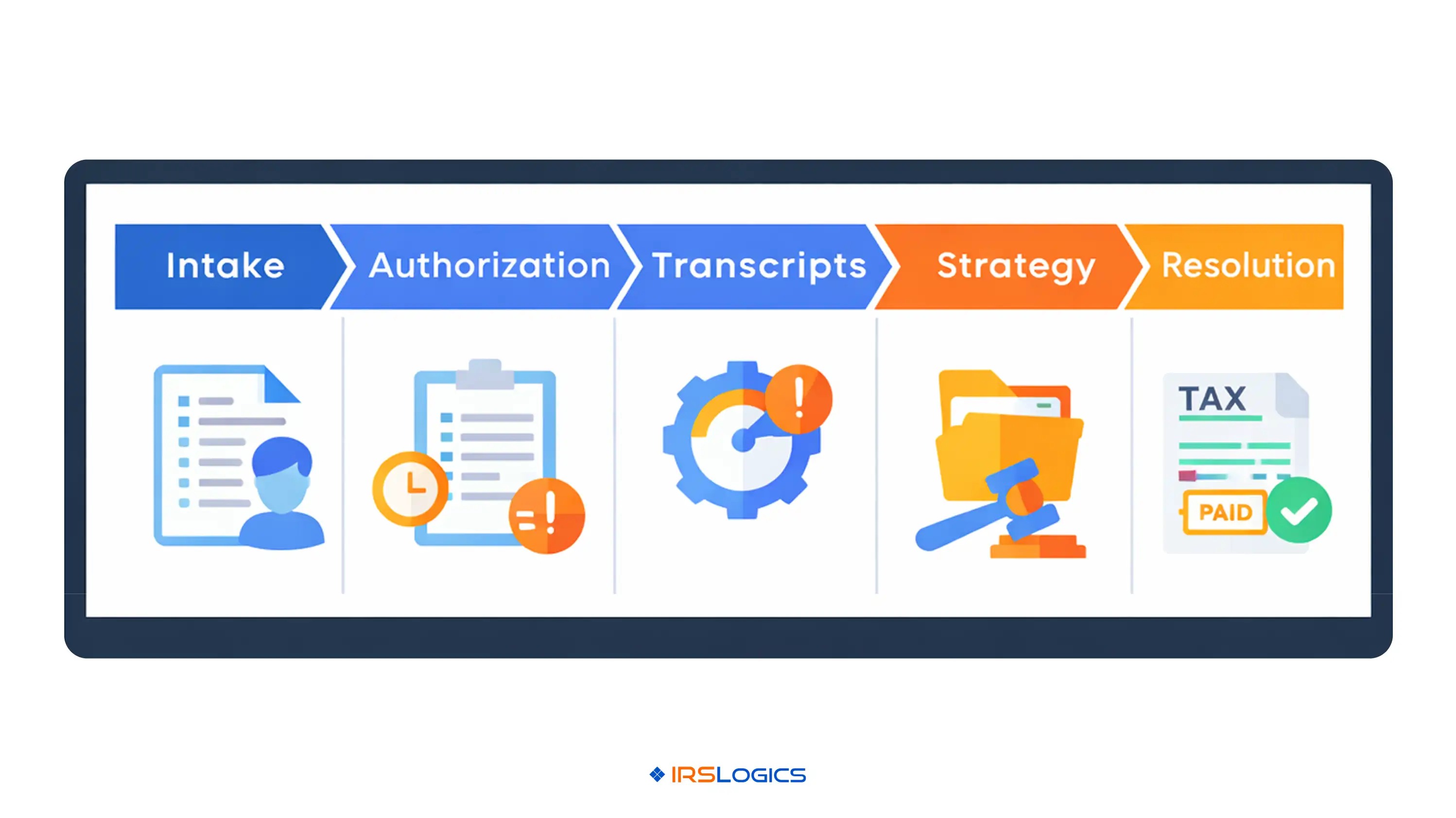
A simple way to test whether software is truly built for resolution is to map it to how work actually flows:
If your software does not make steps 2 through 7 easier in a single connected system, it is not truly built for tax resolution.
For example, transcript access for practitioners often runs through IRS e-Services, including the Transcript Delivery System (TDS), and requires proper authorization on file (Form 2848 or 8821).
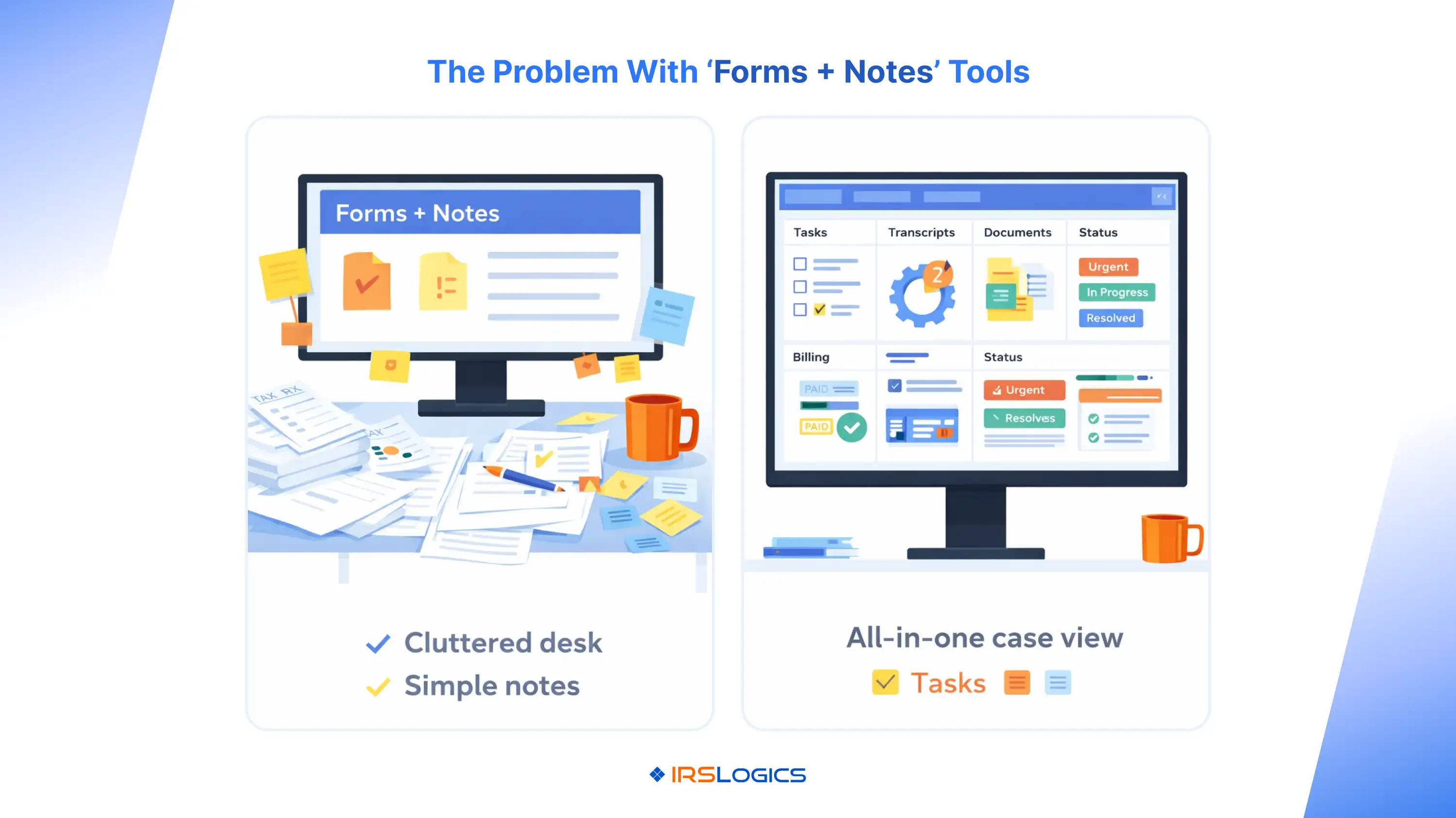
A forms library and a notes section can help you start.
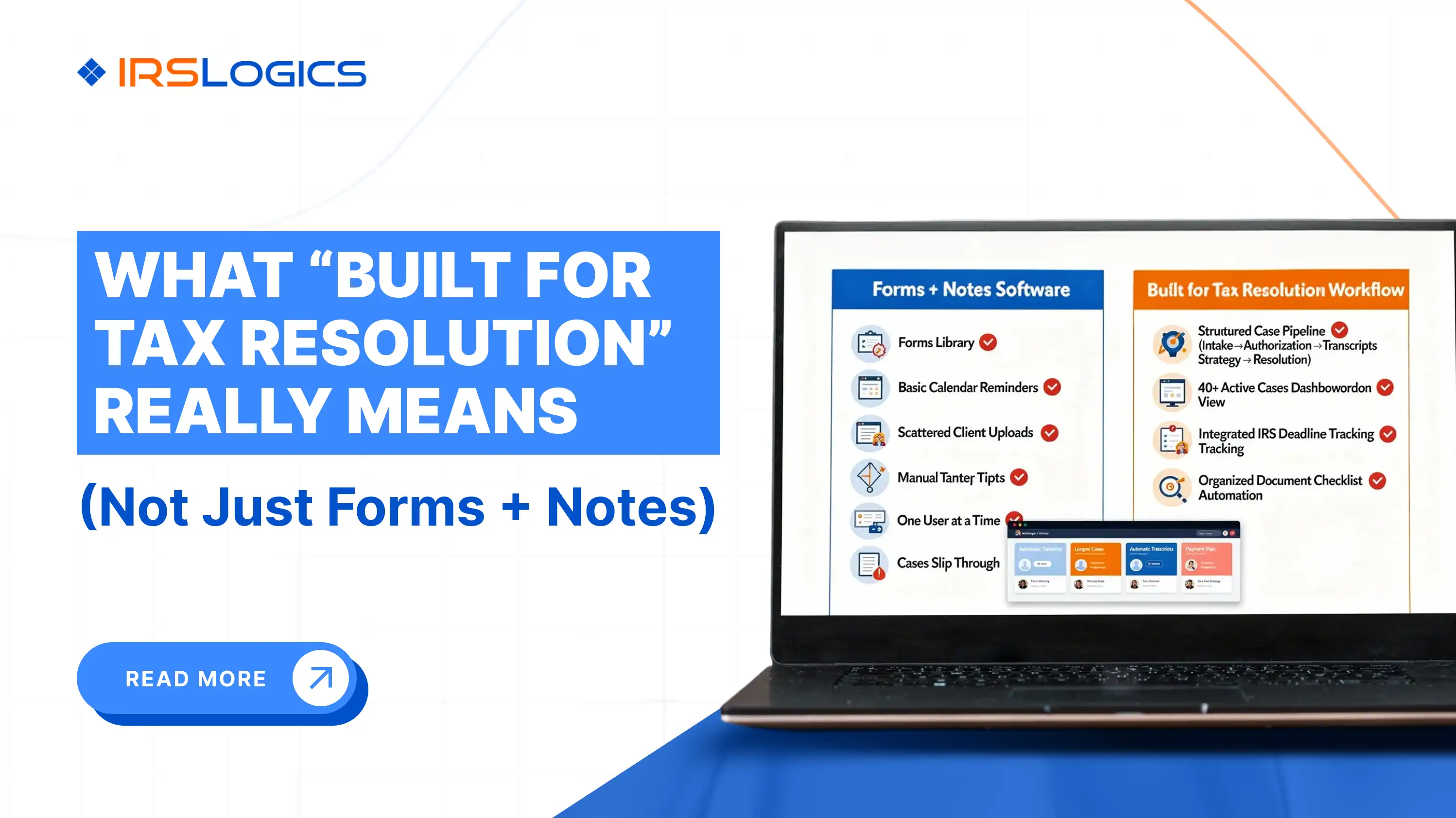
But once you have real case volume, “forms + notes” usually leads to:
In short, you can produce paperwork, but you cannot run operations.
A true platform connects all of it: workflow, documents, communication, billing, and reporting, so cases move forward consistently.
Below are the tax resolution software features that matter most if you want consistency, speed, and scalability.
This is the backbone. You need the ability to manage cases with repeatable steps, tasks, reminders, and ownership, not just “stages.”
IRSLogics highlights case management with end-to-end tasks and reminders, plus custom workflows, so teams can standardize how cases move.
Transcripts are not a one-time pull. They are an ongoing input that can change a case.
Competitor platforms heavily emphasize transcript delivery, reporting, and alerts because that is where time is won or lost in resolution work.
IRSLogics similarly positions transcript pulls as fast and operational, tied to case progress.
“Built for tax resolution” means the software helps you make decisions, not only store information.
That includes structured financial questionnaires, evaluation support, and workflows that guide your team through the steps required for common resolution paths.
IRSLogics lists client financial questionnaire capabilities and positions evaluation workflow as part of its case management.
Forms matter, but forms are the output of a process.
PitBullTax and IRS Solutions both emphasize auto-populated forms as a core feature, indicating that it is expected in this category.
IRSLogics also lists forms and auto-fill as part of a broader platform that includes case and billing workflows.
Resolution work generates many documents, and they change over time.
Look for:
IRSLogics highlights document lifecycle management, including categorization, search, and version control.
A portal is not just for uploads. In resolution, it should reduce follow-ups by making it easy for clients to:
IRSLogics emphasizes a client portal experience where clients can see progress and upload documents, tied to the case status.
You need a clean record of what was sent, signed, and when.
IRSLogics highlights tools for e-sign, plus logs for SMS and email activity within the platform.
If billing is separate, teams lose time and money.
A built-for-resolution platform should make it easy to:
IRSLogics describes integrated billing, real-time payment visibility, payment history, recurring payments, and A/R reporting.
Reporting is not a “nice-to-have.” It is how you prevent stalled cases and protect quality.
IRSLogics highlights custom reporting and dashboards, including real-time visibility into sales, case progress, and team performance.
“Built for resolution” also means built for teams.
IRSLogics supports multiple offices and teams, filters performance by office, and controls where employees can log in from.
Integrations should reduce the small operational frictions that slow teams down.
IRSLogics lists integrations such as Outlook calendar reminders, phone system bridging, integrated e-sign and fax systems, payment processing systems, and marketing and broadcasting tools.
Use these questions to quickly validate whether the platform is truly built for tax resolution.
If a vendor cannot walk through these cleanly, it is usually a CRM with add-ons, not a tax resolution workflow platform.
IRSLogics positions itself as an all-in-one tax resolution platform that connects workflows, a client portal, e-sign, billing, reporting, and integrations into a single tool.
If your firm aims to scale resolution work without adding more tools, spreadsheets, or manual follow-ups, this “one system” design typically drives consistency.
The most important features are workflow-based case management, transcript retrieval and monitoring, document lifecycle management, a client portal, integrated billing, and reporting dashboards that show case progress and bottlenecks.
It means the software is designed around IRS case execution, not just contact records. It helps your team move cases from intake to resolution with connected workflows, documents, transcripts, billing, and reporting.
Auto-fill forms help, but they do not solve operational execution: deadlines, handoffs, document chasing, billing follow-through, and visibility. Forms are output, not the workflow.
Because transcript changes can signal new IRS activity that impacts the case. Many tax resolution platforms highlight transcript monitoring and alerts as a key efficiency driver.
Tax pros often use IRS e-Services tools like TDS for transcripts, and the IRS provides an online process to submit Forms 2848 and 8821.
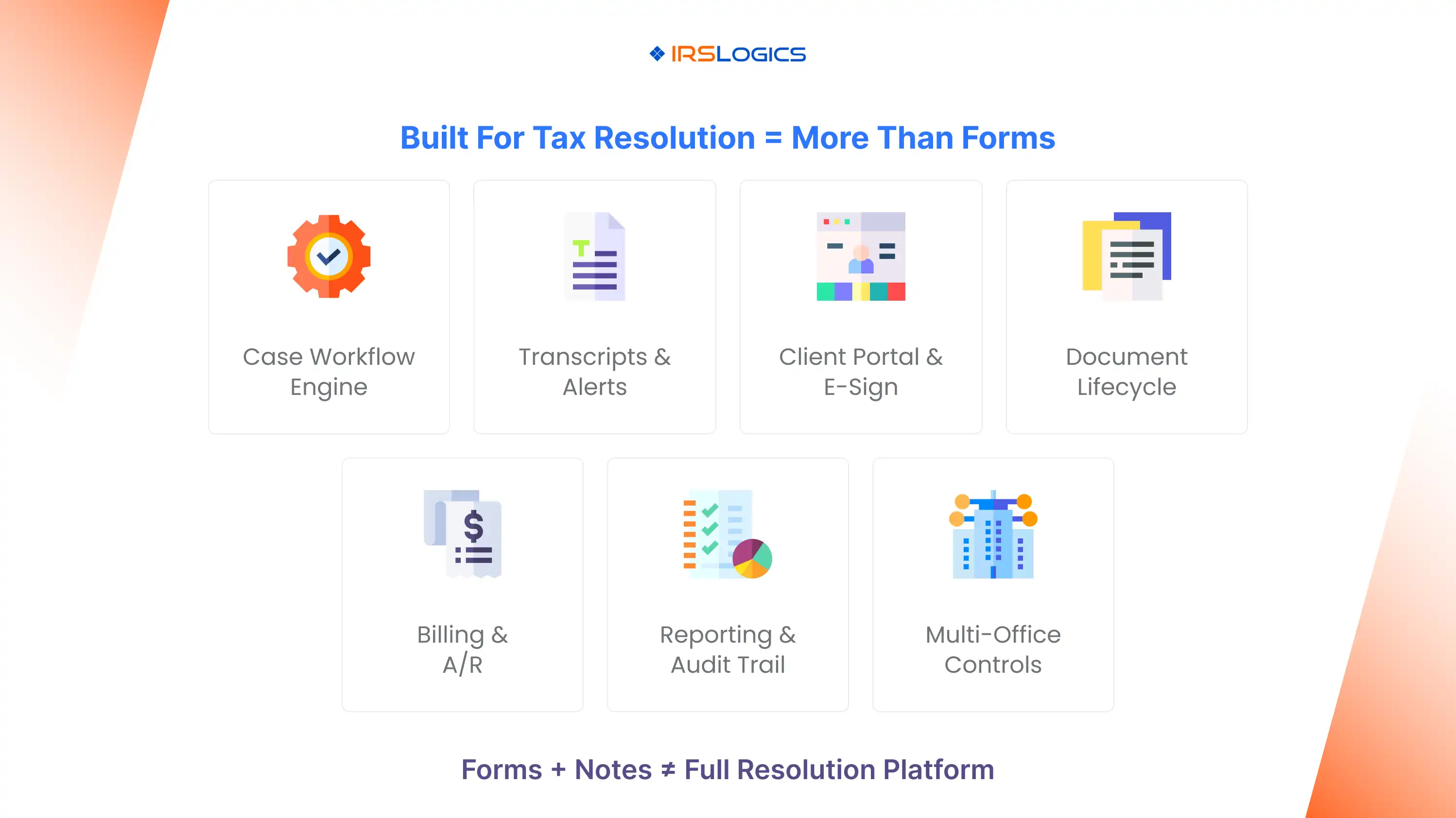
“Built for tax resolution” should never mean “we have forms and a notes tab.”
It should mean your platform can run the work: the case lifecycle, the transcript workflow, the documents, the client experience, the billing follow-through, and the reporting that keeps everything accountable.
If you evaluate software through that lens, the decision becomes clearer fast, because you are choosing an operating system for your resolution team, not just a digital filing cabinet.
Use a demo checklist that forces the vendor to show end-to-end execution, not isolated features.
All
Tax Software
Workflow & Automation
Industry News
Resolution Tips
Tax Resolution Marketing

Lorem ipsum dolor sit amet, consectetur adipiscing elit. Suspendisse varius enim in eros elementum tristique. Duis cursus, mi quis viverra ornare, eros dolor interdum nulla, ut commodo diam libero vitae erat. Aenean faucibus nibh et justo cursus id rutrum lorem imperdiet. Nunc ut sem vitae risus tristique posuere.


Share this article directly by email. Simply enter the recipient’s details below.

Article has been send to you.