Tax Software


Nobody warns you about this when you start a tax resolution practice.
You will spend more time hunting for the 433-A than actually resolving the case.
Three tabs. Two spreadsheets. One lost text thread.
A customizable CRM for tax firms fixes this. Let me show you how.
Table of Contents
Let's be honest.
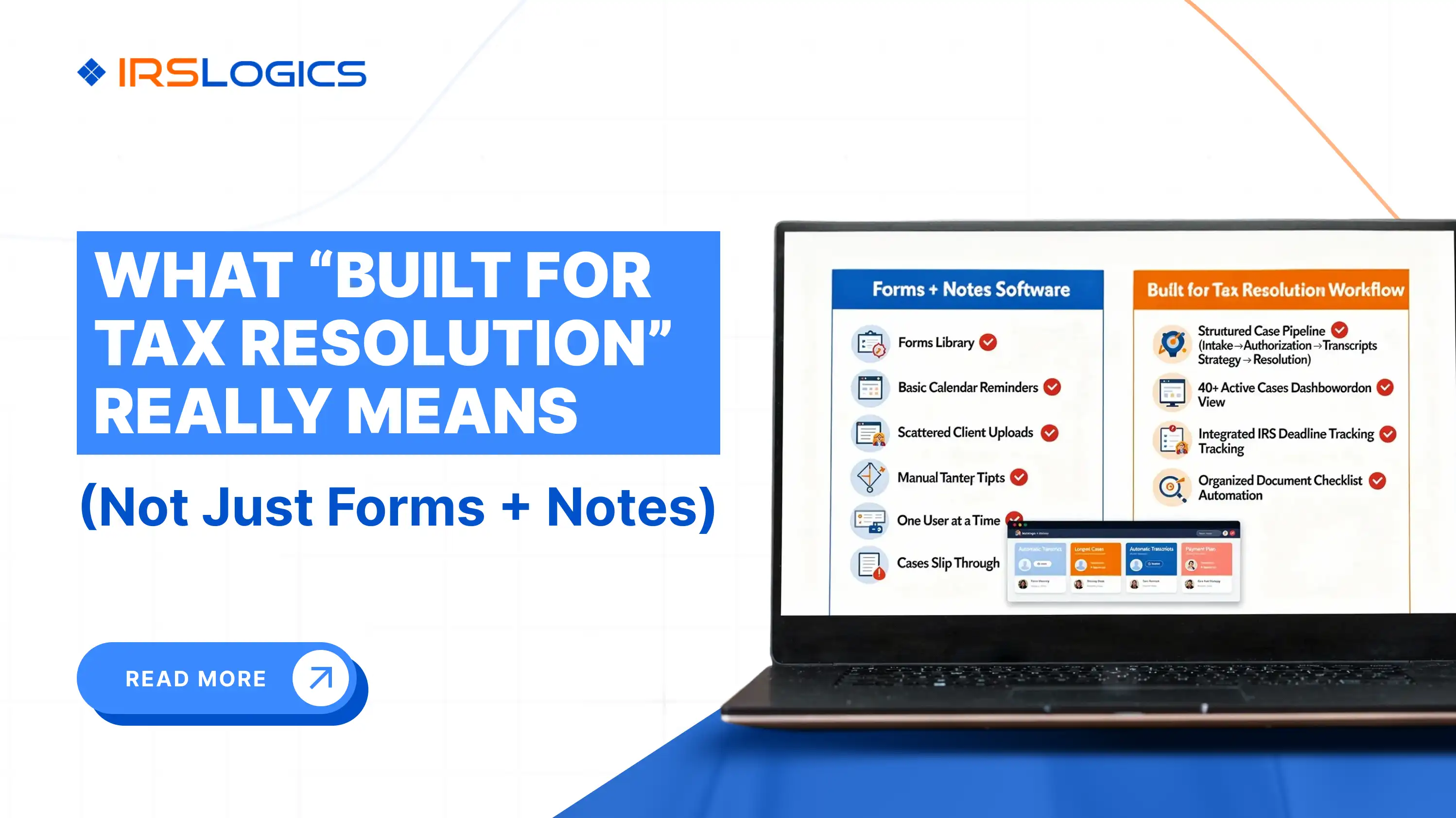
You didn't buy your CRM for tax resolution. You bought it for sales.
It tracks deals. Your firm tracks levies, liens, CSED dates and transcript requests.
Different game. Same board.
A tax resolution CRM has to think in case stages, not deal stages. We broke this down in tax resolution CRM vs general CRM.
Short version?
General CRMs ask you to adapt. A customizable CRM for tax firms adapts to you.
Sounds obvious. Yet most firms are still forcing a sales tool to do resolution work. (No judgement, we have all had 100 tabs open at some point)
Not a new colour theme.
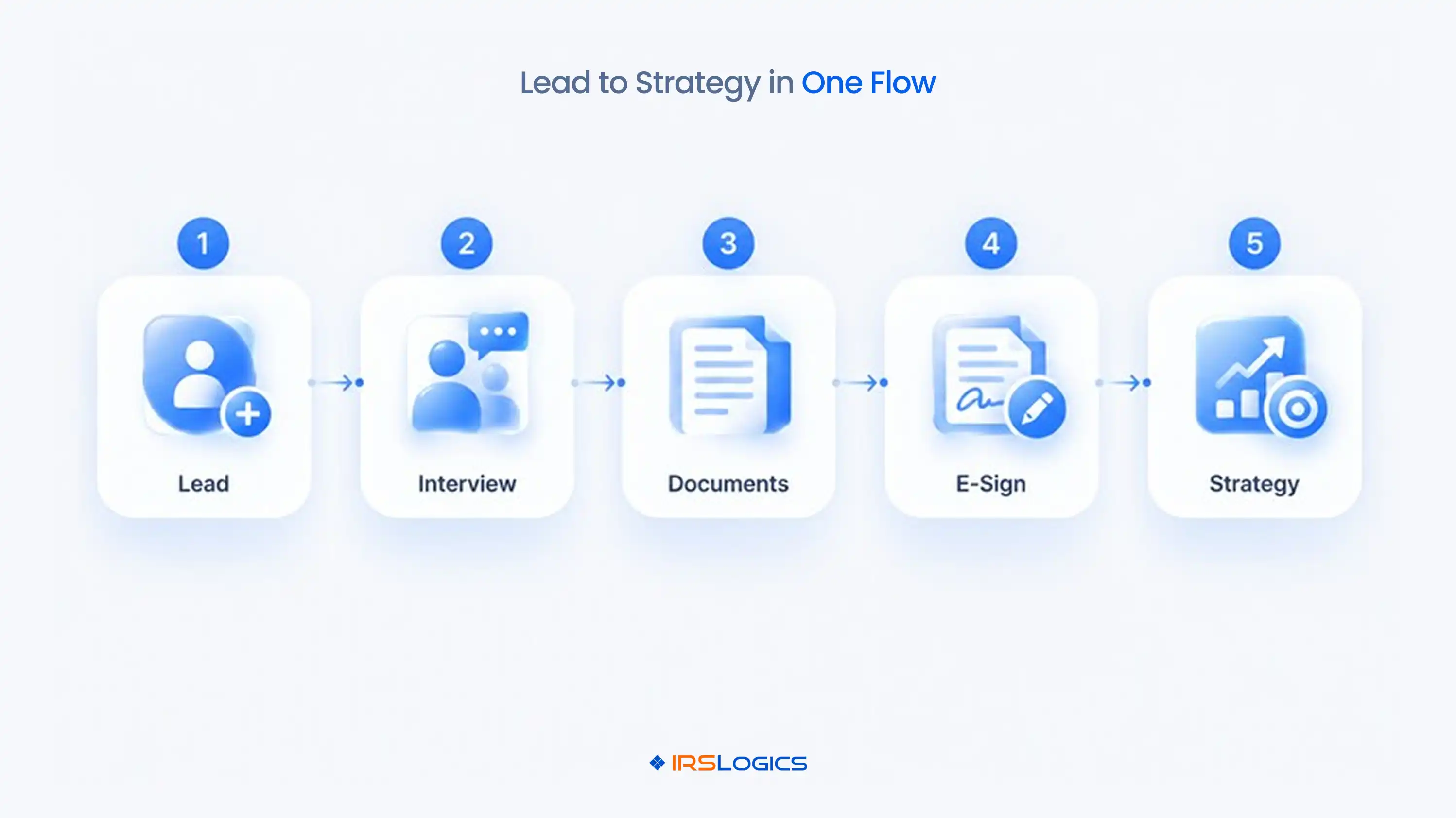
Not your logo in the corner.
Real customization has three layers:
→ Your fields
→ Your stages
→ Your automations
Miss one and you are back to spreadsheets by Thursday. A customizable CRM for tax firms needs all three.
Let's break it down.
Every firm collects different things.
Some track prior-year filing gaps. Some flag payroll tax debt. Some want to know exactly which notice the client got and when.
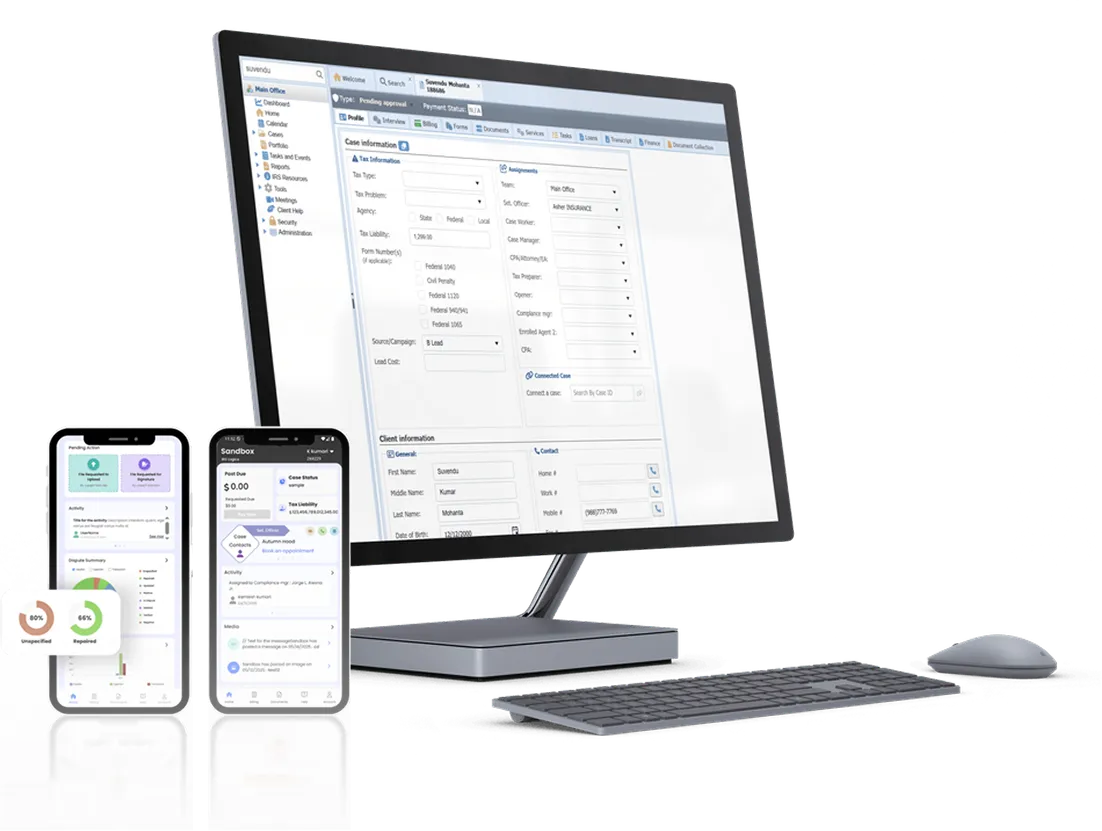
User-defined fields (UDF) let you add all of that to the Profile and Services sections.
That is the first step to a custom tax CRM that actually looks like your intake. Not someone else's.
Case Status lets you build your own workflow.
Transcripts Requested. Awaiting Financials. Ready for Filing.
One look and the whole team knows where a case sits. No "hey, where are we on this one?" messages.
This is where customizable tax software earns the name. It follows your process. Not the other way around.
The Rule Engine runs custom automations built to your requirements.
Lead Distribution routes leads by the ratio you set. Templates send the same email or SMS the same way, every time.
A tax resolution CRM that handles the boring middle gives your team time for the work that needs an enrolled agent's brain.
And honestly, that is the whole point.
Do this before the demo. Please.
→ Write down every stage, from first call to case closure
→ Mark where documents get stuck
→ Note what gets typed twice
→ List who owns each handoff
→ Flag every step that relies on someone remembering
That is your blueprint.
Skip it and even the best customizable CRM for tax firms turns into a fancy to-do list.
Do it and your custom tax CRM setup gets so much cleaner. Fewer "wait, who owns this?" moments. Fewer 4 pm panics.
Trust me, ten minutes with a whiteboard saves you weeks later.
Customization is the engine. These are what it drives.
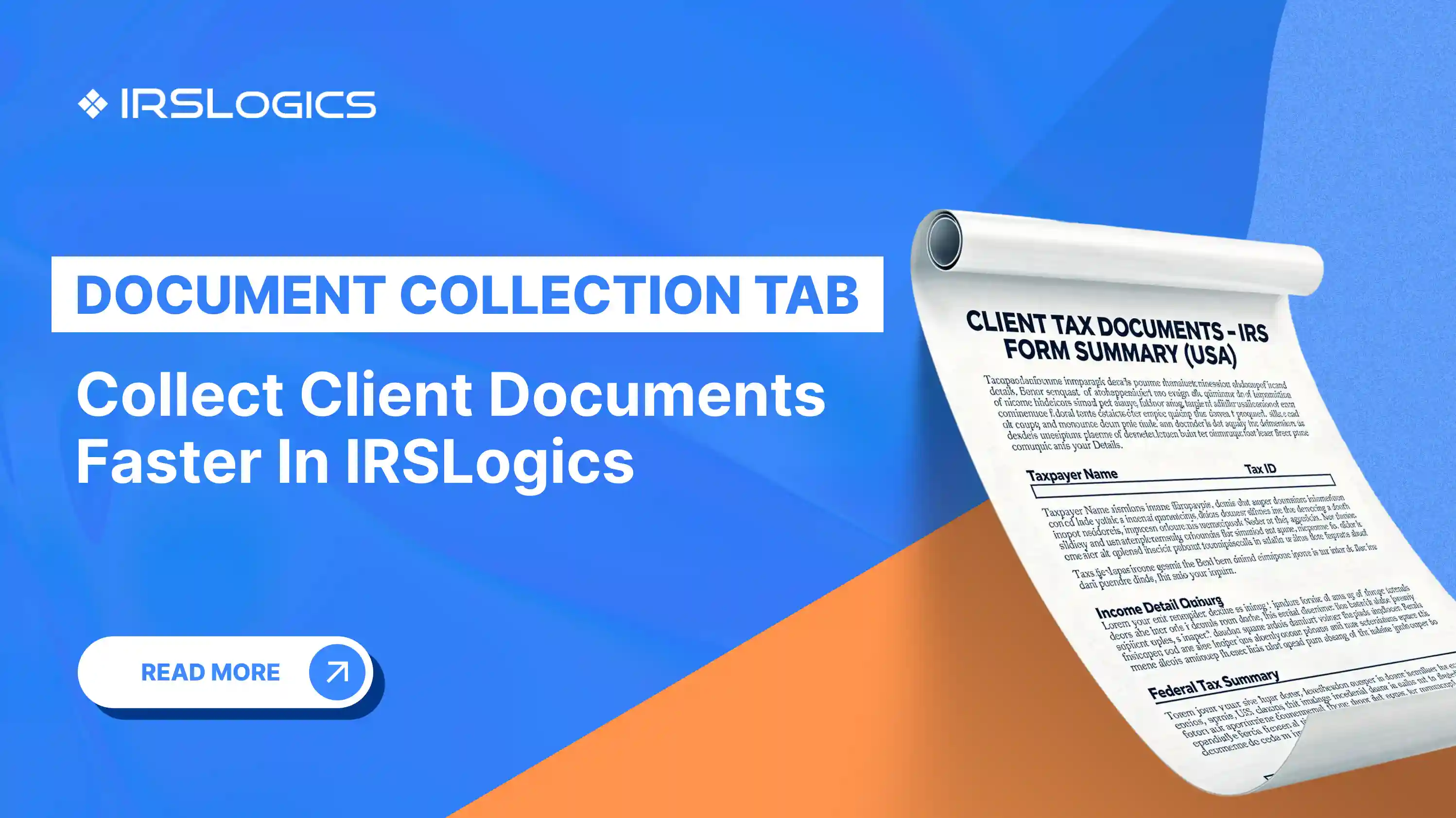
→ Document Collection Tab: tracks every document request so onboarding stops living in your inbox. Here is how it speeds up intake.
→ Financial Questionnaire: the client fills it in, you approve it, and the data auto-populates your IRS financial forms. No re-typing across the Form 433-A and OIC worksheets.
→ Transcripts: pull IRS transcripts inside the case, using the same information the IRS transcript service provides.
→ SMS and billing: client texts in one thread, payments tied to invoices.
Every single one proves a CRM for tax firms should be built for resolution. Not borrowed from sales.
Picture a Monday. (I know, pain)
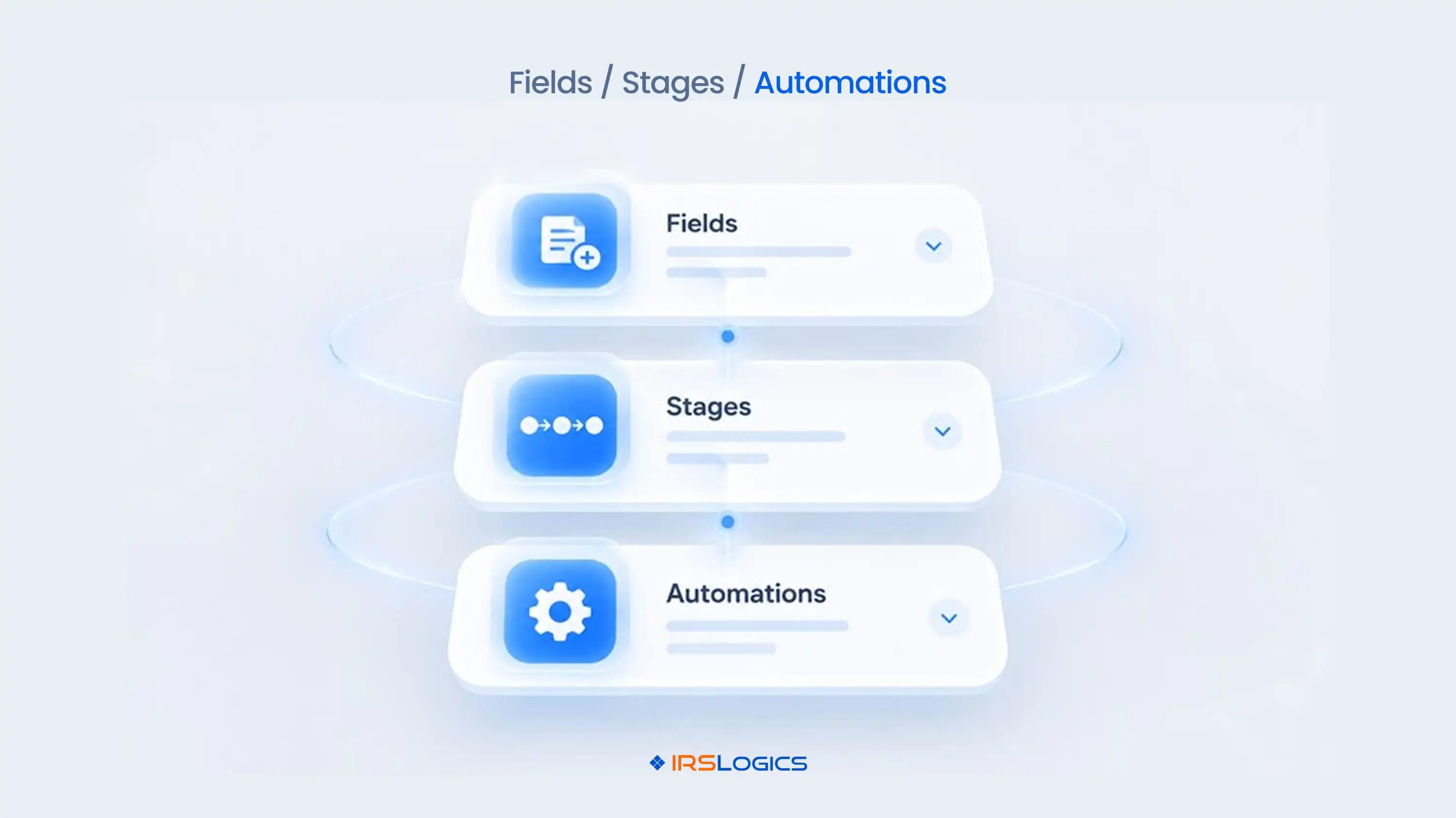
A lead comes in from a campaign.
→ Lead Distribution routes it to the right rep
→ The rep opens the Interview Script and collects financials
→ The Interview section checks Offer in Compromise qualification
→ The Rule Engine moves Case Status to Awaiting Documents
→ A template goes out and Tasks get assigned with reminders
By Wednesday, the client has signed through E-Sign and the case is in strategy.
Nobody chased anybody.
That is a customizable CRM for tax firms set up well.
And that is the gap between customizable tax software that looks great in a demo and a tax resolution CRM your team actually opens every morning.
Take these to every demo:
→ Can my team change fields and statuses without raising a support ticket?
→ Are state and federal IRS forms built in?
→ Can automations be built around my process?
→ Can I control who sees what with roles?
→ Are billing, e-sign and the client portal in the same place?
Pricing needs its own chat. Our guide to tax resolution software pricing covers it. Want the bigger picture? Start with our tax CRM software overview.
Ask now. Not after onboarding.
Future you will say thanks.
IRSLogics is built only for tax resolution, and has served tax resolution professionals for over a decade.
It is a customizable CRM for tax firms that runs the whole case lifecycle: case management, CRM, billing, forms, e-sign and a client portal in one platform. No five-tool juggling act.
Here is how teams use it day to day. UDFs capture your intake, Case Status mirrors your pipeline, and the Rule Engine automates repeat steps. Reps text through the SMS Conversation View, billing teams link payments to invoices with Tying Payments to Invoices, and Roles keep access clean. That is a custom tax CRM running on your rules.
State and federal IRS forms are already built in. Users rate Ease of Use and Quality of Support at 93%. For firms hunting a tax resolution CRM that fits how they work, that beats a long feature list any day.
It is a CRM where your firm controls fields, case stages and automations. It adapts to your resolution process instead of forcing a sales pipeline on you.
A custom tax CRM tracks case stages, transcripts, IRS forms and billing. A general CRM tracks deals and contacts, and needs heavy workarounds for resolution work.
At minimum: case management, document collection, built-in IRS forms, e-sign, billing and a client portal. Custom statuses and automations make it fit your firm.
Yes. In IRSLogics, the Rule Engine runs automations built to your requirements, and Templates standardize client communication.
Not if you map your process first. List your stages, handoffs and repeat data entry before configuring anything.
Enrolled Agents, CPAs, tax attorneys and resolution firms that want one platform for intake, filing, billing and client communication.
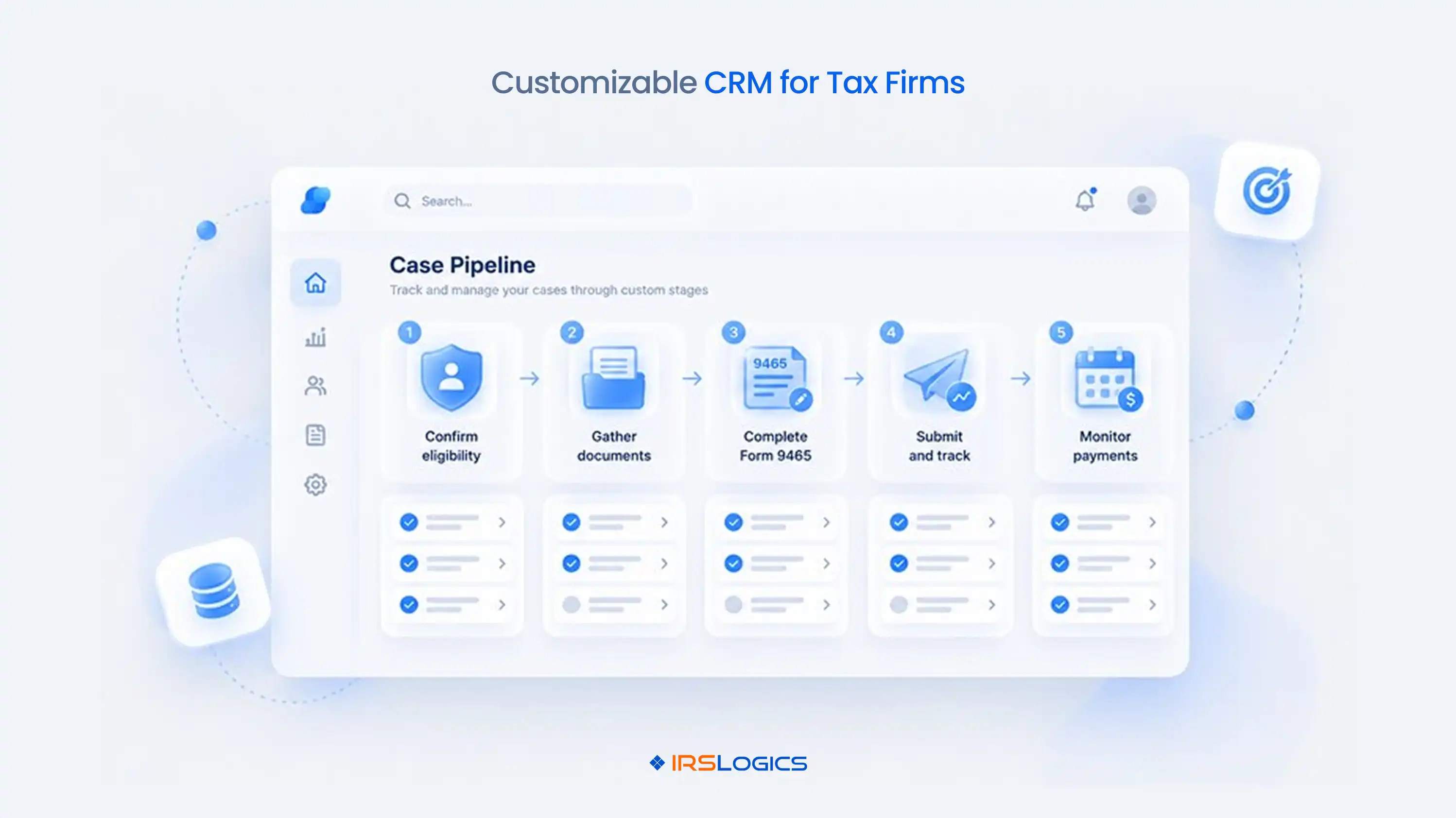
A customizable CRM for tax firms is not about fancy settings.
It is about a system that matches how your cases really move.
Map your process first. Then pick customizable tax software that can mirror it.
Everything else is a spreadsheet in disguise. What is the one step in your process that still lives in someone's head?
Ready to see a customizable CRM for tax firms built around your process? Book a demo with IRSLogics or call +1 (866) 386-2444.
All
Tax Software
Workflow & Automation
Industry News
Resolution Tips
Tax Resolution Marketing
Lorem ipsum dolor sit amet, consectetur adipiscing elit. Suspendisse varius enim in eros elementum tristique. Duis cursus, mi quis viverra ornare, eros dolor interdum nulla, ut commodo diam libero vitae erat. Aenean faucibus nibh et justo cursus id rutrum lorem imperdiet. Nunc ut sem vitae risus tristique posuere.


Share this article directly by email. Simply enter the recipient’s details below.

Article has been send to you.