Tax Software


You're running five tabs at once.
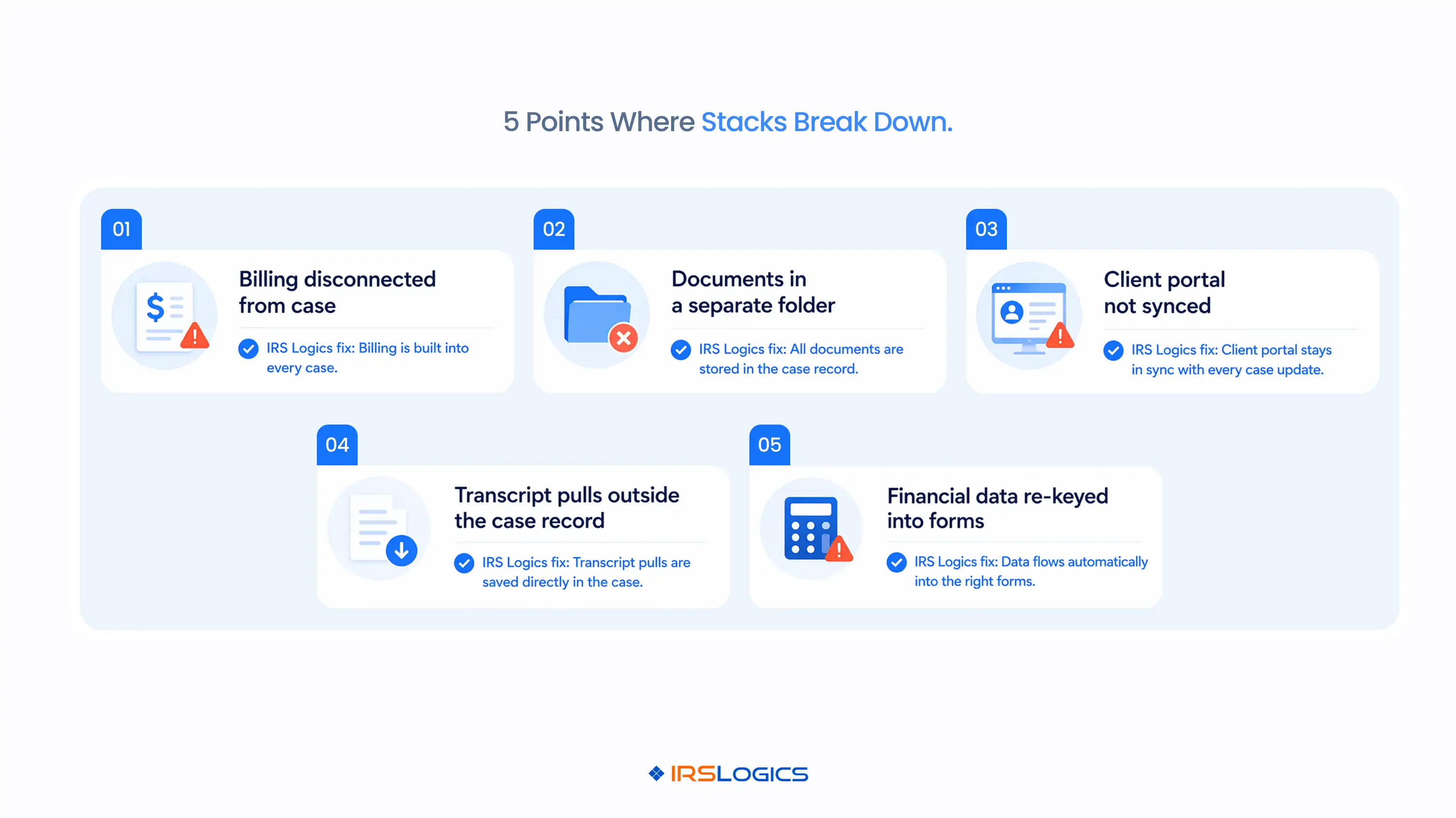
A CRM here. A billing tool there. A document folder somewhere else. A client portal that is technically connected but never quite works the way it should.
This is what tax resolution looks like when you have built your practice around a stack of tools instead of a platform built for the job. And if you are comparing tax resolution software right now, this is probably the central question you are wrestling with. Do you keep piecing things together, or do you move to something built end-to-end for resolution work?
This blog breaks it down. No fluff. Just the practical reality of both approaches.
Most firms do not deliberately choose the stack approach.
It just happens. You start with a generic CRM because it was recommended. Then you add a billing tool because the CRM does not handle invoicing well. Then a separate e-signature platform, because nobody wants to print and scan anymore. Then, a client portal because clients keep losing files you emailed them.

Before you know it, you are managing logins, syncing data manually, and training your team on four different tools, all to do one job: resolve IRS cases.
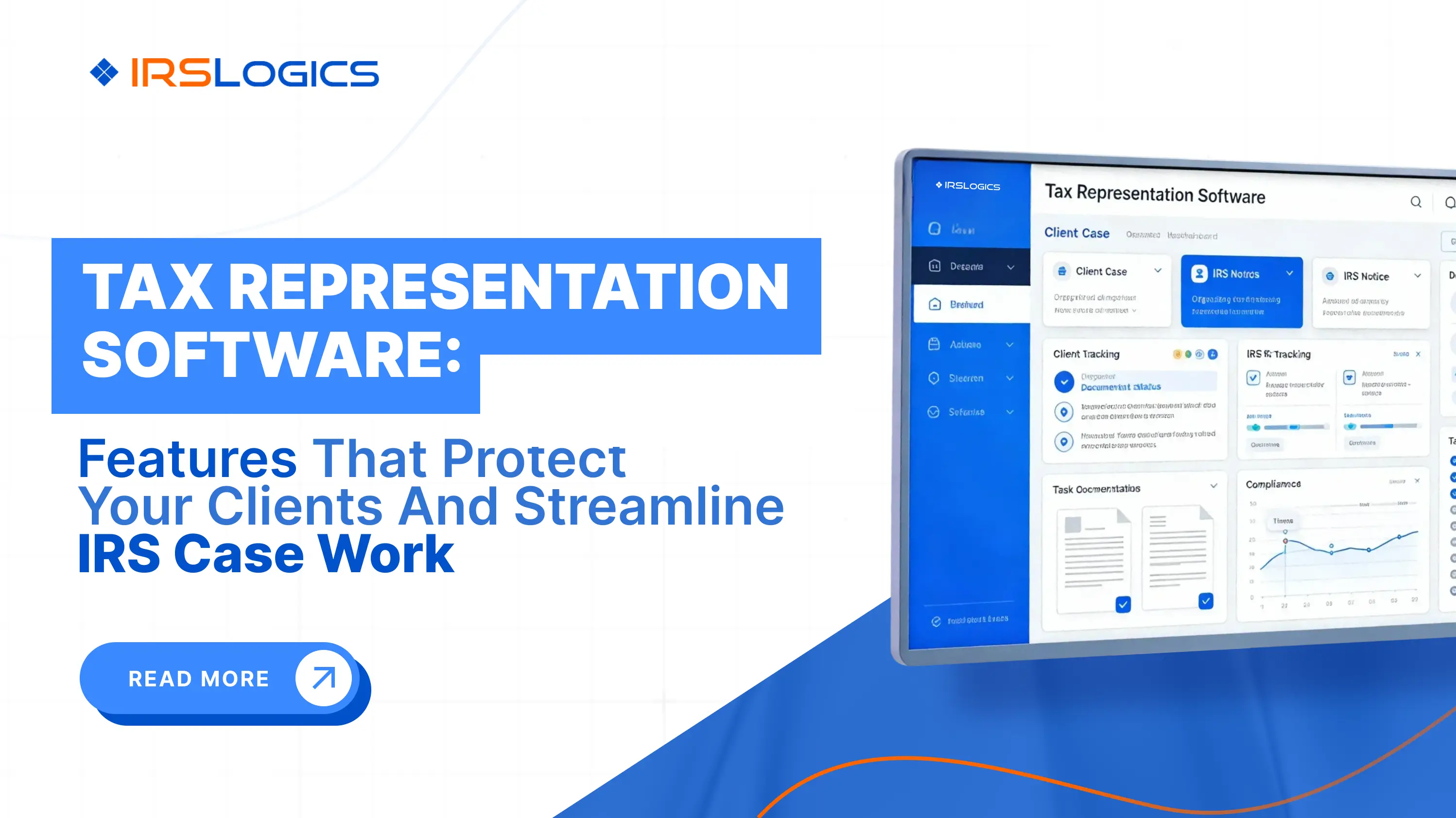
General practice management tools like TaxDome or Canopy are built for broad tax practices. They handle preparation, compliance, and some client management. When you try to run resolution workflows through them, pulling transcripts, building OIC cases, tracking CSED deadlines, and managing 433-A and 433-B data, the gaps show up fast.
The tools are not broken. They are just not built for this.
The distinction is not about having more features.
It is about whether the features actually map to how a resolution case moves.
A resolution case starts with intake. Then, the transcript pulls. Then, the financial analysis. Then form filing. Then, billing, client communication, document collection, and ongoing case management until resolution. Every stage has a specific set of tasks, forms, and communication touchpoints.
A platform built for resolution connects all of these stages in one place. You do not re-enter a client's financial data between the intake form and the 433-A. You do not switch to a separate tool to pull their IRS transcripts. You do not go to a different portal to send them documents for e-signature.
The case record becomes the single source of truth, and everything happens inside it. The IRS outlines the resolution options available to taxpayers, from installment agreements to Offers in Compromise, and each pathway involves distinct workflows that a purpose-built platform needs to support natively.
This is where the stack approach breaks down the most.
In a resolution firm, case management and CRM are not separate functions. Your client relationship is your case. The notes from your intake call should live in the same place as the OIC worksheet and the billing history.
When they do not, things get missed.
Which invoice has not been paid? You have to check the billing tool. Which documents are still outstanding? You have to check the document folder. What is the status of the transcript request? You have to check somewhere else.
A feature like tying payments to invoices within IRSLogics directly solves one part of this. Payments are linked to their specific invoices, so you always know what is outstanding without switching tools or cross-referencing spreadsheets.
But it is not just billing. It is the entire case record. When the CRM, billing, and case management all live in the same system, the question of "where is this information" stops being a daily problem your team has to solve.

Document collection is one of the slowest parts of onboarding a new tax resolution client.
You need financial statements, prior returns, bank statements, identification, and often a stack of IRS notices. Getting all of that in the right format from clients who are already stressed about their tax situation is genuinely hard.
When your document system is separate from your case management, you lose visibility. You are chasing clients by email without knowing what has been received and what is still outstanding, without manually checking every case.
The Document Collection Tab in IRSLogics provides multi-office firms with a structured, trackable process for requesting and receiving documents directly within the case record. Each request has a status. Nothing falls through the gaps. The IRS document management workflow breakdown details how a structured collection process changes the pace of onboarding for resolution firms.
E-sign works the same way. Built-in electronic signatures mean clients sign inside the platform. You are not paying for a separate DocuSign subscription and then manually uploading signed documents back into a different folder.
Every tool stack has a client portal problem.
Either you do not have one, or it is bolted on from a third-party service, or it exists but clients do not use it because it is disconnected from everything else.
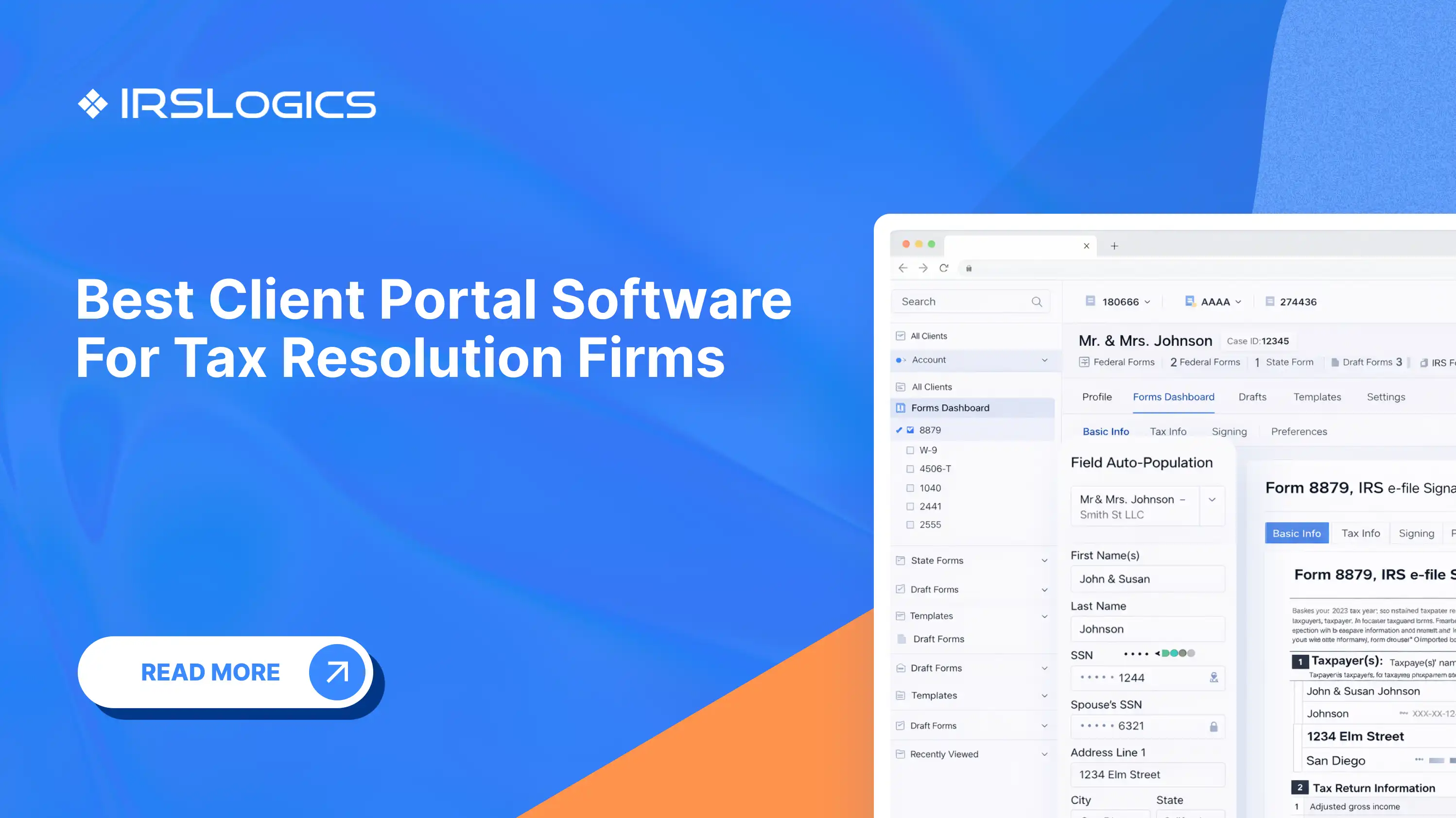
A properly integrated client portal does a specific set of things. It lets clients upload documents, see their case status, receive and sign documents, make payments, and book appointments. All of these should happen in one place for the client, and all of that data should flow directly into the case record.
When the portal is an add-on to a stack, it almost never works this cleanly. Appointments booked through the portal do not automatically appear in the case manager's Google Calendar. Payments made through the portal do not automatically update the invoice status.
The Google Calendar integration in IRS Logics closes one of the most common gaps. Appointments booked through the client portal sync automatically to Google Calendar, so nothing gets missed. This is a small change that removes a consistent source of friction.
IRSLogics is built around a single case record.
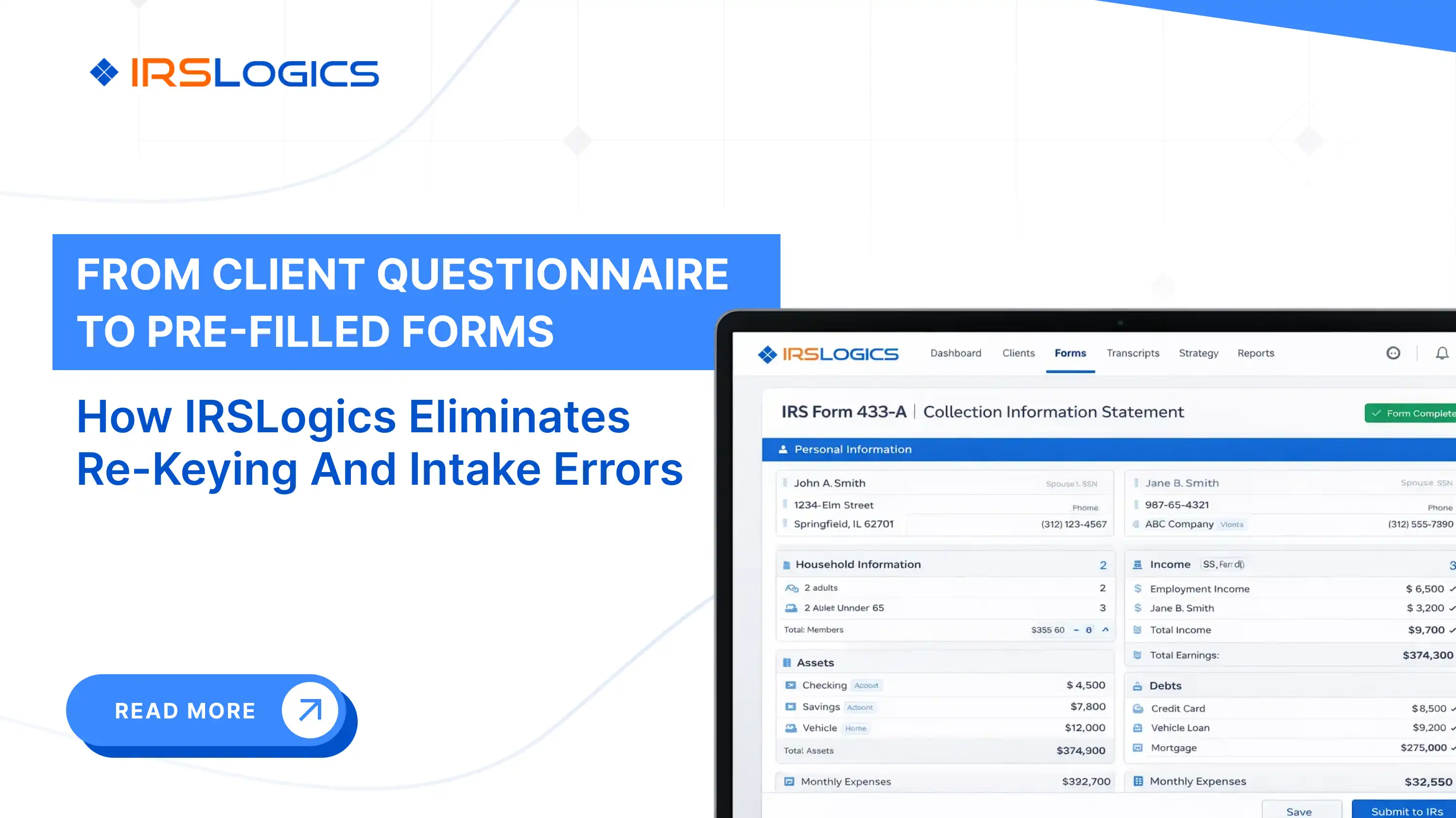
Every feature, intake, transcript pull via the IRS Transcript Delivery System, the Financial Questionnaire that auto-populates 433-A and 433-B and OIC worksheets, SMS conversation view for client communication, billing, documents, e-sign, and the client portal all sit inside that record.
There is no syncing between systems because there are no separate systems.
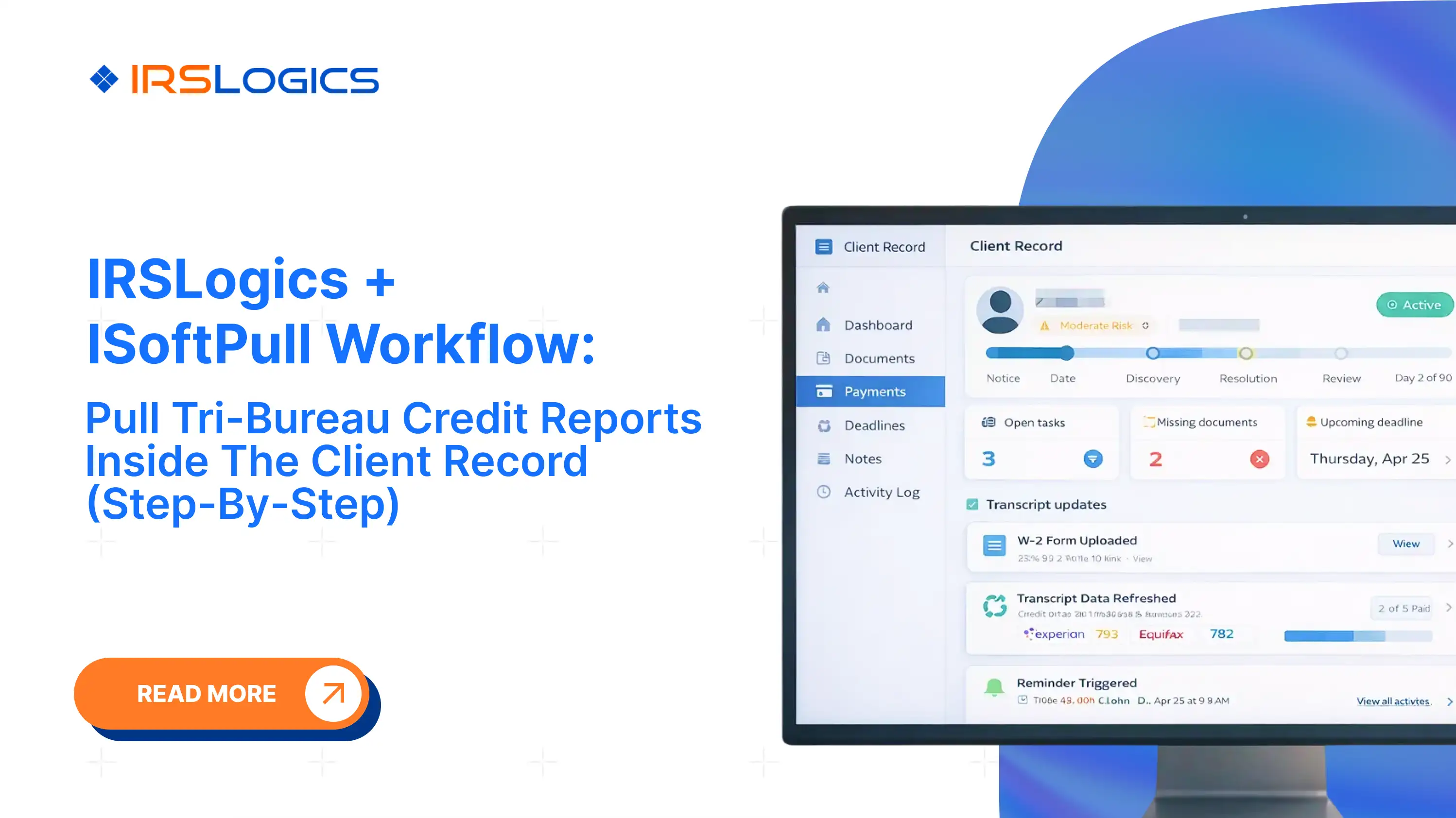
The iSoftPull integration pulls tri-bureau credit reports from Equifax, Experian, and TransUnion directly inside a client case. The Rule Engine lets firms build custom automations for their workflows. Roles and permissions control what each team member can see and do.
This is what purpose-built means. No more features. Features that fit together because they were designed for the same job. The AICPA's practice management guidance for CPA firms reinforces why integration across billing, client communication, and case records is foundational to a well-run practice, not optional.
The stack approach can work when you are a solo practitioner doing low volumes and already have tools you like.
But it hits a ceiling. When you add staff, when your caseload grows, when you need visibility across the practice, the seams start to show. Data is not synced. Clients get confused by multiple portals. Billing reconciliation takes hours; it should not.
The all-in-one approach requires a single investment in learning one platform. The tradeoff is fewer integrations to manage, fewer logins, and a case record that reflects the whole picture.
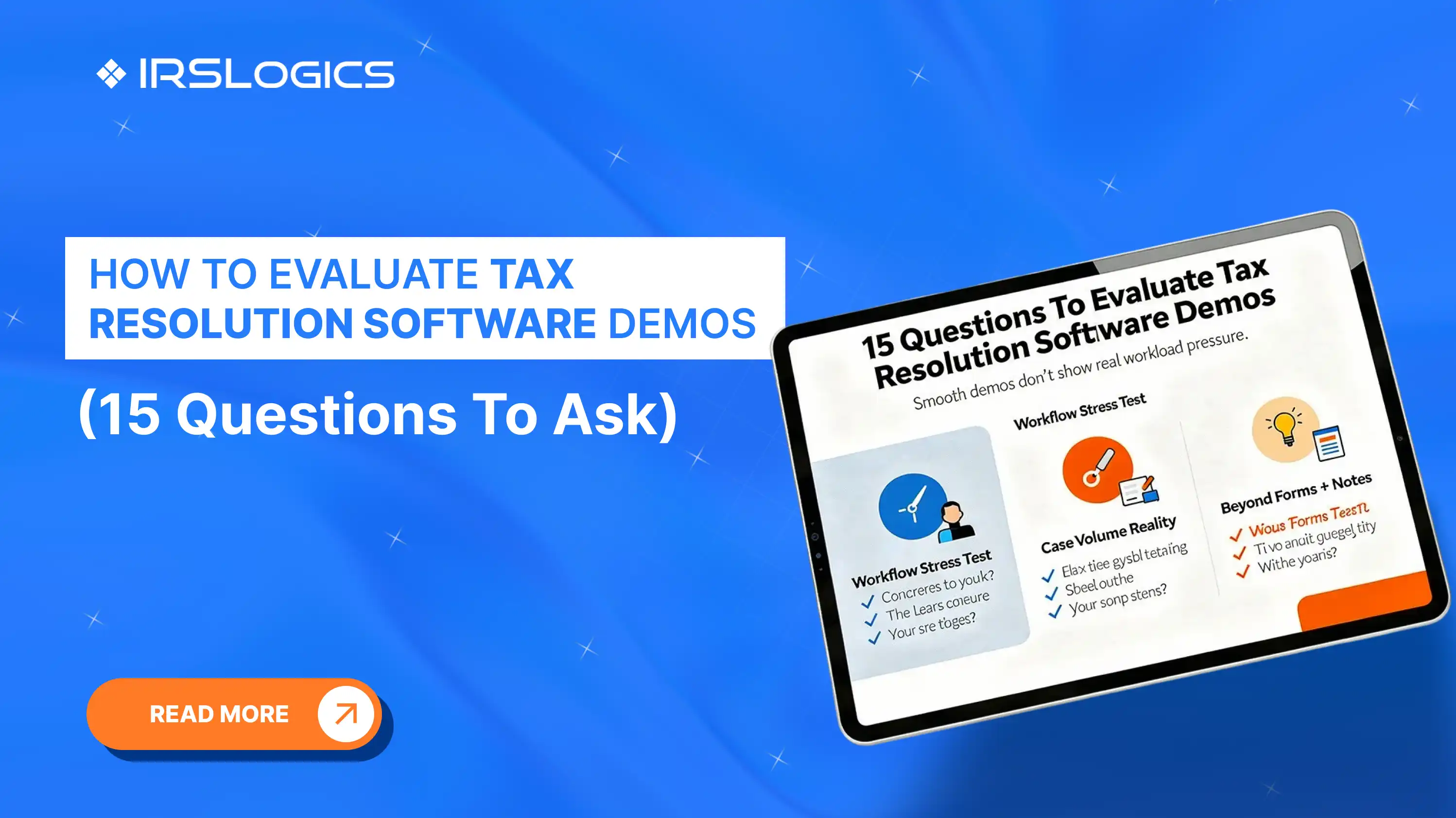
For firms doing resolution at any real volume, the platform approach almost always wins. Not because of the features, but because of the time you get back when the tools stop fighting each other. If you are still deciding which questions to bring to a demo, the tax resolution software demo evaluation guide covers exactly what to ask before committing to any platform.
IRSLogics is a purpose-built tax resolution platform designed for CPAs, Enrolled Agents, and tax attorneys who handle IRS cases every day. From intake and IRS transcript pulls to OIC filing, client portal communication, e-signatures, and billing, every feature inside IRSLogics maps to a real stage of the resolution case lifecycle.
It is not a general practice management tool adapted for resolution work. It was built for resolution from the ground up.
[CPA, Growing Firm] "We were running everything through separate tools. CRM, billing, documents, signatures. It worked when we had a few cases. Once volume picked up, it became unmanageable. Moving to one system removed a lot of daily friction we had just accepted as normal."
[Enrolled Agent, Solo to Team Transition] "The stack worked when it was just me. The moment I hired two people, it broke. Too many logins, too many places to check. With IRS Logics, everything sits in the case record, so the team is not guessing where to find things."
[Tax Attorney, Resolution Practice] "The biggest difference is not features. It is consistency. Billing, documents, transcripts, and client communication all live in one place. That changes how efficiently you can run multiple cases at the same time."
What is the difference between all-in-one tax resolution software and a tool stack? All in one software handles everything in a single platform with one workflow. A tool stack uses multiple tools, which creates manual syncing and extra logins.
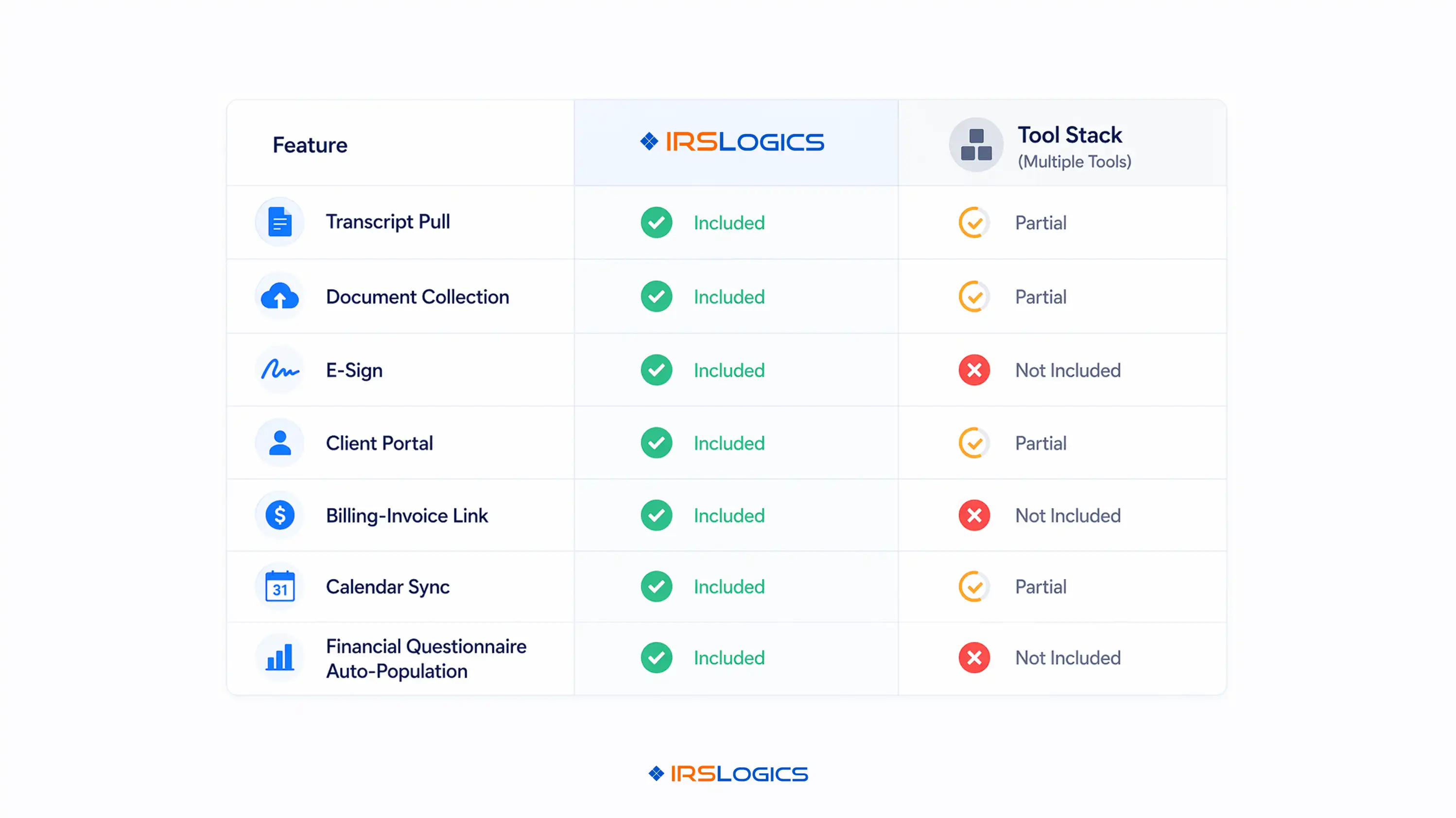
Which tax resolution software tools are most commonly compared? Purpose built platforms like IRSLogics and Pitbull Tax are often compared directly. General tools like TaxDome and Canopy are also used, but not built for resolution.
Does all-in-one software actually cost less than a tool stack? In most cases, yes, because multiple subscriptions add up quickly. The higher cost is time lost managing data across disconnected systems.
Can general tax practice management software handle IRS resolution cases? They can handle basic client and document management workflows. They lack core features like transcript automation, OIC workflows, and CSED tracking.
What features should I prioritize when comparing tax resolution software? Focus on transcript access, financial workflows, billing, client portal, and case tracking. These features directly impact how fast and smoothly cases move.
How long does it take to migrate from a tool stack to an all-in-one platform? It depends on your data volume and how structured your current systems are. With proper onboarding support, migration can happen without disrupting active cases.
The comparison between all-in-one tax resolution software and a cobbled-together tool stack comes down to a simple question.
How much of your team's time do you want to spend managing tools versus managing cases?
A platform built for resolution answers that without the complexity.
If you want to see how IRSLogics handles the full resolution case lifecycle in practice, book a free demo.
All
Tax Software
Workflow & Automation
Industry News
Resolution Tips
Tax Resolution Marketing

Lorem ipsum dolor sit amet, consectetur adipiscing elit. Suspendisse varius enim in eros elementum tristique. Duis cursus, mi quis viverra ornare, eros dolor interdum nulla, ut commodo diam libero vitae erat. Aenean faucibus nibh et justo cursus id rutrum lorem imperdiet. Nunc ut sem vitae risus tristique posuere.


Share this article directly by email. Simply enter the recipient’s details below.

Article has been send to you.