Tax Software


Tax penalty relief software is what a resolution firm uses to run IRS penalty abatement cases from the first transcript to the final approval letter.
It flags the penalty, collects the proof, builds the request and tracks every follow-up inside one case record.
That's the short answer.
The long answer? It's the difference between winning an abatement in one clean attempt and chasing a missing hospital letter for six weeks while your client ghosts you.
Let's talk about how the good firms actually do it.
TL;DR
Picture this.
A client shows up with three years of unfiled returns. The tax owed hurts. The penalties stacked on top hurt more.
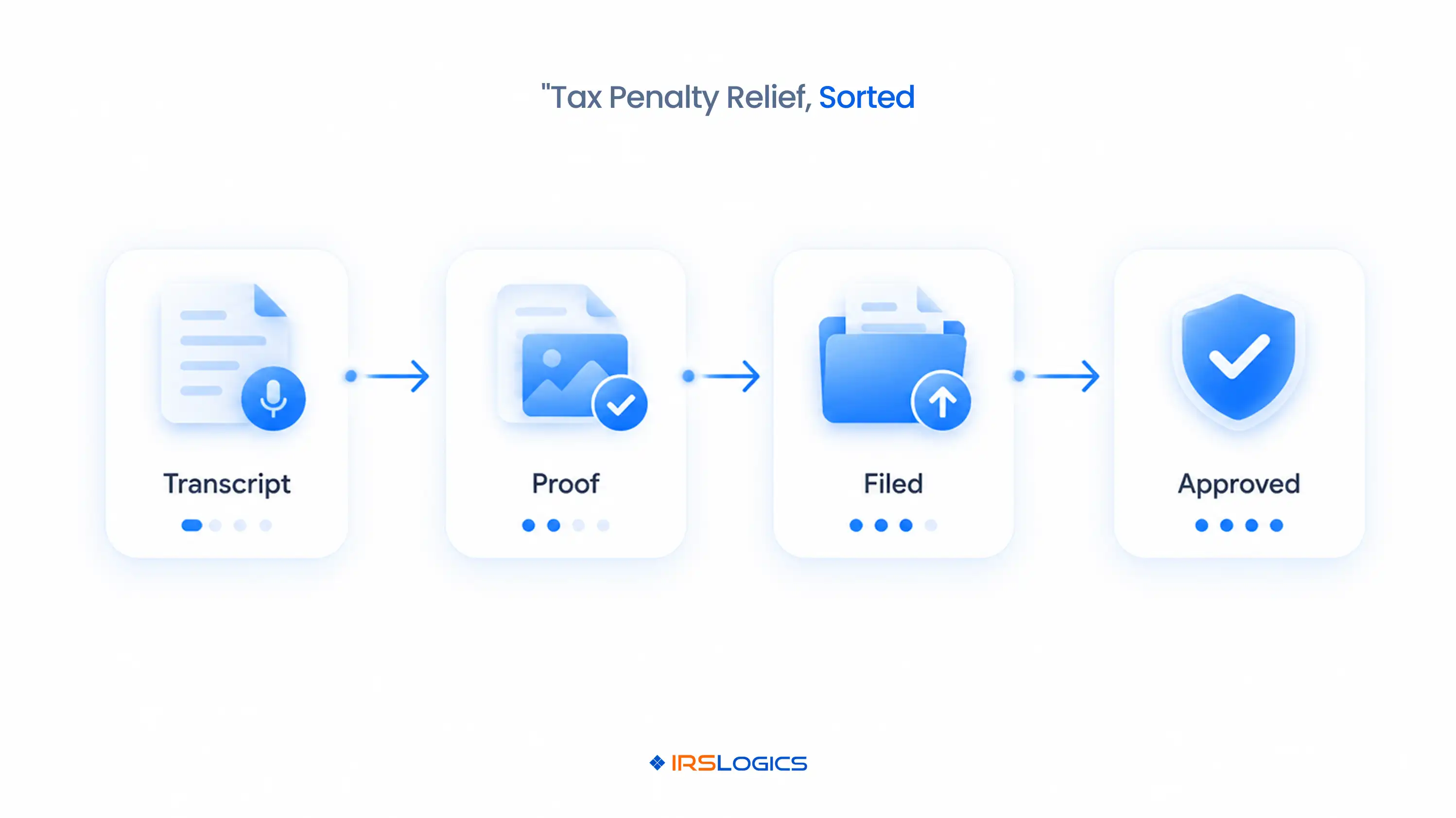
Failure-to-file runs 5% of the unpaid tax per month, capped at 25%. Failure-to-pay adds 0.5% per month, also capped at 25%. And interest keeps running on top of both.
You know this client probably qualifies for relief. You've seen a hundred just like them.
So why does the case still drag?
→ The transcript was pulled once, a month ago, and nobody looked at it again.
→ The medical records proving reasonable cause are sitting in someone's inbox.
→ The Form 843 went out, but nobody set a follow-up date.
→ The client stopped replying after the third "just checking in" text.
Spoiler alert: the IRS didn't lose this case.
The firm's process did.
And that's exactly the gap tax penalty relief software was built to close.
Before we talk tools, let's get the rules straight.
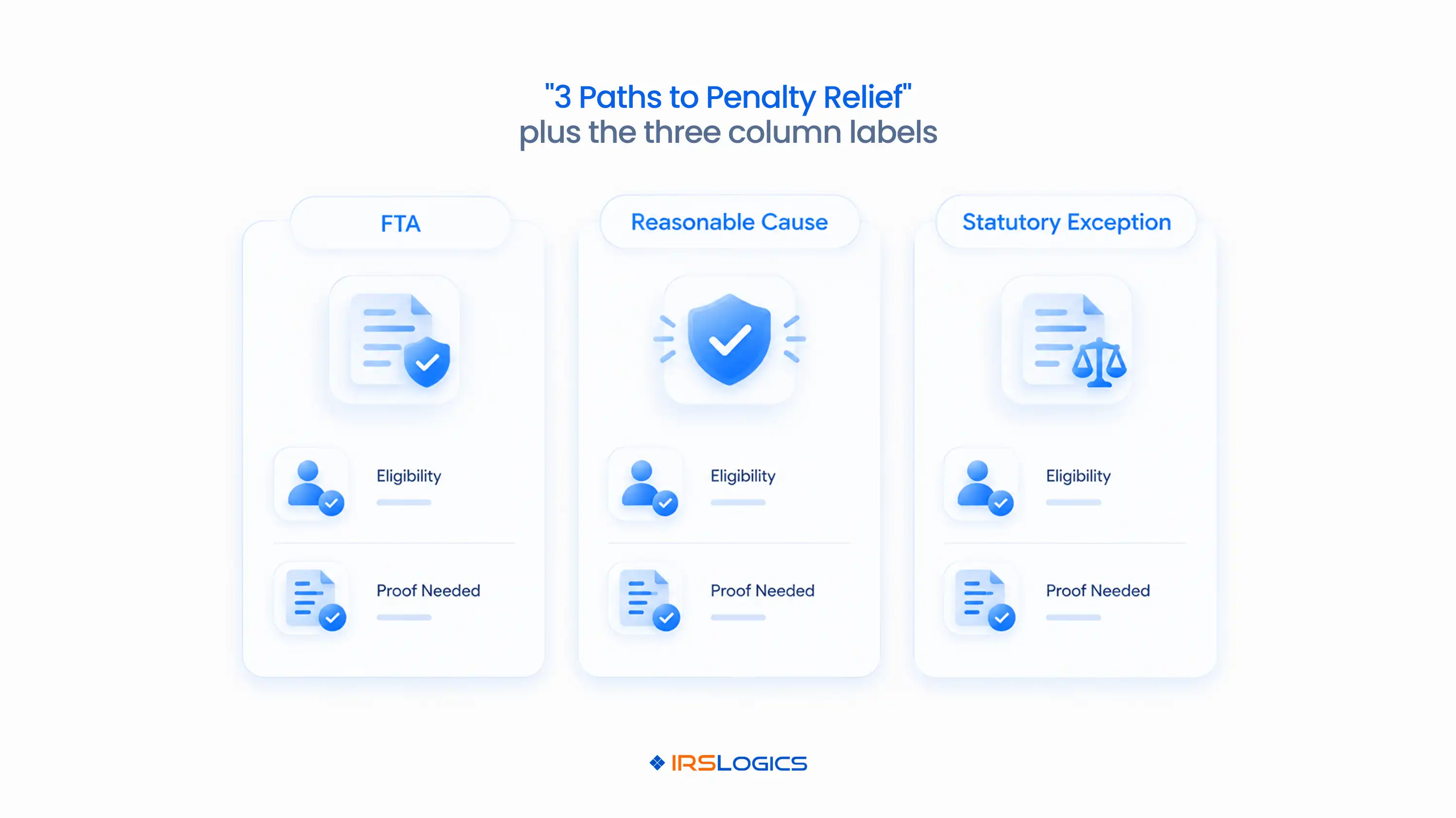
Every IRS penalty abatement request lands in one of three buckets.
A few things that matter in practice:
→ The IRS First-Time Abatement criteria cover failure-to-file, failure-to-pay and failure-to-deposit penalties, for a single tax period.
→ Many practitioners argue reasonable cause first, so FTA stays available for a future year.
→ The IRS reasonable cause standard lives or dies on documentation. A great story with no evidence is still a denial.
→ Anything a phone call can't settle usually ends up on Form 843, the IRS claim for refund and request for abatement.
The rules are the easy part.
Running 40 of these cases at once?
That's where firms break.
Here's what a real penalty relief workflow looks like when it doesn't live inside one person's head.
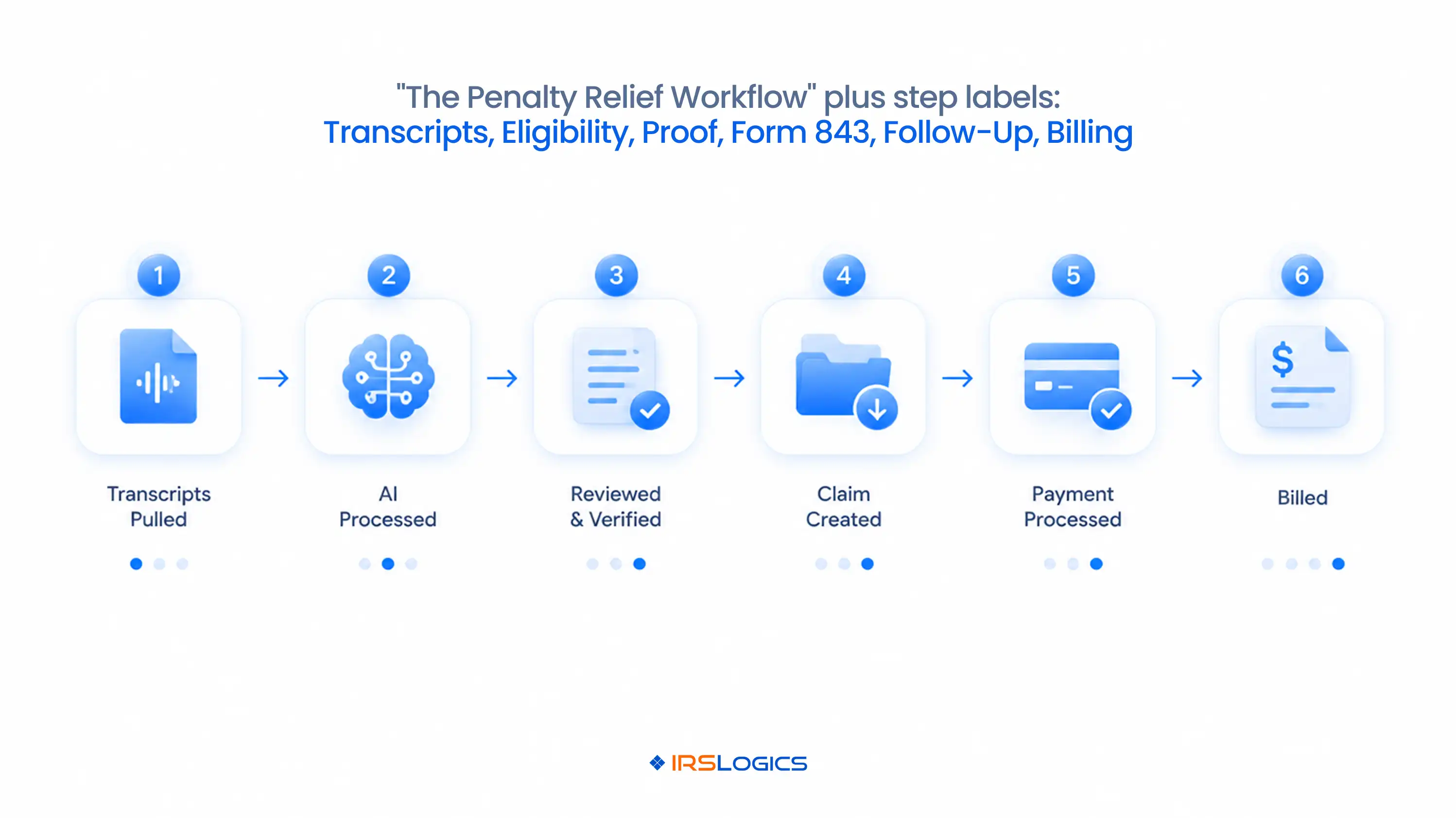
Good tax penalty relief software turns six messy steps into one system.
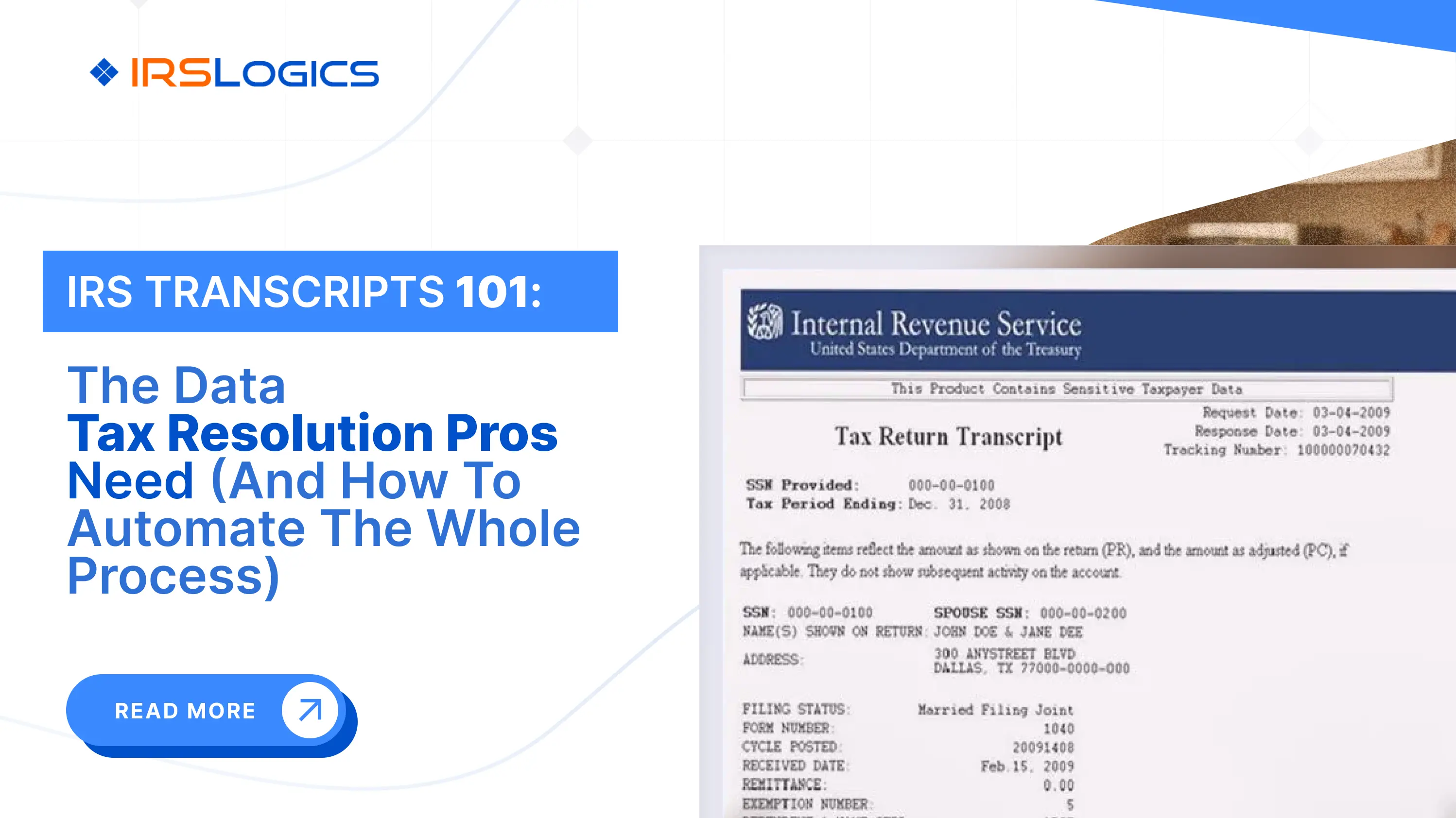
Account transcripts show exactly which penalties hit and when.
Look for transaction code 166 (failure-to-file) and 276 (failure-to-pay).
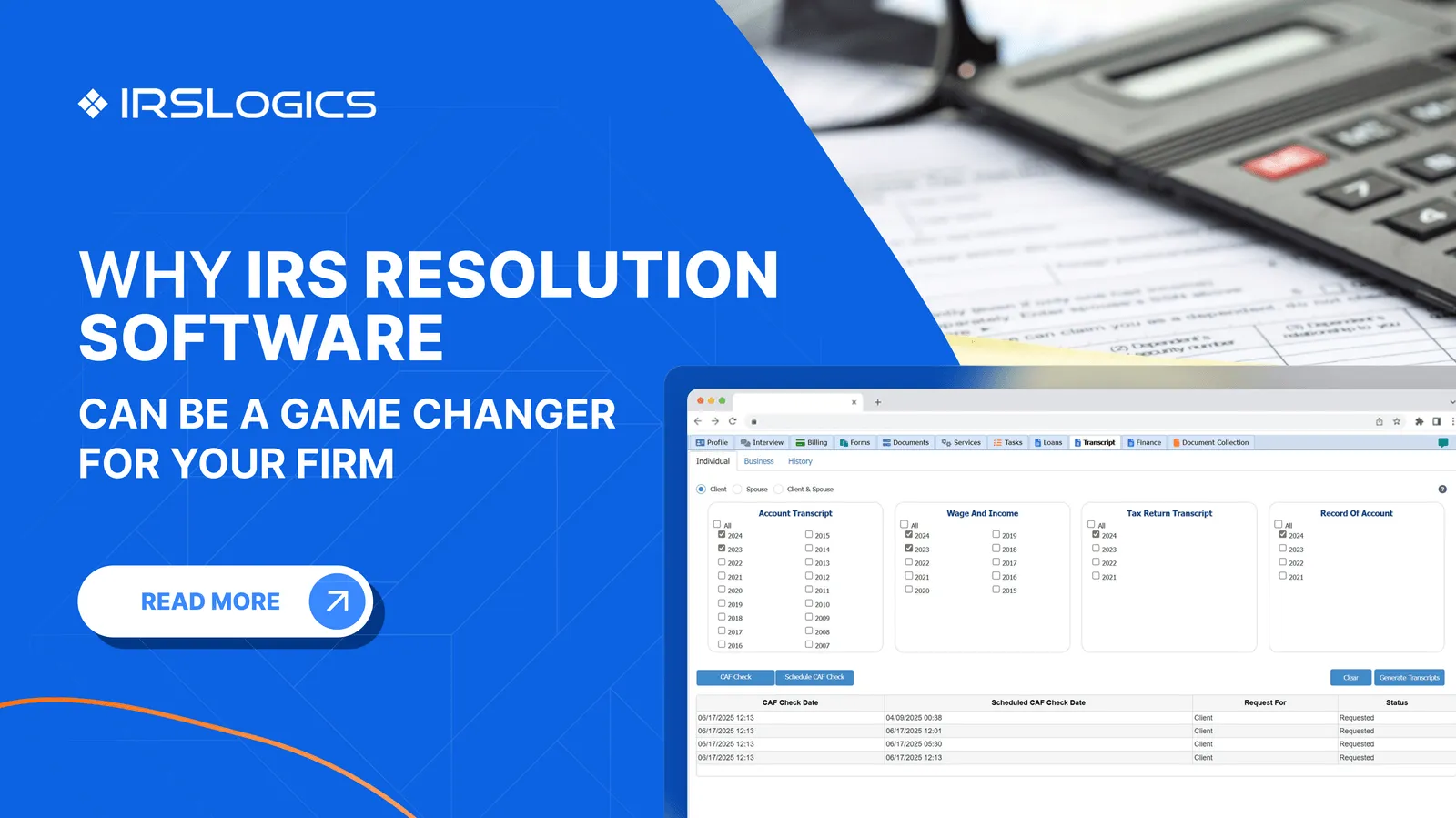
Inside IRSLogics, transcripts are pulled directly into the client case in minutes.
There's no separate portal login and no downloaded PDF lost in a random folder.
Here's more on how IRS transcripts drive tax resolution cases.
It's the same transcripts, now covering the prior three years.
Clean history? FTA is on the table.
Not clean? You're building a reasonable cause case, and the next step matters a lot more.
This is where most penalty cases stall.
You need hospital records, insurance claims, disaster notices or whatever else supports the story.
The Document Collection Tab sends structured document requests and shows what's been received and what's still missing.
The client uploads through the Client Portal.
You stop playing inbox detective.
Federal and state forms are built into IRSLogics, so Form 843 and Form 2848 fill from case data instead of being retyped.
Built-in E-Sign gets the client's signature without a printer, a scanner or a lost afternoon.
IRS responses don't arrive on your schedule.
→ Tasks set reminders.
→ Custom Case Status stages show where every abatement sits.
→ Case Activities logs every action, so nothing goes unnoticed.
If an abatement gets denied, you'll know the day it happens.
Not the day the client calls asking why.
Penalty abatement is real work. Charge for it.
Create invoices from the case, and use tying payments to invoices so you always know which abatement fee is still open.
That's the whole tax penalty resolution cycle.
Six steps. One case record.
Not all penalty abatement software is built the same.
Some tools just store the Form 843.
Others actually run the case.
When you're comparing tax penalty relief software, check for these:
If your penalty abatement software can't tick most of these boxes, it's a filing cabinet with a login.
One more test: the right penalty abatement software should scale from 5 cases to 500 without you hiring someone just to update spreadsheets.
Because a generic CRM doesn't know what TC 166 means.
It can store a contact, log a call and send an email. That's about it.
Tax penalty resolution needs more:
→ IRS-specific forms
→ Transcript data tied to the case
→ Penalty tracking by type and tax year
→ Stages that match how the IRS actually responds
Sure, you can bend a general CRM to do this. You'll also spend more time maintaining workarounds than working cases.
Here's a deeper breakdown of tax resolution CRM vs general CRM.
Purpose-built tax penalty relief software speaks IRS from day one.
Here's something firms underestimate. IRS penalty abatement is often the quickest visible win you can hand a new client.
Quick win → trust → the client stays for the installment agreement, the OIC or the CNC request.
But that only works when your penalty relief workflow is repeatable:
→ Same intake checklist every time
→ Same document request template
→ Same follow-up cadence
→ Same billing process
Tax penalty relief software is what makes "same every time" possible without one overworked case manager holding it all together.
Pair it with the rest of your tax representation software setup, and penalty relief becomes the front door to your whole practice.
IRSLogics is tax penalty relief software built only for tax resolution. It isn't a general CRM stretched to fit or a tax prep tool with a resolution add-on. Every abatement stage, from transcript to approval letter, lives in one case record. That's why EAs, CPAs and tax attorneys use it to run tax penalty resolution at volume.
Here's how it plays out in a real case.
You pull transcripts inside the case and spot failure-to-file penalties across three years.
You apply FTA to the earliest year and build reasonable cause for the rest.
The Document Collection Tab requests the proof, the client uploads it through the portal, and the SMS Conversation View keeps every nudge in one threaded chat instead of across five phones.
Form 843 fills from case data, E-Sign handles the signature, and Tasks track the IRS response.
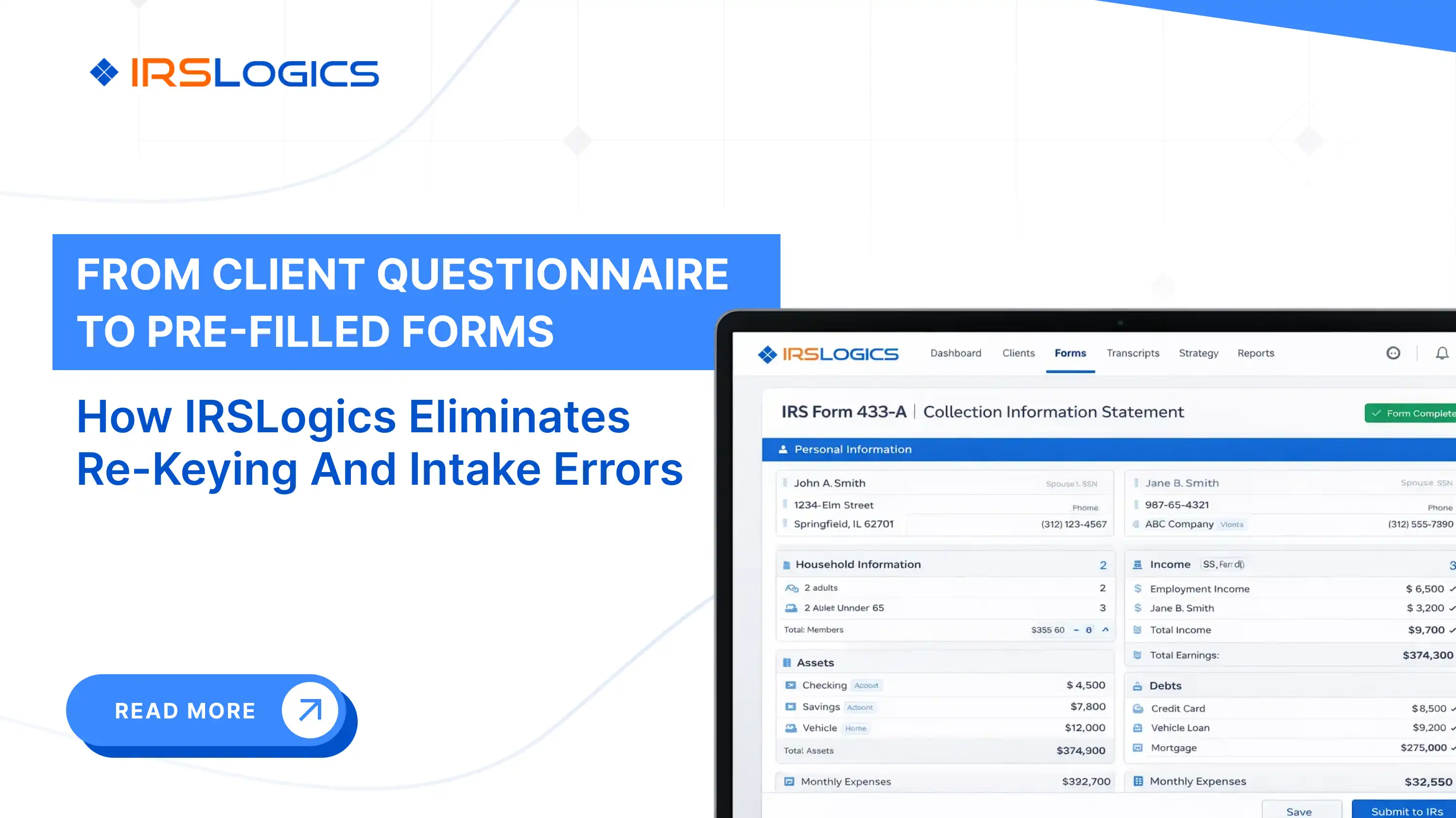
If the case moves into collections, the Financial Questionnaire auto-populates the 433-A, so nobody retypes a thing.
The proof speaks for itself: 93% for quality of support, 93% for ease of use and 94% for ease of doing business with, from a platform that has served resolution professionals for over a decade.
Check IRSLogics pricing to see what fits your firm's size.
It's software that helps tax professionals manage IRS penalty abatement cases in one place. Transcripts, document collection, Form 843, e-signatures, follow-ups and billing all live in the same case record.
It can prepare it. In IRSLogics, Form 843 is built in, fills from case data and goes out for e-signature. Submission still follows IRS filing rules.
FTA is based on a clean three-year compliance history, with no explanation needed. Reasonable cause needs proof that the taxpayer couldn't comply despite ordinary care, like a serious illness or a disaster.
FTA requested by phone can sometimes be approved on the call. Written requests and reasonable cause claims take longer, often months, which is exactly why follow-up tracking matters.
Yes. Solo EAs use it to stay organized. Larger firms use roles, lead distribution and custom case stages to split penalty work across teams.
If you handle even a few abatements a month, yes. A repeatable penalty relief workflow means fewer missed follow-ups and faster billing.
Tax penalty resolution focuses on removing penalties that have already been assessed. General resolution tackles the underlying balance through installment agreements, OIC or CNC. Most cases need both.
Penalty relief isn't hard because the IRS rules are complicated.
It's hard because proof goes missing, follow-ups slip and clients go quiet.
The right tax penalty relief software fixes all three. It gives your penalty relief workflow a structure, gives your team one shared record and gives your clients a faster answer.
Less chasing. More abatements.
Ready to stop chasing paperwork and start closing abatements?
→ Book a free demo of IRSLogics
→ Rather talk it through? Call us at +1 (866) 386-2444
All
Tax Software
Workflow & Automation
Industry News
Resolution Tips
Tax Resolution Marketing

Lorem ipsum dolor sit amet, consectetur adipiscing elit. Suspendisse varius enim in eros elementum tristique. Duis cursus, mi quis viverra ornare, eros dolor interdum nulla, ut commodo diam libero vitae erat. Aenean faucibus nibh et justo cursus id rutrum lorem imperdiet. Nunc ut sem vitae risus tristique posuere.


Share this article directly by email. Simply enter the recipient’s details below.

Article has been send to you.