Tax Software


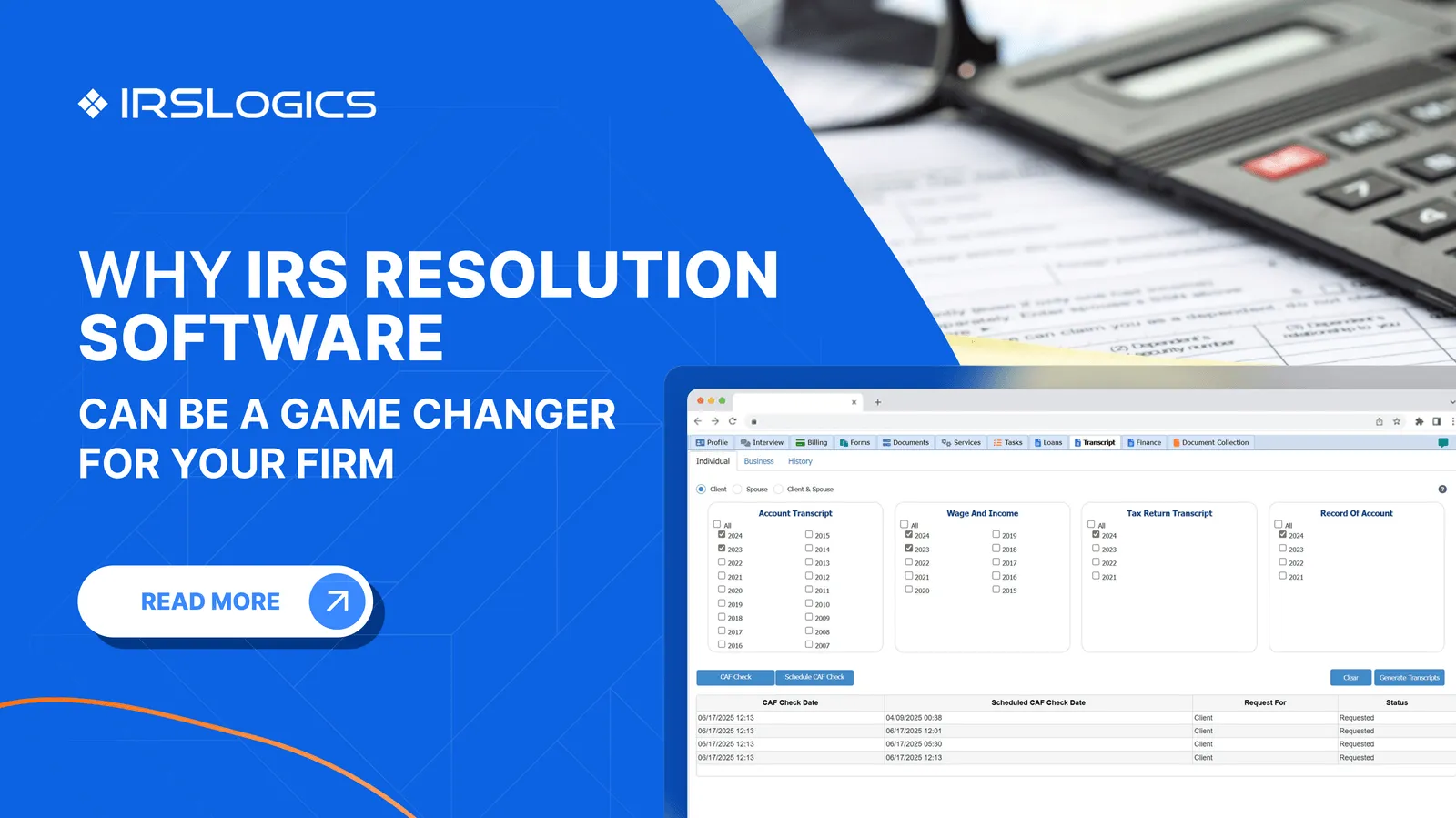
Pulling a transcript is not the finish line. It is the start of case analysis. Tax transcript software should help an authorized firm request the right IRS records, preserve each source document, assign review, turn findings into tasks and forms, and monitor later account changes. A download-only tool solves retrieval but leaves the hardest work outside the system. Resolution firms should evaluate the complete chain from authorization through practitioner action.
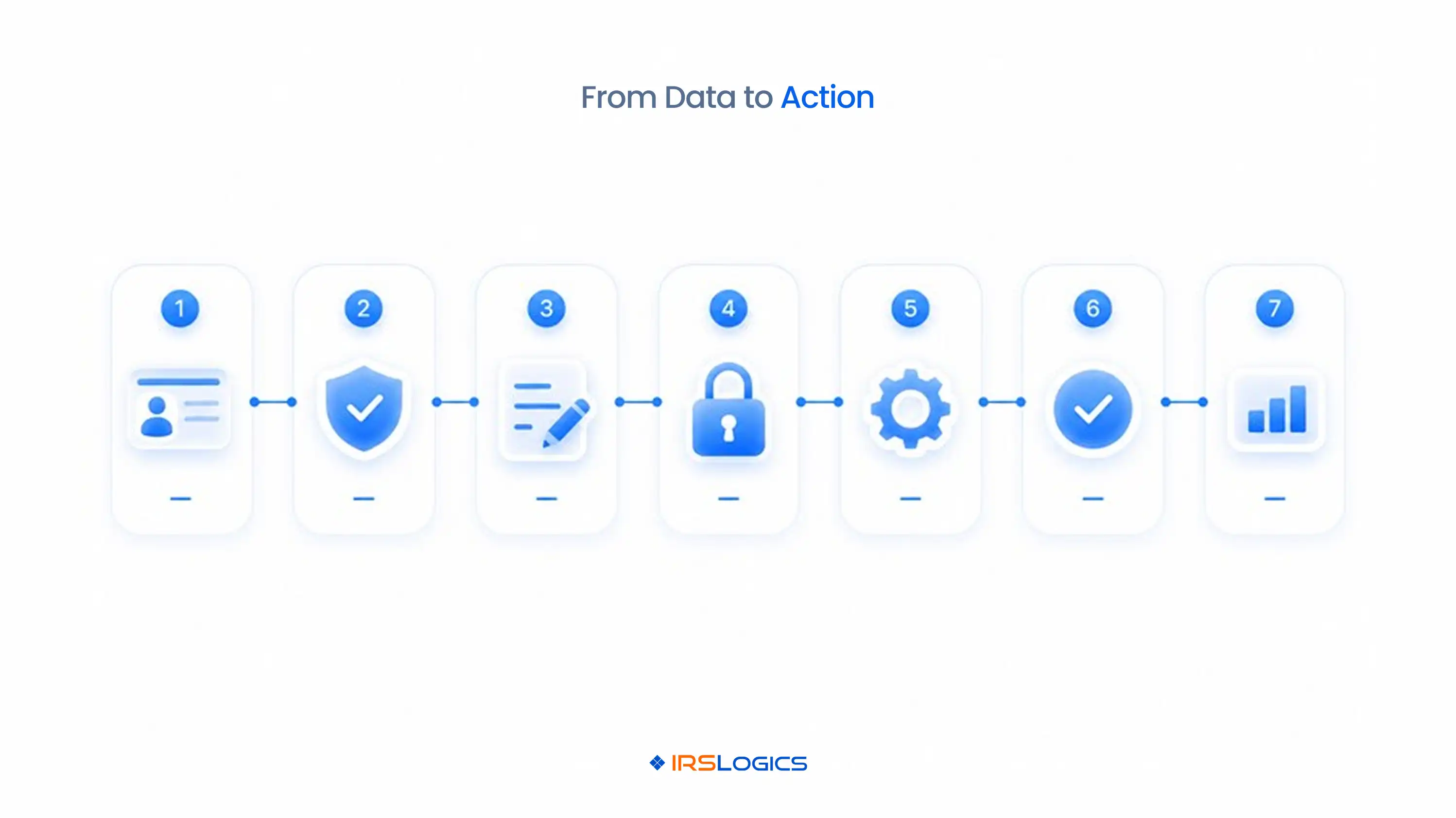
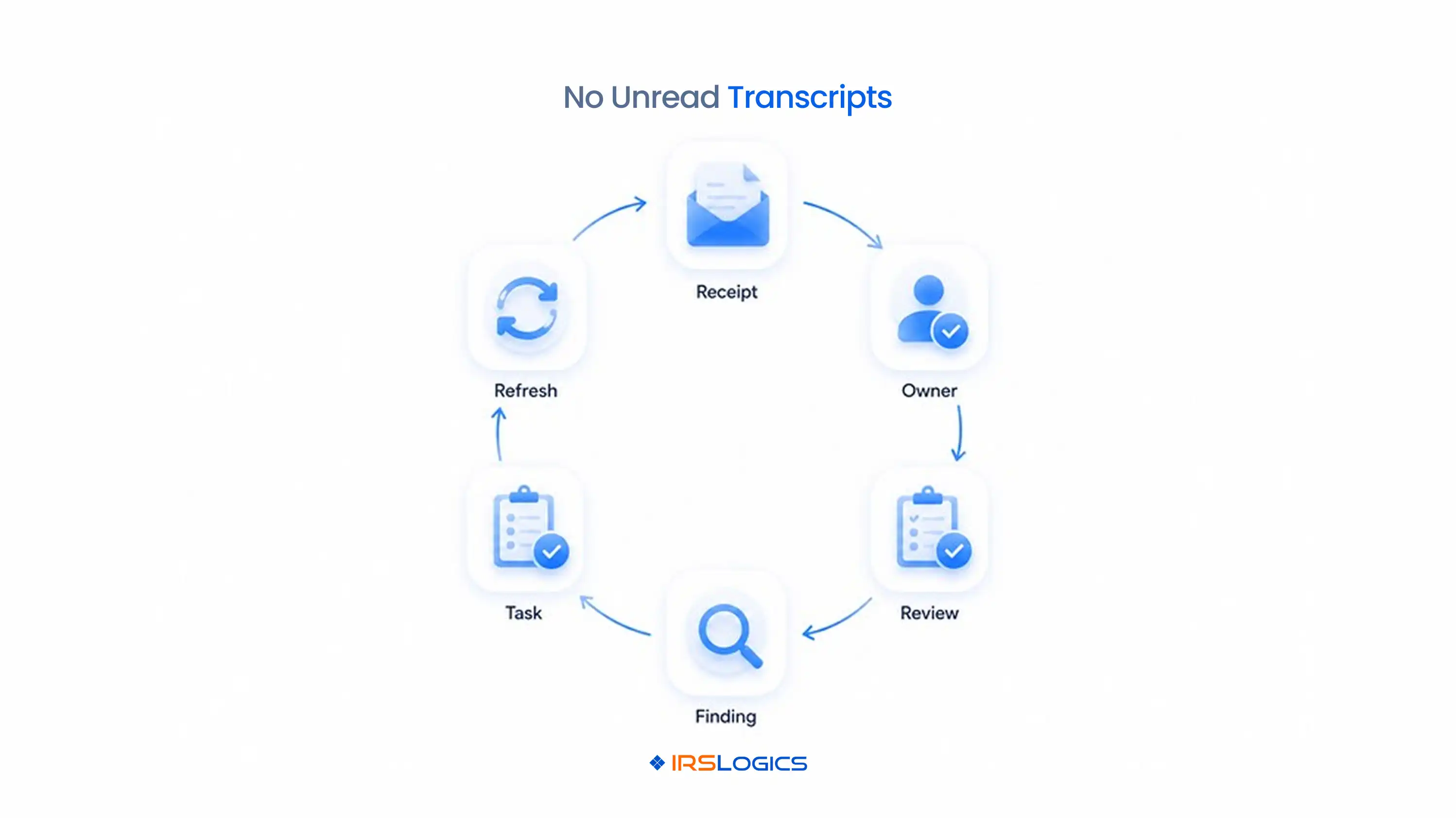
Tax transcript software should connect retrieval to controlled case work. The minimum workflow is authorize, request, receive, preserve, review, act, and monitor. If the product stops after downloading a file, staff still need separate spreadsheets, folders, calendars, and notes to manage the case.
A resolution-ready system should record the requesting user, request time, taxpayer and entity, transcript type, tax period, response, source file, version, assigned reviewer, review status, findings, resulting task or form, and any refresh rule. This creates a defensible chain between what the IRS record showed and what the firm did next.
The distinction matters most at volume. A single practitioner may remember why a transcript was pulled. A team needs visible ownership and a repeatable response. IRSLogics places transcripts inside a broader tax resolution case platform, where client records, tasks, forms, communication, billing, and reporting remain connected.
Each transcript product answers a different question. Choose the product from the case question, not from habit. The IRS publishes current descriptions and availability in its transcript types guidance.
Availability varies by product, access method, taxpayer type, and period. Software should not hide those limits. It should make failed or unavailable requests visible and route the next step.
Transcript software cannot create authority that the IRS has not accepted. A properly executed authorization must cover the taxpayer, tax matter, form, and periods needed for the request. The IRS Transcript Delivery System page states that Form 2848 or Form 8821 must be on file for eligible professionals requesting TDS products.
The forms are not interchangeable. Form 2848 appoints an eligible representative and defines representation authority. Form 8821 permits a designee to inspect or receive confidential tax information, but it does not authorize practice before the IRS.
A good workflow stores the authorization type, taxpayer, matter, periods, designee or representative, submission route, submission date, status, and revocation or withdrawal information. Before any automated request, the system should help staff confirm that scope matches the transcript sought. This control prevents a technical connection from being mistaken for legal authority.
Transcript data becomes useful only after a practitioner reviews it against the client’s facts and the matter objective. Every receipt should produce an assigned review with a defined output. That output may be a balance reconciliation, filing-compliance list, chronology, document request, statute issue for analysis, form update, or strategy discussion.
A practical seven-step sequence is:
This sequence separates source evidence from interpretation. It also keeps automation in the right role. Software can retrieve, name, route, compare, and alert. A practitioner still decides what a transaction code, date, balance, or missing record means for the matter.
The strongest controls prevent silent arrival and unsupported conclusions. No transcript should enter the case without an owner and status. A dashboard should distinguish requested, received, failed, under review, reviewed, action required, and superseded records.
Use these controls:
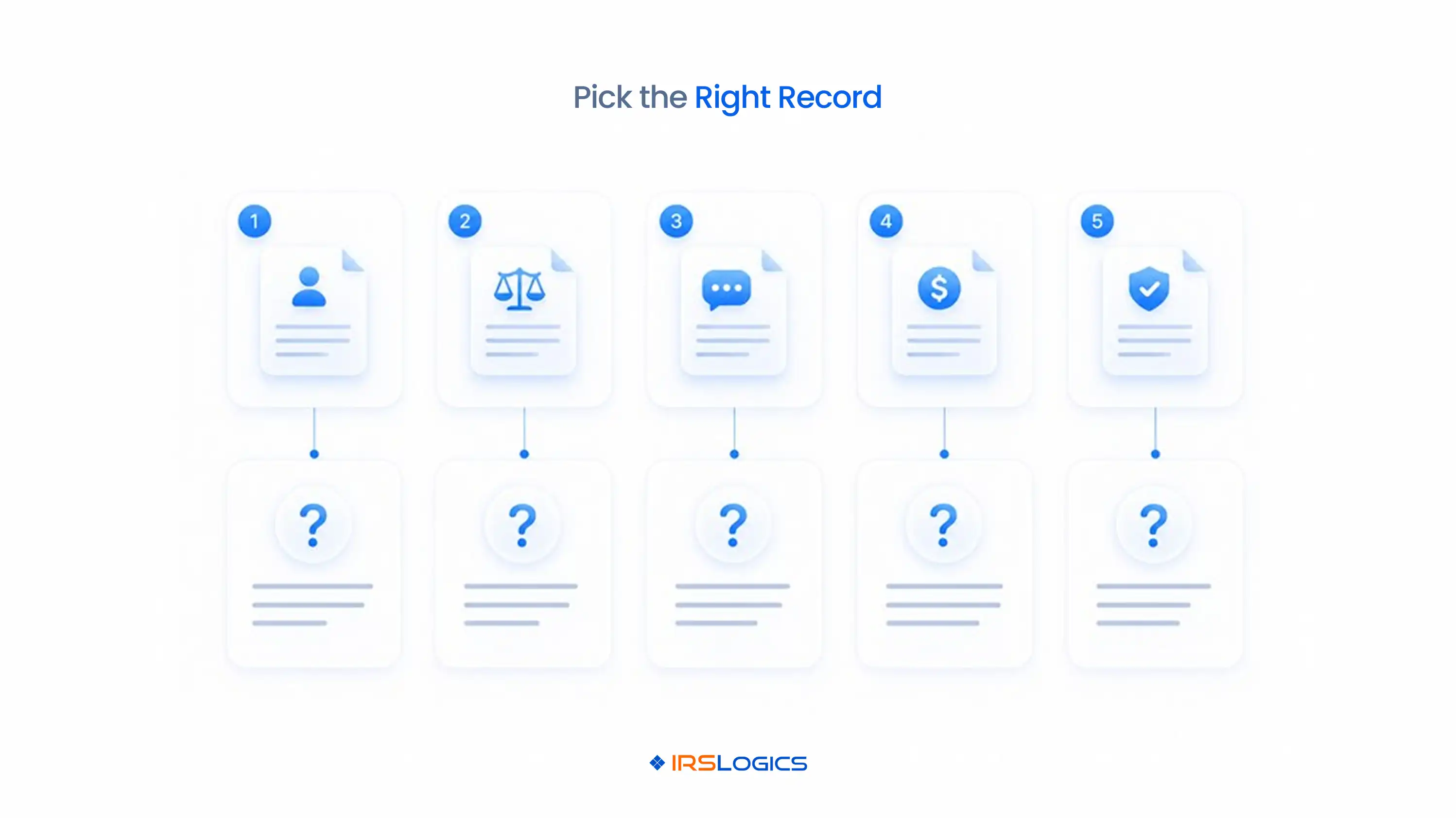
The failure modes are predictable. Teams request the wrong period, treat a return transcript as current account history, overlook a new file, rely on an old balance, or copy a code interpretation without checking the full account context. Workflow controls make those errors easier to see before they affect a filing or client recommendation.
A demo should follow one transcript from authorization to action. Do not accept a successful download as proof of a complete workflow. Bring a de-identified scenario with an individual taxpayer, several periods, a missing return, a balance due, and a recent notice.
Ask the vendor to show:
Compare the answers with the IRSLogics transcript workflow overview, which explains the source data and common uses in resolution work.
Transcript data contains sensitive taxpayer information, so the software review must sit inside the firm’s security program. Cloud access does not replace the firm’s responsibility for safeguards. The IRS directs tax professionals to Publication 4557 and written data security planning.
Evaluate identity and access controls, multi-factor authentication, least-privilege roles, session handling, export restrictions, encryption statements, logs, backups, incident response, vendor oversight, retention, and secure deletion. Then map those controls to actual staff behavior. A protected portal cannot prevent an employee from saving transcripts to an unmanaged desktop folder if downloads are unrestricted.
Include transcript workflows in onboarding and offboarding. Remove access promptly when roles change. Review who can request, view, export, and delete records. Document the response if credentials are compromised or taxpayer data leaves an approved system. Product security claims should be verified in current vendor documentation and contracts rather than copied from an old comparison article.
IRSLogics connects transcript work to the rest of a resolution matter. The value is the operational context around the IRS data. Its published platform includes lead and client management, cases, workflows, document collection, interviews, federal and state forms, transcript delivery, client portal communication, e-signature, billing, receivables, and reporting.
For a resolution team, that means the transcript can live beside the authorization, notice, financial questionnaire, assigned tasks, forms, communications, and billing record. Managers can review case status without asking staff to reconcile a transcript tool, shared drive, spreadsheet, and CRM.
Before selecting any product, compare the complete case flow and current packaging. IRSLogics lists transcript, e-signature, federal and state forms, client management, billing, and other interests in its pricing and demo process. Bring the nine-step demo checklist above and require evidence for every handoff.
Tax transcript software helps eligible professionals request, receive, store, organize, review, and act on IRS transcript data within a controlled workflow.
No. TDS remains the IRS system that provides transcript products to eligible users, while third-party software connects to or organizes work around that official source.
The IRS states that a properly executed Form 2848 or Form 8821 must be on file for eligible TDS requests, depending on the access and authority required.
A tax account transcript shows account activity and changes after filing, while a tax return transcript generally reflects most line items from the original return as filed.
Software can organize codes and flag patterns, but a qualified practitioner should evaluate the full transcript, client facts, procedural history, and current law before deciding what a code means for strategy.
The system should preserve the failed request and error, assign follow-up, and help staff check credentials, authorization scope, taxpayer data, product availability, and the IRS connection.
Refresh frequency depends on the case stage and expected account activity. The firm should set a documented rule rather than repeatedly pulling every product on an arbitrary schedule.
Look for access controls, multi-factor authentication, encryption information, logs, export restrictions, backups, incident procedures, retention controls, and support for the firm’s written security plan.
Start with one active-case map. Identify the authorization required, transcript products needed, reviewer, expected output, next action, and monitoring point. Then test whether the software preserves that chain without staff copying data across folders and spreadsheets.
If a product only downloads transcripts, it solves retrieval. If it connects IRS data to ownership, review, decisions, forms, tasks, communication, and monitoring, it supports resolution work. Use the checklist in a workflow-based IRSLogics demo before comparing price.
All
Tax Software
Workflow & Automation
Industry News
Resolution Tips
Tax Resolution Marketing

Lorem ipsum dolor sit amet, consectetur adipiscing elit. Suspendisse varius enim in eros elementum tristique. Duis cursus, mi quis viverra ornare, eros dolor interdum nulla, ut commodo diam libero vitae erat. Aenean faucibus nibh et justo cursus id rutrum lorem imperdiet. Nunc ut sem vitae risus tristique posuere.


Share this article directly by email. Simply enter the recipient’s details below.

Article has been send to you.