Tax Software


You already know the pain.
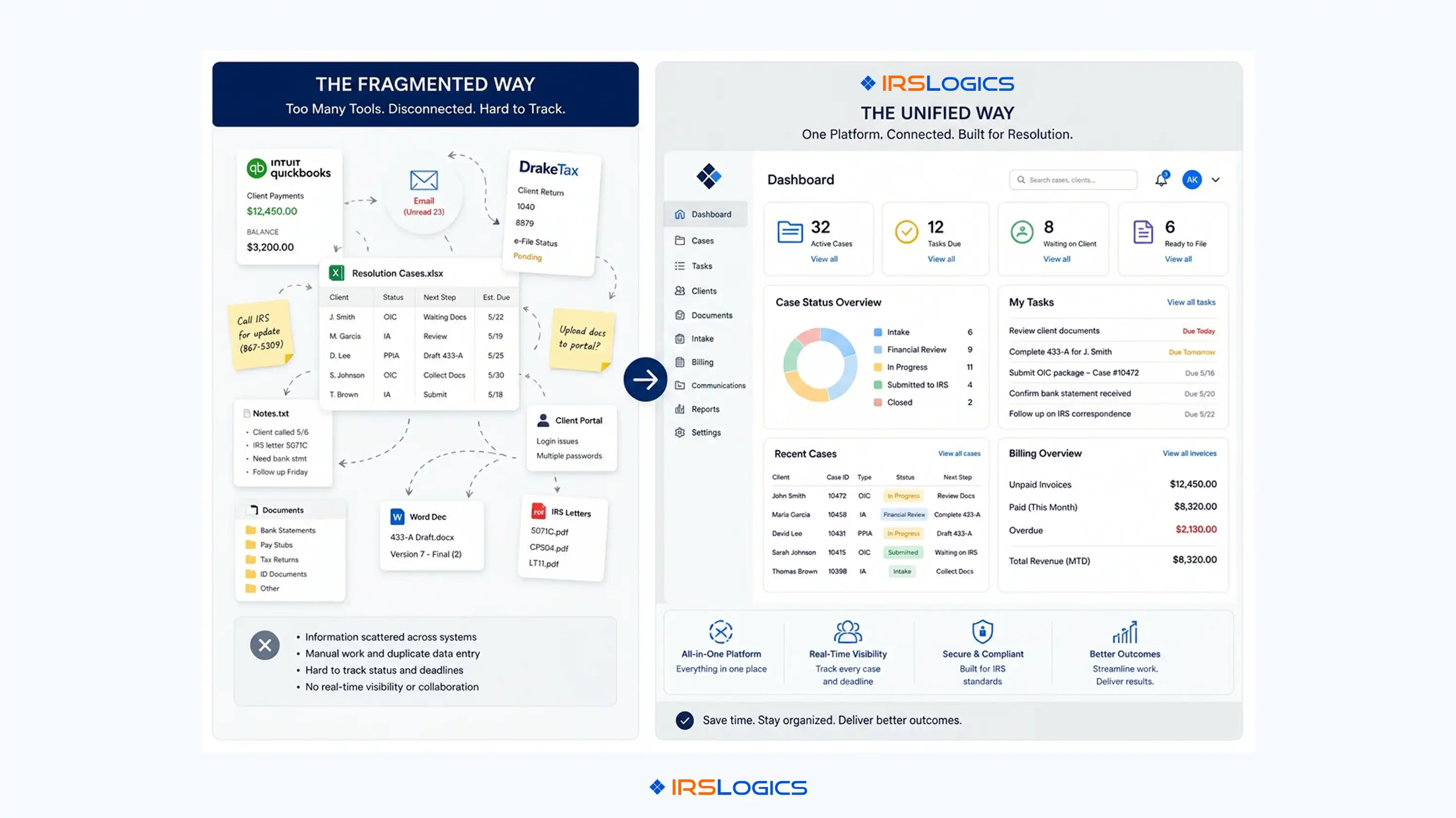
A client comes in. You've got their returns filed in Drake, their books loosely tracked in QuickBooks, their IRS case notes on a spreadsheet, and their billing in yet another tool. You're three tabs in and you still can't tell if their last invoice was paid.
This isn't a software problem. This is a category confusion problem.
Most tax professionals use tax accounting software and tax prep software interchangeably. They're not the same thing. They don't do the same job. And choosing the wrong one, or worse, using one when you need both, is exactly how case management gets messy, books fall behind, and client communication slips through the cracks.
This post breaks down the actual difference, what to look for when integrating, and how resolution firms in particular avoid the disorganization that comes from stacking incompatible tools.
Tax accounting software handles the ongoing financial recordkeeping side of a practice or a client's business.
Think bookkeeping. General ledgers. Accounts receivable. Expense tracking. Payroll. Financial statements. The kind of work that has to happen month over month so that when it's time to file, the numbers are already clean.
Tools in this category, such as QuickBooks, Xero, and FreshBooks, are designed for accountants who maintain the books. They are not built to file a return. They get you to the point where filing becomes possible.
For CPAs running full-service accounting practices, this is the backbone of their year-round service to business clients, not just during filing season.
Tax prep software is what you use when the numbers are already there and you need to file.
It takes the clean data, runs it through the appropriate federal and state forms, calculates liability, and submits it. Drake, UltraTax CS, ProConnect, and TaxAct Pro all sit in this category.
These tools are exceptional at what they do. But they do not manage client communication. They don't track which invoice is outstanding. They don't collect documents, coordinate e-signatures, or help you monitor where a case stands.
They prepare and file. That is their entire job.
Here's the part that causes real problems.
Firms assume that because they're using tax prep software, they have their financial workflow covered. They don't.
Tax prep software tells you what a client owes. It doesn't tell you:
That gap is where the messy books come from. Not from bad accounting. From category mismatch.
A practice running Drake for filing and QuickBooks for its own books is not fully covered if it lacks a system to manage the case workflow, client communication, or billing between the two tools.
The real question isn't tax accounting software vs tax prep software. It's: what does your firm actually need to connect, and how well do your tools talk to each other?
For a standard tax practice, the minimum stack looks something like this:
A bookkeeping tool tracks the firm's own finances. A tax prep tool handles client filings. A practice management or CRM layer sits in between, handling the client relationship, document flow, communication, and billing.
Where firms run into trouble is when that middle layer doesn't exist, or it's being done on spreadsheets and email.

The IRS Solutions and TaxDome debate that resolution professionals often have is really a version of this same question: Do I need a form-heavy filing tool or a relationship and case management tool? For most resolution practices, the answer is they need both, but they need them connected.
According to the NAEA, enrolled agents managing active IRS cases benefit most from systems that consolidate case status, transcript access, and client communication in one place, rather than juggling separate platforms for each function.
General tax practices deal with a relatively linear workflow. Client comes in, books get cleaned, return gets filed, job done.
Tax resolution is nothing like that.
An OIC case can run for 12 to 18 months. A client in Currently Not Collectible status requires monitoring annually. An installment agreement has to be tracked against payment due dates and CSED deadlines. Form 433-A financial data has to be collected, reviewed, and re-entered into the correct IRS forms, often multiple times, as circumstances change.
None of that is a tax prep problem. None of it is a bookkeeping problem. It is a case-management, document-collection, and client-communication problem.
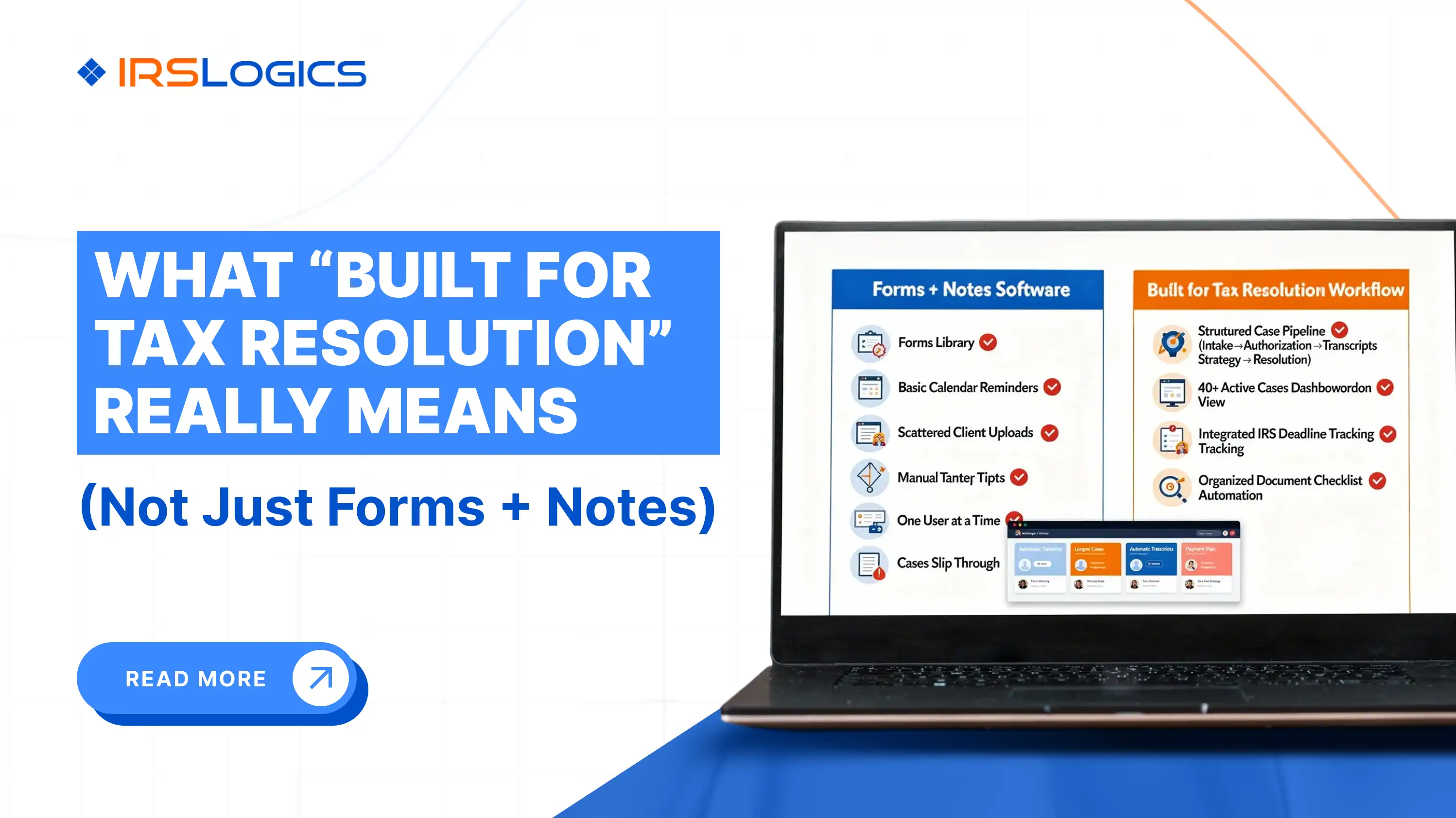
This is exactly where general tax accounting software fails to resolve issues for resolution firms. QuickBooks was not built to track OIC status. Drake was not built to send a financial questionnaire to a client and auto-populate the results into a 433-A.
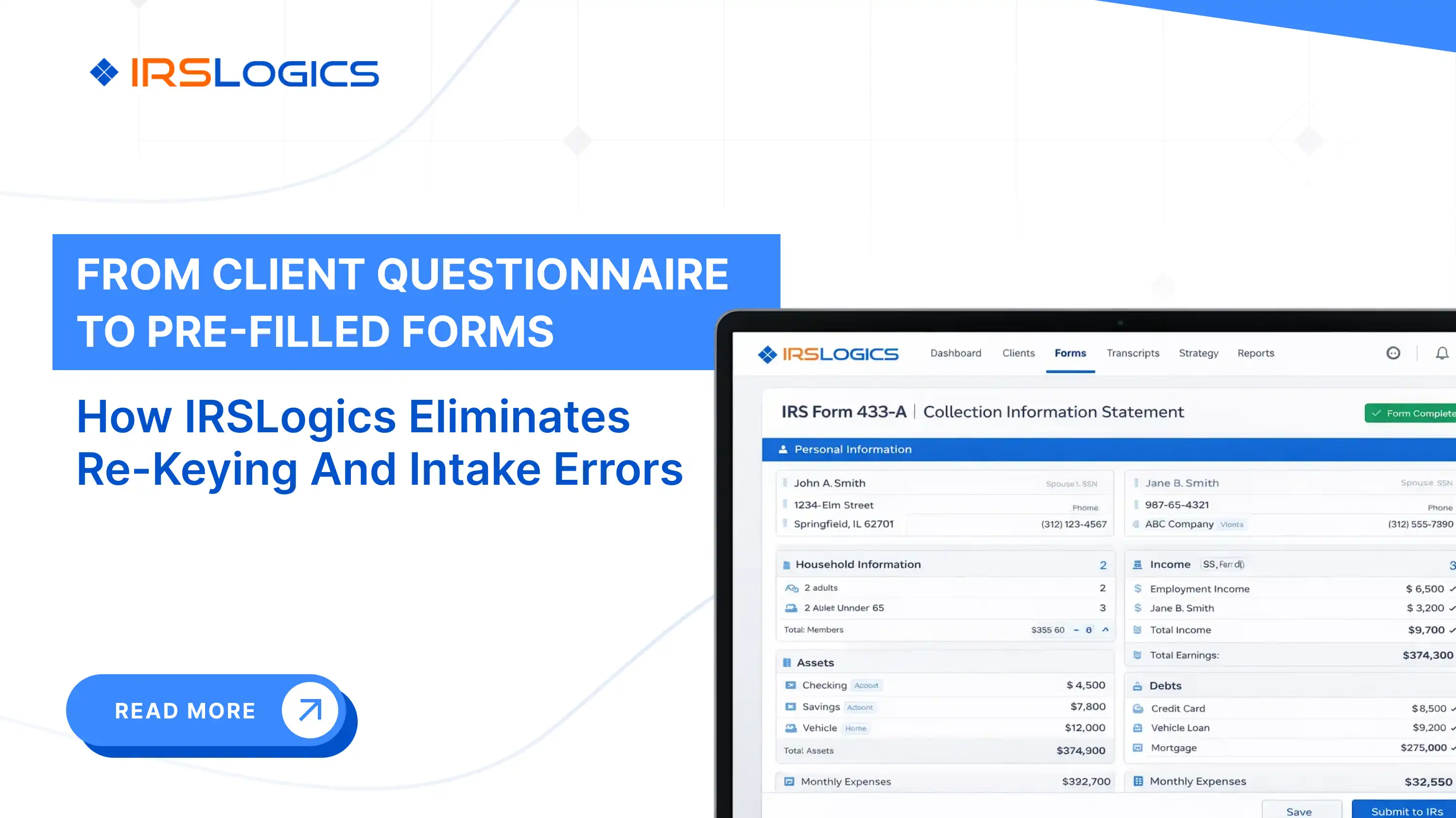
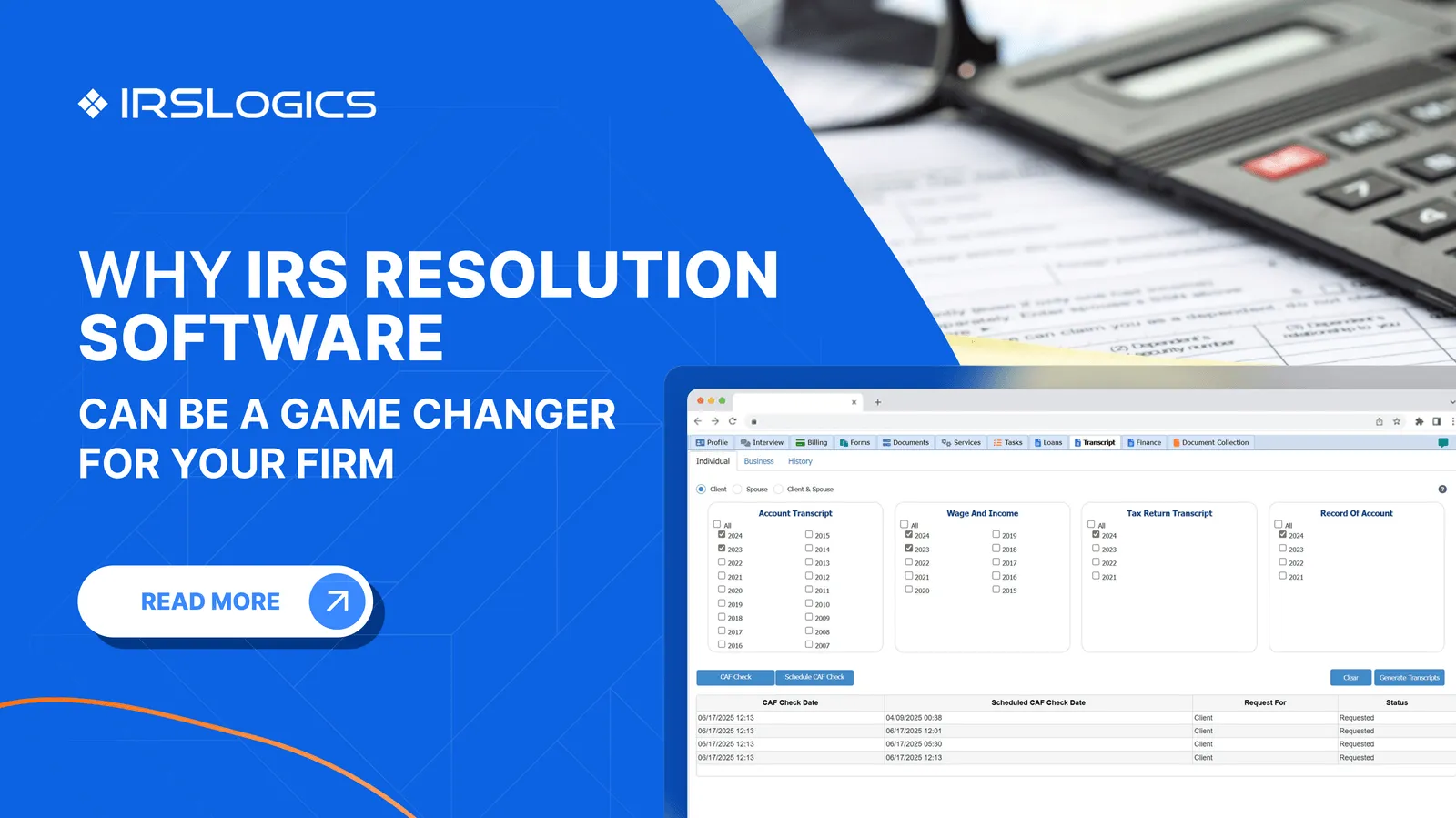
A platform built for resolution work handles the full case lifecycle, from intake and transcript pull-through to form filing, client portal communication, billing, and case closure. IRSLogics, for instance, includes a Financial Questionnaire feature that sends a fillable form directly to the client. When the client submits it, the firm gets notified, approves the data, and it auto-populates the 433-A, 433-B, and OIC worksheets directly inside the platform. No re-keying. No copy-pasting between tools.
That is not something a tax prep tool or a bookkeeping tool is designed to do. It requires a system built specifically around how IRS resolution cases actually move.
For a closer look at how document collection fits into the resolution intake process, the IRSLogics document collection overview details the specific workflow.
Messy books at a tax resolution firm almost always trace back to one of three things.
The first is fragmented billing. When invoices live in one tool, payments come through another, and case updates happen somewhere else entirely, no one knows what has actually been collected. IRSLogics addresses this directly with a feature that ties payments to their corresponding invoices, so at any point, the firm knows exactly which invoices are outstanding and which have been settled. That's not a luxury. It's basic financial clarity.
The second is document chaos. When a client's financial documents arrive by email, fax, and text message simultaneously, someone is going to miss something. A platform with a structured document collection tab, where every request has a status, and nothing falls through, eliminates that problem at the source.

The third is communication scatter. SMS threads, email chains, and phone notes are not part of the case record. When client communication is tracked inside the case file through a threaded SMS conversation view and a client portal that logs all interaction, the entire team has visibility. No one has to chase context.
The IRS.gov IRS Online Account tools require resolution professionals to maintain accurate, current financial records for their clients. A fragmented tool stack makes that harder than it needs to be.
For firms already using IRSLogics, the Google Calendar and client portal integration is one practical example of how external tools connect cleanly without creating a separate tracking problem.
This blog makes the case that neither bookkeeping tools nor tax prep software were built to manage an IRS resolution case. That middle layer, the one that handles case workflow, document collection, client communication, and billing together, is exactly what IRSLogics was built to be.
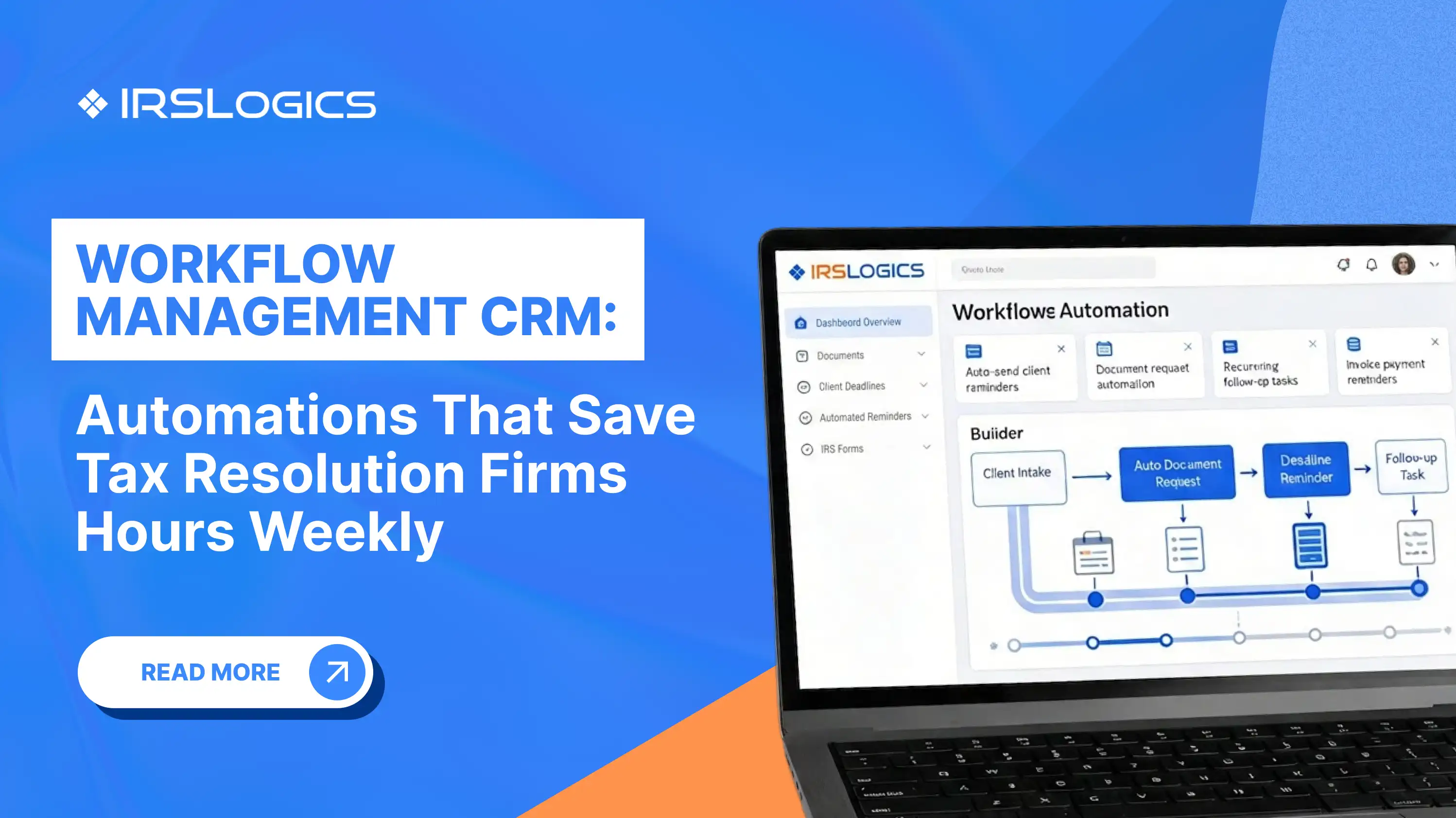
IRSLogics sits between your bookkeeping and filing tools and handles everything in between. Payments tie directly to their corresponding invoices, so your accounts receivable is accurate without cross-referencing a separate system. Document requests go out through a structured workflow with status tracking, not an email thread. Client communication is logged inside the case record through a threaded portal and SMS view, so the whole team has context without hunting for it.
For resolution-specific work, the Financial Questionnaire your client submits once auto-populates directly into Form 433-A, 433-B, and OIC worksheets inside the platform. No re-entry. No copy-pasting between tools. The case holds together from intake to closure in one place.
It does not replace QuickBooks or your filing tool. It handles the resolution layer that neither of those was built for. Explore the full feature set or view plans and pricing to see how it fits into your existing stack.
What is tax accounting software used for?
It manages books year-round. Think ledgers, payroll, receivables, and clean financial data ready for filing.
Do CPAs need both tax accounting software and tax prep software?
In most cases, yes. One keeps records accurate, the other handles filing, and both serve different roles.

What tax software do most accountants use?
Typically a mix. One tool for bookkeeping, another for filing, and sometimes a third for case management.
Can tax prep software replace tax accounting software?
No. Filing tools rely on existing data, they do not create or maintain your books.
Why do tax resolution firms need different software than general tax practices?
Because resolution work is ongoing. It involves tracking cases, documents, and IRS activity beyond annual filing cycles.
What is the biggest cause of messy books at a tax resolution firm?
Disconnected tools. When systems do not talk, visibility breaks and errors start compounding.
Does IRSLogics replace QuickBooks or tax prep software?
No. It handles resolution workflows, sitting between bookkeeping and filing without replacing either.
Tax accounting software keeps the books. Tax prep software files the returns. Neither one manages an IRS resolution case.
The firms that run tightest have figured out that these are three separate categories of work that need three separate, connected systems, or one purpose-built platform that handles the parts that matter most for resolution work.
If your case management is still living in a spreadsheet and your billing is still scattered across invoices you have to hunt for, that is the problem to fix first.
Key reminders before you evaluate your current stack:
See how IRSLogics handles the resolution case lifecycle from intake to closure. Book a free demo at irslogics.com.
All
Tax Software
Workflow & Automation
Industry News
Resolution Tips
Tax Resolution Marketing

Lorem ipsum dolor sit amet, consectetur adipiscing elit. Suspendisse varius enim in eros elementum tristique. Duis cursus, mi quis viverra ornare, eros dolor interdum nulla, ut commodo diam libero vitae erat. Aenean faucibus nibh et justo cursus id rutrum lorem imperdiet. Nunc ut sem vitae risus tristique posuere.


Share this article directly by email. Simply enter the recipient’s details below.

Article has been send to you.