Tax Software


The best software for tax professionals is not the platform with the longest feature page. For a firm handling IRS resolution, the best system is the one that can carry a representative case from intake through authorization, transcripts, financial analysis, assigned work, billing, and closure without losing ownership or evidence. A structured demo test reveals that fit more reliably than a checklist of disconnected features.
The best fit depends on the work the firm expects the system to own. Tax preparation, practice management, and tax resolution software solve different primary problems. Preparation software calculates and files returns. Practice management coordinates recurring engagements and firm capacity. Resolution software organizes representation matters, authorizations, transcripts, notices, financial forms, case stages, communication, and follow-ups.
A firm may need more than one category. The buying mistake is expecting a single platform to replace every system without defining data ownership. Decide which application controls the filed return, engagement, case record, documents, receivable balance, and client communication history.
IRSLogics is positioned as software for the tax resolution case lifecycle, rather than a replacement for professional return preparation. That boundary should be explicit during the demo.
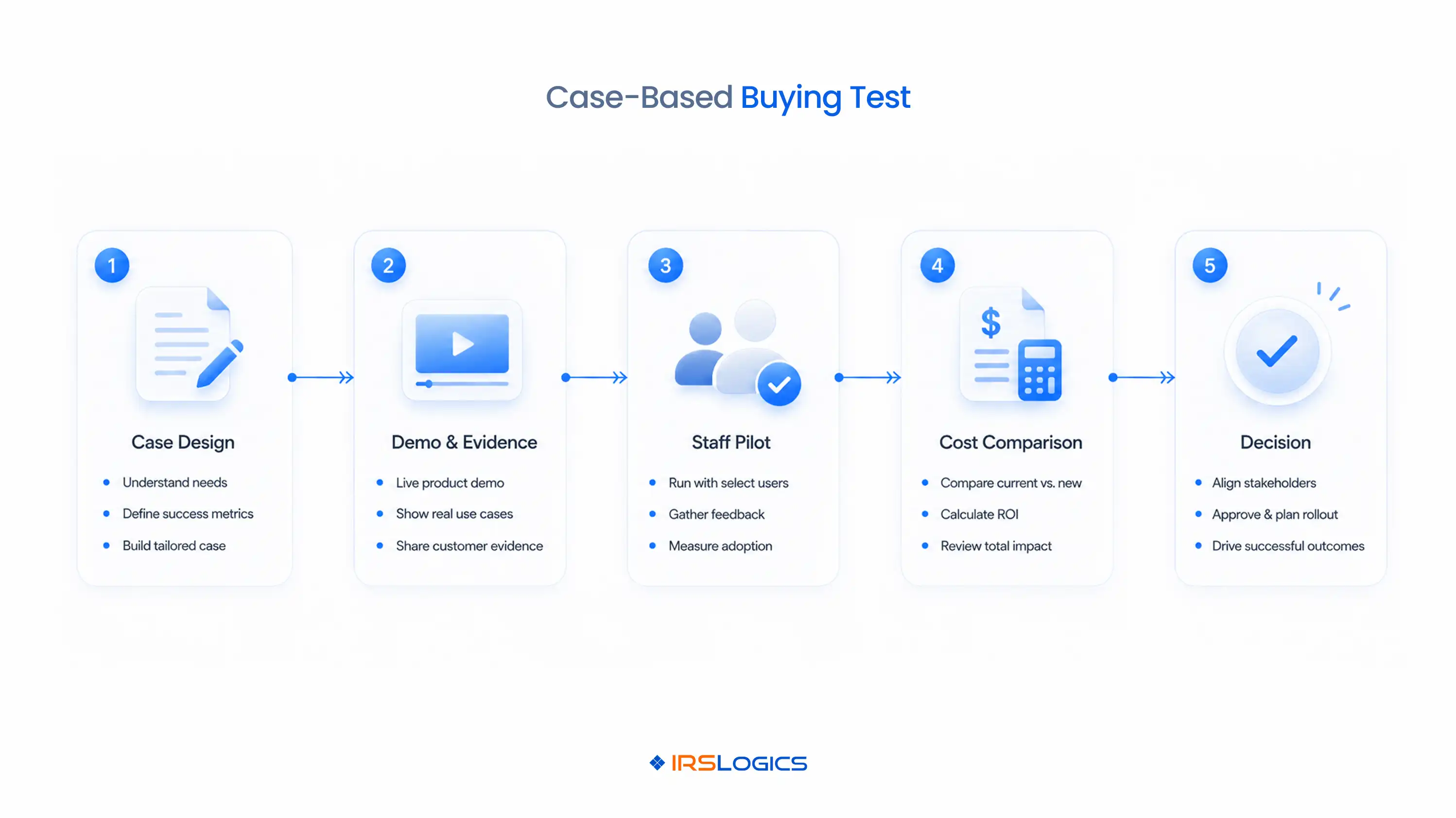
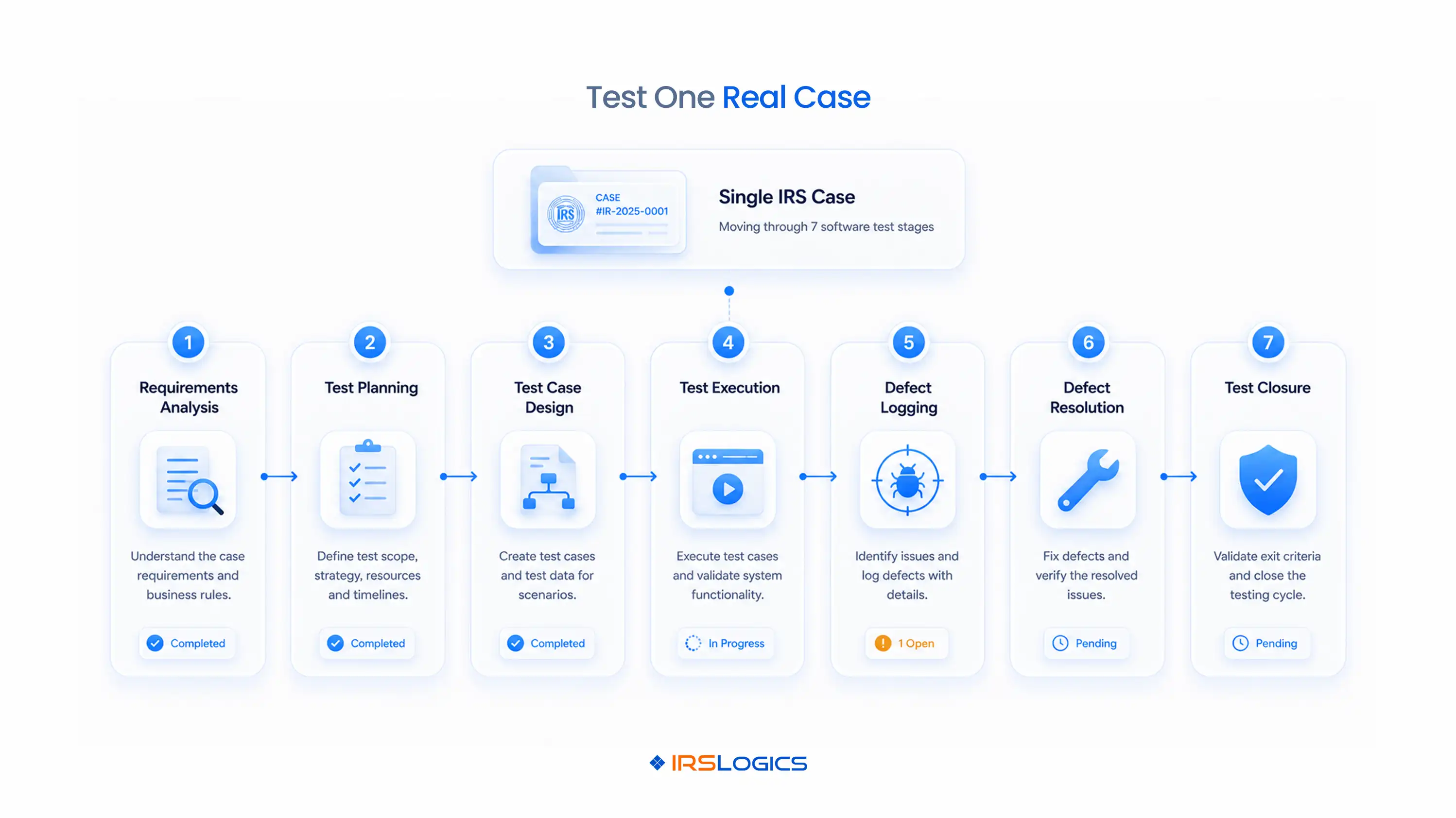
Use a fictional but realistic case that forces the vendor to demonstrate handoffs and exceptions. A useful demo case should involve more than a clean intake. Give every vendor the same written scenario so the comparison remains fair.
For example, use a married taxpayer with an individual balance, a related business, three tax periods, one missing return, a recent collection notice, and incomplete financial documents. Require Form 2848 for representation, transcript products for multiple periods, assigned investigation work, a financial questionnaire, a draft resolution form, client messages, service-fee billing, manager review, and ongoing monitoring.
Add two failures. Make one tax period fall outside the first authorization, and have a deadline change after the case is assigned. Those events show whether the software can block work, preserve the original record, reroute tasks, and explain what changed.
Score what the software actually demonstrates, not what the salesperson says is possible. Use five implementation states. Native means the platform performs the step directly. Configured means the feature exists but needs setup. Integrated means another product performs it. Manual means staff complete it outside the system. Unavailable means the required outcome cannot be produced.
This scorecard turns “yes, we support that” into a testable operating decision. It also separates software gaps from configuration work the firm must budget for.
The software should preserve authorization scope and use it as a workflow control. A document stored in the client folder is not enough. Staff need to see the authorization type, taxpayer, representative or appointee, matters, tax forms, periods, signature status, submission status, acceptance, and superseded records.
The IRS provides an online path to submit Forms 2848 and 8821. Form 8821 allows designated access to tax information but does not appoint someone to practice before the IRS. The system should make that distinction visible.
Next, test the TDS workflow and eligibility requirements. Ask the vendor to request several products, route the result, record a failed period, assign practitioner review, and set monitoring. IRSLogics includes transcript work within its case-management feature set, which lets the demo show how receipt becomes owned case work.
The platform should connect financial intake to review and form preparation without treating client-entered data as approved. Data collection and professional analysis must remain separate states. Ask the vendor to send a questionnaire, request documents, flag a missing answer, approve a value, populate a working form, change the approved value, and show which downstream items reopen.
This exercise exposes version-control problems. If a number changes, staff should see who changed it, when it changed, why it changed, and which draft uses the current value. The workflow should also prevent incomplete or unreviewed information from advancing the case.
For firms that handle multiple resolution types, test more than one form path. The system should support reusable processes while allowing the practitioner to select the appropriate strategy for the taxpayer’s actual facts.

Good tax professional software connects communication and billing to the case without obscuring the official source record. Every message, task, notice, and payment should have a clear owner and context. During the demo, send a client document request, receive a reply, schedule a call, change a notice deadline, issue an invoice, record a partial payment, and show the remaining balance.
Ask where each activity appears. A threaded message should remain connected to the client and matter. A deadline should link to the notice or event that created it. A payment should identify the invoice it satisfies. IRSLogics describes payments linked to invoices and full client payment history, so require the demonstration to show both the transaction and the audit history.
Also test failed communication. Confirm how the system handles an undelivered email or SMS, an expired portal request, and a reassigned case manager.
Permissions should match job responsibility, office, and data sensitivity. A user should see the records and actions required for assigned work, not every taxpayer record by default. Test separate roles for intake, sales, case support, practitioner review, billing, manager oversight, and administration.
Ask the vendor to change a user’s office, remove transcript access, transfer open tasks, and deactivate the account. Then inspect the activity history. The IRS advises tax professionals to maintain a written information security plan and refers firms to Publication 4557. Software controls should support the firm’s access, vendor, training, incident, and retention procedures.
Reports should answer operational questions. Managers need open cases by stage, overdue work, transcript exceptions, unreviewed documents, receivables, lead sources, conversion, and performance by office or team. A dashboard is useful only when the underlying definitions are clear.
Compare total operating cost over the expected contract period. License price is only one component. Include implementation, workflow configuration, migration, integrations, payment processing, messaging, storage, training, support, contract terms, and the staff time required for manual gaps.
For each manual step in the demo scorecard, estimate monthly case volume, minutes per case, error or rework exposure, and manager review time. A less expensive license may cost more if staff repeatedly move data between systems or reconstruct an incomplete audit history.
Use the same user count and service assumptions for every vendor. IRSLogics publishes a starting plan and pricing path, but firms should confirm current inclusions, integrations, and setup requirements for their own workflow before deciding.
Run the case again with the staff who will use the system. The final test is whether your team can reproduce the workflow and exceptions without the salesperson driving. Give each role a short task and observe where ownership or evidence becomes unclear.
Choose the platform that completes the required case with the fewest uncontrolled handoffs, not the one that wins the most feature checkboxes.
The best software for tax professionals is the system that fits the firm’s actual service line and controls the records, handoffs, permissions, and exceptions that work requires.
No. Tax preparation software calculates and files returns, while tax resolution software manages representation matters, authorizations, transcripts, notices, forms, deadlines, and case follow-ups.
Not necessarily. Many firms use separate preparation, practice-management, accounting, and resolution tools with defined ownership and controlled data handoffs.
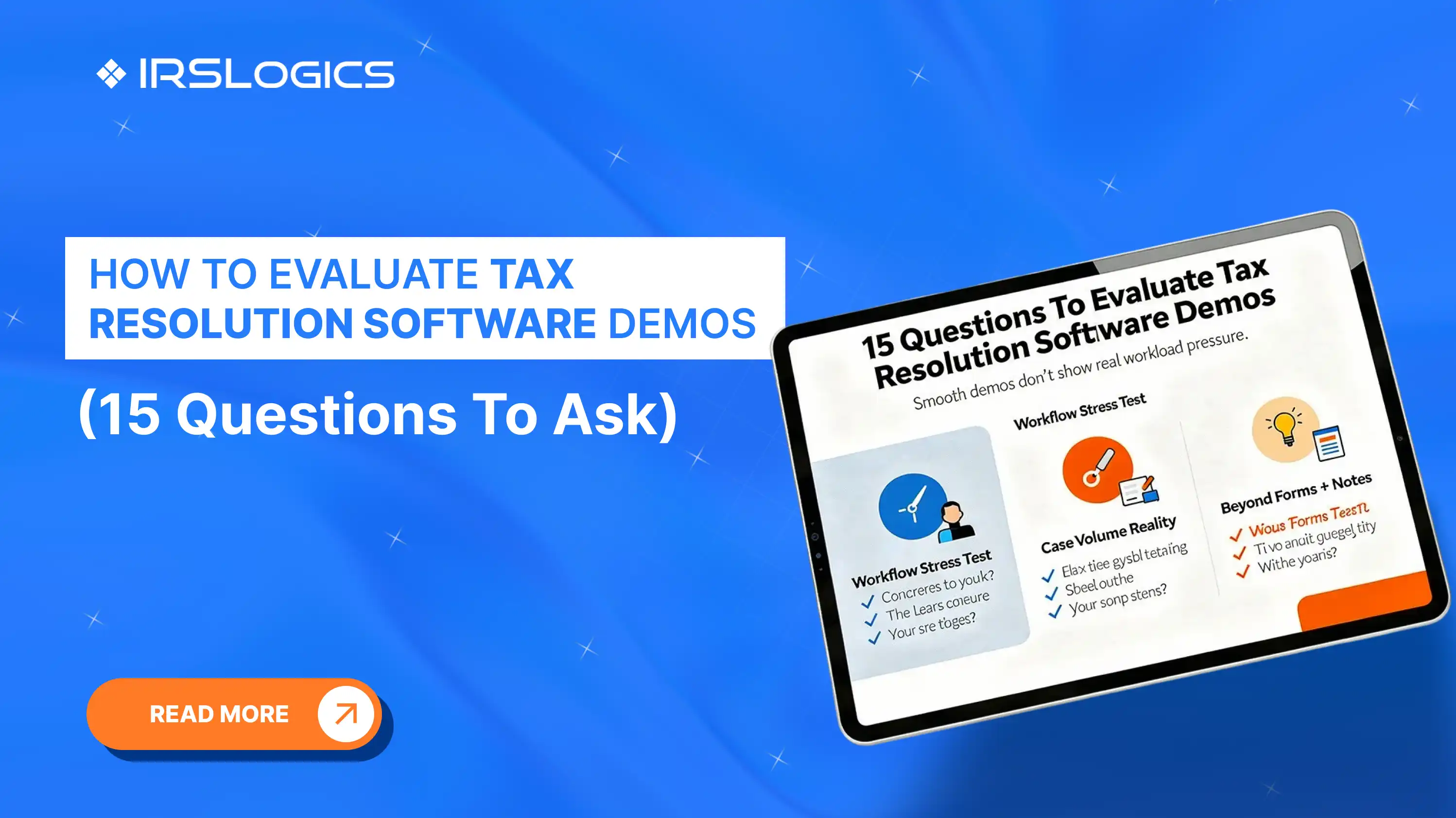
Ask the vendor to complete one representative case, demonstrate failed steps, show audit history, explain permissions, export data, and identify every manual or integrated dependency.
Give each vendor the same case and score every step as native, configured, integrated, manual, or unavailable. Record evidence instead of relying on a yes-or-no feature response.
Some tax-resolution platforms support transcript workflows, but firms must confirm current product capabilities, eligible TDS access, authorization requirements, review controls, and monitoring behavior.
Include setup, migration, workflow configuration, integrations, payment and messaging fees, storage, training, support, contract terms, and recurring staff time for manual work.
A pilot should run long enough for the team to complete representative case stages and several exception tests. Set success criteria before the pilot rather than choosing an arbitrary duration.
Start with the case, not the product tour. Write the required events, records, owners, approvals, and exceptions before the demo. Then require every vendor to show the same workflow and record the evidence.
Once the scorecard is complete, compare implementation effort and total operating cost. If IRS resolution is a meaningful service line, a case-specific platform may reduce uncontrolled handoffs that a general task manager leaves to staff. Use the demo to prove that fit before committing.
All
Tax Software
Workflow & Automation
Industry News
Resolution Tips
Tax Resolution Marketing

Lorem ipsum dolor sit amet, consectetur adipiscing elit. Suspendisse varius enim in eros elementum tristique. Duis cursus, mi quis viverra ornare, eros dolor interdum nulla, ut commodo diam libero vitae erat. Aenean faucibus nibh et justo cursus id rutrum lorem imperdiet. Nunc ut sem vitae risus tristique posuere.


Share this article directly by email. Simply enter the recipient’s details below.

Article has been send to you.