Tax Software


You're managing an active lien case. The CSED is coming up. Your client still has not returned the financial questionnaire. There is an unanswered text about their levy release. And somewhere in a separate spreadsheet, you have an invoice that may or may not have been paid.
That is not a workflow problem. That is a resolution of the tax software problem.
The tools most firms are using were not designed for IRS collections work. They were designed for tax prep, general practice management, or generic CRM use cases that have nothing to do with Form 433-A, transcript requests, or the pressure of a CDP hearing deadline closing in.
This blog breaks down what resolution tax software actually needs to do when collections cases are on the line, and what it looks like when everything lives in one system.
Most resolution tax software is evaluated on features. Forms, e-sign, billing, client portal. Standard checklist items.
Collections cases ask harder questions.
Can you pull an IRS transcript without leaving the case record? Can you track where a document request stands across multiple clients simultaneously? Can you see which invoice is unpaid when a client is already stressed about a levy notice?
These are not edge cases. They are the daily reality of running collection work inside a tax resolution practice.
General CRM tools do not have IRS-specific workflows. Tax prep platforms do not have case tracking for collections. The gap between what those tools offer and what collections work actually demands is where firms lose time, miss deadlines, and burn out their case managers.
Resolution tax software built specifically for collections firms closes that gap. The IRS collections process outlines exactly how the agency moves from assessment to lien to levy, and every stage in that sequence creates a corresponding workload for your firm that generic tools were never designed to handle.
A federal tax lien is a legal claim. Once the IRS files one, the clock starts on a different set of responsibilities for your firm and your client.
You need the client's full financial picture. You need current transcripts to understand the liability balance. You need documentation for any lien discharge, subordination, or withdrawal request your team is preparing.
Here is where most firms hit a wall. The documents are in one place, the transcript request is in another, and the financial data the client submitted is in an email thread you have to dig through.
IRSLogics approaches this differently. The Document Collection Tab lets firms set up a structured document request process directly inside the case. You can see what has been submitted, what is outstanding, and what needs a follow-up. For firms managing multiple lien cases at once, that visibility is how you avoid things falling through the cracks. The IRSLogics document management workflow guide covers how a structured collection process changes the pace of lien case handling from intake through resolution.
The Financial Questionnaire feature closes another gap. Instead of emailing a PDF and hoping the client fills it out correctly, you send a fillable questionnaire through the platform. The client completes it; you get notified; you review and approve it; and the data auto-populates into the 433-A, 433-B, and OIC worksheets. No re-entry. No version confusion.
In lien cases, accuracy matters more than in almost any other resolution scenario.
Levy timelines are unforgiving.

A client calls in a panic. The IRS has issued a bank levy or wage garnishment notice. They want it released immediately.
Your team needs to act quickly. Pull the transcript to understand the balance. Get the financial data. Determine the right resolution path. Start the paperwork.
Every minute spent switching between tools, hunting for documents, or chasing a client message lost in a personal phone app is time you do not have.
The SMS Conversation View in IRSLogics keeps all client communication in a threaded view inside the case. You can see exactly what was said, when it was said, and what still needs a response. The full breakdown of how the SMS Conversation View works inside IRSLogics explains how threaded in-platform messaging changes the pace of client response in time-sensitive levy situations.
Paired with IRS transcript access directly inside the case record, your team can go from a levy notice to a clear picture of the client's standing without leaving the platform. That speed is not just convenient. In levy situations, it directly impacts outcomes.
The Collection Statute Expiration Date is one of the most important numbers in a resolution case. Miss it, and the entire strategy changes.
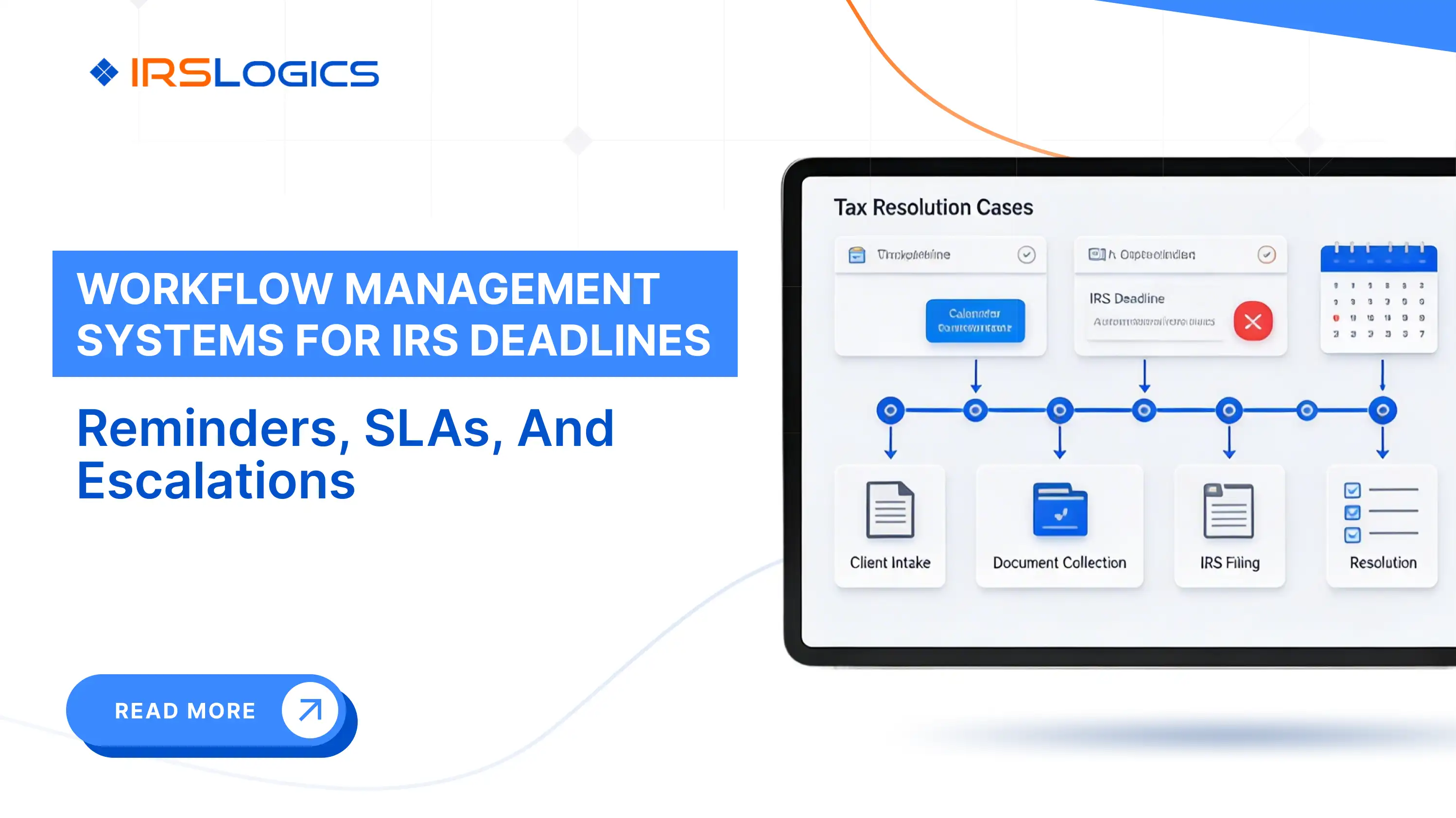
CDP hearings, installment agreement reviews, OIC deadlines, and response windows on collection notices all operate on timelines that do not bend. The IRS guidance on Collection Due Process hearings confirms that CDP requests carry strict 30-day windows, and missing that window eliminates the taxpayer's right to an independent appeal.
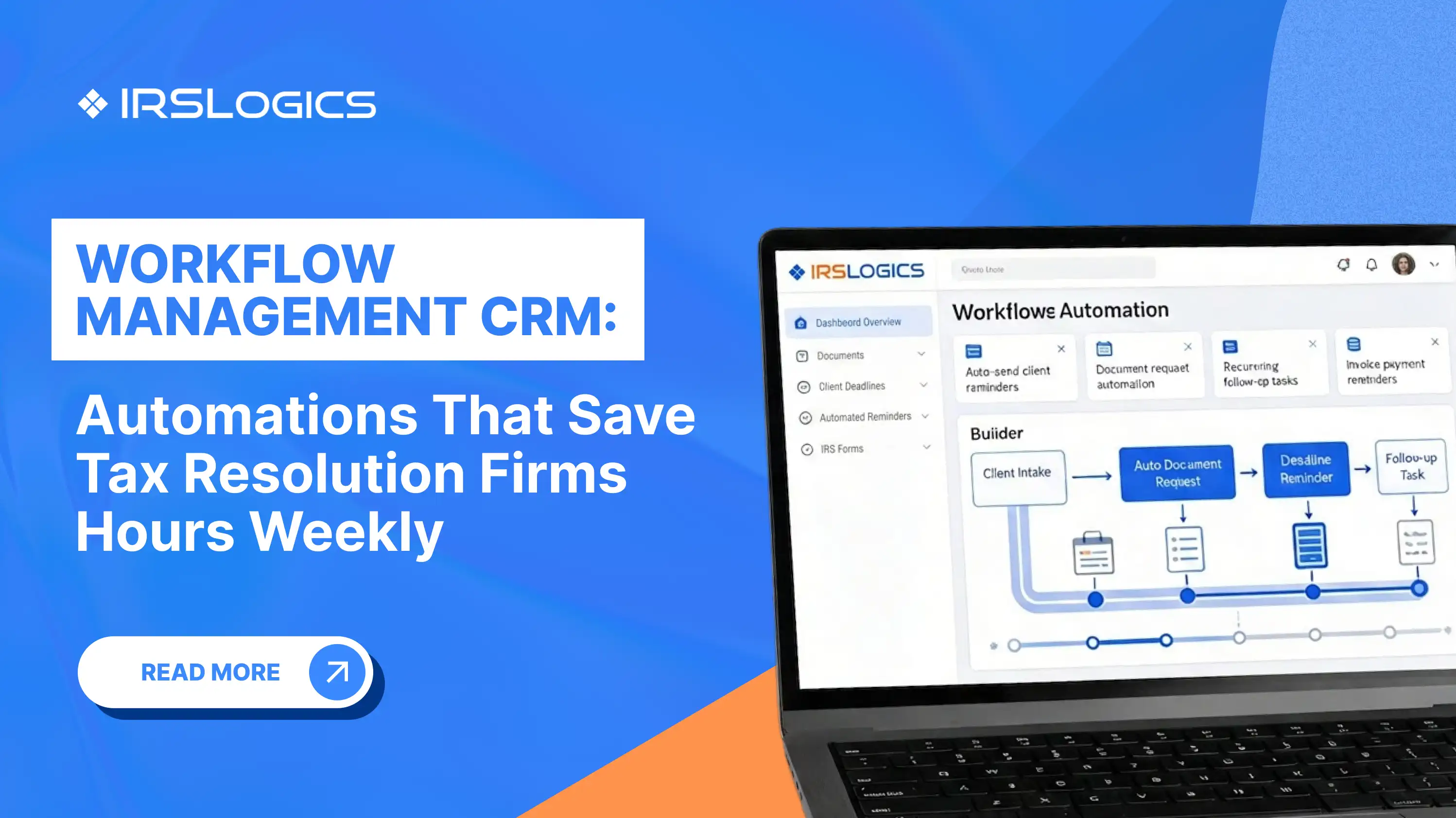
The task and reminder system inside IRSLogics is built around this reality. Case managers can schedule tasks, set reminders tied to specific case actions, and track what is pending across their caseload. Nothing sits unnoticed.
The Case Activities log records every action taken on a case. If a deadline question ever comes up, the full history is available.
For enrolled agents and tax attorneys managing multiple active collection cases, that audit trail is not just useful. It is protection.
Collections clients are not calm clients.
They are dealing with levies, liens, and IRS notices that feel urgent and confusing. They need updates. They need clarity. They need to know their case manager is in control.
When communication is scattered across personal phones, email inboxes, and separate messaging tools, two problems show up. The client experience feels disorganized, and your team has no clean record of what was communicated.
The Client Portal in IRSLogics provides clients with a secure place for documents, case updates, billing, appointment booking, and communication. It reduces unnecessary back-and-forth and creates a structured experience.
Google Calendar integration ensures that when a client books an appointment through the portal, it appears automatically in your team's calendar. No manual entry. No missed meetings.
Collections cases are often billed in stages. Engagement fee. Monthly management fee. Additional work tied to filings.
Tracking which invoices have been paid and which have not, while the case is still active, becomes difficult when billing lives outside the case system.
The payment-to-invoice linking feature in IRSLogics connects each payment directly to its invoice. Your billing team can see what is outstanding across all clients in one view. The IRSLogics guide to tying payments to invoices explains how this works in practice across active collections cases with staged billing structures.
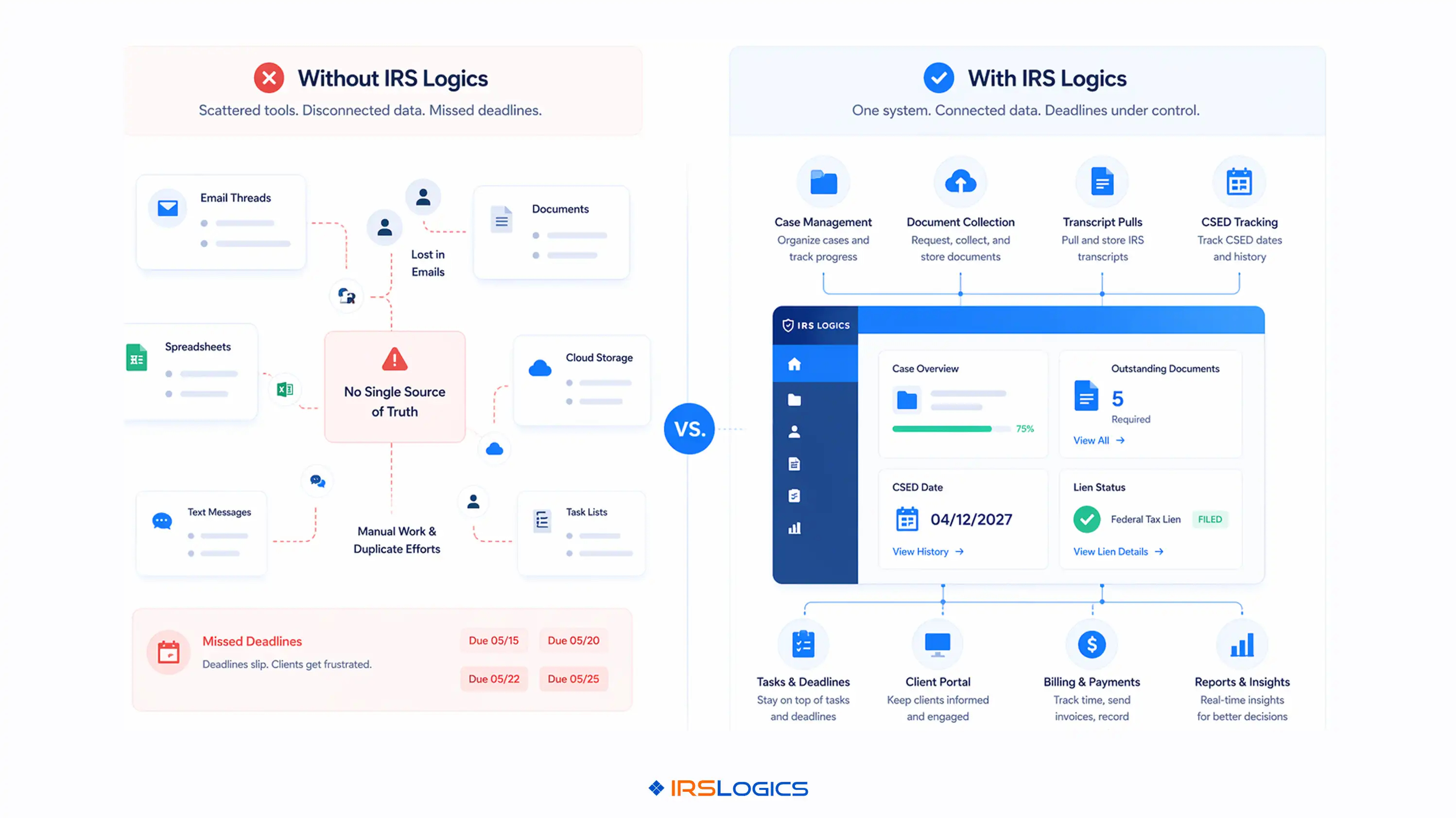
The Accounts Receivable dashboard gives a firm-level picture of collections and cash flow.
That clarity matters internally. It also matters to the client. When a client asks whether they owe anything, you have a clear, immediate answer.
The difference between resolution tax software built for collections and everything else is not a matter of features.
The question is whether the entire case lifecycle fits within a single system without manual coordination.
Transcript pull inside the case. Document collection with status tracking. Financial questionnaire that feeds directly into IRS forms. Threaded communication. Task and deadline management. Client portal. Billing tied to invoices.
That is what IRSLogics was built to do for firms handling active collections cases.
If your team is managing liens and levies across spreadsheets, email threads, and disconnected tools, the issue is not disorganization. The issue is that the system was never designed for this level of complexity.
Resolution tax software should reduce coordination overhead, not create more of it.
IRSLogics is a purpose-built tax resolution platform designed for CPAs, Enrolled Agents, and tax attorneys who handle IRS cases every day. From intake and IRS transcript pulls to OIC filing, client portal communication, e-signatures, and billing, every feature inside IRSLogics maps to a real stage of the resolution case lifecycle.
It is not a general practice management tool adapted for resolution work. It was built for resolution from the ground up.
[Tax Resolution Firm] "We handle a lot of lien and levy cases, and the biggest issue used to be visibility. Documents in one place, communication somewhere else, and billing separate. Now everything sits inside the case, so nothing gets lost between steps."
[Enrolled Agent Practice] "Levy cases are where our old system broke down. Too many moving parts, too many tools. With IRSLogics, we can pull transcripts, track documents, and respond to clients from one place, which has made a real difference in how quickly we can act."
[Tax Attorney Firm] "Deadlines were always the pressure point. Keeping track of CSED, client responses, and filings across different systems was risky. Having tasks, communication, and case history in one system has made it that much easier to manage."
What is resolution tax software used for? It manages the full lifecycle of IRS resolution cases from intake to closure. This includes transcripts, forms, documents, communication, and billing in one system.

How is resolution tax software different from general tax prep software? Tax prep software is built for filing returns and compliance tasks. Resolution software is designed to manage collection cases and ongoing workflows.
Can resolution tax software specifically help with IRS lien cases? Yes, it structures the collection of documents and financial data for lien case handling. It also supports forms, transcripts, and tracking from start to resolution.
What should I look for when evaluating resolution tax software for collections work? Focus on IRS-specific workflows instead of generic CRM features. Key features include transcripts, forms, portal access, billing, and deadline tracking.
How does resolution tax software handle IRS deadlines, such as CSED or CDP hearing windows? It uses task scheduling, reminders, and logs to track every action. This keeps deadlines visible and ensures nothing is missed.
Is cloud-based resolution tax software secure enough for IRS client data? Yes, if it includes role-based access and strong security controls. Audit trails and secure portals ensure data is protected and tracked.
What is the difference between a resolution tax software platform and a general CRM adapted for tax? A general CRM lacks IRS-specific tools and structured workflows. A resolution platform is built around the actual lifecycle of tax cases.
Collections work is the most operationally demanding part of tax resolution.
The cases are long. The clients are stressed. The deadlines are fixed. The documentation requirements are strict.
Resolution tax software built for collections is not about ticking feature boxes. It is about whether your team can manage active lien and levy cases, meet deadlines, communicate clearly, and handle billing without switching between multiple tools.
Key points to carry forward:
If your current setup is making collections harder than they should be, it is worth considering what a single-system approach would look like. Book a free demo to see how IRSLogics handles active collections cases end-to-end.
All
Tax Software
Workflow & Automation
Industry News
Resolution Tips
Tax Resolution Marketing

Lorem ipsum dolor sit amet, consectetur adipiscing elit. Suspendisse varius enim in eros elementum tristique. Duis cursus, mi quis viverra ornare, eros dolor interdum nulla, ut commodo diam libero vitae erat. Aenean faucibus nibh et justo cursus id rutrum lorem imperdiet. Nunc ut sem vitae risus tristique posuere.


Share this article directly by email. Simply enter the recipient’s details below.

Article has been send to you.