Tax Software


A growing resolution firm does not only need faster case workflows. It needs to control who can see taxpayer data, who can change a case, and who approves professional work. Tax resolution software for professionals should separate access by job responsibility, assigned matter, office, and action, while preserving firm-wide oversight and an attributable history. That permission design becomes more important as teams, locations, contractors, and case volumes expand.
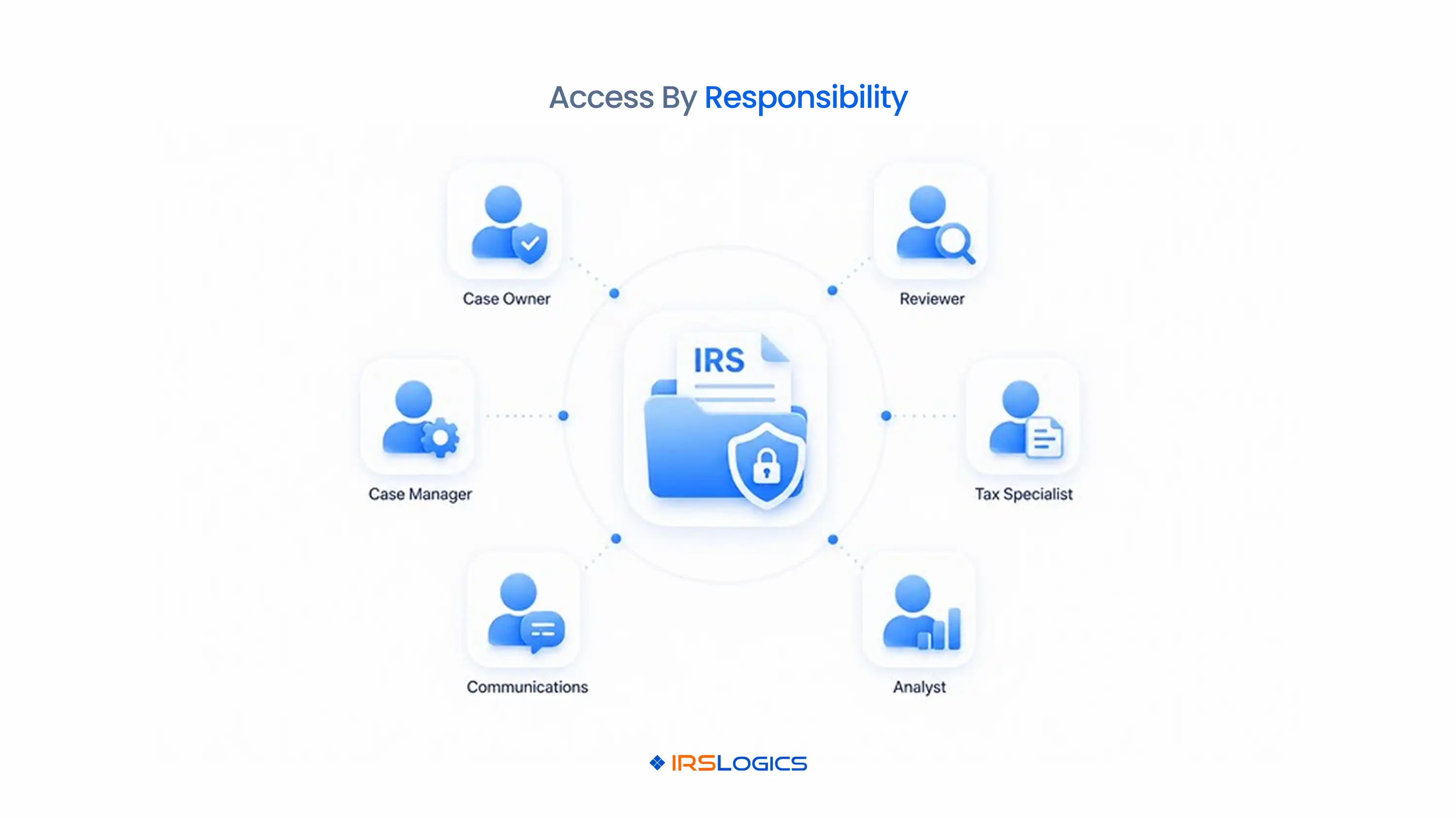
Professional tax resolution software should control both record visibility and permitted actions. Seeing a case and changing a case are different permissions. A user may need to view contact details without downloading transcripts, edit intake without approving a strategy, or record a payment without changing the invoice.
Build the permission model around protected objects and actions. Objects include leads, contacts, taxpayers, authorizations, transcripts, notices, documents, financial data, forms, billing, reports, integrations, and user administration. Actions include view, create, edit, assign, approve, export, delete, and configure.
IRSLogics supports tax resolution case management for professional teams, including workflows, transcripts, documents, forms, billing, reporting, and multiple offices. The firm should map its own responsibilities onto those capabilities before granting access.
Roles should reflect what a person must accomplish and the risk attached to each action. A least-privilege role grants the minimum access required for assigned work. It does not prevent collaboration; it makes responsibility visible.
Avoid one catch-all “staff” role. It usually becomes too broad because every exception is solved by adding another permission. Use separate base roles plus documented case or office assignments.
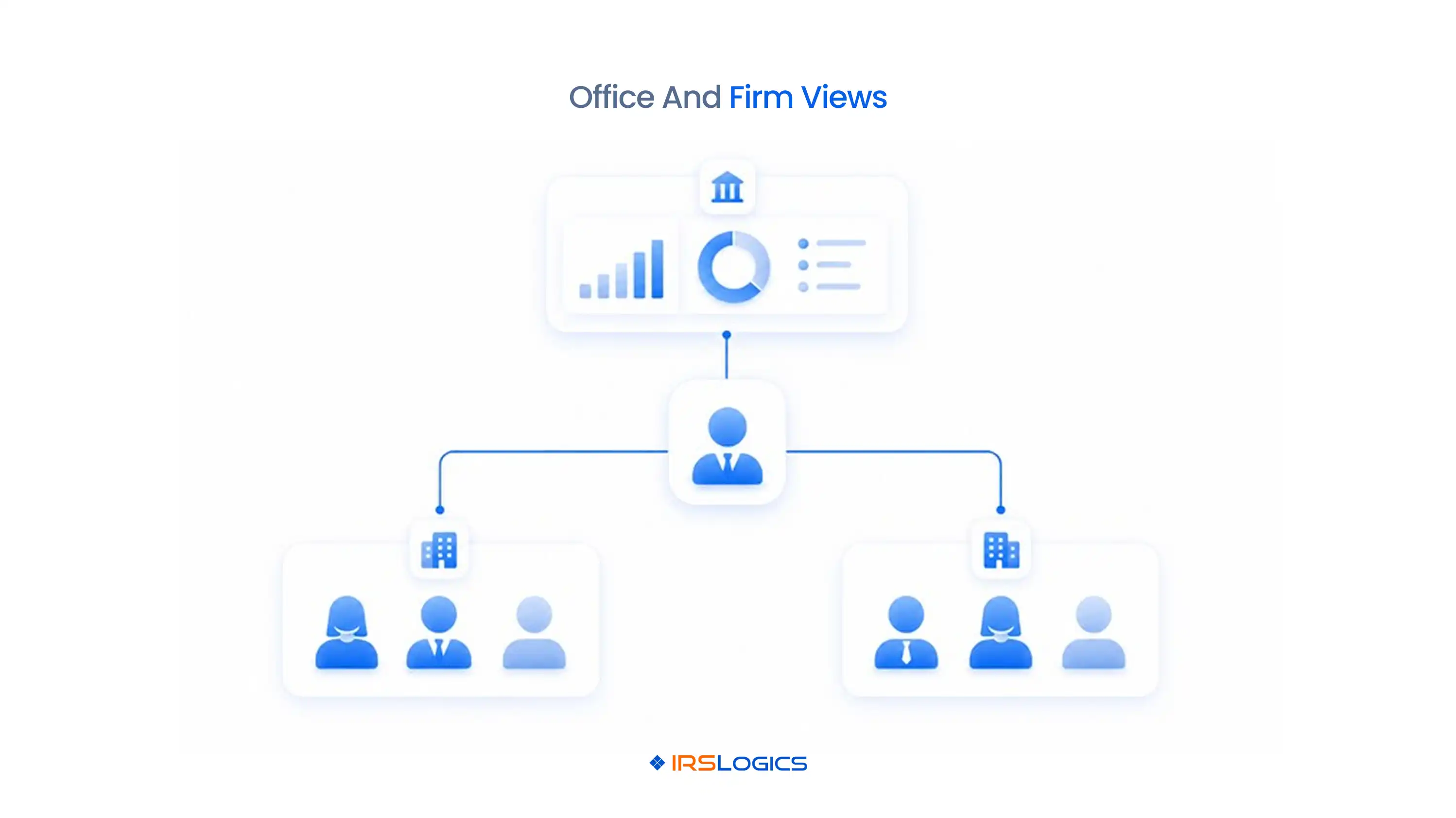
Multi-office visibility should limit routine access without preventing consolidated management. Office assignment is one boundary, not the complete permission model. A practitioner may work across two offices, a finance team may support the whole firm, and executives may need aggregated reporting without opening every taxpayer file.
Define which records belong to an office, how shared matters are assigned, and whether users can search outside their default location. Reports should distinguish office performance, case ownership, and firm-wide totals. Transfers should preserve the earlier office, prior owner, effective date, open tasks, and reason for the change.
IRSLogics describes multiple-office and team management, including office-level organization, performance filters, and remote access. During setup, test a cross-office case, a centralized billing team, a shared practitioner, and an office manager who should not see another location’s taxpayer records.
Support staff can prepare work without becoming the final decision-maker. The software should distinguish drafted, reviewed, approved, submitted, and returned states. That separation lets a practitioner focus on judgment while preserving who prepared each item.
For authorization work, a team member may collect signatures and enter tax periods. A designated reviewer confirms scope before transcript or representation activity proceeds. For transcripts, staff may request and organize records, while an eligible practitioner reviews account activity and determines the case response. For financial forms, support staff may collect and bind data, but an authorized professional approves the analysis and submission.
The IRS online submission process for Forms 2848 and 8821 does not remove the need to verify authority and scope. Configure approval gates around the work that creates professional or procedural risk.
Access controls should cover users, devices, sessions, exports, integrations, and stored records. Role permissions are only one layer of taxpayer-data protection. Firms also need authentication rules, account review, secure sharing, device controls, incident procedures, and vendor oversight.
The IRS states that tax professionals should maintain a written information security plan and refers firms to Publication 4557. Translate that plan into software settings and operating procedures. Require individual accounts, remove shared credentials, review privileged users, restrict exports where appropriate, and confirm how remote access is controlled.
IRSLogics states that firms can control which devices and computers employees use to log in. Buyers should confirm the exact configuration, enforcement, logging, and recovery behavior during implementation.
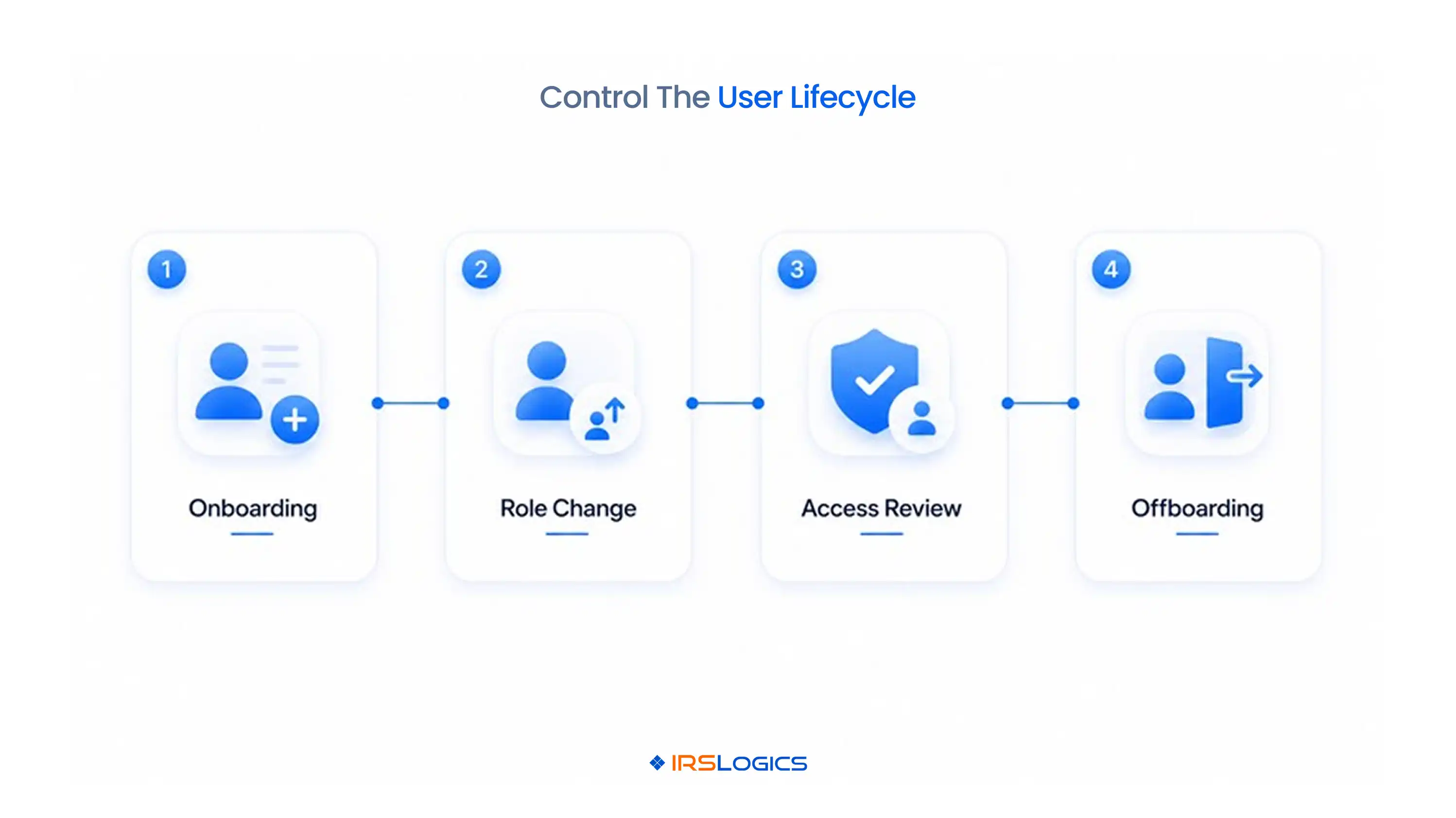
A role change should trigger an access and ownership review, not only a title update. Open work must move before access is removed. Otherwise, deadlines, client messages, document requests, or review tasks may remain assigned to an inactive user.
Use a controlled sequence:
Contractor access needs an expiration date and sponsoring owner. Temporary access should not become permanent because no one remembered to remove it.
An audit history should explain material access and case changes. Prioritize actions that affect authority, taxpayer data, money, deadlines, or system control. These include transcript requests and downloads, document views and exports, authorization changes, notice dates, form edits, approvals, submissions, invoice changes, payments, permission changes, user deactivation, and integration configuration.
For each event, preserve the user or system actor, timestamp, prior state, new state, source record, reason or note, and related case. Automated actions need the rule or workflow that caused them. Overrides need an accountable user and explanation.
Managers can use this history to investigate exceptions and improve processes. A repeated pattern of reassignment, rejected authorization, late review, or broad exports may reveal a workflow or access-design problem before it becomes a larger incident.
Test permissions with a matrix and live role changes before rollout. A permission test should prove both allowed and denied behavior. Create synthetic records and assign users to representative roles and offices.
Then compare the required permissions with the vendor’s current plan and implementation support. Firms can use an IRSLogics demonstration and pricing review to test the role matrix against their real team structure.
Tax resolution software for professionals organizes representation cases, authorizations, transcripts, notices, forms, workflows, communication, billing, reporting, and team responsibility.
Tax resolution firms, enrolled agents, CPAs, tax attorneys, and authorized support teams may use it according to their services, qualifications, and assigned responsibilities.
No. Access should follow job responsibility, assigned case, office, and data sensitivity, with broader visibility limited to users who need it for oversight or administration.
Support staff may prepare data and drafts under the firm’s procedures, but professional review, authority, and submission responsibilities must remain with appropriate individuals.
Users should receive office-level access by default, with documented cross-office assignments and firm-wide reporting granted only where the role requires it.
Least-privilege access means a user receives only the records and actions necessary for assigned work, for only as long as that access is needed.
The firm should reassign open work, remove access, end sessions, review devices and integrations, preserve historical attribution, and document managerial completion.
No. Software settings support the plan, but the firm remains responsible for documented safeguards, training, vendor oversight, incident response, and periodic access review.
Map roles before configuring users. Separate record visibility from actions, then define office scope, case assignments, approval rights, exports, and administration. Test both permitted and denied scenarios, including transfer and offboarding.
Professional tax resolution software should make accountability easier to see as the firm grows. Use the role matrix and exception tests during product evaluation so convenience does not quietly become excessive access.
All
Tax Software
Workflow & Automation
Industry News
Resolution Tips
Tax Resolution Marketing

Lorem ipsum dolor sit amet, consectetur adipiscing elit. Suspendisse varius enim in eros elementum tristique. Duis cursus, mi quis viverra ornare, eros dolor interdum nulla, ut commodo diam libero vitae erat. Aenean faucibus nibh et justo cursus id rutrum lorem imperdiet. Nunc ut sem vitae risus tristique posuere.


Share this article directly by email. Simply enter the recipient’s details below.

Article has been send to you.